

WordPress: when it fits and when it doesn't
In short
- WordPress suits sites with plenty of content that your team updates all the time, from a small firm's site to a corporate one with hundreds of pages in several languages.
- If all you need is one page that rarely changes, a site builder is simpler: less to look after once it's live.
- A web service with user accounts, a mobile app or a promo site that hardly ever changes is better built another way.
- WordPress needs updates and backups. Someone has to look after it.
You’re about to commission a website. One developer suggests WordPress, another says it’s outdated, and a friend tells you to put it together yourself on Tilda. Each of them has a point, because the answer depends on what kind of site you need and who will be working with it after launch.
Here’s how to tell, without the jargon, when WordPress is genuinely the right choice, when it’s more than you need, when it falls short, and what to check before you agree to it.
WordPress in plain words
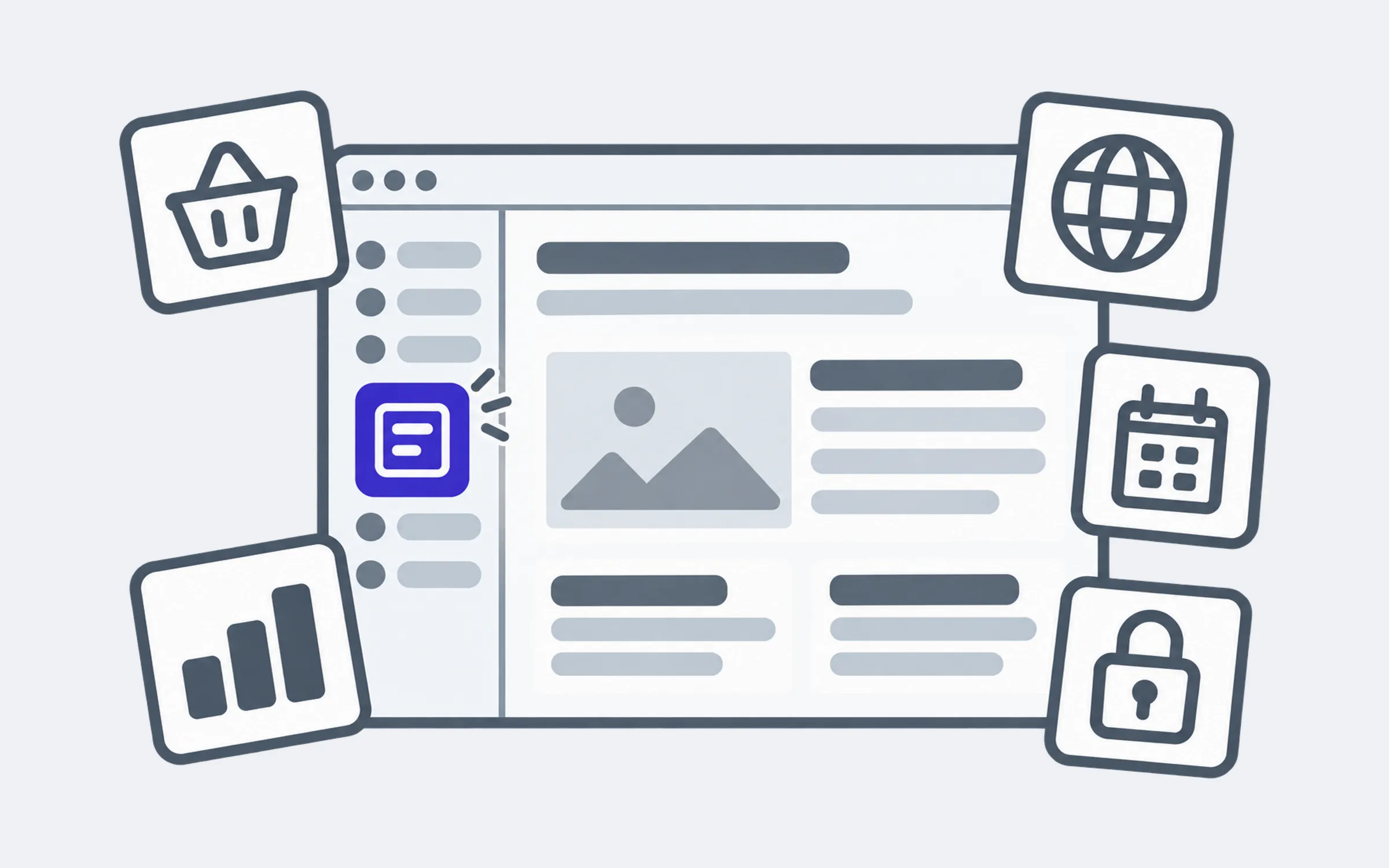
WordPress is a content management system, or CMS: the software a site runs on, together with an admin panel where your team can change text and add news, photos or products without a developer. WordPress itself is free. It’s installed on hosting, meaning the server your site lives on, and you pay for the hosting separately.
Its real strength is the ecosystem around it. Plugins, ready-made add-ons, give it a shop, several languages, forms, bookings or a link to your CRM. The official directory alone lists more than 76,000 (opens in a new tab). Finding a developer who knows WordPress is easy too: it’s the most widely used CMS, and in October 2026 it ran 39.6% of the sites tracked by W3Techs (opens in a new tab).
Small firms run on WordPress, and so do big names: the official showcase (opens in a new tab) includes the Meta newsroom, NASA and Rolling Stone.
The main difference from site builders such as Tilda or Horoshop is who owns the site. A site built on a builder mostly lives on that platform for as long as you pay the subscription. A WordPress site is yours: you can move it to another host, hand it to another developer and change it however you like. The flip side is that looking after it is down to you, or to whoever you give the job to.
When WordPress is the right fit
- A company site of any size. Services, prices, news, vacancies, branches, several languages. Anything from a couple of dozen pages to hundreds, with more added over time.
- A blog or a media site. Regular posts, categories, several authors. This is what WordPress was first built for.
- An online shop. Through the WooCommerce plugin: basket, payments, delivery. Ukrainian services such as LiqPay and Nova Poshta plug into it as well. A shop with tens of thousands of products is possible too, but then the hosting and the set-up matter a great deal.
- A multilingual site. Translated pages, a language switcher, separate addresses for each language.
What these have in common is content that changes often and a team of your own that changes it. If a manager adds news or updates prices every week, a comfortable admin panel is the main reason to choose WordPress.
When you don’t need it
WordPress sometimes gets suggested for a very simple site as well. Then you pay for features you’ll never use and take on the job of keeping it updated.
- A single page for an ad campaign or a launch. If the text is written once and won’t change, a site builder will do. Tilda (opens in a new tab) costs from $10 a month on an annual plan, and the platform takes care of hosting and updates.
- “Just so we have our contact details online.” If people search for you by name to find your address and phone number, start with a free Business Profile on Google Maps. It shows up in Google next to the search results and on the map.
- A shop with nobody to handle the technical side. Ukrainian platforms such as Horoshop (opens in a new tab) or Prom run the server, the updates, delivery and payments for you. On Horoshop, a plan for a thousand products starts at UAH 288 a month.
A builder is cheaper to start with and needs no technical upkeep. Its limits show later: when you need a feature the platform doesn’t have, when you have lots of similar pages (services, products, articles) and editing them one by one becomes a chore, or when you want to move the site elsewhere. That’s the moment to come back to the WordPress question.
When WordPress falls short
It also works the other way round: WordPress gets chosen for a project it can only just carry.
- A web service with user accounts and its own logic. Bookings with complex rules, personal accounts, calculations. You can piece this together from plugins, but every extra plugin adds risk, and over time a site like that gets hard to maintain. Software built for the task is the better route.
- An animated promo site that hardly ever changes. It doesn’t need an admin panel, and building it for the task, on Next.js for example, gives far more freedom with animation.
- An app for your phone. WordPress builds websites. An app for the App Store and Google Play is built separately.
What WordPress asks of you after launch
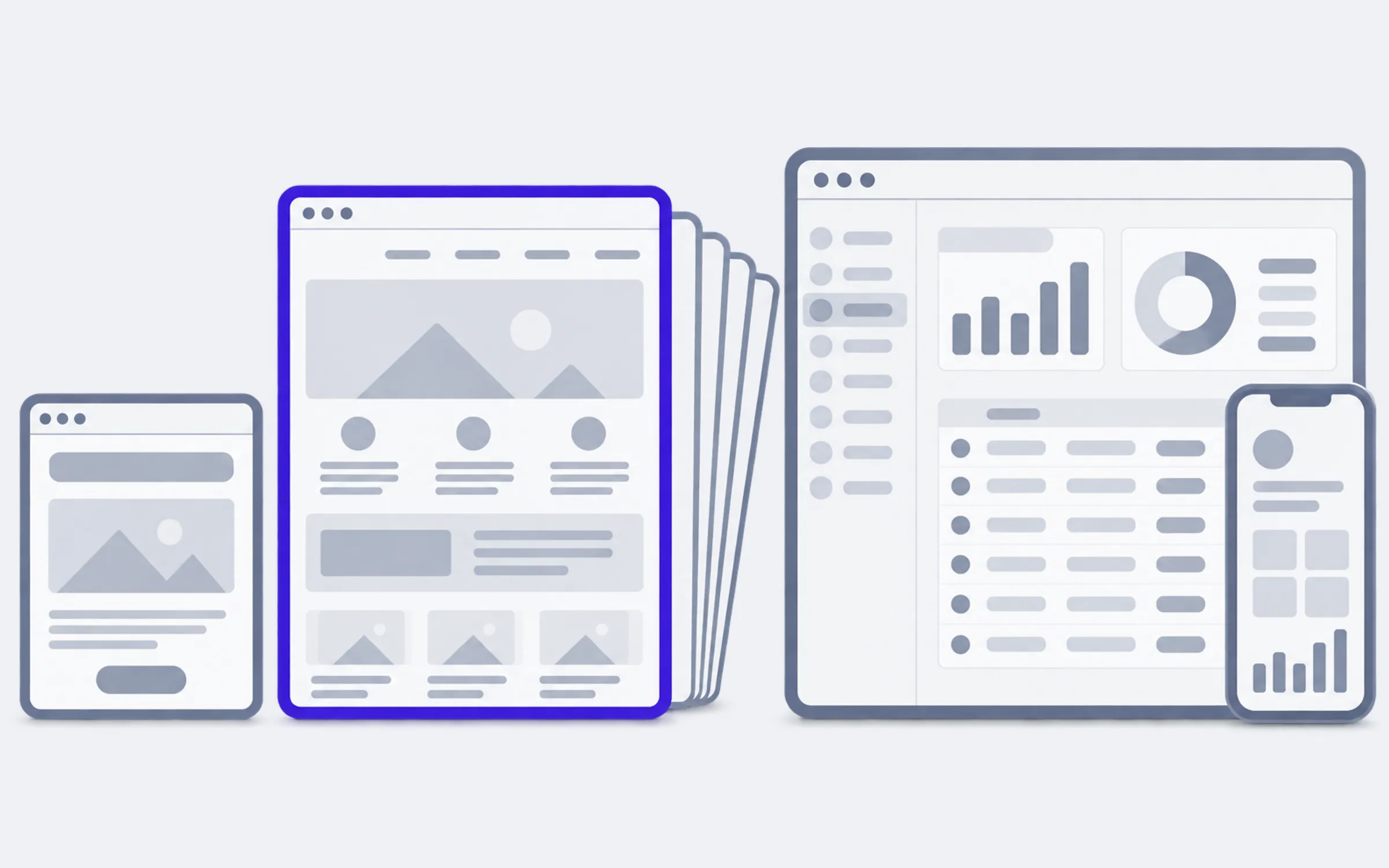
A WordPress site isn’t something you build and forget. This is what happens to it on a regular basis:
- Updates. New versions of WordPress come out several times a year, and plugins update even more often. Between May and October 2026 there were two major releases, 7.0 and 7.1, and ten fixes for them. The WordPress team says plainly that only the latest branch is considered safe (opens in a new tab).
- Hosting with a current version of PHP. PHP is the language WordPress is written in. Its developers recommend (opens in a new tab) hosting with PHP 8.3 or newer. On older versions the site will still run, but without security fixes.
- Backups. So that after a failed update or a hack the site can be restored quickly rather than rebuilt from scratch.
- Someone keeping an eye on it. You, your developer on a monthly retainer, or a specialist you call in every few months.
The worst case is when nobody is looking after the site. A few years on, the admin panel is full of “updates available” notices and the person who knew the passwords is long gone. We cover what to do with a site like that in “Update your old website or build a new one?”. If all you need is separate edits and updates, you can hand them over as a list: website rework on WordPress.
Why people say WordPress is slow and insecure
WordPress mostly didn’t earn that reputation on its own: it’s the flip side of that same plugin ecosystem. Patchstack, a company that tracks WordPress vulnerabilities, counted 11,334 new ones in its report on 2025 (opens in a new tab). 91% of them were found in plugins and 9% in themes, while WordPress itself had just six, all of them minor.
So the risk depends on how many plugins a site has, who wrote them and whether they’re kept up to date. A site with a dozen trusted plugins that are updated on time and a site with forty plugins nobody has touched for years run on the same WordPress, but they are very different sites.
Speed is a similar story. Pages are often slow because of a heavy off-the-shelf theme packed with hundreds of features “just in case”, oversized photos and weak hosting. A light theme, a handful of plugins and decent hosting make a WordPress site fast.
Check for yourself: five questions
- How many pages will there be, and will more be added? One or two that won’t change: a site builder. Dozens or hundreds, with more to come: WordPress.
- Who changes the content, and how often? Hardly anyone: a site builder. Your team, every week: WordPress.
- Do you need user accounts, complex calculations or an app? Yes: software built for the task. These get built on WordPress too, but out of plugins, and that costs more to maintain.
- Who will keep the site updated? Nobody: a builder is better, since the platform does it for you. You or your developer: WordPress.
- What will the site look like in two years? More sections, languages or products: WordPress. A product in its own right with its own logic: software built for the task.
If your answers point in different directions, say you have few pages but your team wants to publish news itself, show these five answers to a developer. A good one will tell you what to build the site on and explain why. And if every task gets the same one-word answer, whether “WordPress” or “only custom”, it’s worth asking someone else.