

Mobile apps · 03
A first version of your app
A first version does the one main thing, and does it well. Everything else we put aside together and write down, so that a few weeks after launch you decide by what real people do, not by guessing.
- 01You tell us the idea and who it's for
- 02We decide together what goes into the first version and what waits
- 03We give you the price and timeline
Not sure a first version is where to start? Compare it with the other apps
What goes into the first version, and what waits on purpose
The first list goes into every first version we build. The second isn't forgotten but put aside: it's written down and waits until feedback tells us what's needed from it.
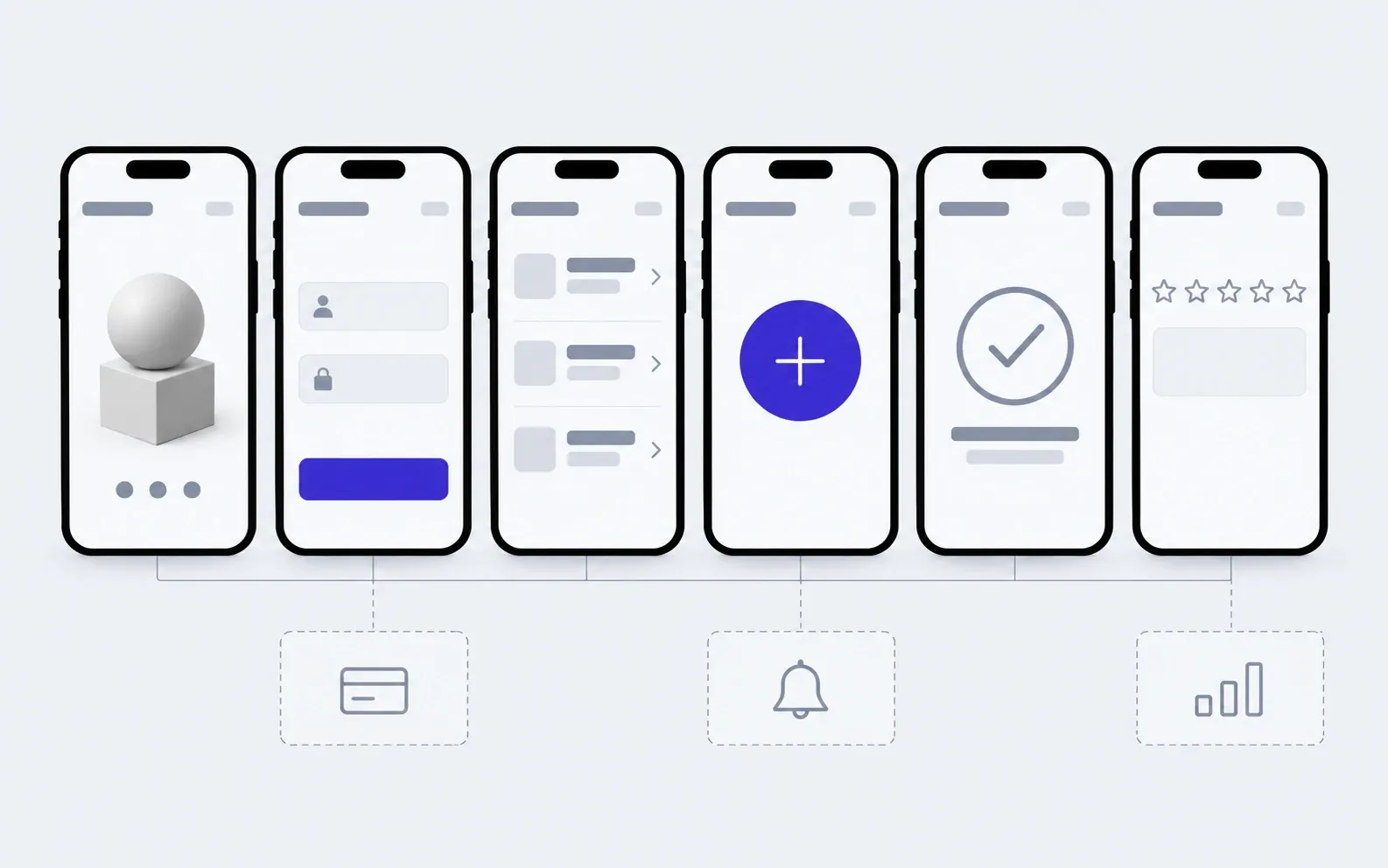
includedseparately, if needed
One main flow
The path from the first launch to the key action the app exists for. Only that, but without bottlenecks.
Onboarding and sign-in
A few screens that explain the idea, and sign-in by an email code or with Apple or Google.
In-app feedback
A rating and a comment right from the screen, so people say what's missing instead of quietly deleting the app.
Simple tracking
How many people opened the app, reached the key action and came back. That's enough to decide what comes next.
A panel for you
People, feedback and on-screen texts you change yourself without a new build.
iOS and Android
One codebase for both systems, so people with iPhone and Android see the idea at once.
A test group, then the stores
The version goes to a small group of people first, then to the App Store and Google Play.
Code that grows on
The first version is written so the second builds on it, not from scratch. The repository and accounts are yours.
Separately
Payments
Until the idea is proven, money can be taken outside the app or not at all. In-app payments come once it's clear what people pay for.
Notifications
Messages and reminders help once you know what to remind people of. Before that they annoy.
Advanced analytics
Funnels, cohorts and dozens of events are worth the effort once there are enough people. At the start, simple tracking is enough.
What a first version is made of
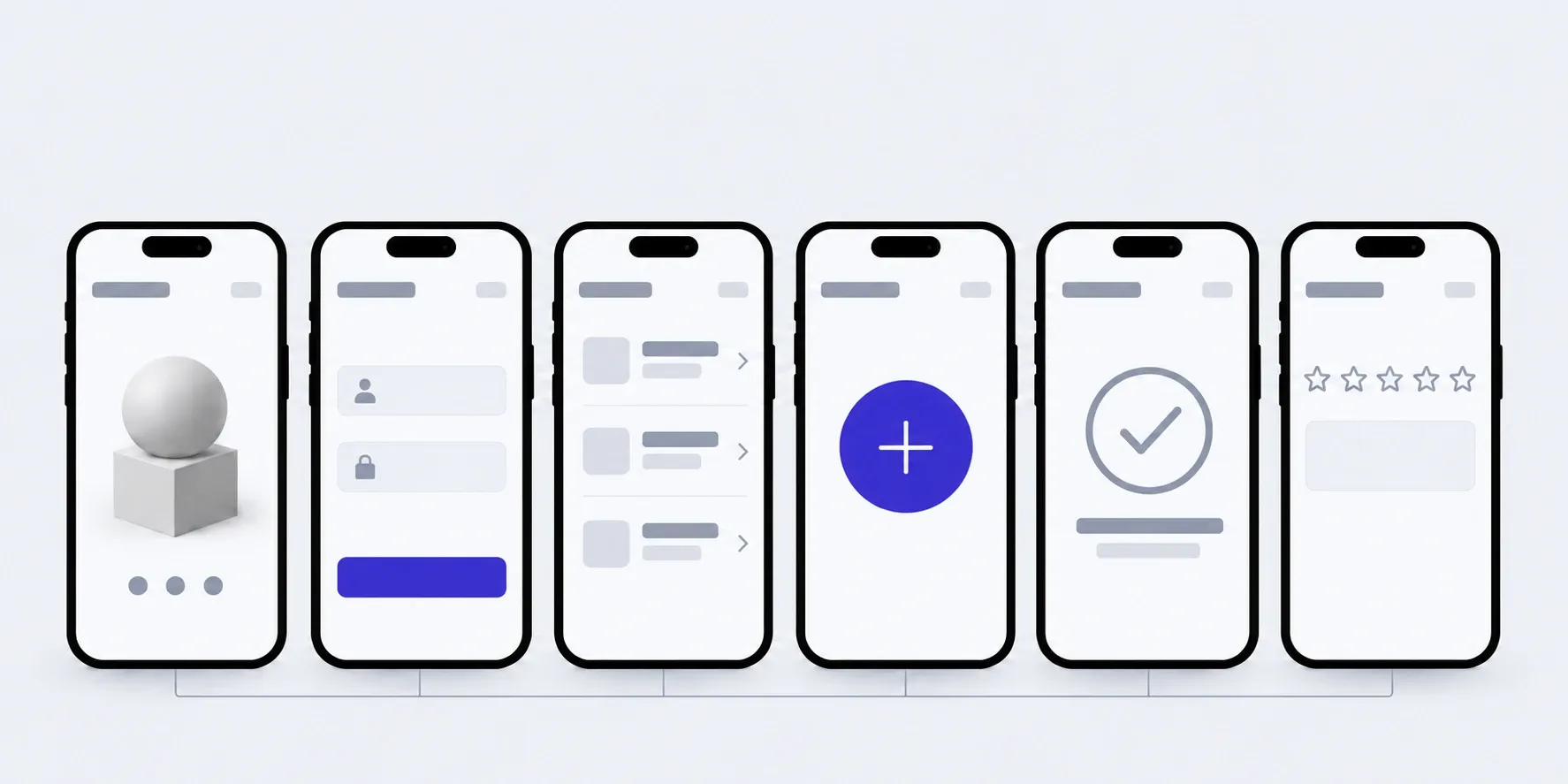
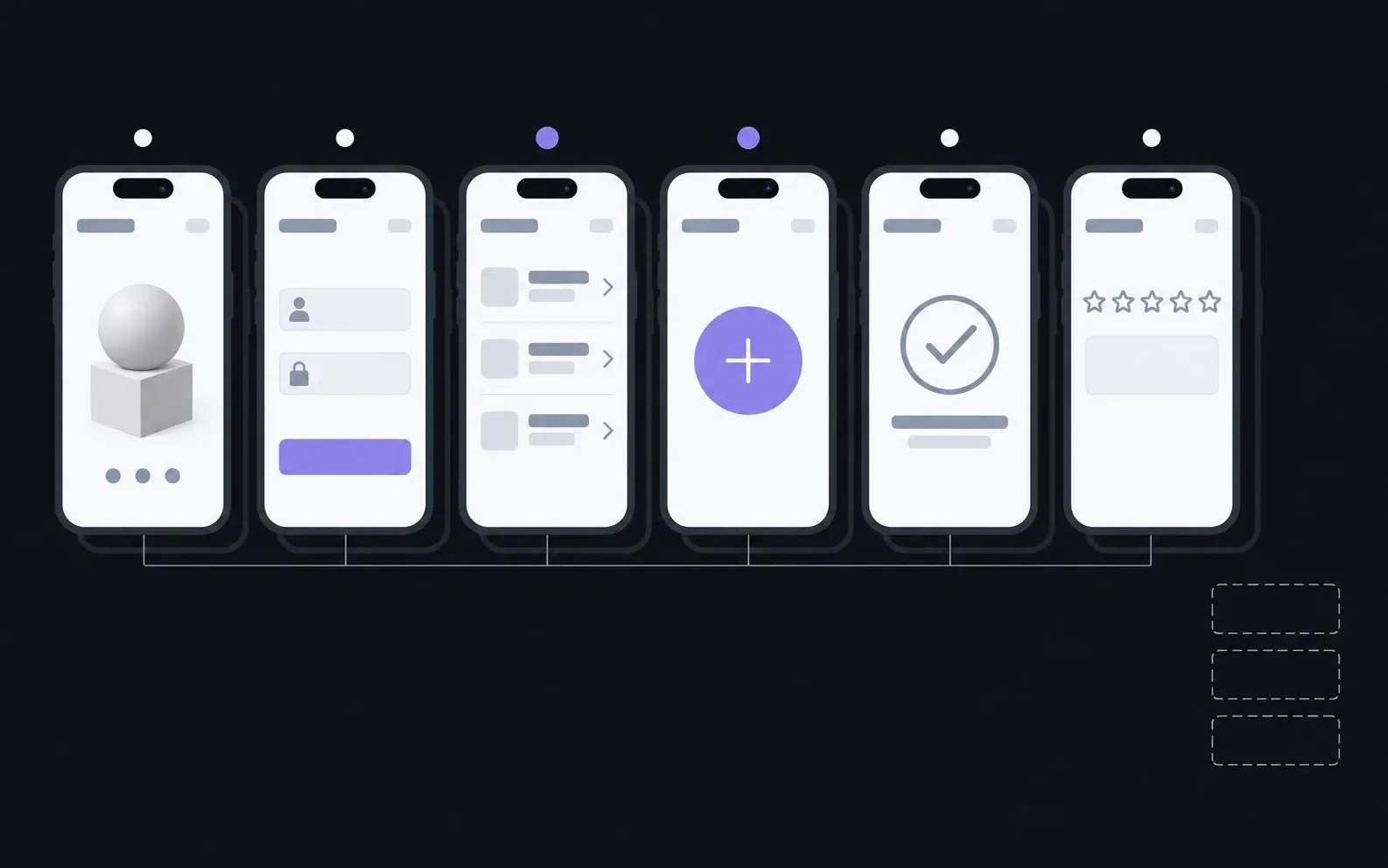
Six screens for any idea. What sits behind "the key action" depends on you: book, add, find, order. The other screens exist so people get there and tell you how it went.
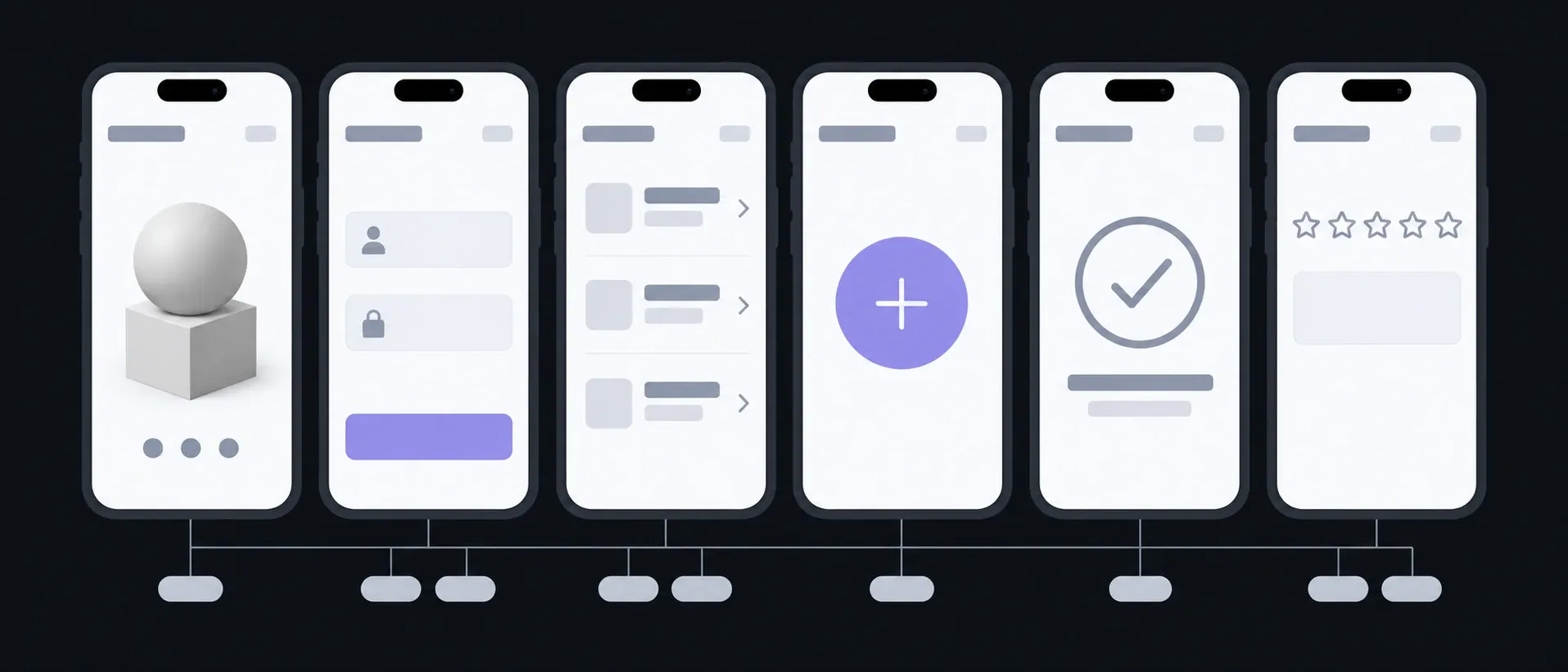
Onboarding
What it is and who for
Explain the idea in half a minute
Sign-in
Email code · Apple or Google
So people can come back and carry on
Home
List · Search
Where the action starts
Key action
The main button
What it's all for
Result
Confirmation
People see that it worked
Feedback
Rating · Comment
Where the second version starts
What you have in hand after each step
The most important step is the first one: together we cut the idea down to one flow and write down what waits. Everything after builds on that list.
01Conversation
We find the key action and who will take it. The rest of the idea goes on a "later" list.
In hand
The main flow, a "later" list, and what will count as success
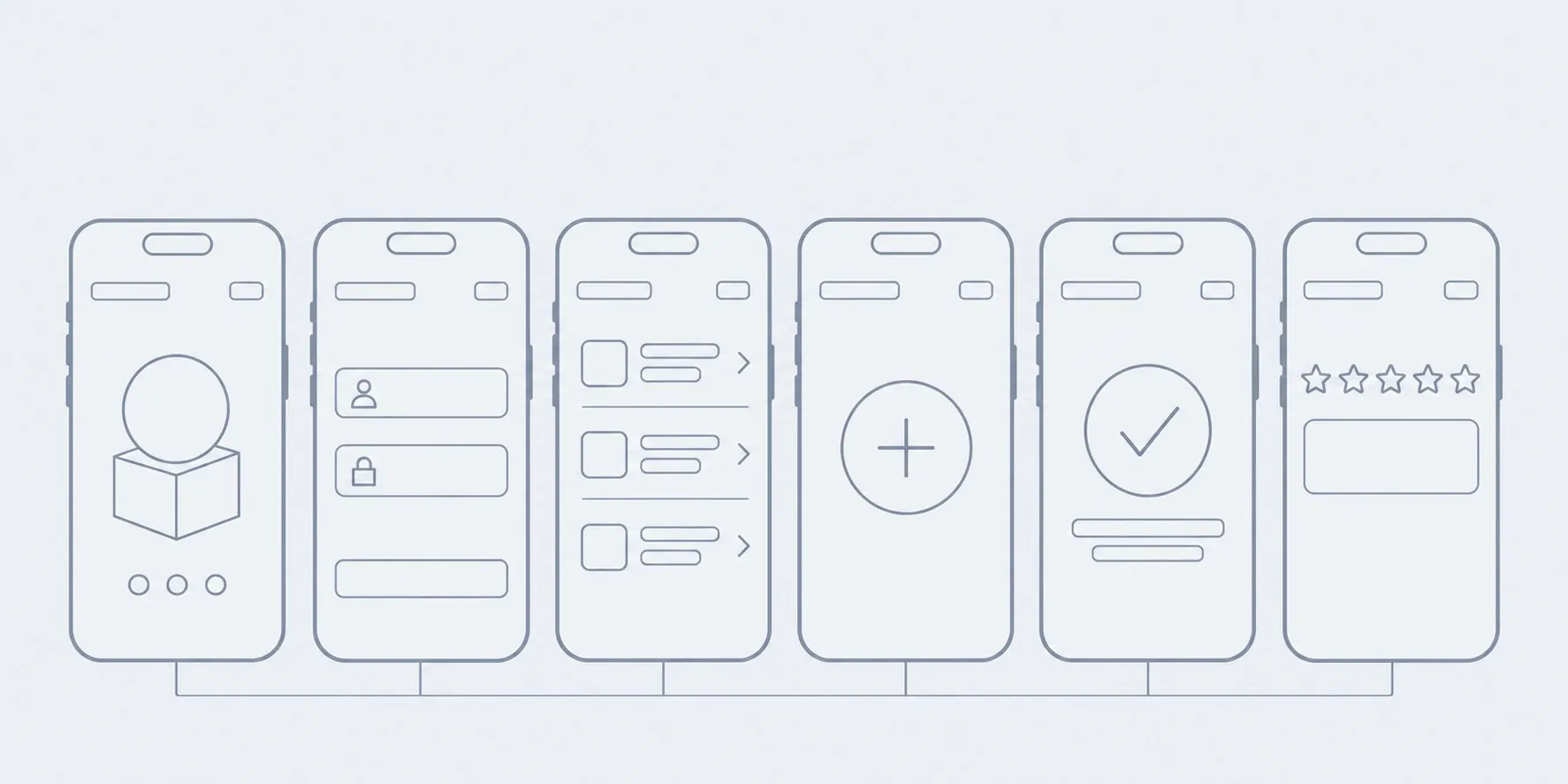
02Prototype
Six screens as a wireframe, no colour. You can show it to a few people before any design.
In hand
A clickable outline you can walk through on a phone
03Design
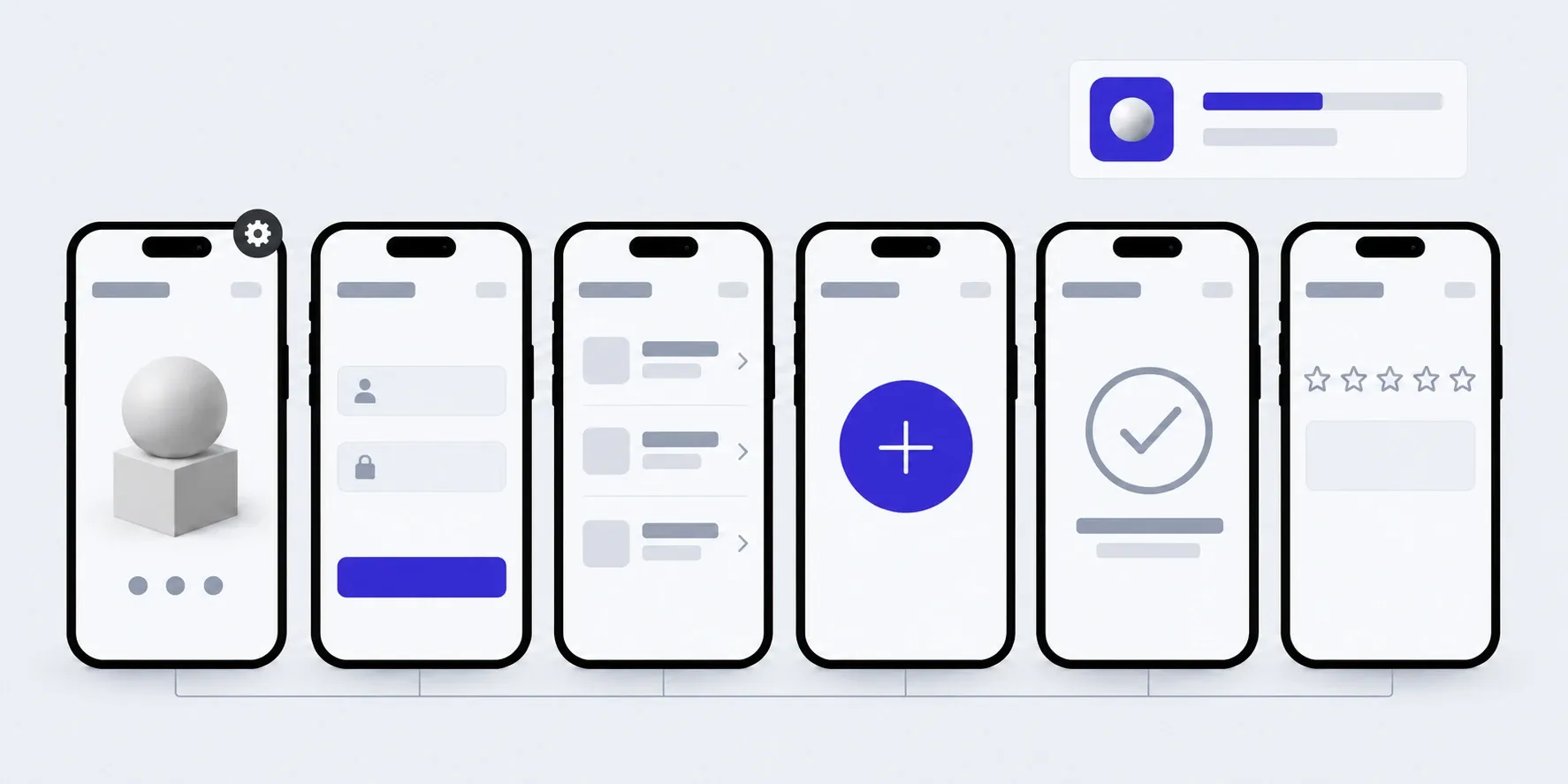
Screens in your style, in every state: empty, with an error, offline.
In hand
Mockups of every screen
04Build
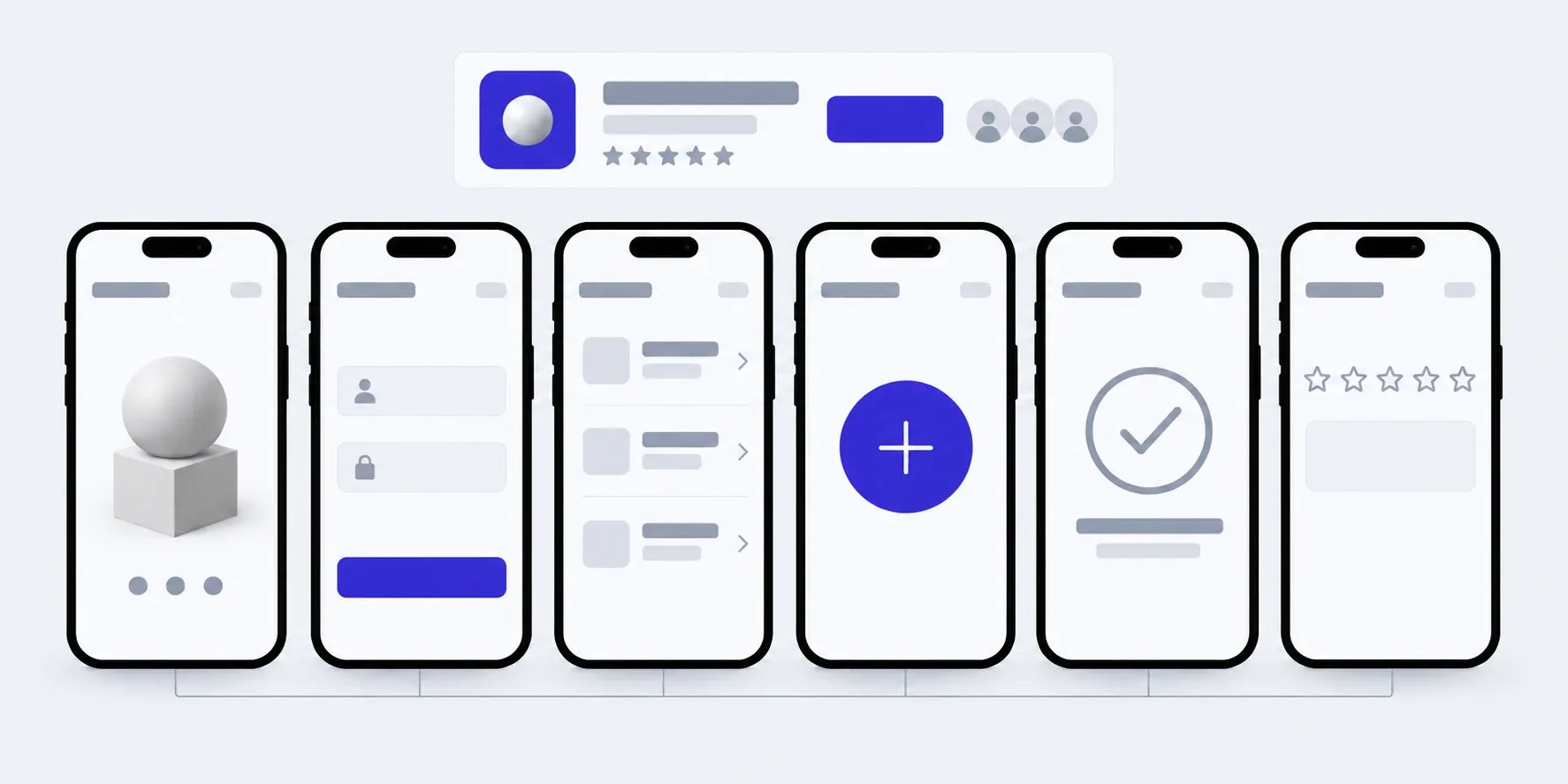
We build in parts, and each part goes on your phone.
In hand
A test build on your iPhone or Android
05Launch
A small group of people first, then the stores. We look at the tracking and feedback.
In hand
The app in people's hands, the first numbers and a list of what to change
What the price and timeline depend on
We don't publish a figure in advance, but a first version costs less than a full app precisely because so much is cut from it. We give the price after the conversation where we decide what goes in.
- 01How many flows
- A first version with one flow costs least. Every further flow that you "also want in the first version" adds both price and time.
- 02Two systems from one codebase
- iOS and Android from one codebase: the second system doesn't cost a second app.
- 03What waits
- Payments, notifications, connections to other systems. Each thing left on the "later" list makes the first version cheaper and faster.
- 04Where we start from
- From scratch, or from a prototype you already have. A ready prototype can shorten the conversation and the outline, but not always the code.
The second version builds on the first
You change texts, hints and the order of lists yourself, based on what the first people say. A feature from the "later" list is added as a stage, once tracking and feedback show it's needed. The app has to be updated for new iOS and Android versions every year: that's part of the hours package.
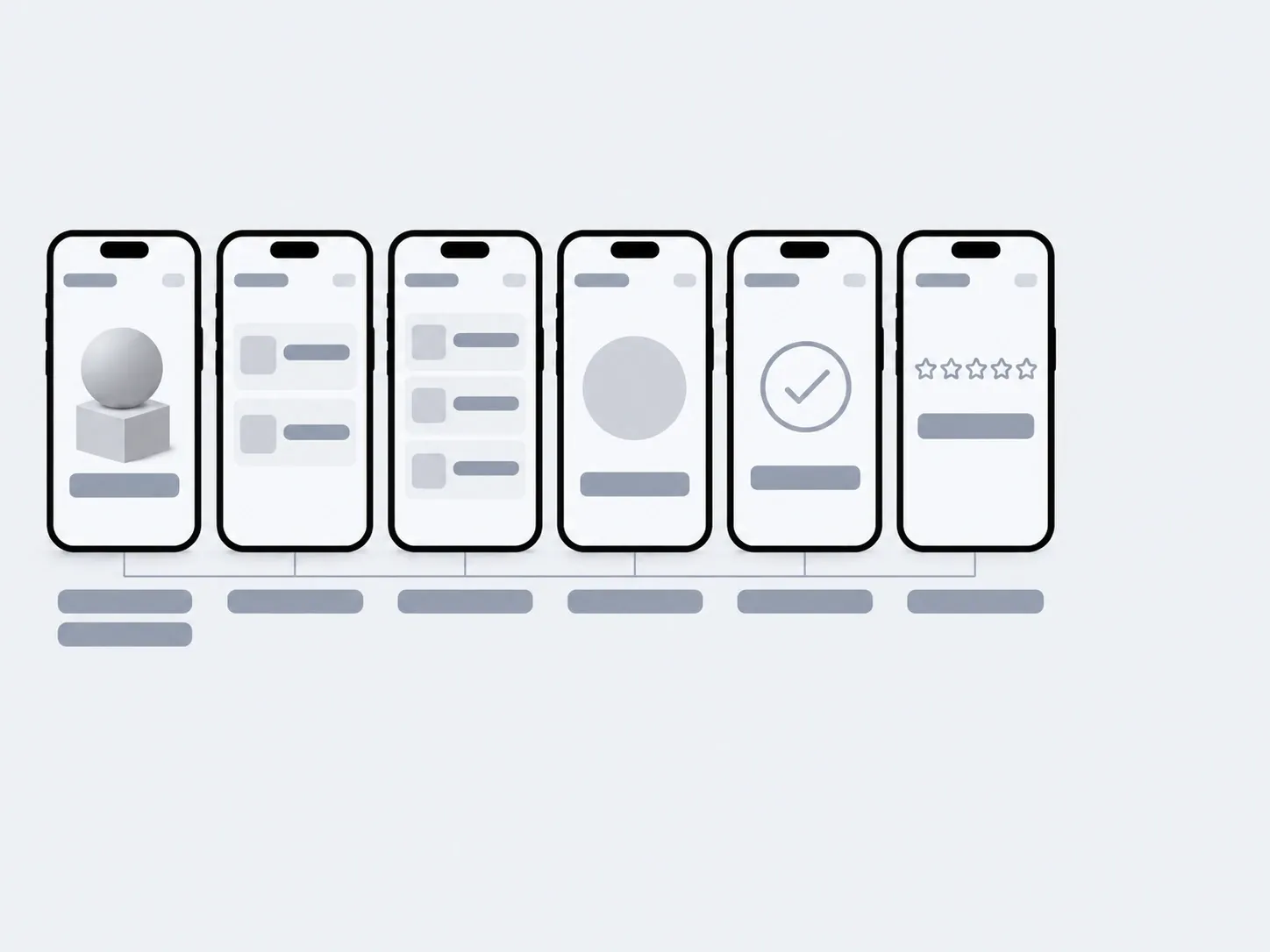
01Launch
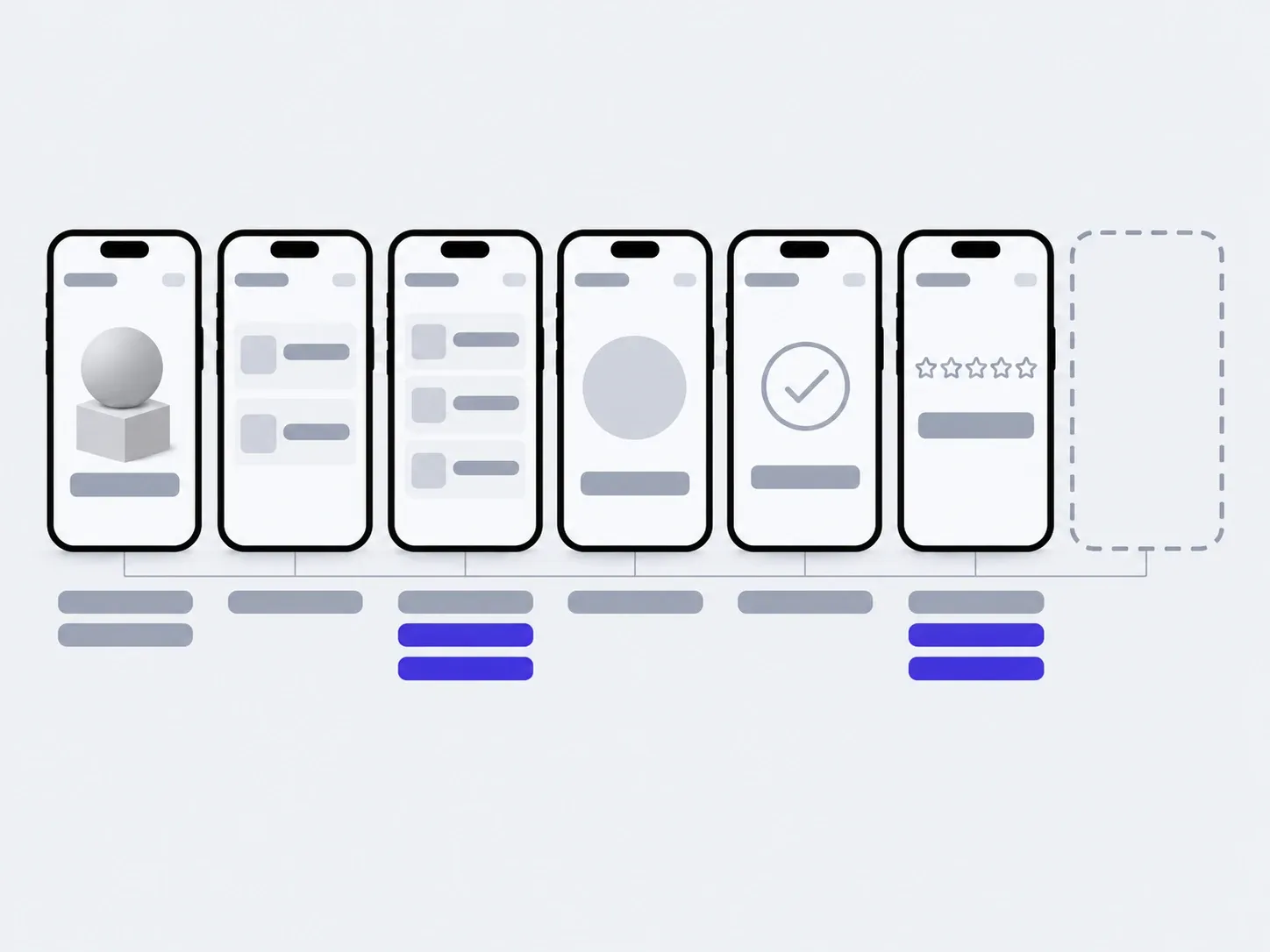
02In 3 months
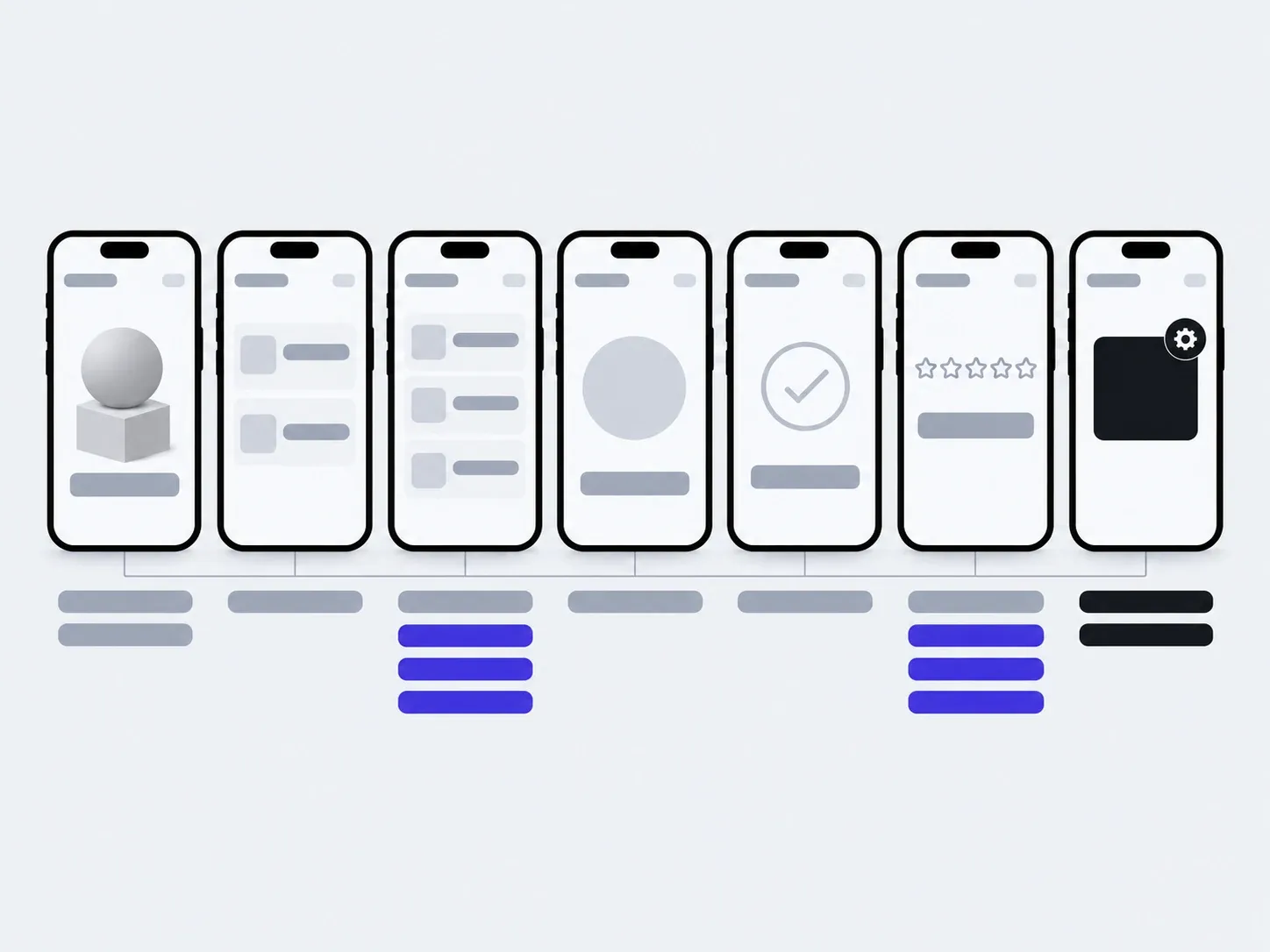
03In six months
changed by you from the first people's feedbackadded with us: a feature the feedback proved
The timings are illustrative: an example, not a plan.
You, in the admin
- On-screen texts
- Onboarding hints
- The order of lists
- Replies to feedback
With us
- A feature from the "later" list
- Updates for new iOS and Android versions
- Connecting payments or another system
About a first version
Should the first version be an app or a web version?
An app is worth building for a first version when the idea depends on the phone: the camera, location, a daily habit. If it can be tested in a browser, a web version gets out faster, because Apple and Google don't review it.
An app. An icon on the phone, the camera, location, one sign-in. When the idea only works in the hand: people open the app daily or on the move.
A web version. Opens from a link, updates without store review. When you need to put the idea in front of people quickly and change it every week.
Web and an app. Shared accounts and data: people carry on where they stopped. When the web version has already proved the idea and it's time to add the phone.
How much does a first version cost?
We give the price after the conversation where we decide what goes in and what waits. The number of flows affects the price most. We agree on each next stage before it starts.
How long does it take?
We give the timeline with the price. It's shorter than for a full app because the feature list is shorter. Add Apple's and Google's review on top before the store release.
What if nobody uses the first version?
That's an answer too, and it costs less to get it from a first version than from a full one. Tracking and feedback show where people stop. Then you decide: change the flow, try a different audience, or stop.
Will we have to throw away the first version's code?
No. We write it the same way as a full app, just with fewer features. The second version builds on it.
We already have a prototype from a no-code tool or made with AI. Can we start from it?
Yes. We start by reviewing the prototype: what already works in it and what can stay, meaning the flow, the screens, the data. Sometimes a prototype carries over into code almost entirely, sometimes it stays an outline we write from again. You get the verdict before development starts.
Can we show it to a few people rather than everyone?
Yes. The app goes to a small group first through Apple's and Google's test channels, and reaches the stores when you're ready.
Can we have it on iPhone and Android at once?
Yes. We write one codebase in Flutter, so both versions ship together.
Whose code and accounts are they?
Yours. The repository, server and Apple and Google developer accounts are in your name, and the notes let another developer carry on.
If you need a different app
A first version is just one way to start. Here are apps we build in full from the outset.
- An app for your customersCatalogue, orders, personal account, notifications.
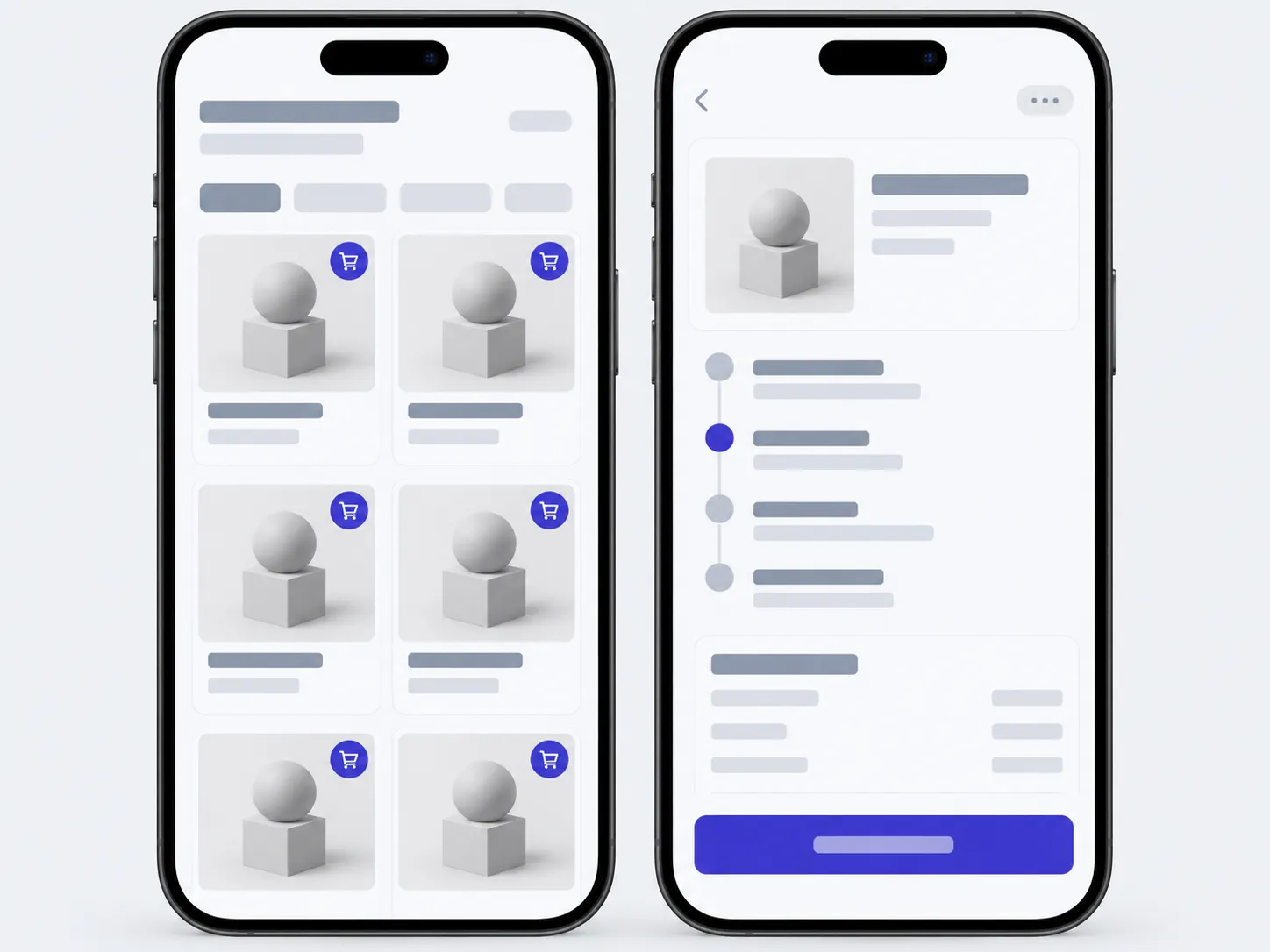
- An app for your teamJobs, stock, site visits. Reported from a phone, not from a spreadsheet in the evening.
- This pageA first versionThe shortest way to put the idea in real hands.
Tell us the idea and who it's for, and together we'll find the one flow to start with.
- 01A link
to the site, the mock-up or the repository, whatever exists
- 02What to change
one sentence on what should become different
- 03Who it's for
who will use it: your customers, your team, and how many