

Mobile apps · 01
Customer app
An app your customers keep on their phone and come back to: to order again, check a status, spend their rewards. You run the products, banners and messages yourself.
- 01You tell us what customers come to you for
- 02We clarify the details by message or a call
- 03We give you the price and timeline of the first version
Not sure a customer app is what you need? Compare it with the other apps
What the work includes, and where it ends
Everything in the first list goes into every app we build. The second we add separately, when it is actually needed.
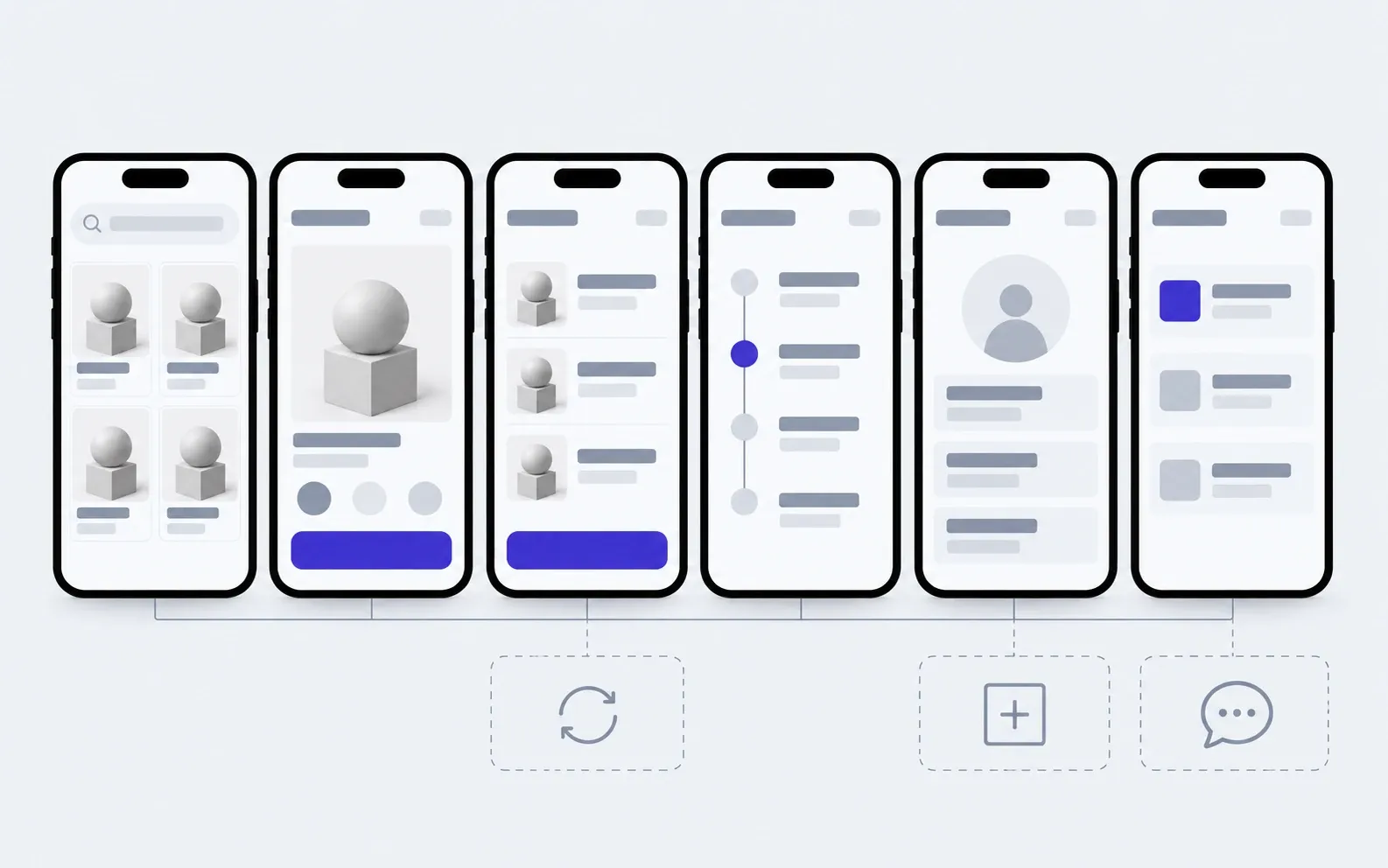
includedseparately, if needed
User flows
A person's path from the first launch to an order and a repeat one, worked out before design.
Sign-in
A code by phone or email, Sign in with Apple or Google, access recovery.
A panel for you
You manage products, prices, banners and orders yourself, no developer needed.
Notifications
Order status arrives on its own, and you send your own messages from the panel.
Every screen state
No connection, an empty cart, a failed payment: people always know what to do next.
iOS and Android
One codebase for both systems, so a new feature ships on both at once.
Store publishing
We prepare the App Store and Google Play listings and take the app through Apple's and Google's review.
Code and accounts in your name
The developer accounts, repository and server are yours, with notes for the next developer.
Separately
Accounting or CRM sync
Stock, prices and orders move between the app and your system without manual copying.
Rewards programme
Earning, spending and customer tiers. If rewards already live in your till or CRM, we connect to them.
Support chat
Conversations with customers inside the app instead of calls and messengers.
What a customer app is made of
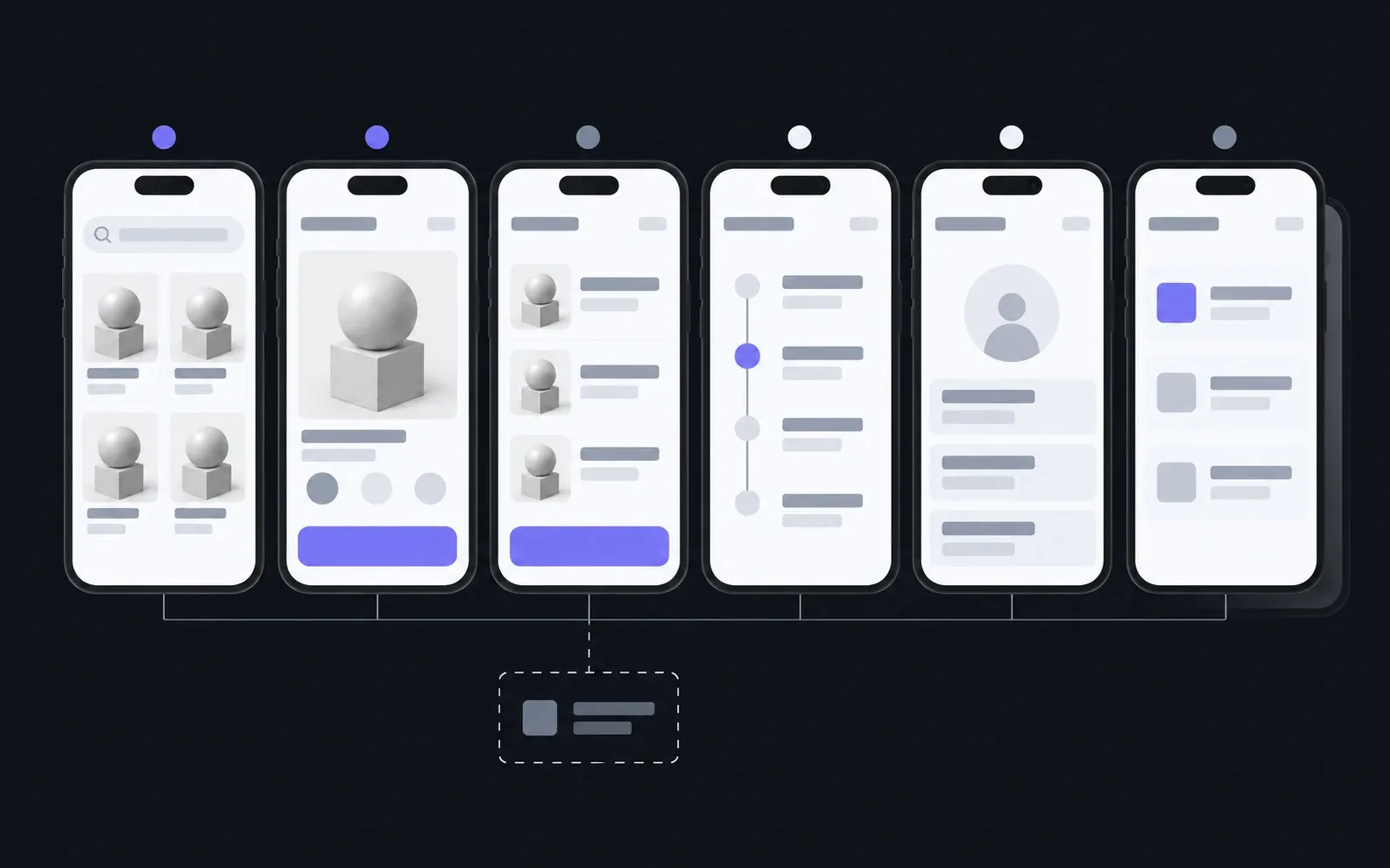
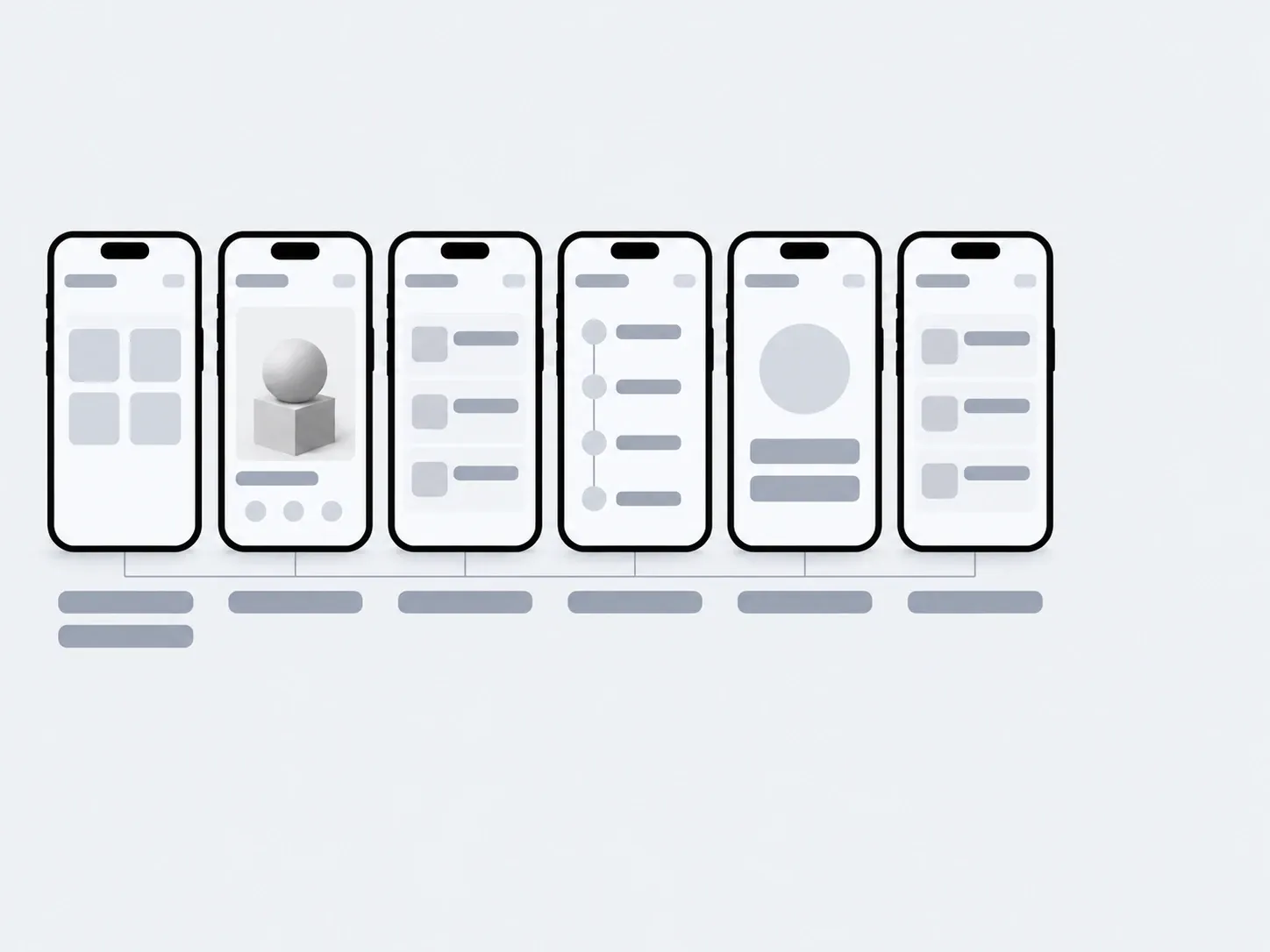
This is an example for a shop. A booking service has a time picker instead of a cart, but the skeleton is the same: find, choose, pay, wait.
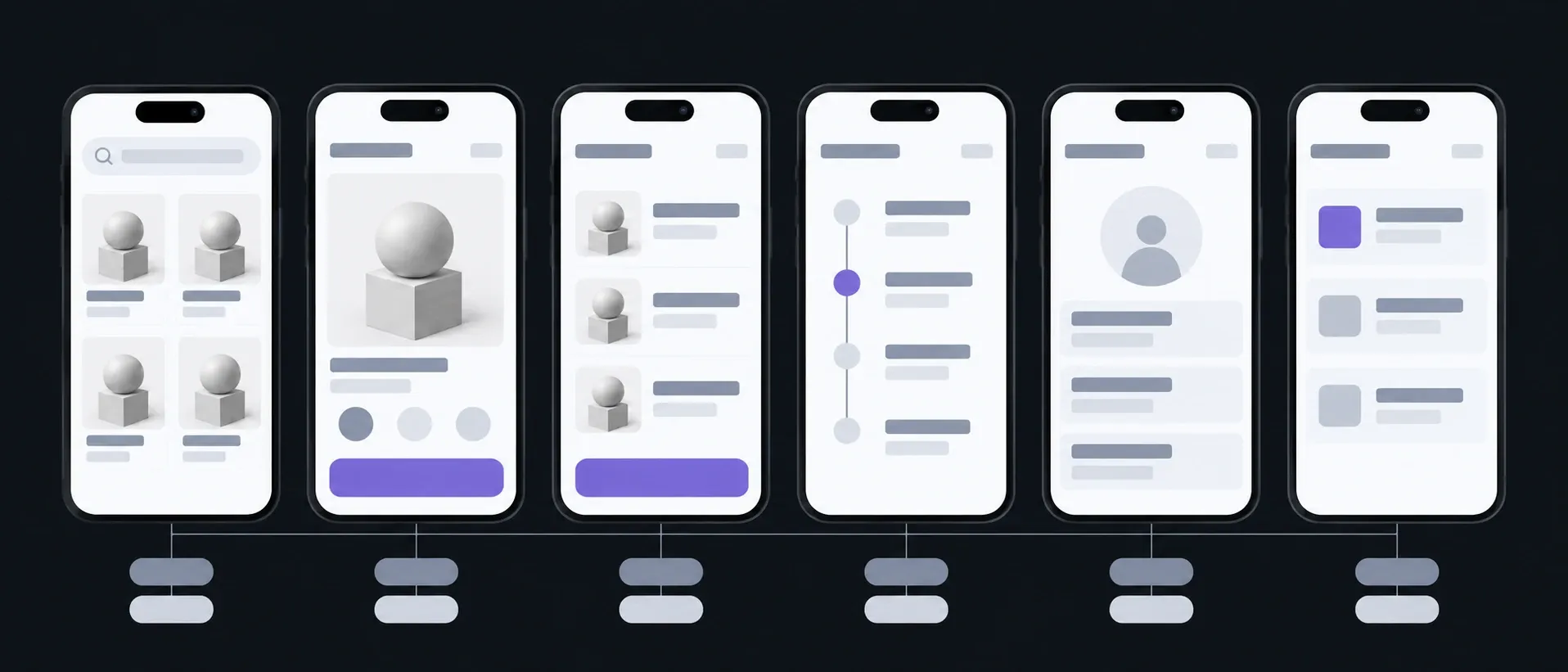
Home and catalogue
Search · Categories
What people see first
Product
Photos · Options
Everything needed to decide without calling
Cart and checkout
Delivery · Payment
The shorter it is, the fewer abandoned carts
Order status
History · Reorder
Instead of "where is my order" in a messenger
Profile
Rewards · Addresses
The reason to sign in just once
Notifications
Statuses · Offers
A reason to open the app again
What you have in hand after each step
You hold the app in your hand long before it reaches the store: a test build goes on your phone, and you scroll through live screens, not screenshots.

01Conversation
We go through what customers come to you for and what they do again and again.
In hand
A list of screens and the scope of the first version
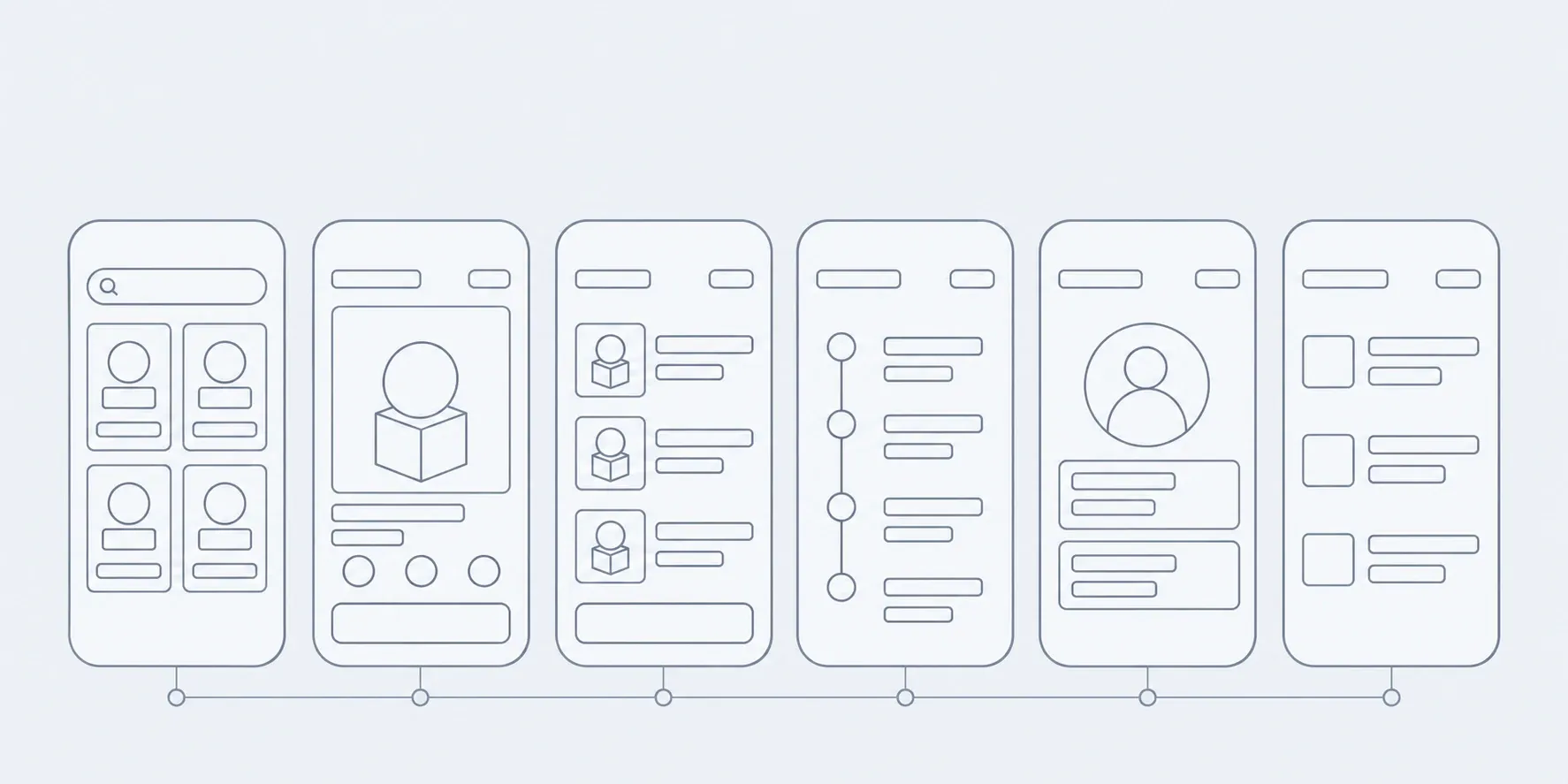
02Prototype
Screens as a wireframe, no colour: the path from opening the app to an order.
In hand
A clickable outline you can walk through on a phone
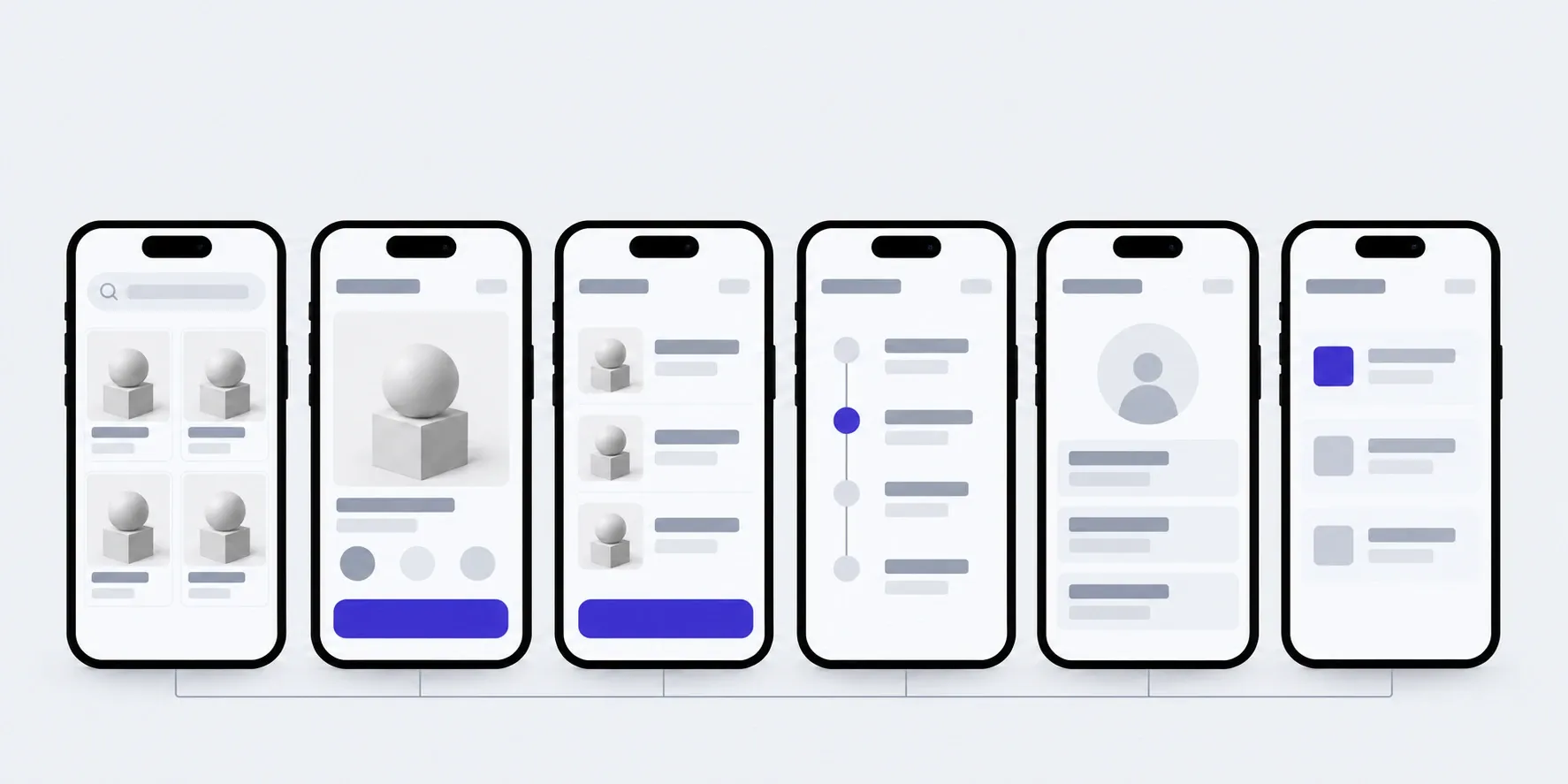
03Design
Screens in your style, in every state: empty, with an error, offline.
In hand
Mockups of every screen
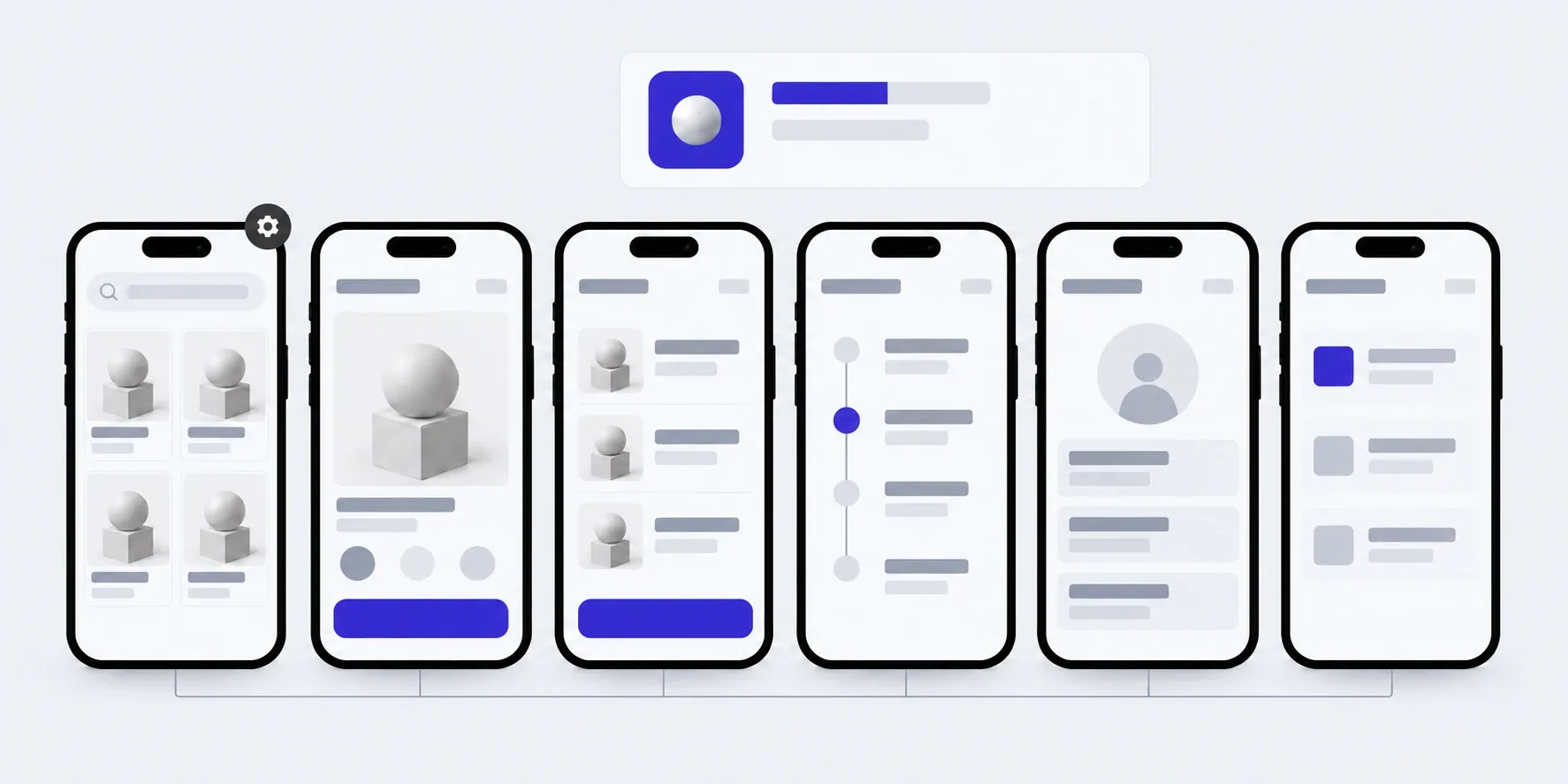
04Build
We build in parts, and each part goes on your phone.
In hand
A test build on your iPhone or Android
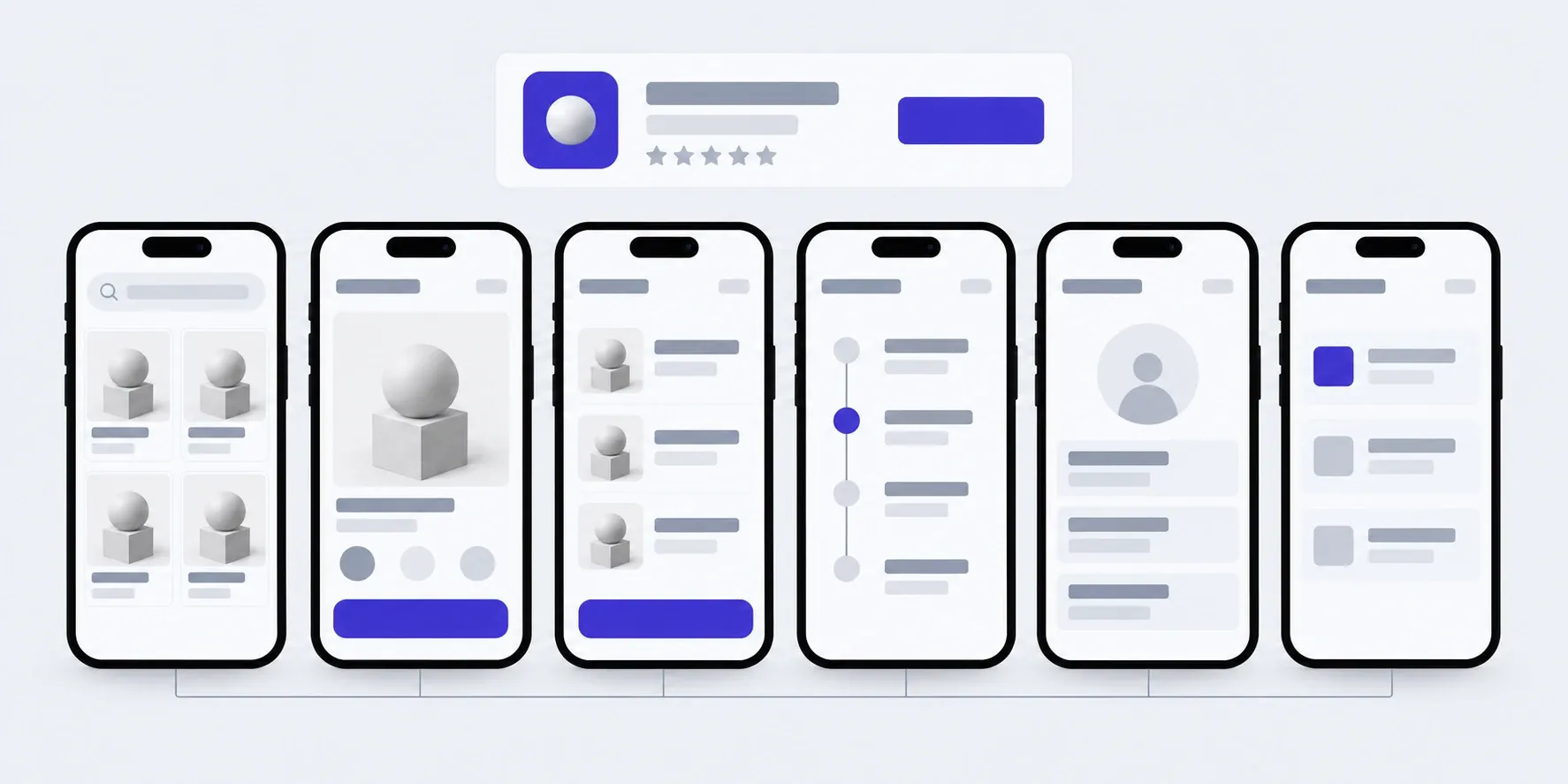
05Launch
We prepare the store listings and go through Apple's and Google's review.
In hand
The app on the App Store and Google Play, access and a guide
What the price and timeline depend on
We don't publish a figure in advance: apps differ in price several times over. We name the price of the first version after the brief, and agree on each next stage before it starts.
- 01Screen types
- What counts is not how many screens there are, but how many different ones. A list that repeats is counted once.
- 02Two systems
- iOS and Android from one codebase: the second system doesn't cost a second app.
- 03Payments and accounting
- Payment provider, till, CRM: each connection is estimated separately, because each has its own requirements.
- 04Panel and data
- What you manage yourself, and how many products or customers we move over from what you already have.
The app lives with your range
You manage the products, banners and messages yourself. A new screen is added as a stage, under a monthly hours package or as one-off work. Apple and Google release new system versions every year, and the app has to be updated for them: that is part of the package too.
01Launch
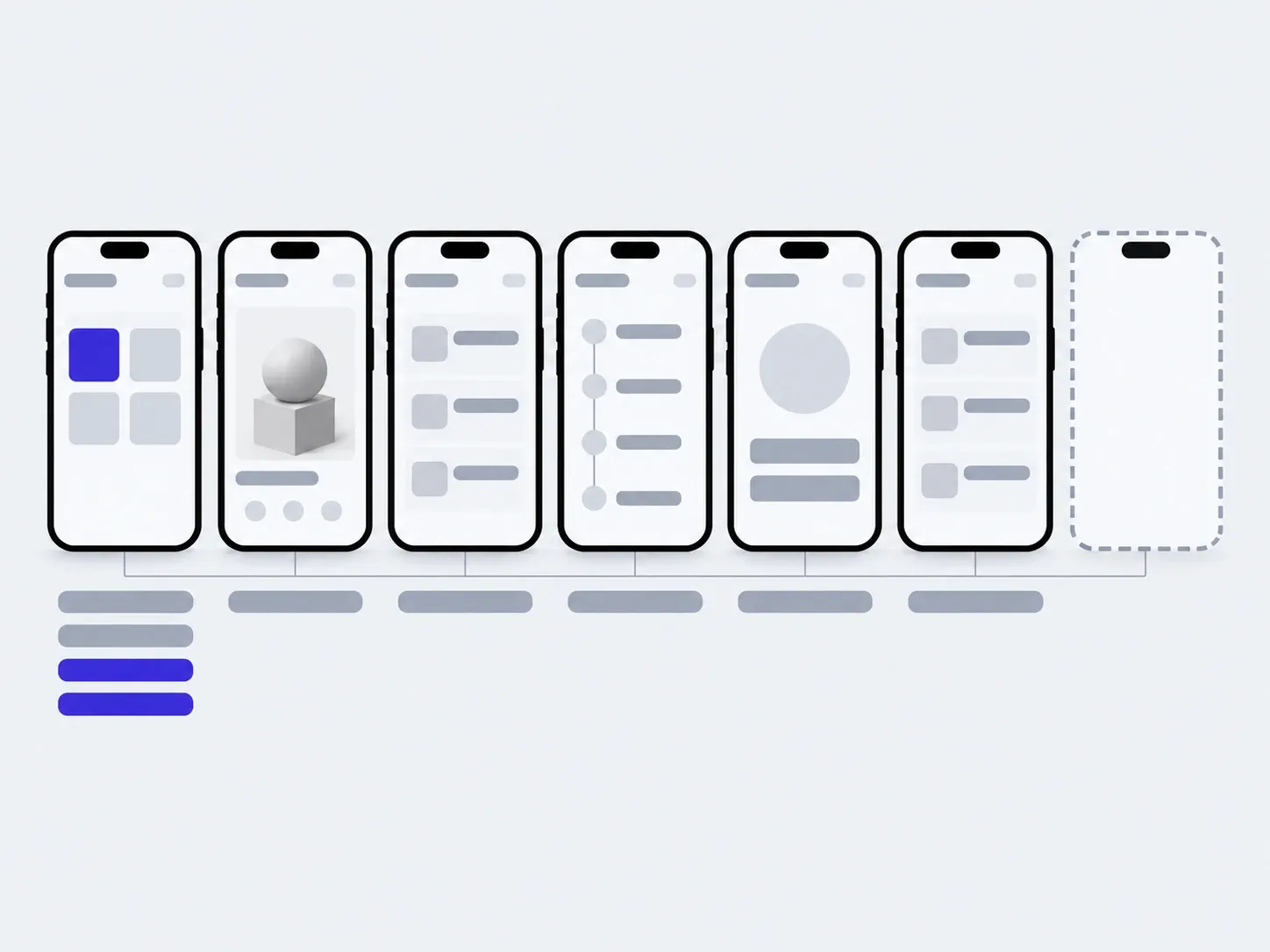
02In 3 months
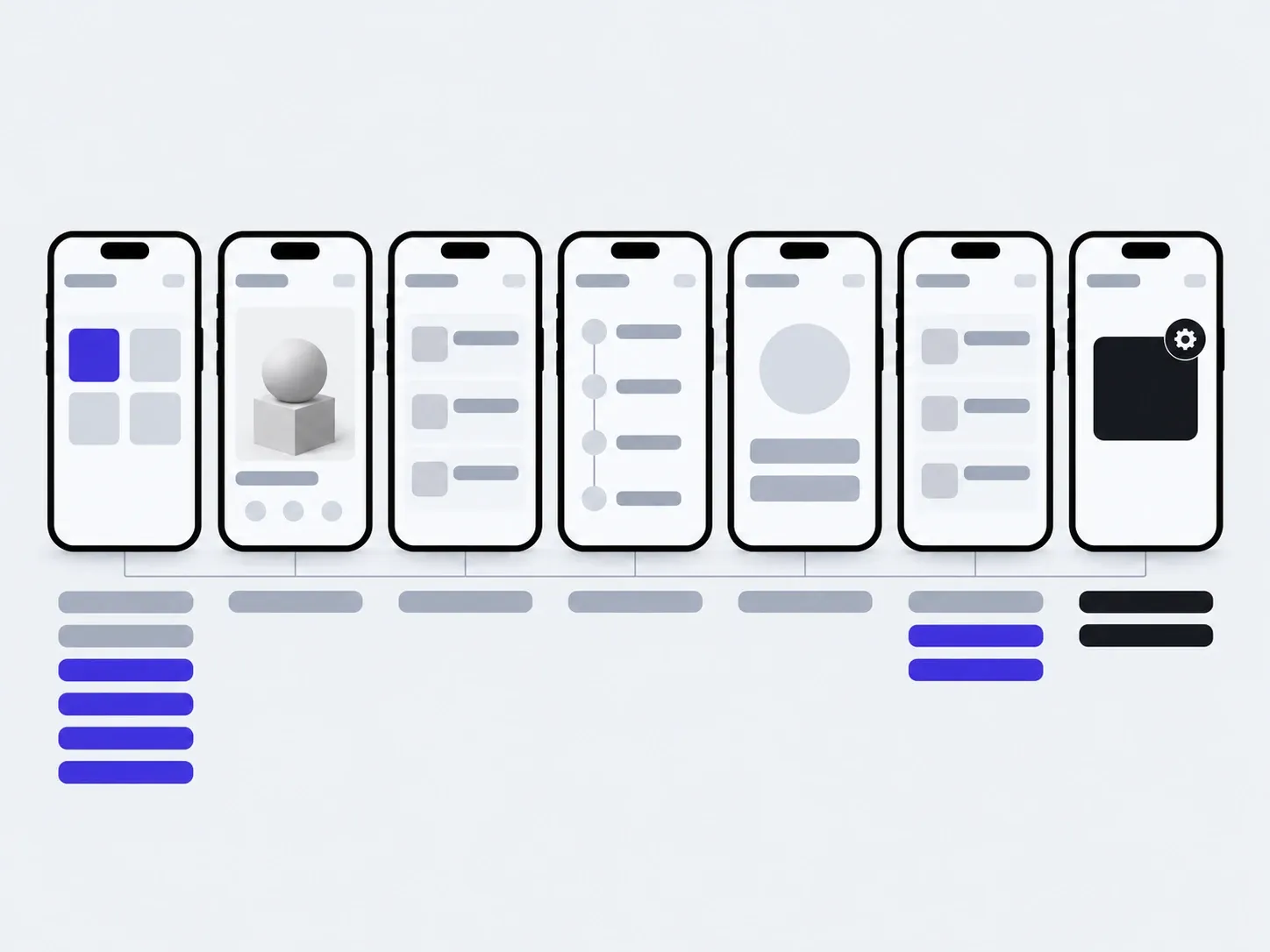
03In six months
added by you: banners, products, messagesadded with us: a new screen
The timings are illustrative: an example, not a plan.
You, in the admin
- Products and prices
- Home banners
- Messages
- Customer rewards
- Order statuses
With us
- A new screen or feature
- Updates for new iOS and Android versions
- Connecting one more system
About customer apps
Do we need an app, or is a site enough?
People install an app when they keep coming back. If customers come rarely, start with a site on the phone: an app is easy to add later, with the same products and orders.
An app. Its own icon on the phone, one sign-in, notifications. When customers come back: they order weekly, collect rewards, wait for a status.
A site on the phone. Opens from search or an ad, nothing to install. When people come once or rarely, and what matters most is being found.
A site and an app. The same products, orders and accounts in both. When the site brings in new people and the app keeps the regulars.
How much does an app cost?
We name the price of the first version after the brief. It depends on the screen types, payments, syncing with your system and what you manage yourself. We agree on each next stage before it starts.
How long does it take?
We give the timeline of the first version with the price. Add store review on top: every release and every update goes through Apple's and Google's check.
We already have a website. Can't we just turn it into an app?
Apple may turn down an app that only shows a website. So an app needs something of its own: signing in once, notifications, rewards, ordering again. The products and orders can still be shared with the site.
Can we have it on iPhone and Android at once?
Yes. We write one codebase in Flutter, so both versions ship together.
Who publishes it, and whose accounts are they?
We publish it, and the Apple and Google developer accounts are in your name. You pay Apple's yearly fee and Google's one-time fee to them directly. That way the app isn't tied to us.
We already have an app. Can you just publish it?
Yes. We check the build against Apple's and Google's requirements, prepare the store listings and take the app through review. The developer accounts are set up in your name, or we work in yours if you already have them.
Can we change products and offers ourselves?
Yes. You manage products, prices, banners and messages in the panel. No store update is needed for that.
Can it connect to our till or CRM?
Yes, as separate work. First we look at your system and what exactly has to flow between it and the app: stock, prices, orders, rewards.
Who owns the code?
You do. The repository, server and accounts are in your name, and the notes let another developer carry on.
If you need a different app
A customer app is just one of the kinds we build. Here are two more.
- This pageAn app for your customersCatalogue, orders, personal account, notifications.
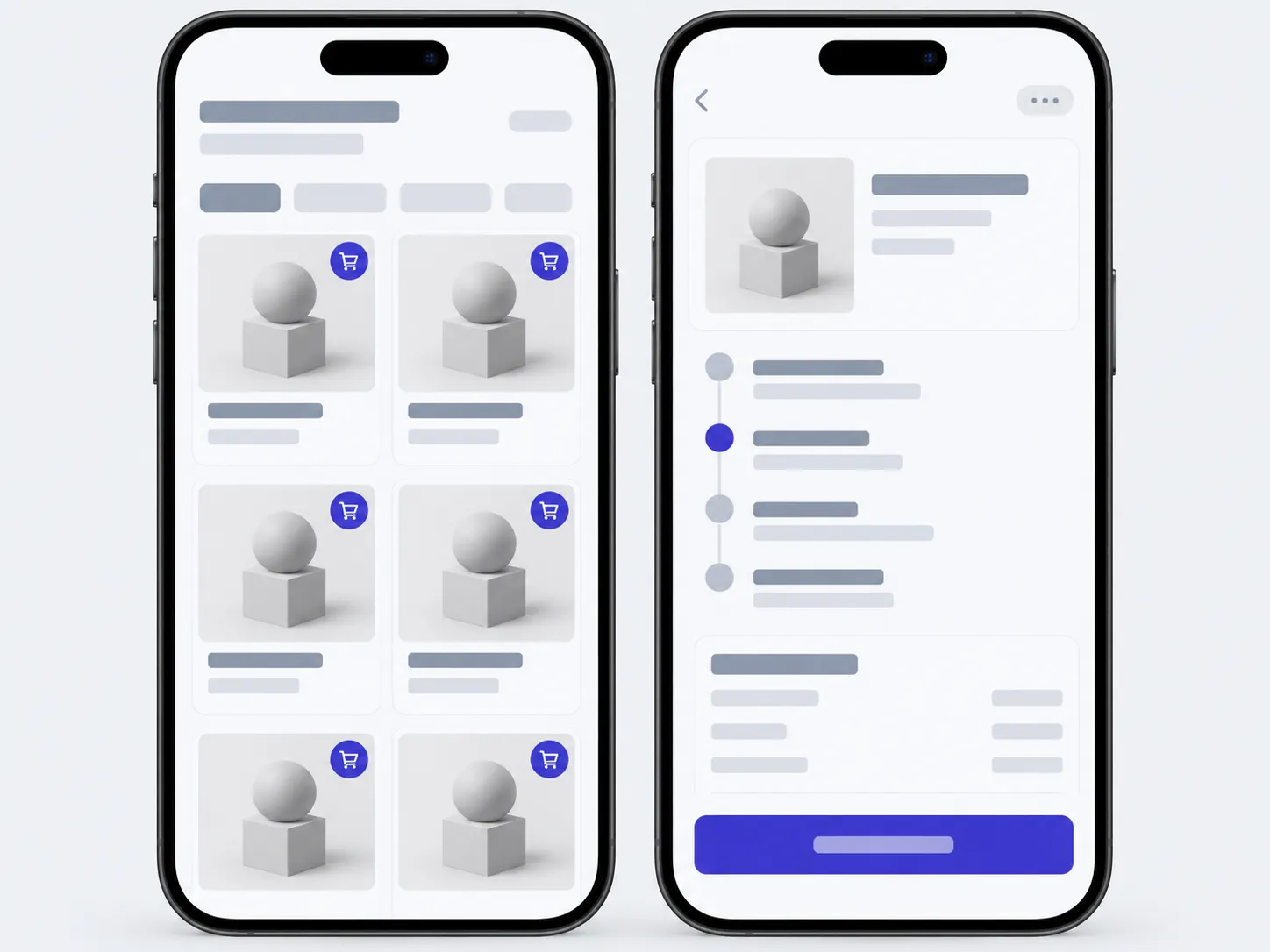
- An app for your teamJobs, stock, site visits. Reported from a phone, not from a spreadsheet in the evening.
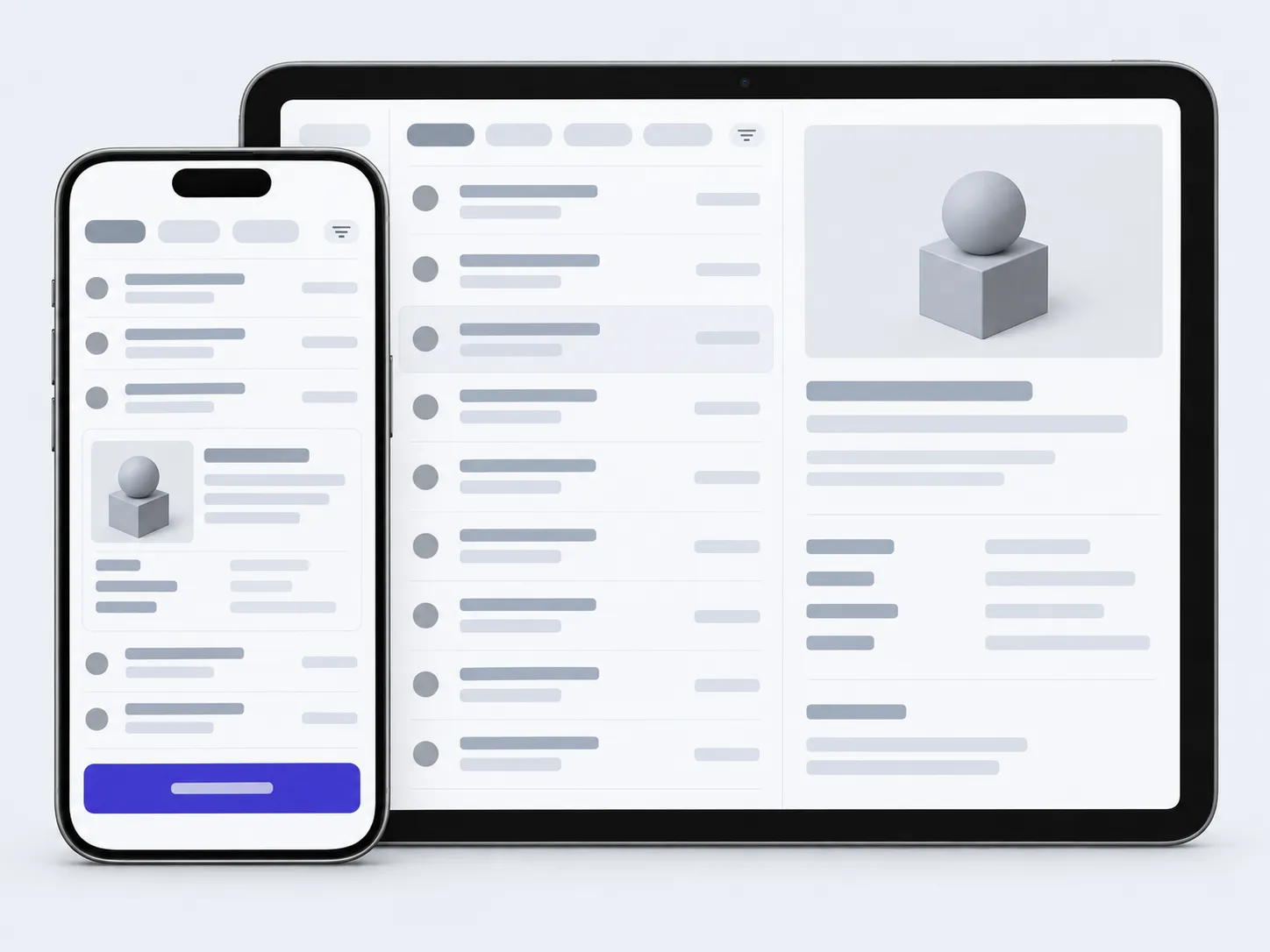
- A first versionThe shortest way to put the idea in real hands.
Tell us what your customers come back for, and we'll tell you where the app should start.
- 01A link
to the site, the mock-up or the repository, whatever exists
- 02What to change
one sentence on what should become different
- 03Who it's for
who will use it: your customers, your team, and how many