

Rework and support · 06
Making it faster
A page takes ages to open, a button responds with a delay, text jumps around while the photos load. First we measure what's slowing it down and on which pages, then we fix that, and at the end we measure again, with the same tools.
- 01You send a link and say which pages are slow
- 02We take a first measurement and look at the causes, free of charge
- 03We give you a fixed price and timeline
Not sure speed is the problem? Compare it with the other support services
What speeding up includes, and where it ends
The first list happens every time. The second we take on separately: when what's slow isn't the code but what's around it, or when the speed needs watching all the time.
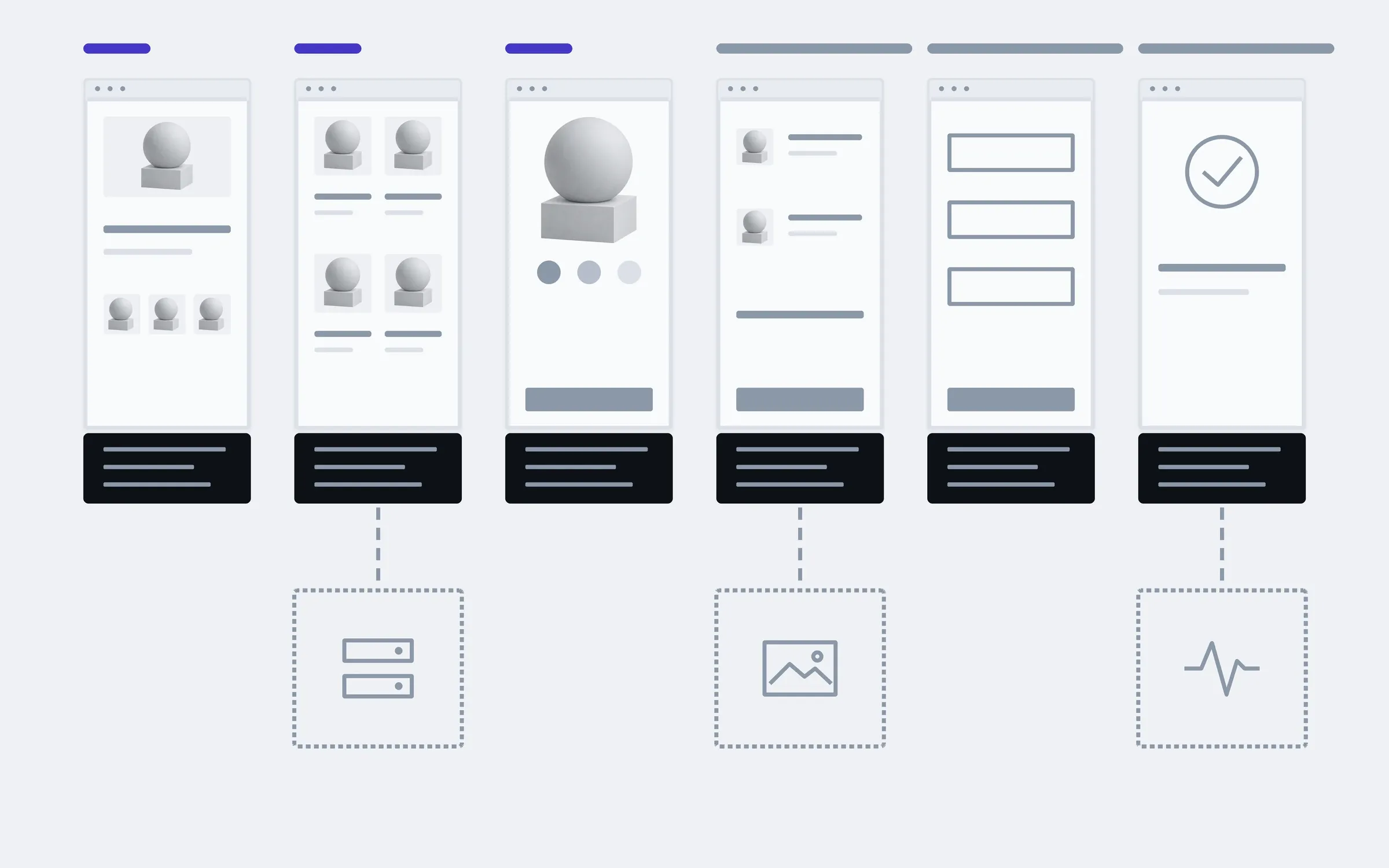
includedseparately, if needed
Baseline measurement
LCP, INP and CLS on the key templates, on phone and desktop. This is what the result is compared against.
Real-visitor data
If the site has enough visitors, Search Console shows how it performs for them, not just in a test.
A list of causes
What exactly slows each template down, with an estimate of what each fix will give, from biggest to smallest.
Photos and fonts
Modern formats, the right sizes, photos loaded when they're needed, and fonts that don't make the text jump.
Third-party scripts
Chats, trackers, widgets: what can load later, and what can go if nobody uses it.
Page code
Unneeded libraries and heavy parts that load on every page but are needed on one.
Caching
What gets served from cache, and what gets worked out from scratch every time.
Measurement after
The same pages, the same tools, the same conditions. The difference shows in numbers, not in promises.
Separately
Hosting and server
If the server is what's slow, we tell you what to change in its settings, or which plan or host to move to.
Photo processing
We convert your existing photos to light formats and sizes, and new ones get processed automatically on upload.
Ongoing monitoring
Regular measurements of the key pages, so you notice when a new banner or plugin slows the site down again.
What slows a shop down
An example for a shop: under each page are two common causes of slowness. We fix the template, not the page, so a fixed product template speeds up every product at once.
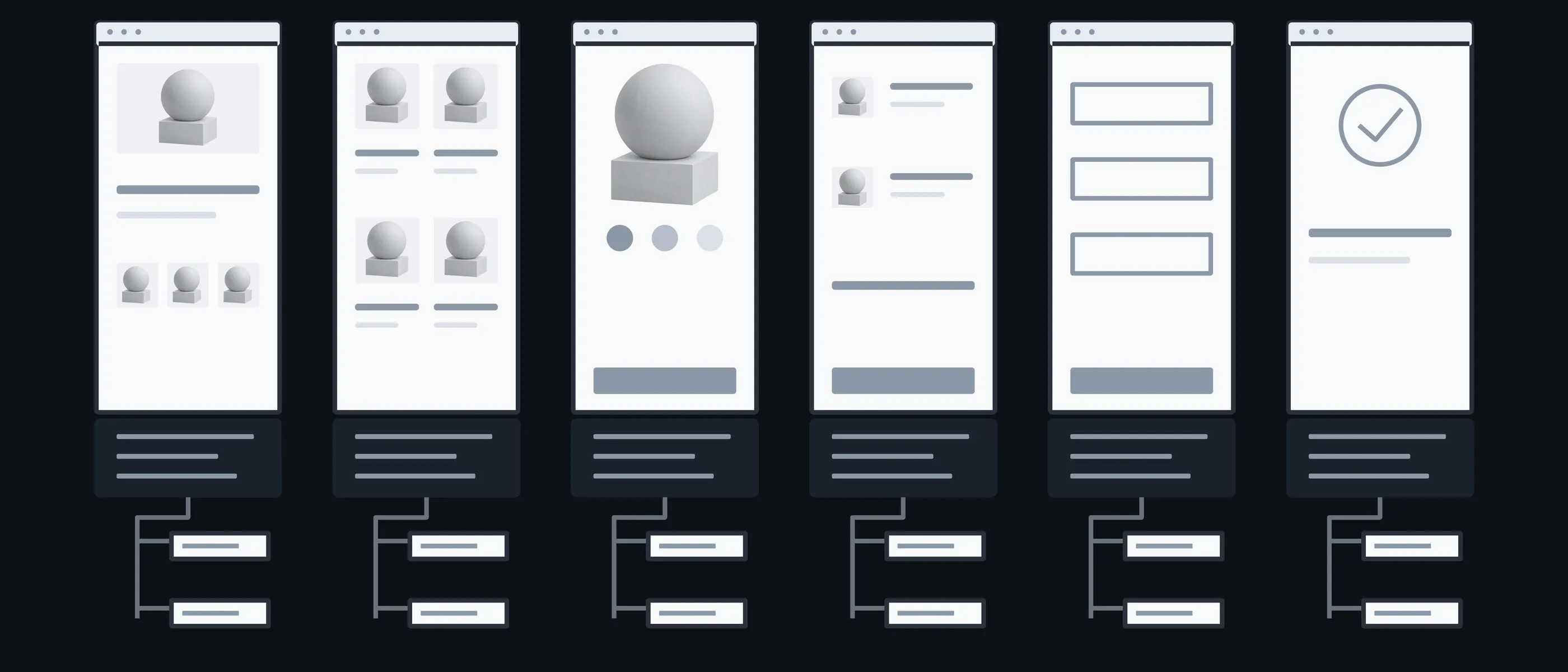
Home
Banner · Fonts
A big banner and fonts that load first
Catalogue
Photos · Filters
Dozens of photos on one page
Product
Gallery · Scripts
A gallery and scripts that all load at once
Cart
Requests · Widgets
The total recalculated on every click
Payment
Third-party scripts · Server
Payment widgets and the server's response
Order
Email · Cache
An email sent while the person waits
What you have in hand after each step
The slowest page is often not the one everyone suspects. That's why we first measure all the key templates, not just the page that feels slow.

01Conversation
You tell us which pages matter to you and where you think it's slow. You give us Search Console access, if you have it.
In hand
A list of key templates

02Measurement
We measure each template on phone and desktop under the same conditions.
In hand
A baseline to compare against

03Causes
We work out what exactly slows each template, and sort it from biggest to smallest.
In hand
A list of causes and what each fix will give

04Fix
We fix things on a copy of the site, starting with whatever gives the most.
In hand
Faster templates

05Measurement after
We repeat the same measurement and put it next to the first.
In hand
A report: before, after, and what changed
What the price and timeline depend on
After the first measurement we give a fixed price for fixing the causes we found. We don't promise in advance how many seconds or points it will gain: the measurement afterwards shows the result.
- 01CMS and the state of the code
- A WordPress site with dozens of plugins is slow for different reasons than one written from scratch.
- 02Third-party scripts
- Every chat, tracker and widget has to be checked: what it does, and whether it can load later.
- 03Hosting
- If the server responds slowly, some of the causes have to be fixed there rather than in the code.
- 04How many templates
- We fix the template, not every page separately, so a site with three templates is quicker to speed up than one with fifteen.
The site stays fast as it grows
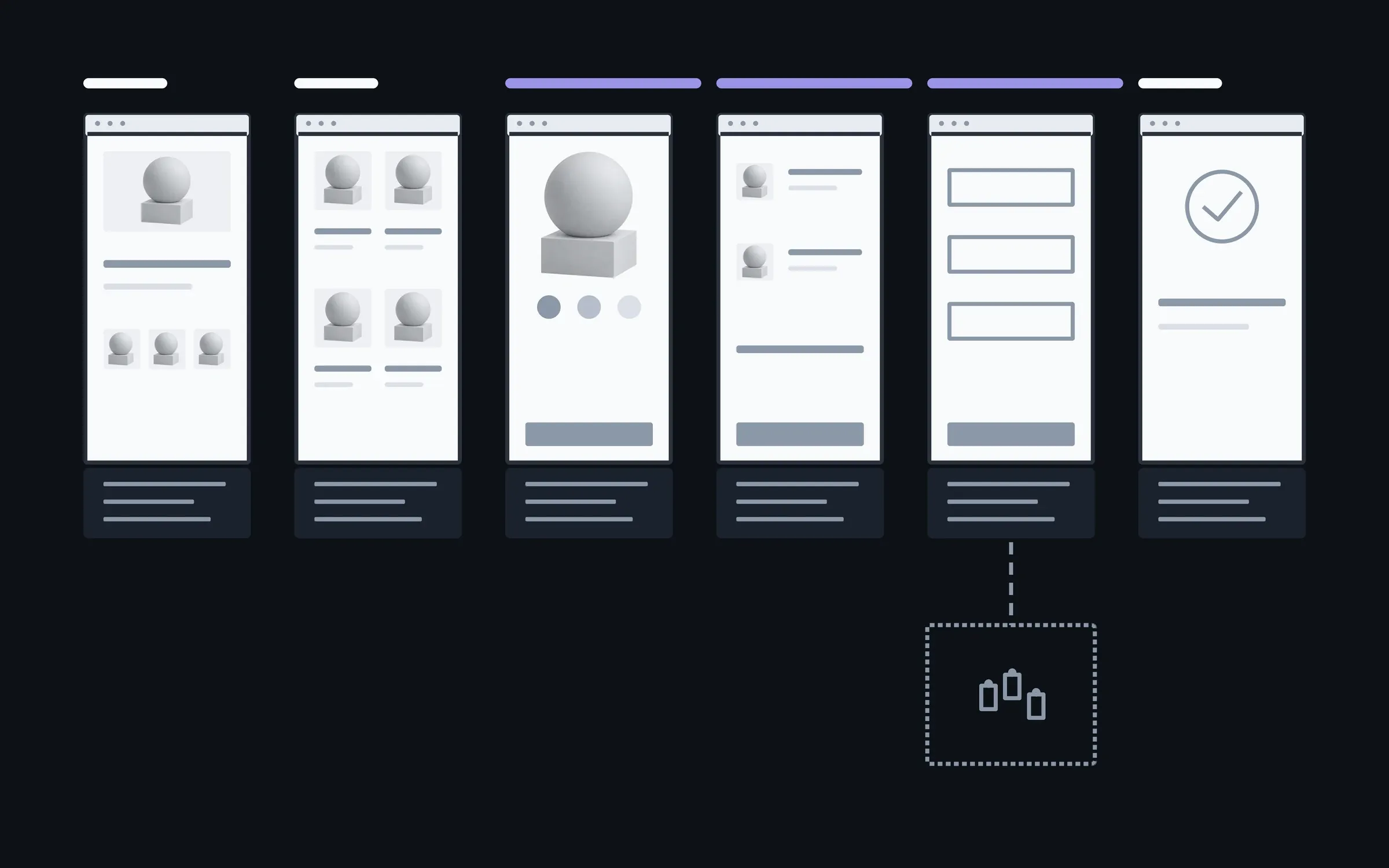
Your manager adds new products with photos, and the site doesn't slow down because of it. A repeat measurement a few months later, and a new template if one is needed, we do together.

01After speeding up

02In 3 months

03In six months
added by you without slowing the site: products with photoswith us: a repeat measurement and a new template
The timings are illustrative: an example, not a plan.
You, in the admin
- Products with photos
- Banners
- New pages
- Texts
About speeding up a site
Which is it: fix, extend or move?
The project is already running, so the question isn't what to build but what to do with what's there. Sometimes it's all three. Then we start with whatever is getting in the way today.
Fix. Something is broken: a form, a payment, a page on a phone. When the rest works and there's no reason to redo it.
Extend. A feature is missing: a filter, an account area, a new way to pay. When the foundation holds and something new can be added to it.
Move. An old engine, or code where every change has become a risk. When repairs already cost more than moving in parts.
How much does speeding up cost?
The first measurement is free. After it we give a fixed price for fixing the causes we found. It depends on the platform, the number of templates and the third-party scripts.
Will you get the site to 100 in PageSpeed?
We don't promise that. The score reflects one test under one set of conditions, while visitors arrive on all kinds of phones and networks. We show LCP, INP and CLS before and after, on phone and desktop.
What are LCP, INP and CLS?
Three Google metrics: how quickly the main content of a page appears, how quickly it responds to a tap or click, and whether the content jumps around while loading.
Will speeding up lift the site in search?
Speed is one of Google's signals, but it doesn't decide things on its own. A more honest measure is this: people see the page sooner and are less likely to leave before it loads.
The site runs on WordPress with lots of plugins. Is there any point?
Yes. First we measure what each plugin costs, and then it's clear what to remove, what to replace and what to keep.
Why not move straight to a faster platform?
Sometimes that's the right answer, and after measuring we'll say so. But if the photos and third-party scripts are what's slow, they'll be just as slow on a new platform.
Will the site slow down again?
It can, if heavy banners and widgets are added without checking. That's why the report says exactly what was slowing it down, and for those who want to keep watch, there are regular measurements.
Other work on an existing project
A measurement often shows more than slowness: a broken script, or an engine that can't be made any faster. These are separate services, and each one can be taken on its own.
- Website reworkEdits, blocks, forms, the mobile version. We take them as a list.

- Fixing bugsWe find the cause first and fix second. Not the other way round.

- New featuresAdded to the code that is already there, without rewriting it all.
- Integrations and APIsPayment, delivery, CRM, stock. So the data moves on its own.

- Moving to a new stackMoved in pieces, with a working site at every step.
- This pageMaking it fasterWe measure first, then fix what actually slows it down.
Send a link and name the pages that feel slow. We'll tell you where we'd start measuring.
- 01A link
to the site, the mock-up or the repository, whatever exists
- 02What to change
one sentence on what should become different
- 03Who it's for
who will use it: your customers, your team, and how many