

Prototyping and design
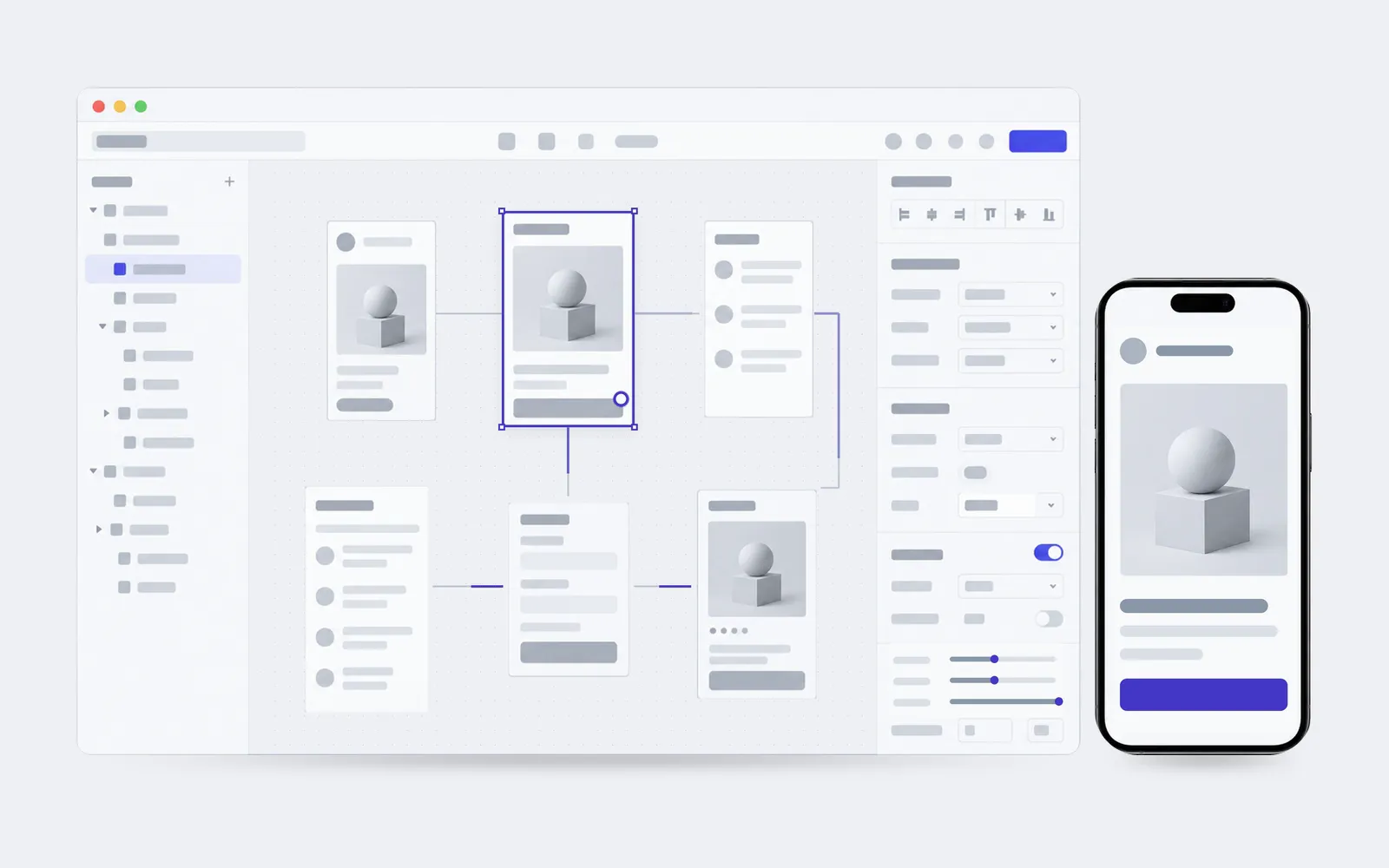
Structure, screens and a clickable prototype. See how the product works before the first line of code.
From nothing, or from what is already there
01
There is an idea and no picture
It all adds up in your head. There is still nothing to show a team or an investor.
02
The developer asks what to build
They are ready to write code, there are no designs, and every screen gets invented on the spot.
03
Every screen is a different screen
Different buttons, different spacing, and each new page starts from nothing.
04
This is the third rebuild
Changes arrive after the screen is built, and each one costs as much as a new screen.
From a sketch to a finished library
 01
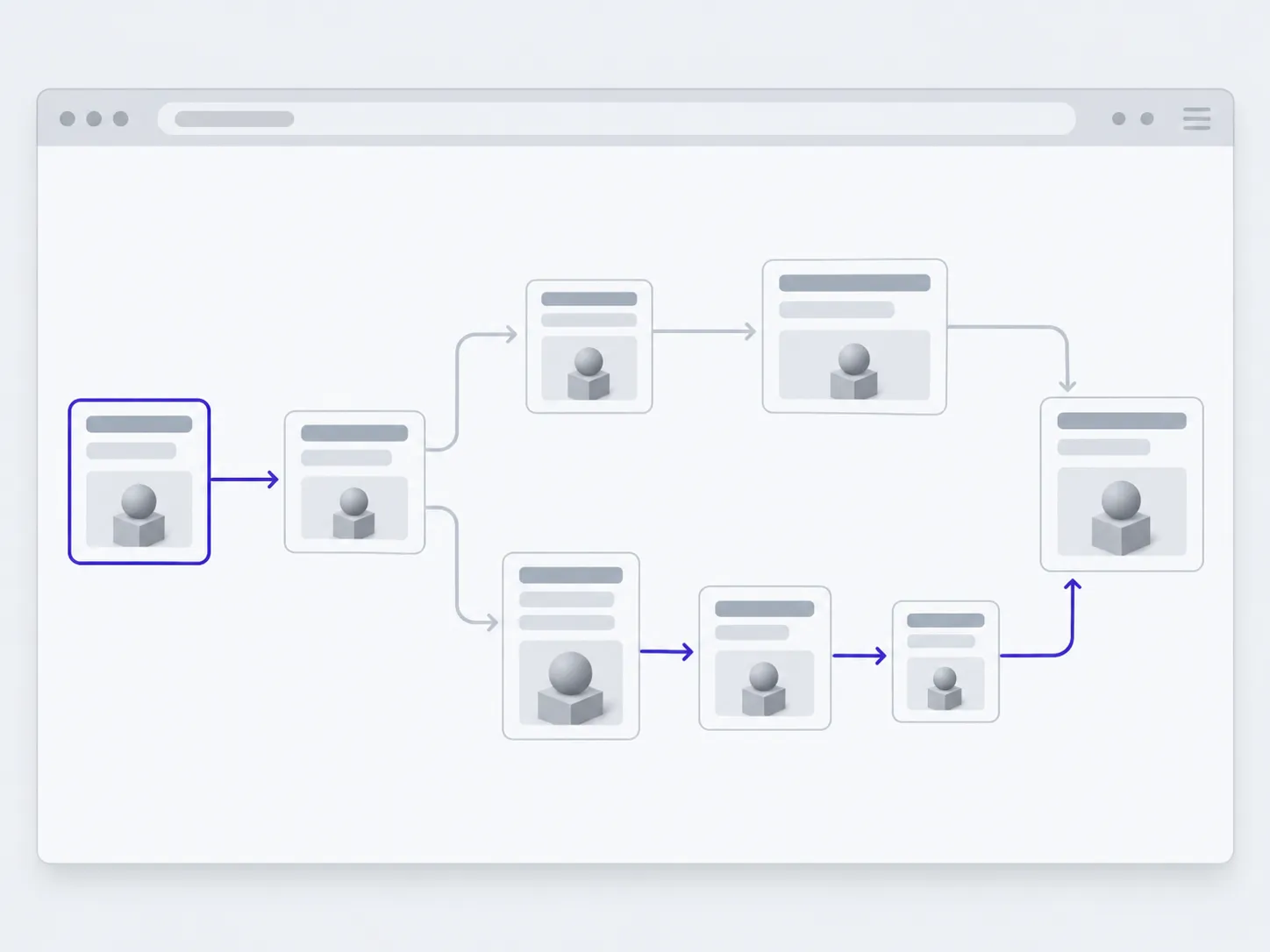
01Structure and journeys
What sits where, and the path a person takes to the thing they came for.
 02
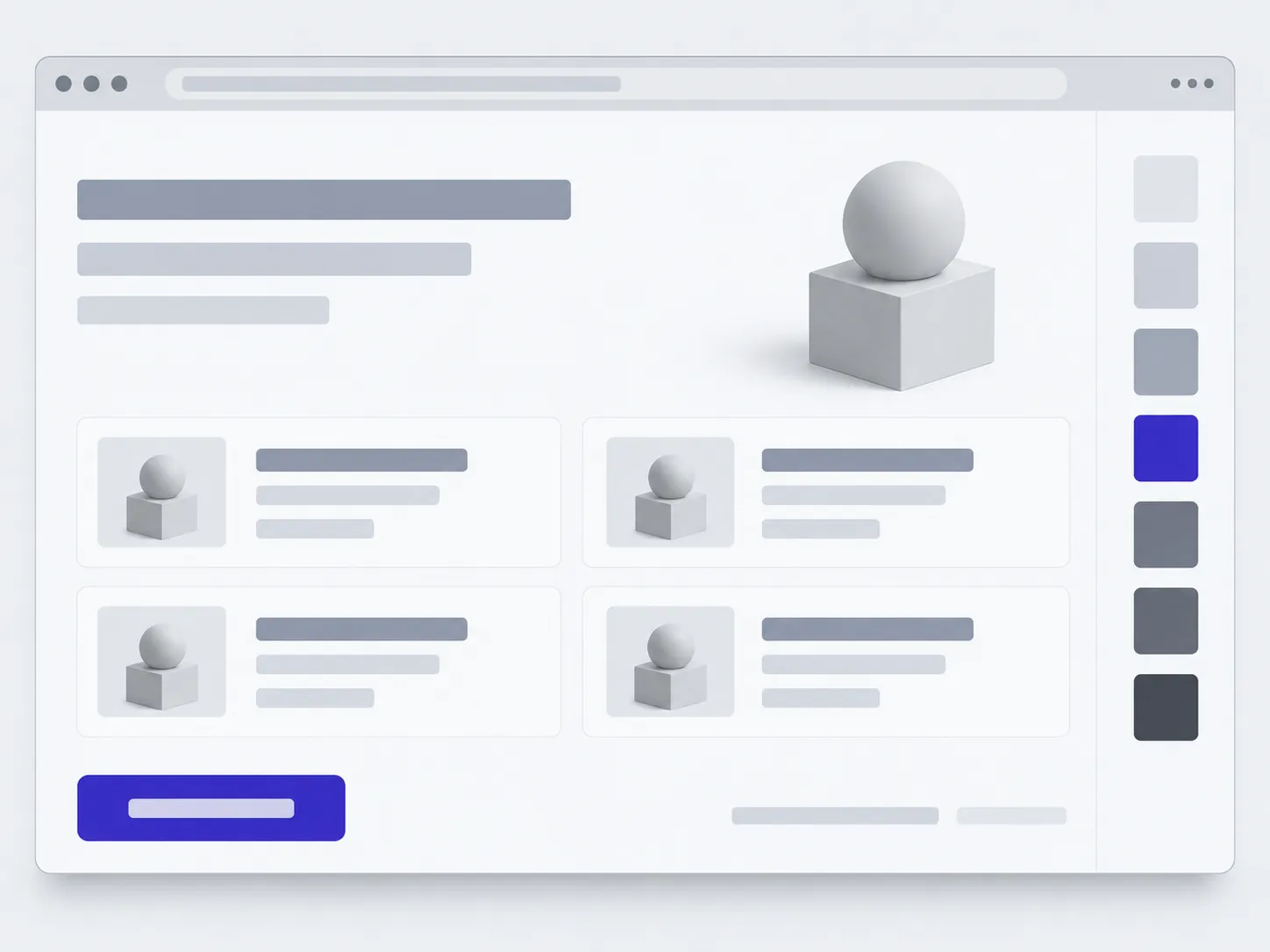
02Screen design
Type, colour, states. Including the empty screen and the one with the error.
 03
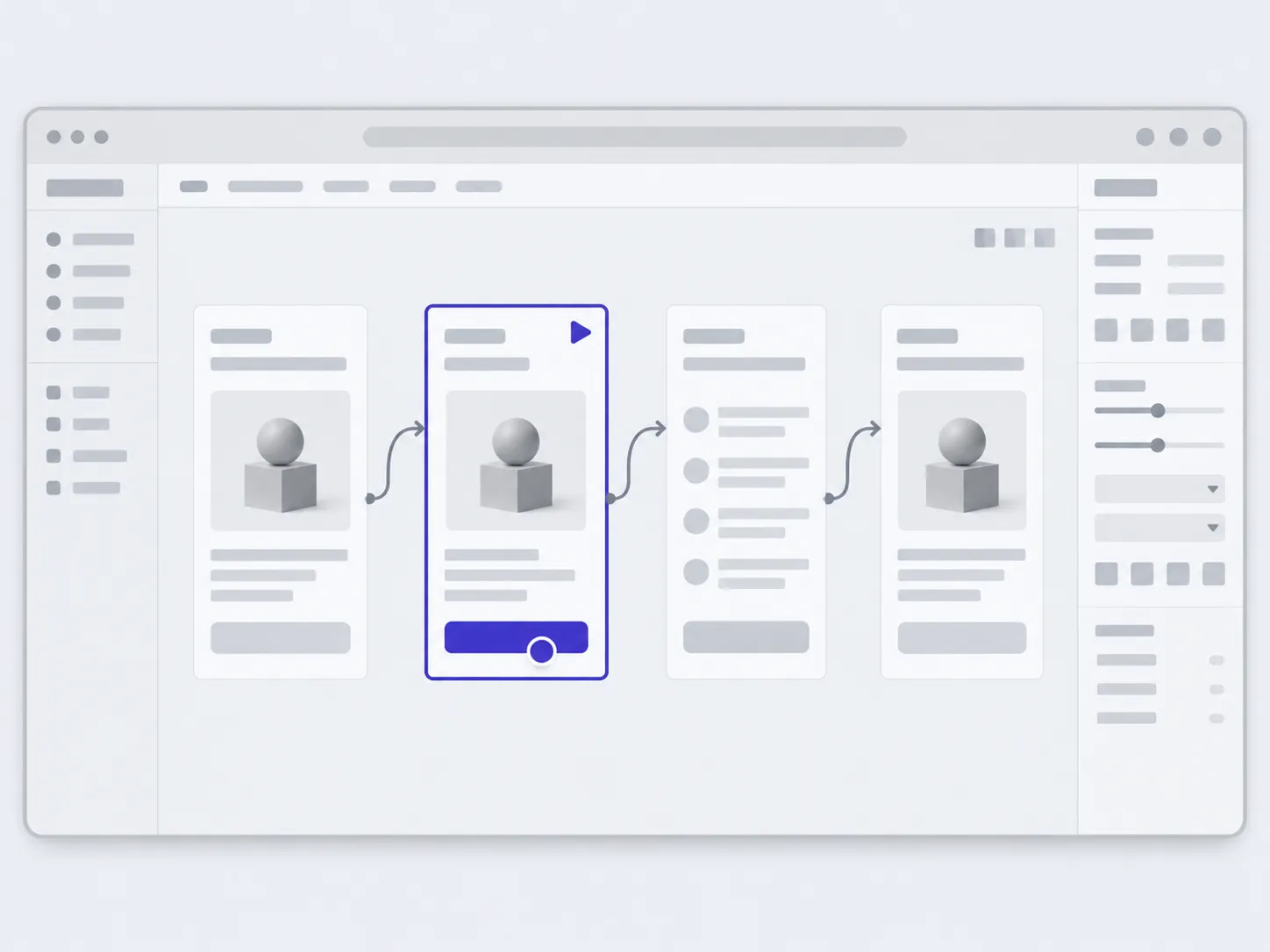
03A clickable prototype
Walk the path with a finger before any code exists.
 04
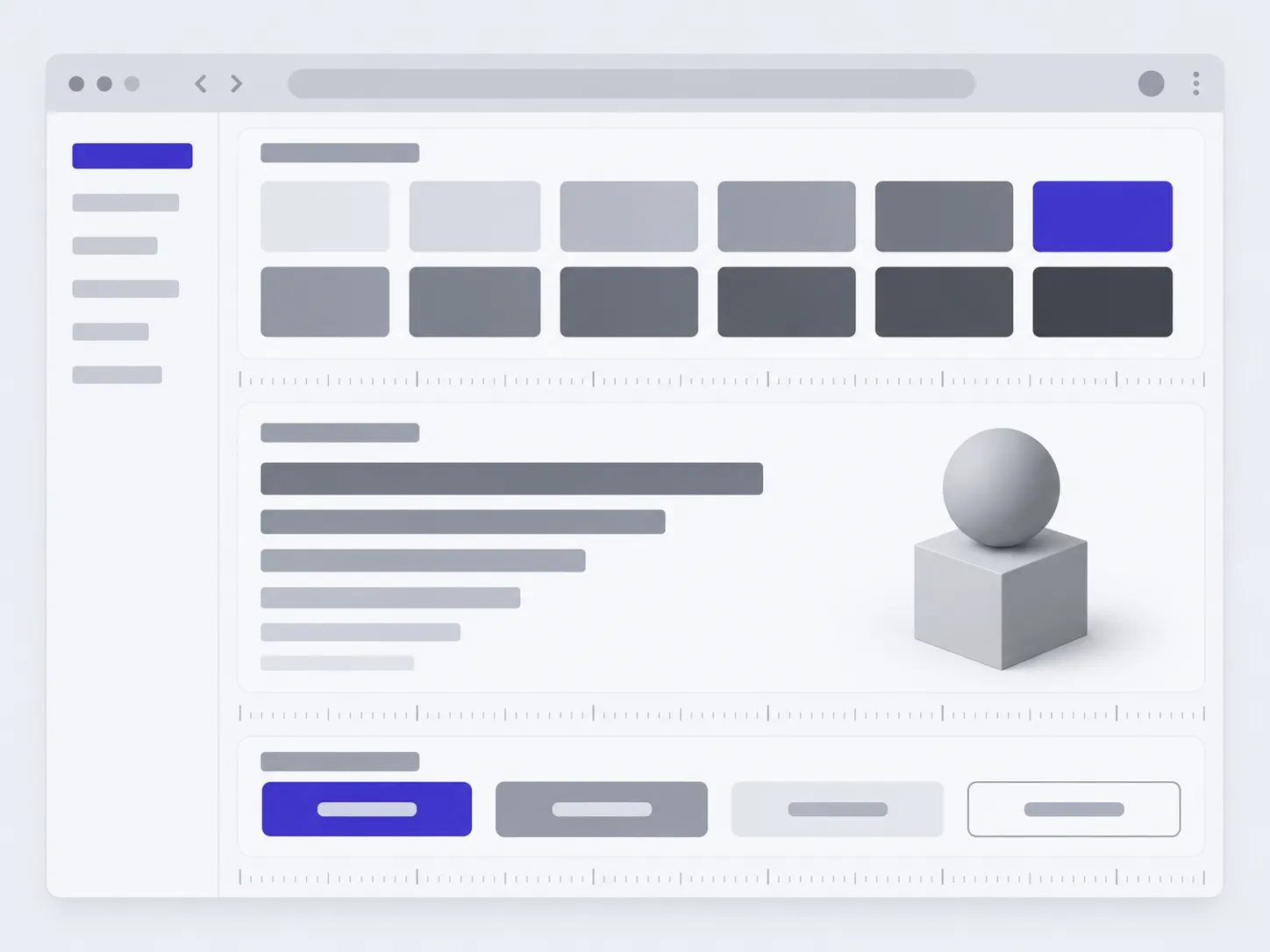
04A design system
Components and rules, so the next screen is drawn faster than the last one.
A stack any developer can take over
Designs and prototypes live in Figma, and the file stays with you. The developer gets components and specs to work from.
- Where we drawWhere the designs and prototypes live
- FigmaFigJamAuto layoutVariables and tokensLibraries
- What the developer getsA file to work from, not a picture to look at
- ComponentsStatesGrid and spacingIconsFontsSpecs
- Where AI helpsThe images and video on this site were made the same way
- Illustration and backgroundsScreen variantsStock replacementUpscaling and retouching
- What we check it againstSo the design does not fall apart in a browser
- 320pxContrast 4.5:1KeyboardTwo languagesLong text
From the first call to the designs
01
The call
You say what has to be done and why. The questions after that are ours to ask.
02
Structure
What sits where, and the path a person takes to act. Still without colour or type.
03
Screens and prototype
Screens and a clickable prototype. Changing a decision here costs hours.
04
Handover
Components, states, specs. We stay in touch while development runs.
What we do by default
These are not separate options or a line on the invoice. We work this way on every project, and you can look at it while the work is still running.
- 01States
- Every screen drawn empty, with an error and with long text.
- 02Accessibility
- Contrast from 4.5:1, targets sized for a finger, a sensible keyboard order.
- 03Phone
- Every screen has a mobile version from 320px.
- 04Languages
- We test the layout against the longer text of a second language.
- 05Components
- Repeating parts are collected in a library and reused.
- 06Handover
- The Figma file is yours, with every component and editing rights.
You will not have to write a brief
01
Someone who decides
One person on your side who says yes and collects the edits. When they arrive from three people at once they contradict each other, and the work has to be redone.
02
Facts, not finished copy
What you do, who for, what makes you different. We can write the text; we cannot invent the facts.
03
Photos and material
Your own photo always beats a stock one. If there is none, we generate it in your palette.
04
What is already drawn
Old designs, the logo, a brand book. So we do not redraw what already works.
What people ask before the first email
How much does it cost?
It depends on what exists and what has to come out, so we work it out after a short call. A project or a stage that is clear up front gets a fixed price. Work with someone else's code, bug hunting and tasks with an undefined scope are paid hourly: nobody can price in advance what they have not seen yet.
Support and development go by a monthly package of hours. TODO(owner): exact rates and a minimum budget have not been decided.
How long does it take?
It depends on the scope. After the call we name a date and keep to it. If anything moves, you hear it straight away rather than on the delivery date.
What do I end up with?
A Figma file with the screens, the components and a clickable prototype. The file is yours, with editing rights.
Can I order just the design, without development?
Yes. We put the files together so that any developer can work from them, not only ours.
What if a design already exists?
We look at what is worth keeping. Often it is enough to gather what exists into a system.
Who will actually do the work?
The people who answer your email. You talk to them directly.
Tell us what has to come out of it, and we will say which screen it starts with
- 01A link
to the site, the mock-up or the repository, whatever exists
- 02What to change
one sentence on what should become different
- 03Who it's for
who will use it: your customers, your team, and how many