

Prototyping and design · 01
Structure and user flows
A map of every page and every path a person takes to an order, drawn before any design. It shows where people get stuck and what happens when a payment fails. While it's still an outline, fixing that is an edit, not a rebuild.
- 01You tell us what the product is and what people should do in it
- 02We clarify the details by message or a call
- 03We give you the price and timeline of the map
Not sure structure and flows are what you need? Compare it with the other design services
What the map includes, and where it ends
The first list goes into every map we make; the second we add separately, when there are people to ask or data to analyse. The clickable prototype and screen design are done separately: here it's grey outlines only, no colour.
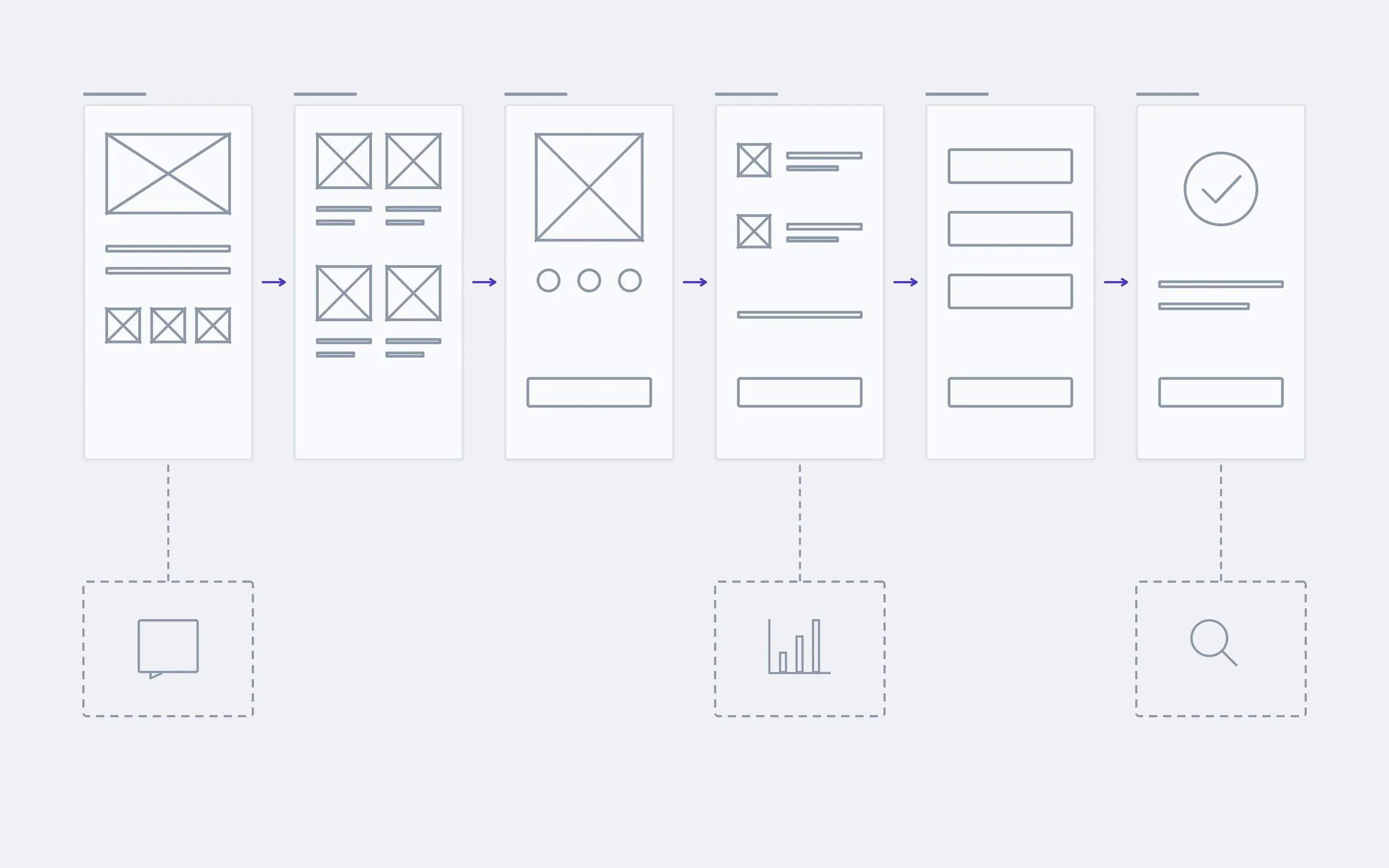
includedseparately, if needed
Page map
Every page or screen, how they connect and what sits in the menu.
User flows
A person's path to the main action: find, choose, order. Step by step, nothing skipped.
Error branches
What people see when a payment fails, an item is out of stock or a search finds nothing.
Roles
What a customer sees and what a manager or admin sees, if the product has several roles.
Wireframes of key screens
Grey outlines: which blocks are on a page and in what order, where the button and the form go.
Phone and desktop
Wireframes for both widths, because on a phone the order of blocks often changes.
Structure for search
Pages for what people actually search for, and a page hierarchy search engines can follow.
A file that works without us
Figma with a note beside every decision. Your designer or developer can carry on without calling us.
Separately
Analysing your current site's data
If a site or app already runs, we look at its analytics: where people come from, where they leave, what they search for and don't find.
Audit of the existing product
We walk through your flows ourselves and write down where people get stuck, with a reason and a priority for each.
What a shop's map looks like
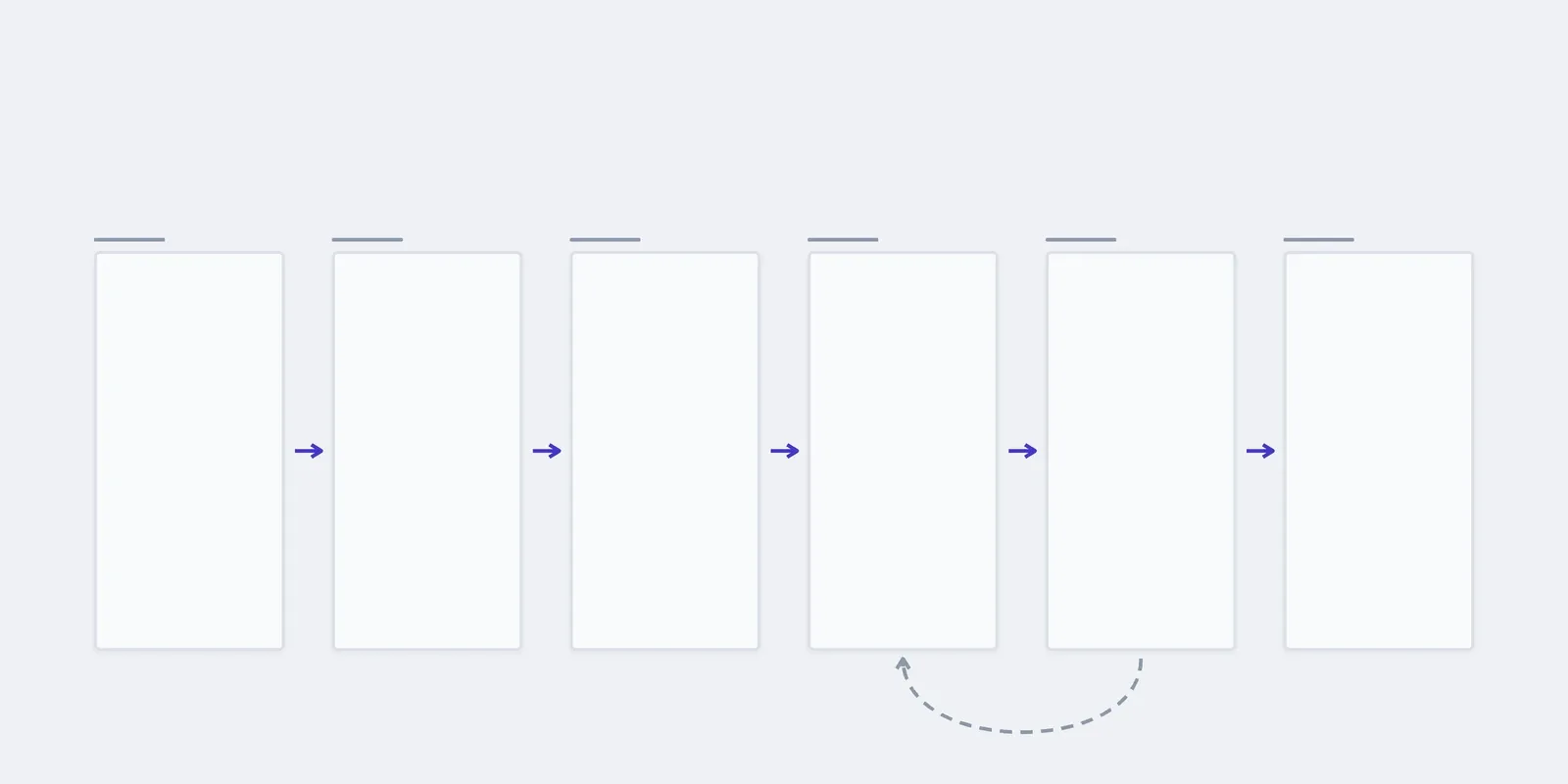
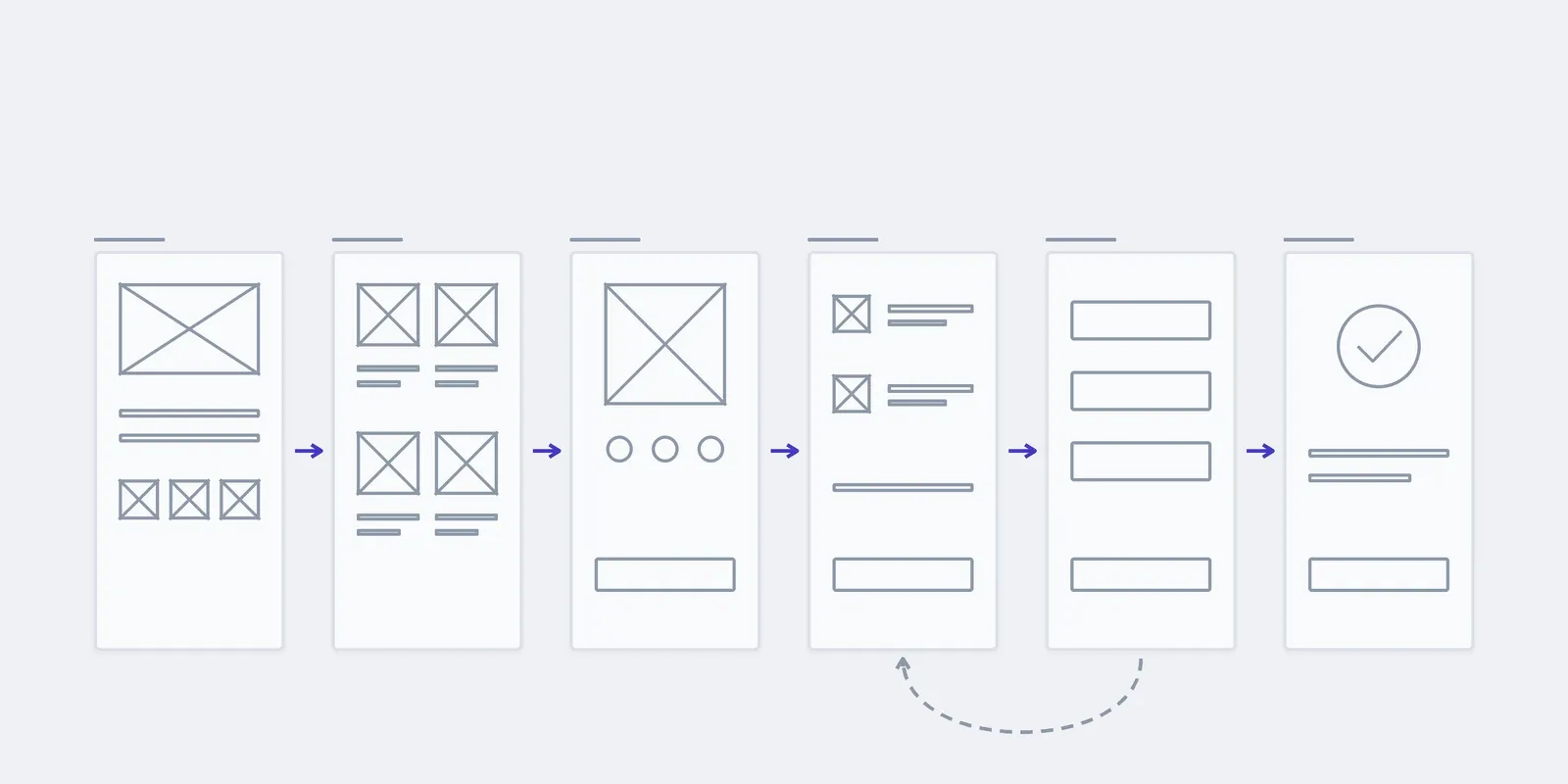
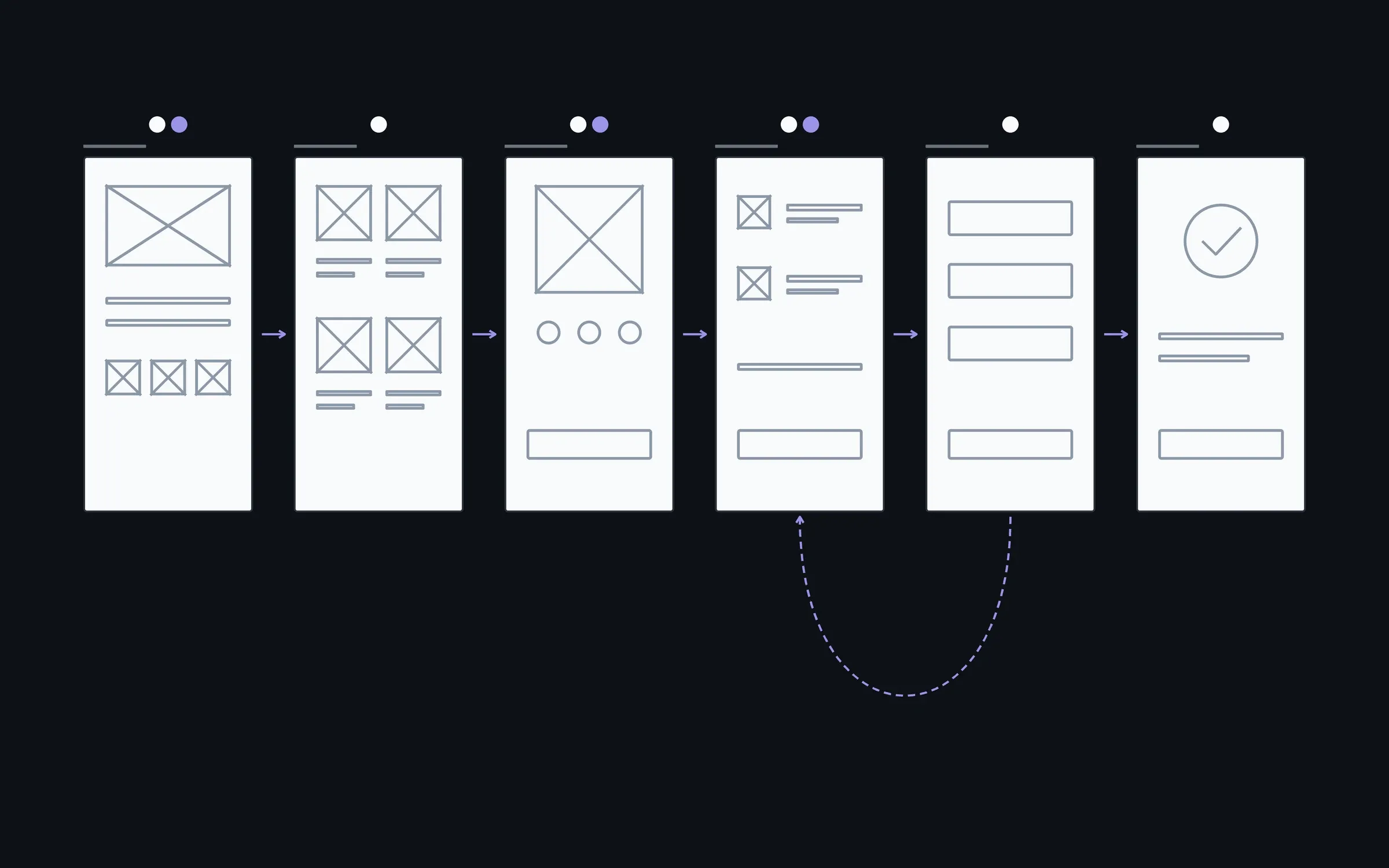
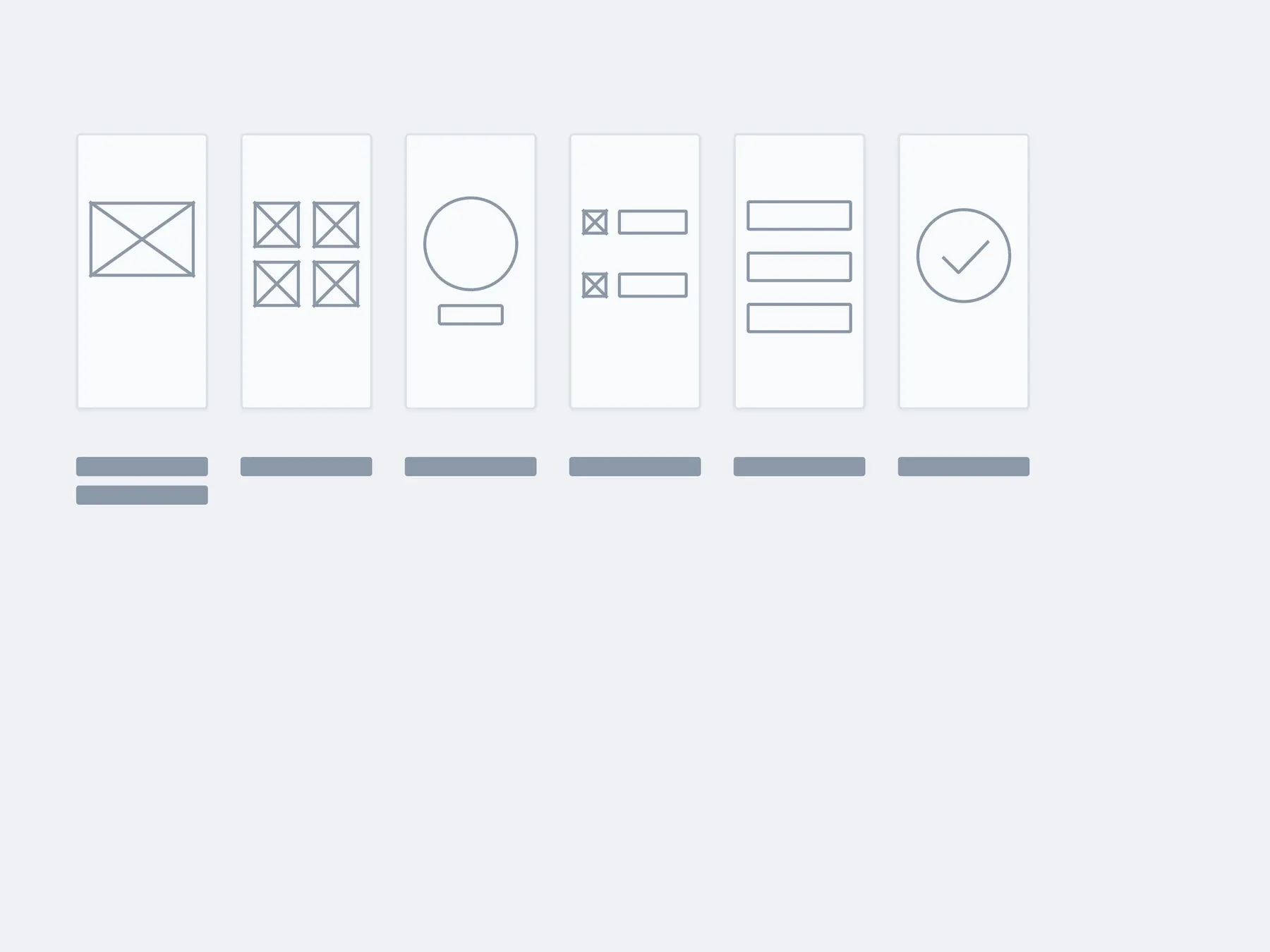
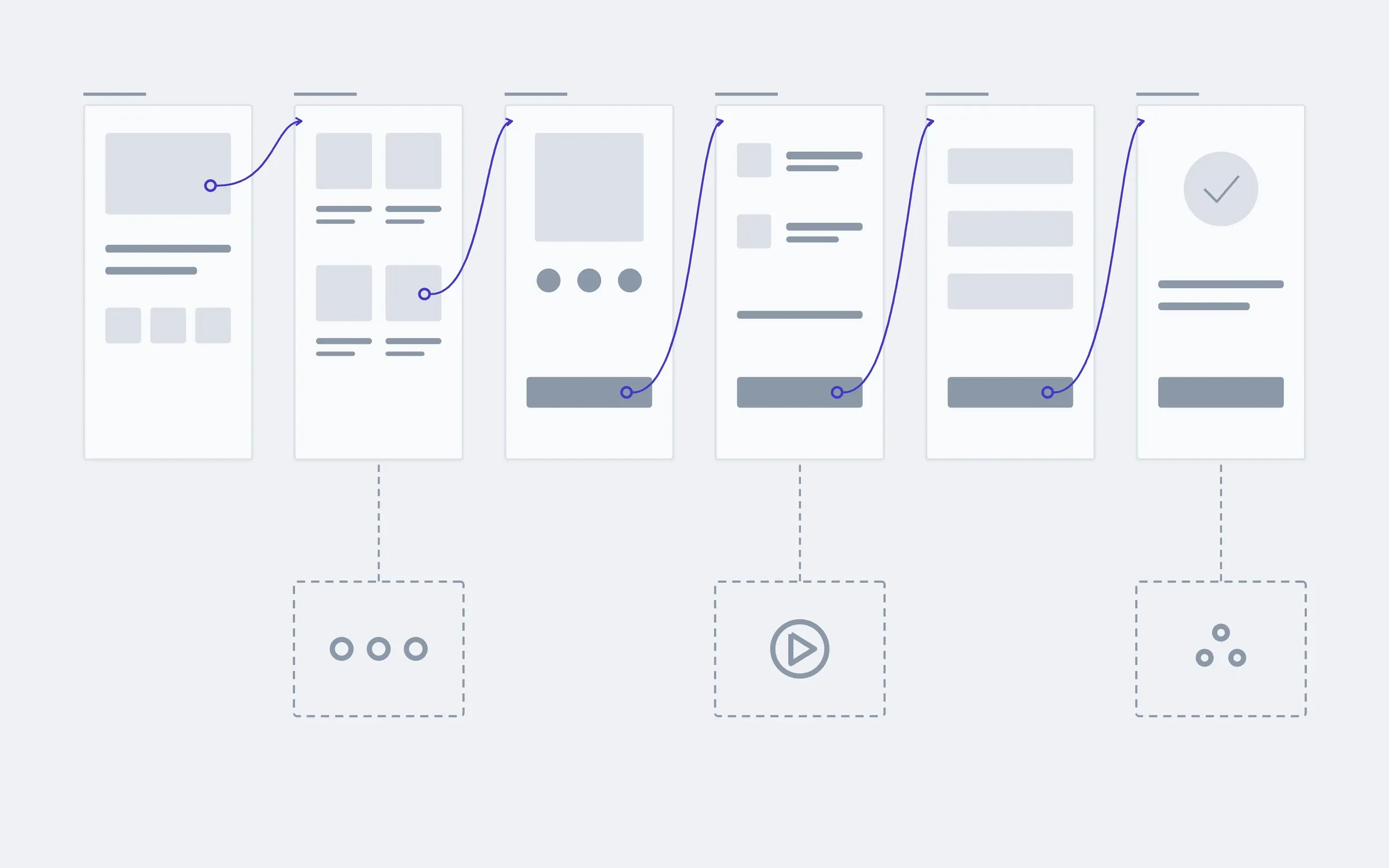
This is an example for an online shop. A booking service has a time picker instead of a cart, a company site has services instead of a catalogue, but the principle is the same: six steps to the action and what sits under each.
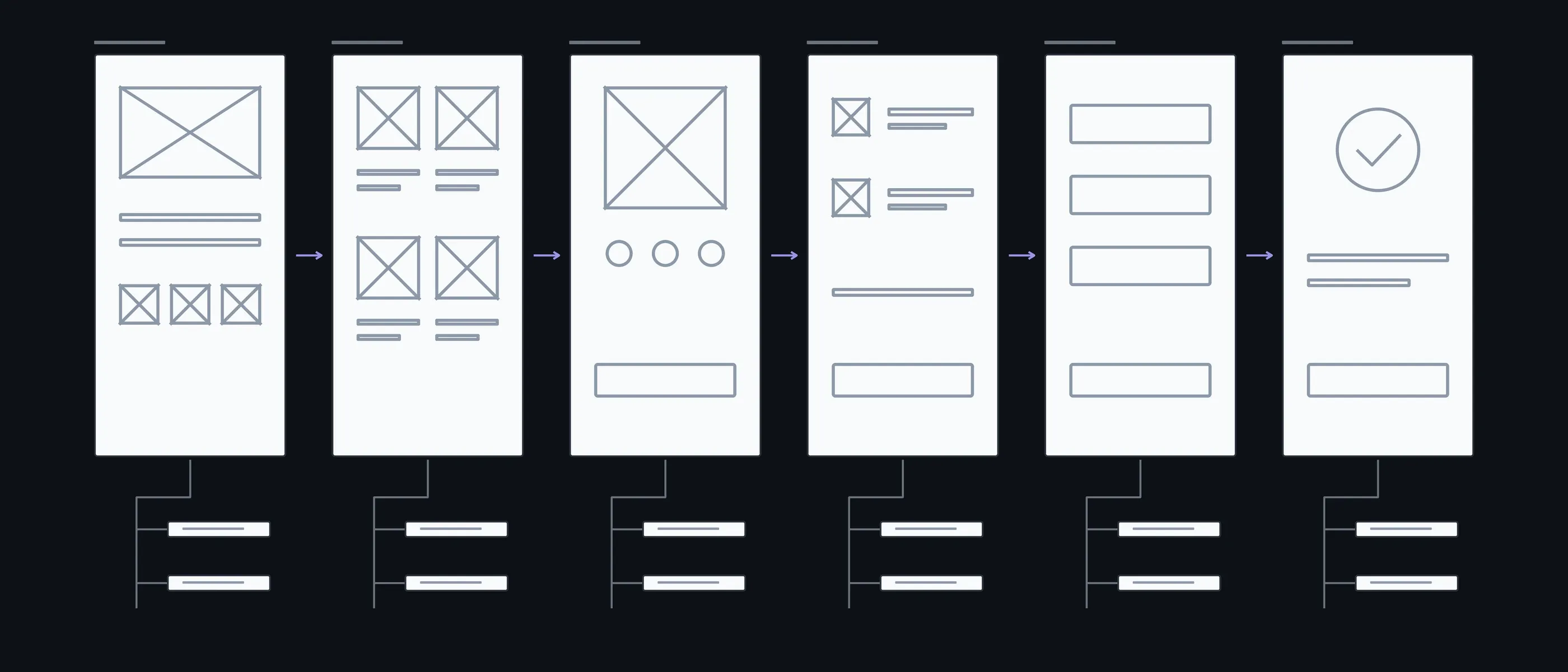
Home
Banner · Collections
Where people start
Catalogue
Filters · Search
Two ways to find the same product
Product
Photos · Options
Everything needed to decide without calling
Cart
Delivery · Promo code
Where people often change their mind
Payment
Card · Error
The branch that usually gets forgotten
Done
Email · Status
What people get after ordering
What you have in hand after each step
First we agree which pages exist and how they connect, and only then decide what goes on them. That's why a change on the map stays an edit to the outline and doesn't mean redoing the mockups.
01Conversation
We go through who comes, what they need to do and what already exists: a site, analytics, sketches on paper.
In hand
A list of roles and main actions
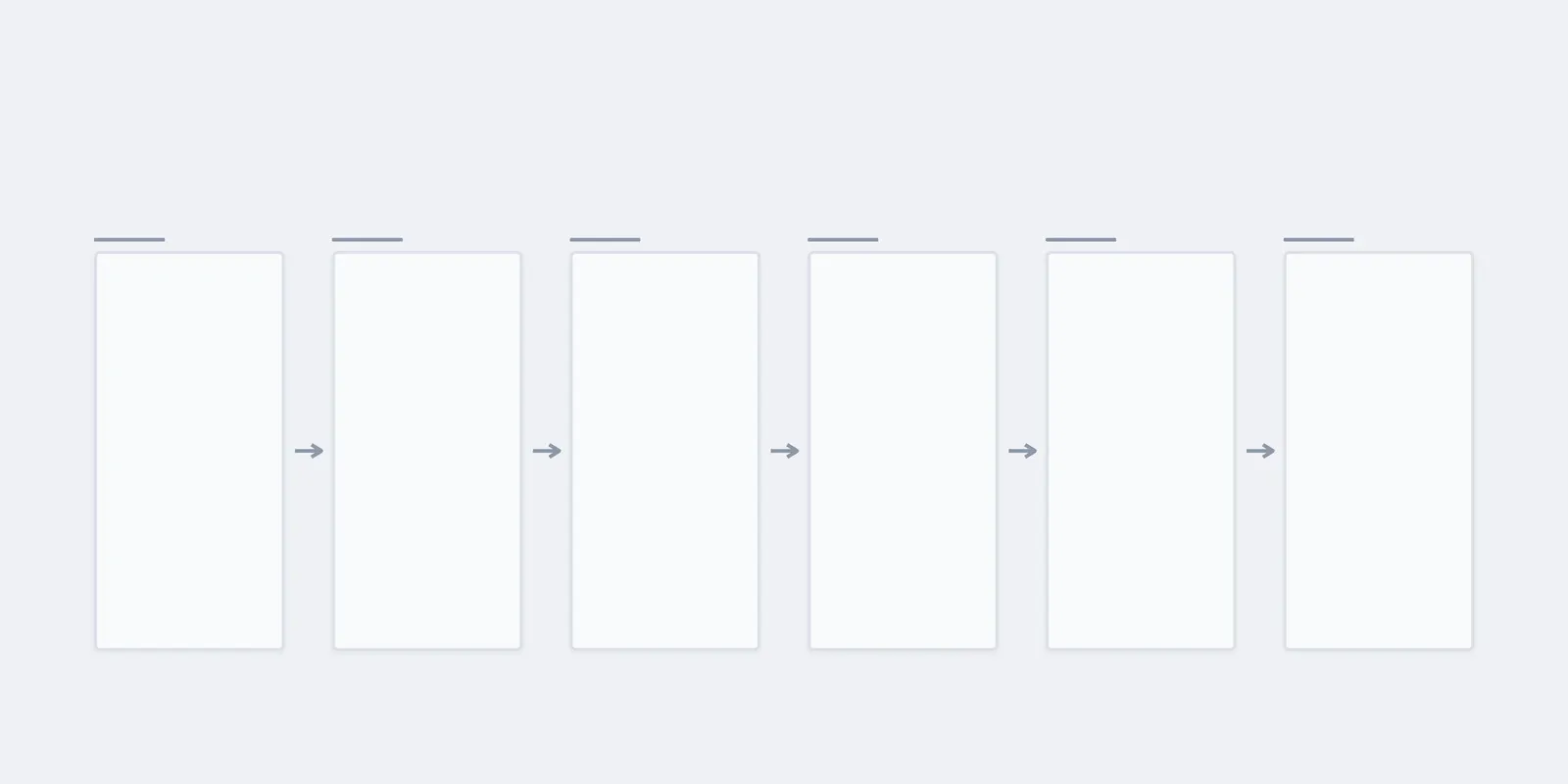
02Map
Every page or screen and the links between them, no content yet.
In hand
A page map you can sign off in one call
03Flows
We trace the main paths across the map and add the branches: an error, a step back, an empty result.
In hand
Flows with their error branches
04Wireframe
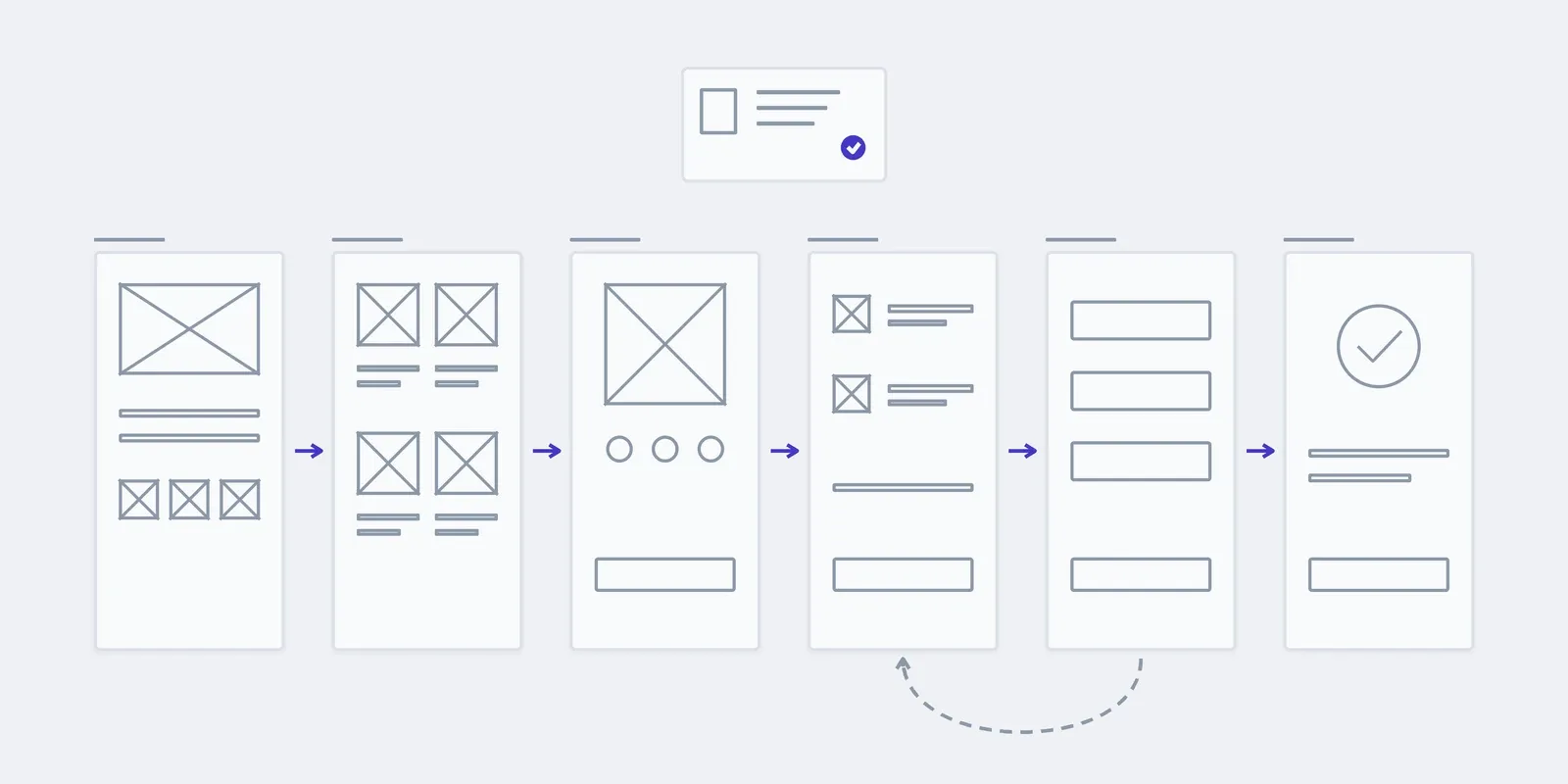
Grey outlines of the key screens: which blocks, in what order, where the action is.
In hand
Wireframes for phone and desktop
05Handover
We put everything into one file with notes and walk through it with the designer or developer who will take it from there.
In hand
A Figma file that makes sense without us
What the price and timeline depend on
A map of a simple site is done sooner than one for a service with several roles. After the conversation we give a fixed price and timeline for the whole map.
- 01Flows and branches
- How many paths lead to the action, and how many places where something can go wrong.
- 02Roles
- A customer and a manager see different things. Each role adds its own screens and flows.
- 03What already exists
- Whether there's a site, analytics, your own sketches. Working from what exists takes longer than starting from a blank page, but the map comes out more accurate.
- 04Who takes it from here
- If the file goes to another team, it carries more notes than when we do the design ourselves.
The map stays as the product grows
Your team adds a new page by the map: you can see where it goes and what connects to it. A new flow, such as product returns, we design together as a separate stage.
01Handover
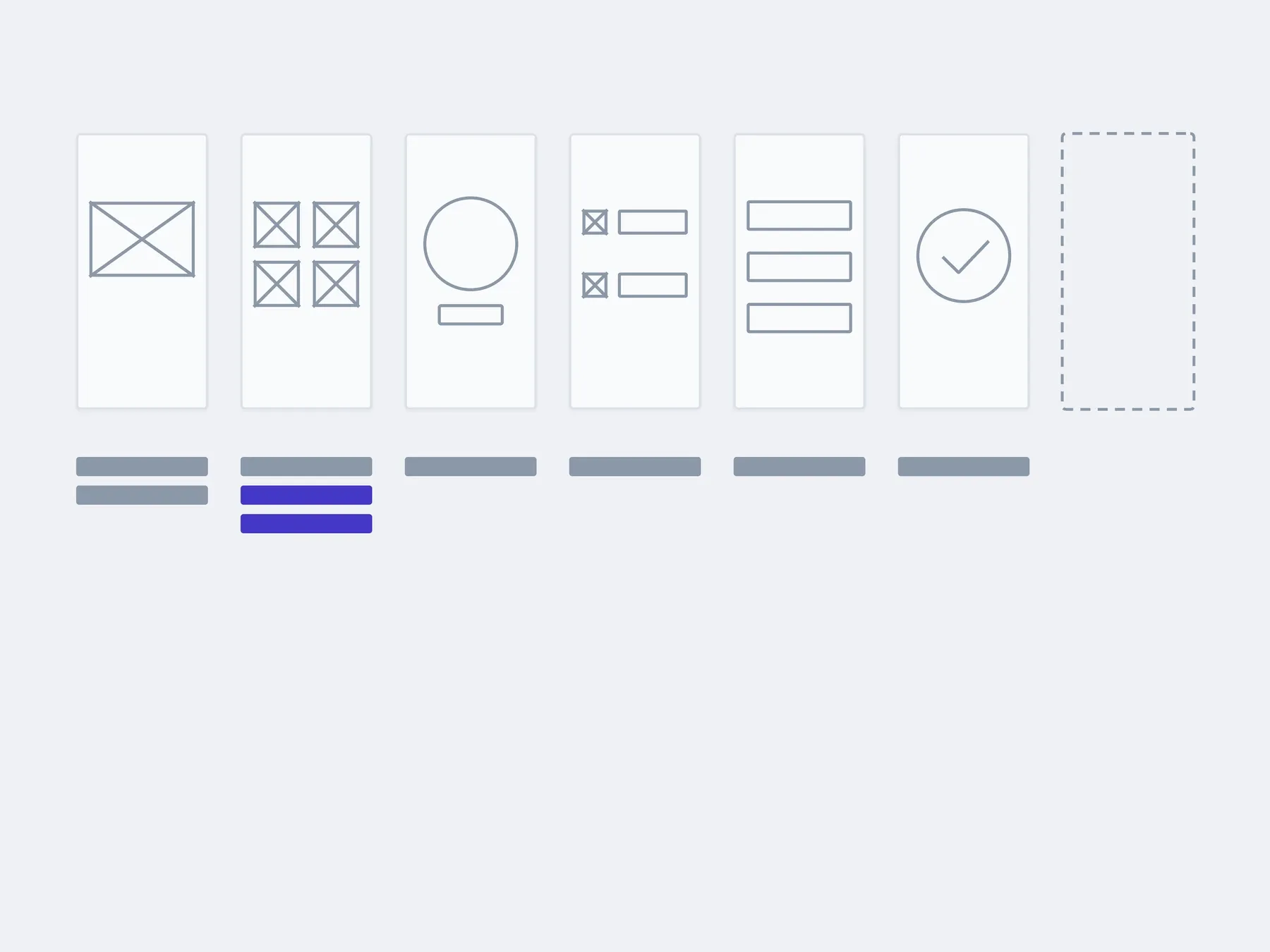
02In 3 months
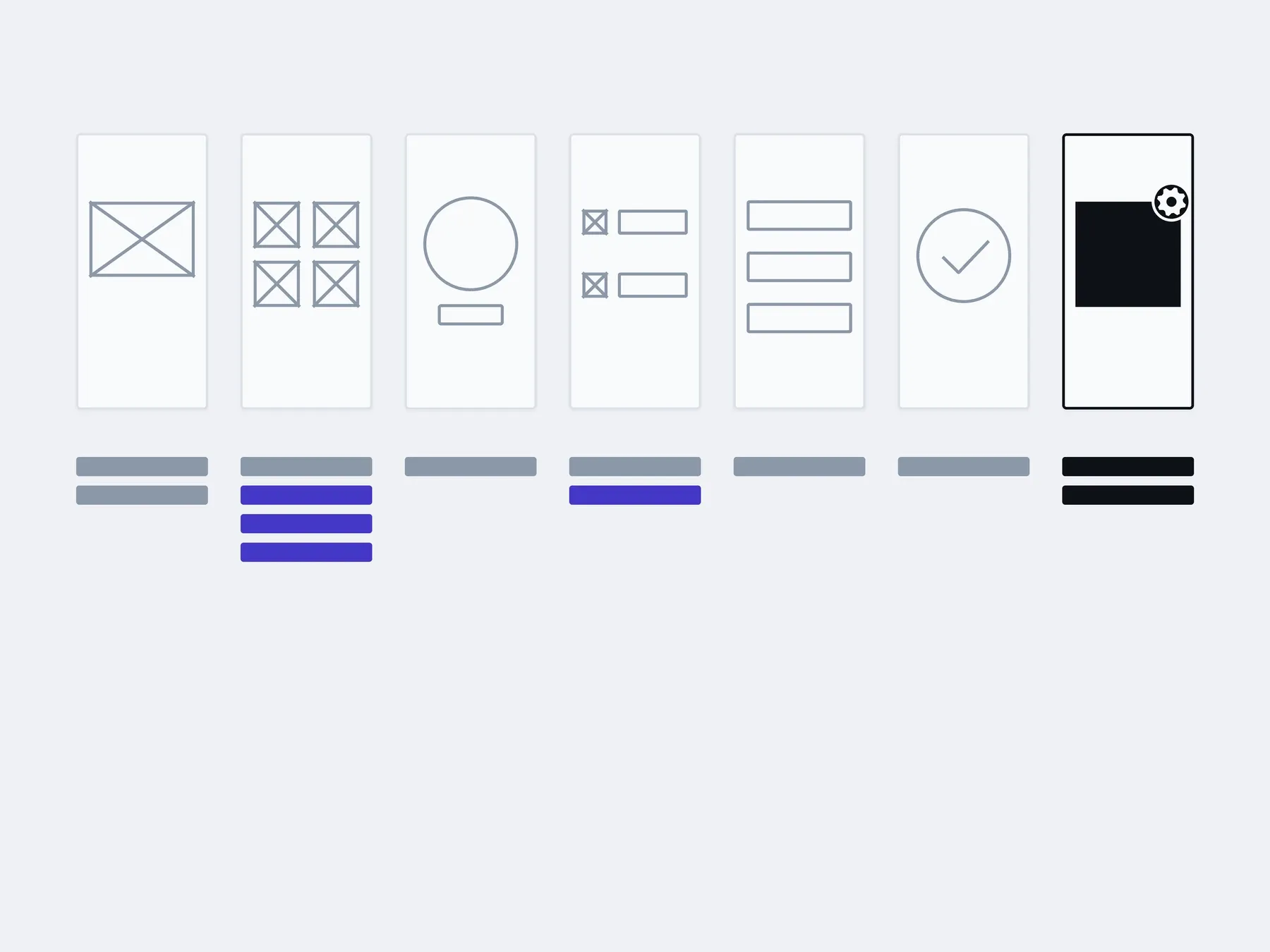
03In six months
added by your team from the map: new pagesadded with us: a new flow
The timings are illustrative: an example, not a plan.
You, in the admin
- New categories and pages
- New products in the catalogue
- Offer pages
- Menu items
About structure and user flows
Can I order design only, without development?
A map is needed in all three cases; the difference is who works from it next. You can take it to your own team: the file makes sense without us.
Design only. You hand the map, wireframes or mockups to your own developers. When you already have a developer, but nobody to decide what they build.
Design and build. We do the map, the design and the code, from outline to launch. When there is no product yet and it's easier to have one studio answer for all of it.
Tidying up what exists. The site or app exists, but pages were added as they came up. When people get lost in the menu and every new page is invented from scratch.
How much does the structure cost?
After the conversation we give a fixed price for the whole map. It depends on the number of flows and roles, on whether there's anything to analyse, and on who works from the file next.
Why a map if we can go straight to design?
Because at the design stage people discuss the colour of a button, not whether the page should exist at all. When the structure isn't agreed, it changes in the mockups or the code, and each such change costs more.
How is this different from a clickable prototype?
The map and wireframes answer which pages exist and what is on them. A prototype lets you walk the path with a finger on a phone. A prototype is built on the map, so the map comes first.
Can we take just the map to our own designer?
Yes. It's a Figma file with a note beside every decision, and at handover we walk your designer or developer through it.
We already have a site. Can we start from it?
Yes. First we walk through the existing flows and look at the analytics, if there are any, then build the map on what works and fix the places where people get lost.
Do we need a specification?
No. It's enough to tell us what people should do in your product. The map, flows and wireframes then become the basis of the development brief.
Who owns the file?
You do. We transfer the Figma file to your account, and it can be used without us.
What gets built on the map
Structure is only the first step of design. Next come the screens, the prototype and the component system, all built on it.
- This pageStructure and journeysWhat sits where, and the path a person takes to the thing they came for.
- Screen designType, colour, states. Including the empty screen and the one with the error.
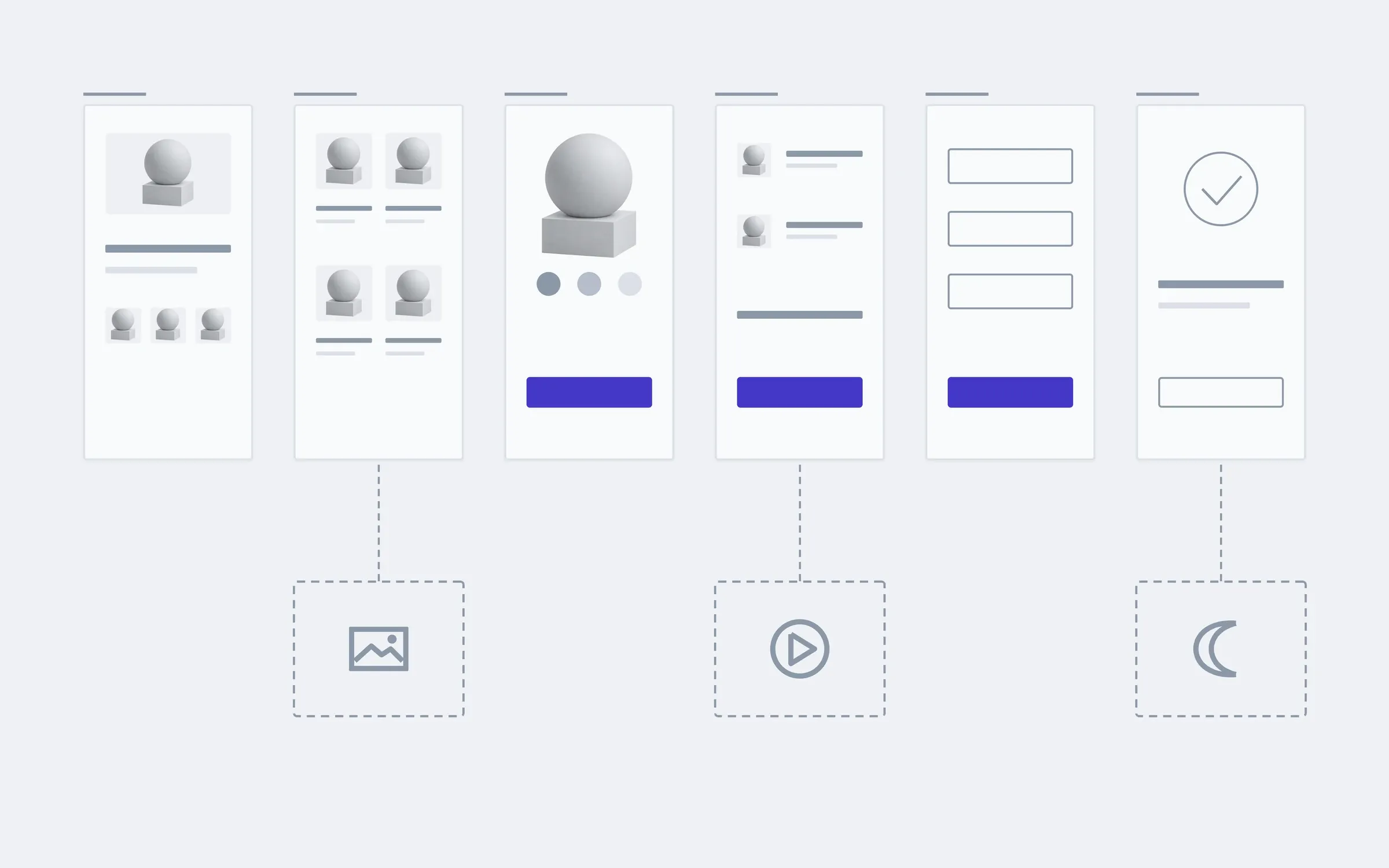
- A clickable prototypeWalk the path with a finger before any code exists.
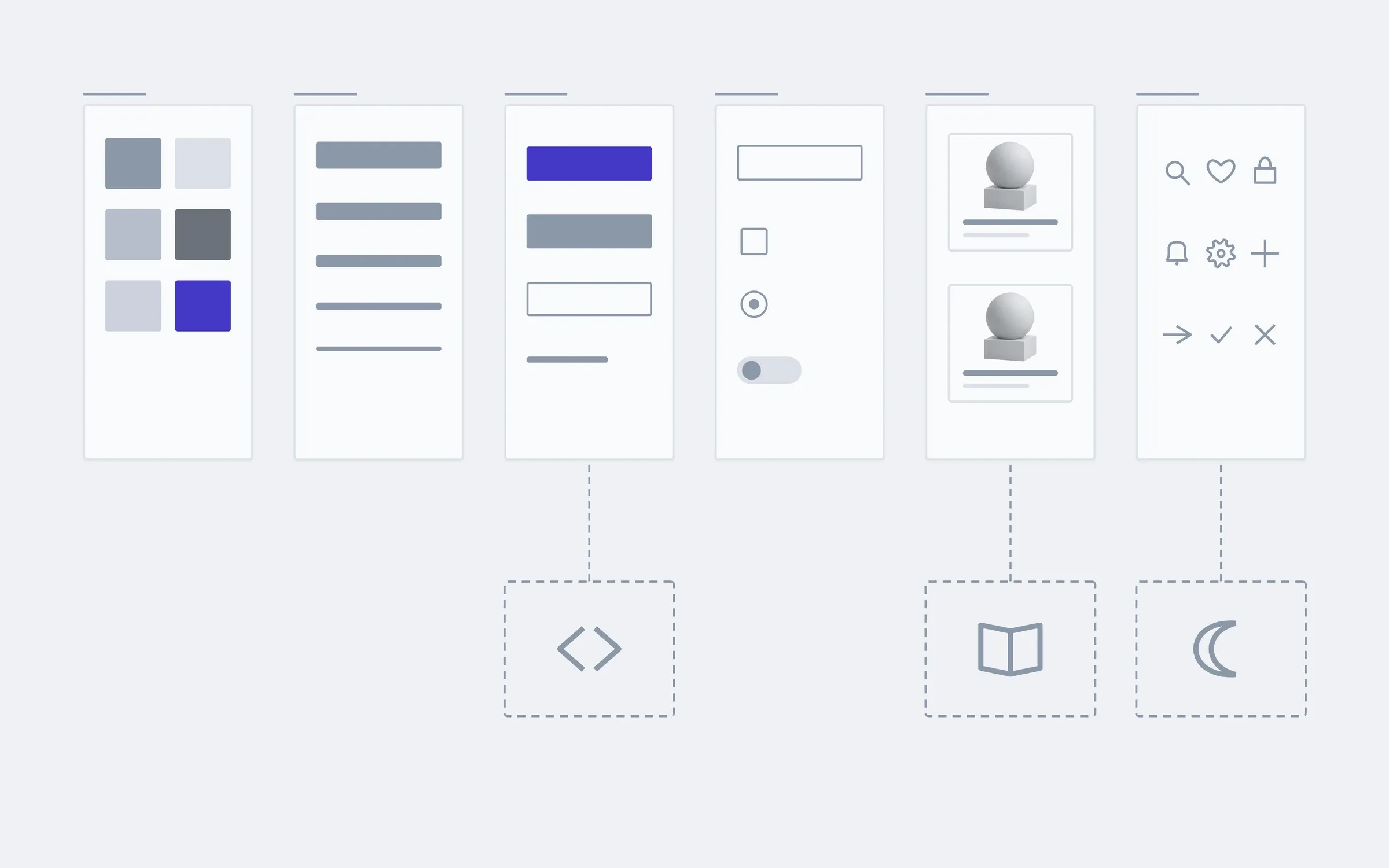
- A design systemComponents and rules, so the next screen is drawn faster than the last one.
Tell us what people should do in your product, and we'll tell you how many pages and flows stand behind it.
- 01A link
to the site, the mock-up or the repository, whatever exists
- 02What to change
one sentence on what should become different
- 03Who it's for
who will use it: your customers, your team, and how many