

Rework and support · 03
New features
The site works, but it's missing one thing: a filter, an account area, a new way to pay or to deliver. We add it to the code you already have, in its style, and leave alone what already works.
- 01You tell us what should appear and why
- 02We look at the code and where it fits, free of charge
- 03We give you a fixed price and timeline
Not sure a new feature is what you need? Compare it with the other support services
What a new feature includes, and where it ends
The first list goes into every feature. The second we add separately: when there's no mockup, when the feature needs protecting from later changes, or when your team needs it explained.
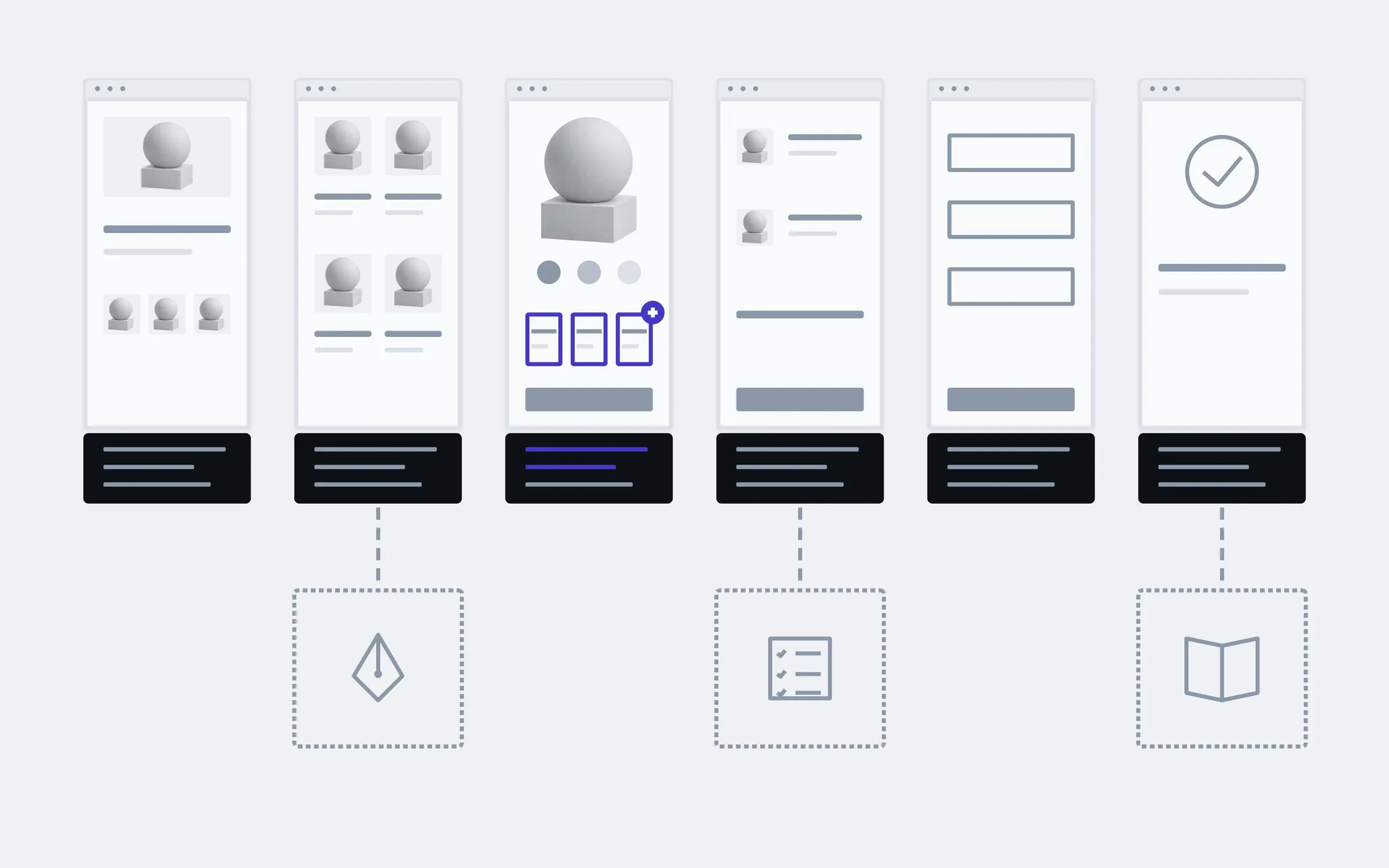
includedseparately, if needed
Code review
Before writing anything, we work out how the project is built: where the data lives, how pages are put together, what the admin can already do.
A place for it
We decide where the new part goes in the code and on the page, so it doesn't drag the neighbouring parts along.
Code in the project's style
We write the way your project is written, not the way we're used to. The next developer won't find two different sites inside one.
Data and admin
New fields and settings that you then change yourselves, without a developer.
Phone and desktop
We check the new block at both widths and in your visitors' browsers.
Neighbours untouched
Before launch we walk through the pages connected to the feature: the cart, the payment, the email.
A launch that can be switched off
We turn the new part on once it's checked, and can turn it off if something goes wrong.
A change report
What we added to the code and the admin, so your next developer can find it without us.
Separately
Design for the new block
If there's no mockup, we design the block in the site's existing style rather than a new one.
Automated tests
Tests on the main flows, so the next feature doesn't break this one.
A guide for your team
Step by step for your managers: how to fill in the new block and what each field means.
What a new feature touches
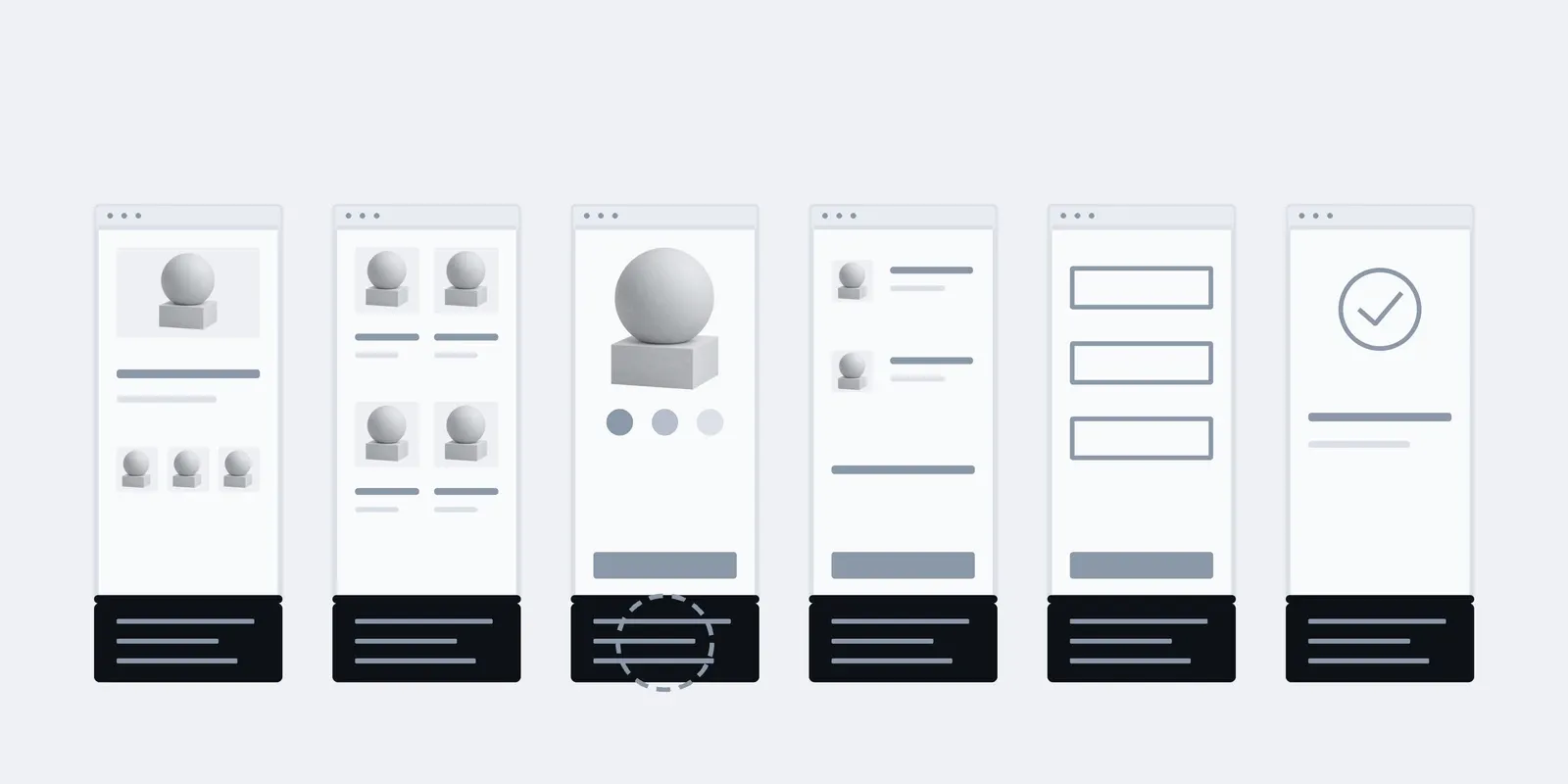
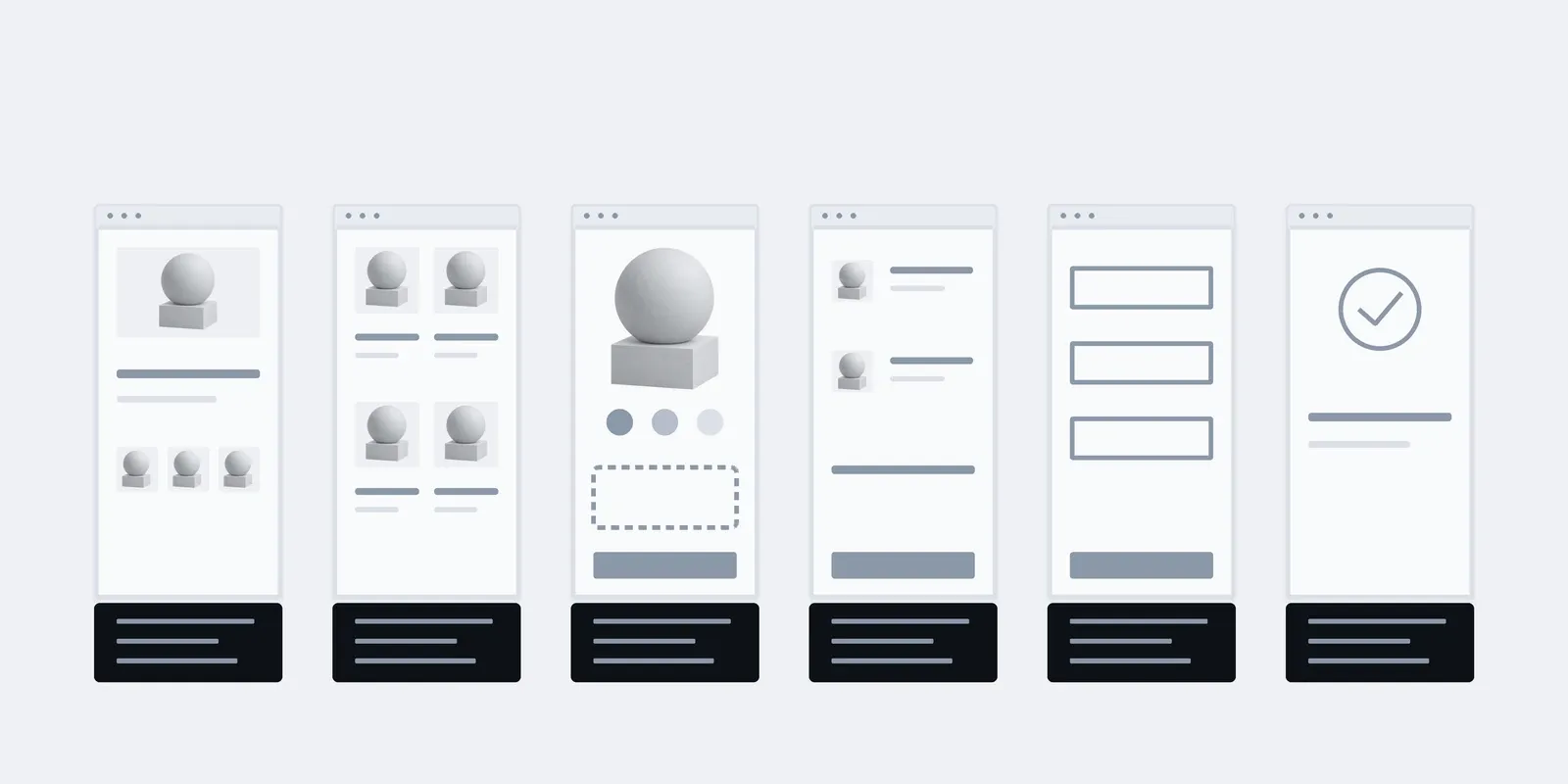
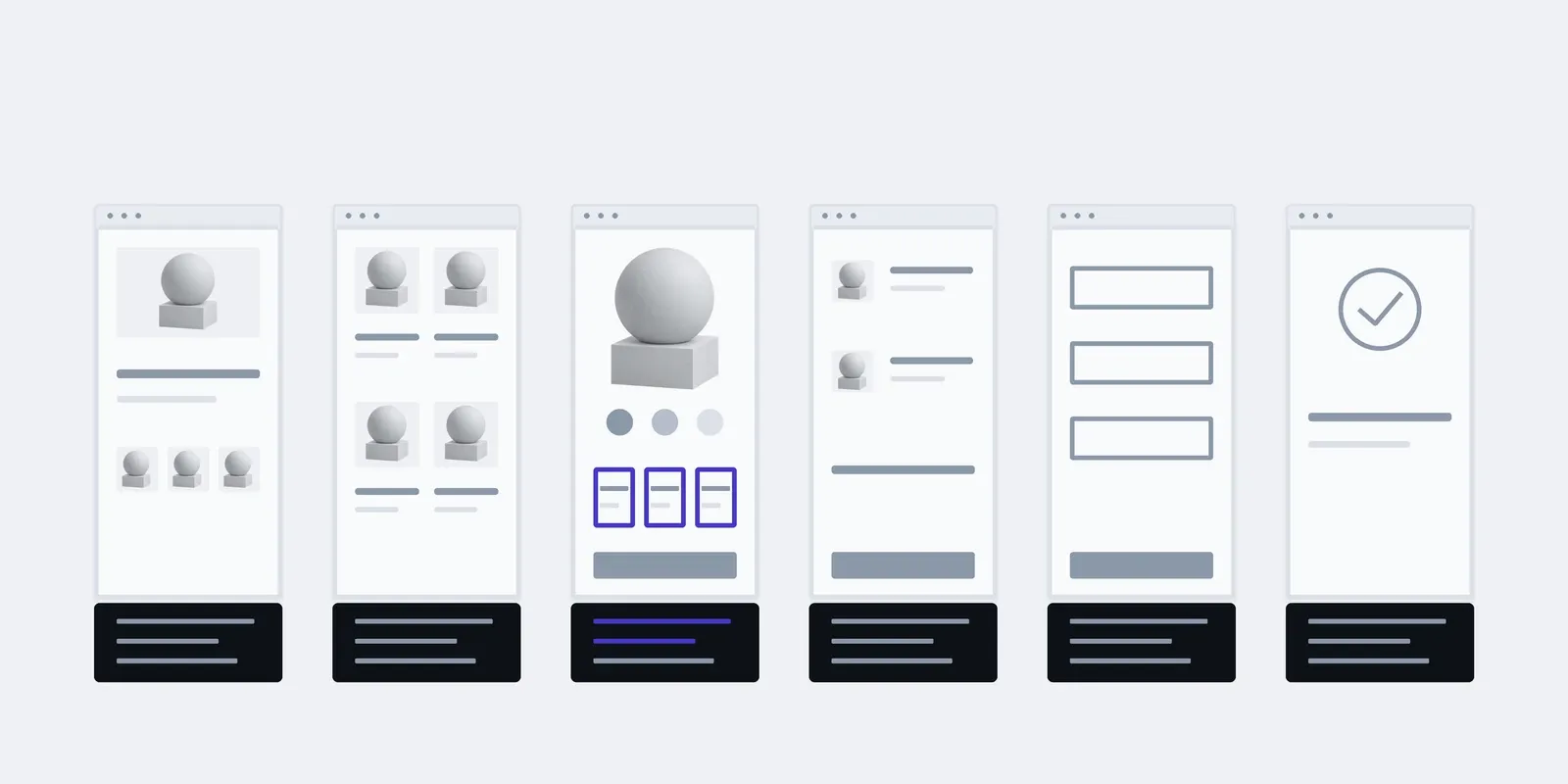
An example for a shop: a new block on the product page, say a bundle picker. Under each page are the two parts it might touch. Before any code, you can see what will change and what stays as it is.
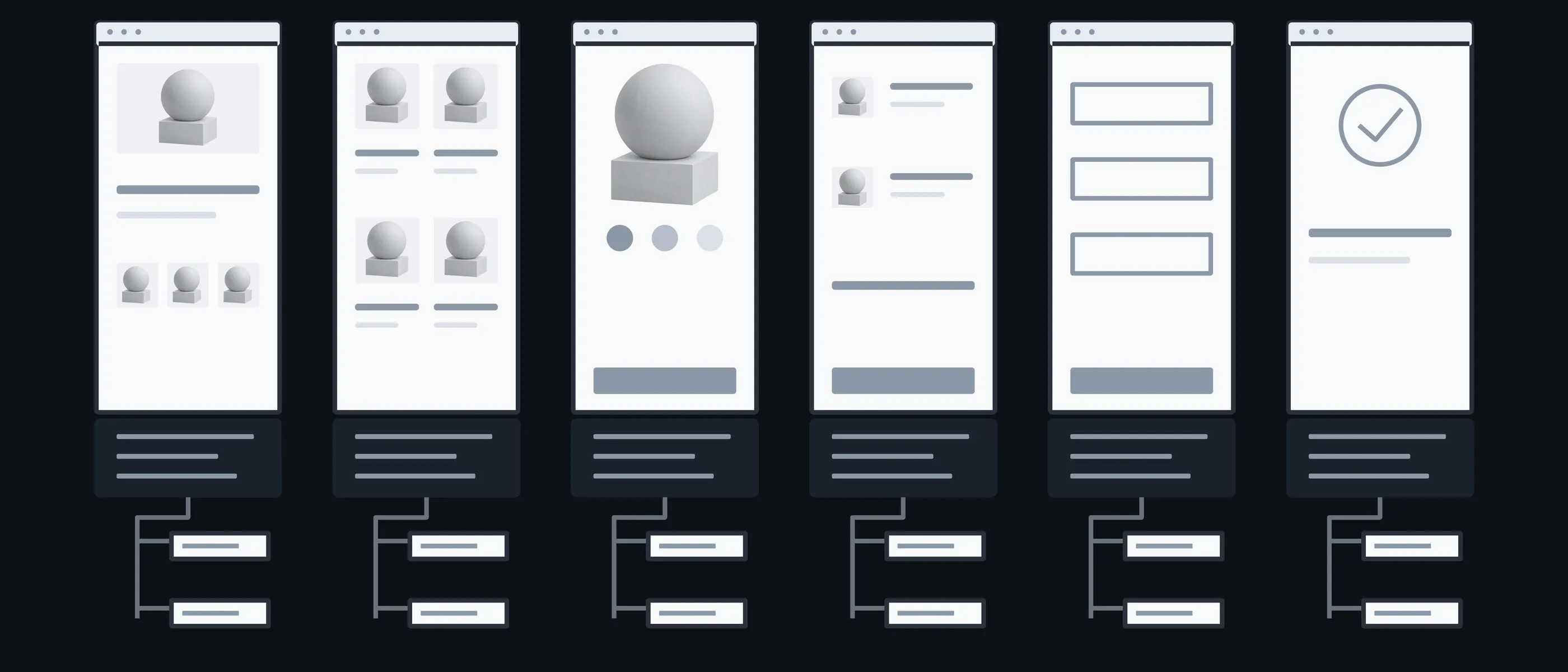
Home
Block · Menu
Whether the new thing shows on the home page
Catalogue
Filter · Badge
A new filter, or a badge on the product card
Product
New block · Data
The block itself and the data it needs
Cart
Total · Discount
How the new thing changes the total
Payment
Field · Rule
A new field or rule at checkout
Order
Email · Admin
What the customer sees in the email and the manager sees in the admin
What you have in hand after each step
The longest part here isn't writing code but understanding someone else's. That's why the review comes first, and after it the price is fixed.

01Conversation
You tell us what the feature should do and who will use it: a customer or a manager.
In hand
A one-page description of the feature
02Code review
We look at how the project is built and what can be reused.
In hand
A fixed price and timeline
03Placement
We show where the feature goes on the page and in the code, and what it touches.
In hand
A map of the changes you approve before any code
04Build
We build the feature on a copy of the site and show it working.
In hand
A feature you can click
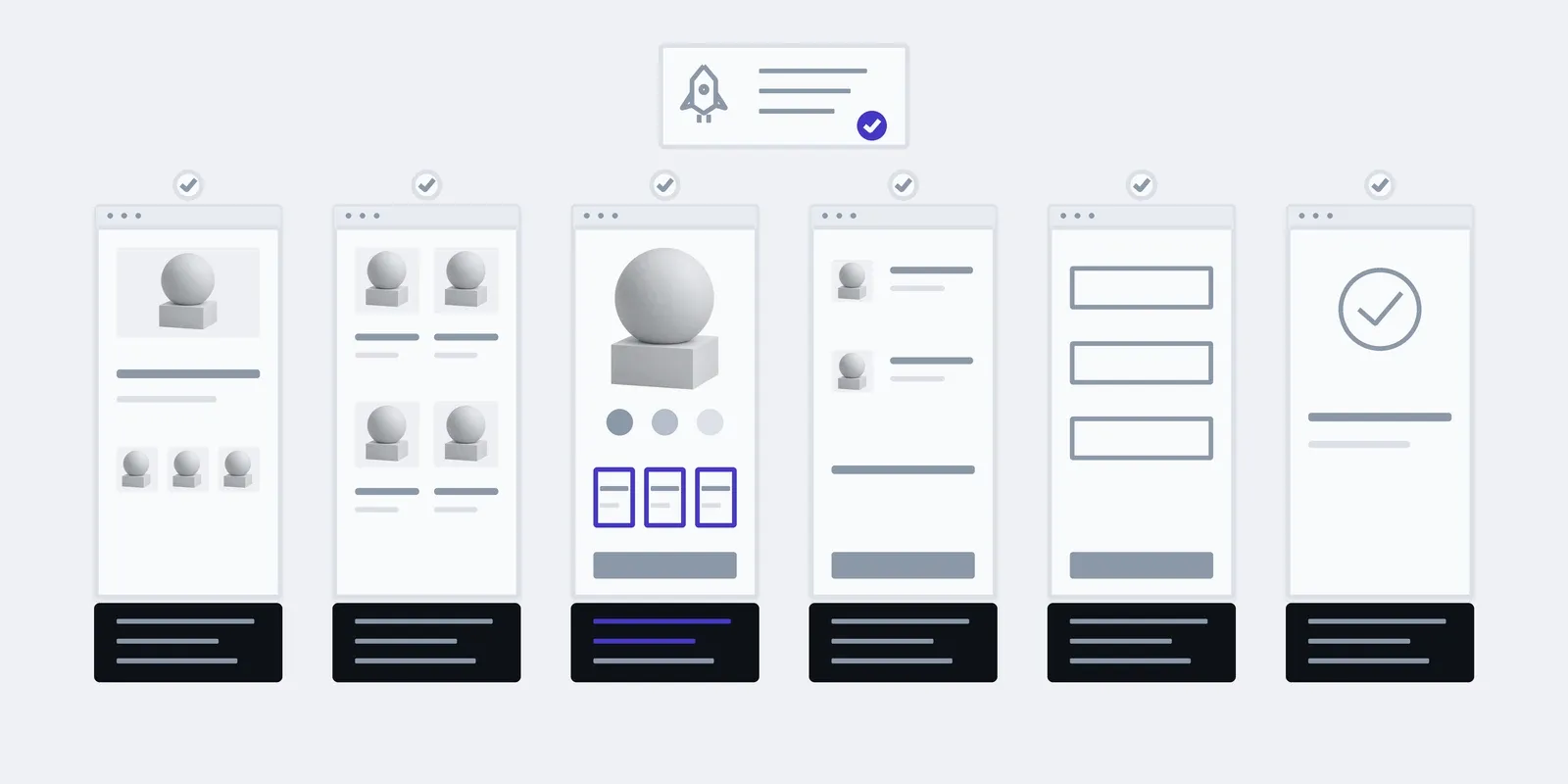
05Launch
We move it to the live site and check the connected pages.
In hand
A change report
What the price and timeline depend on
Once the feature is described and the code reviewed, we give you a fixed price for it. If the work turns out to need more, we discuss it before doing it.
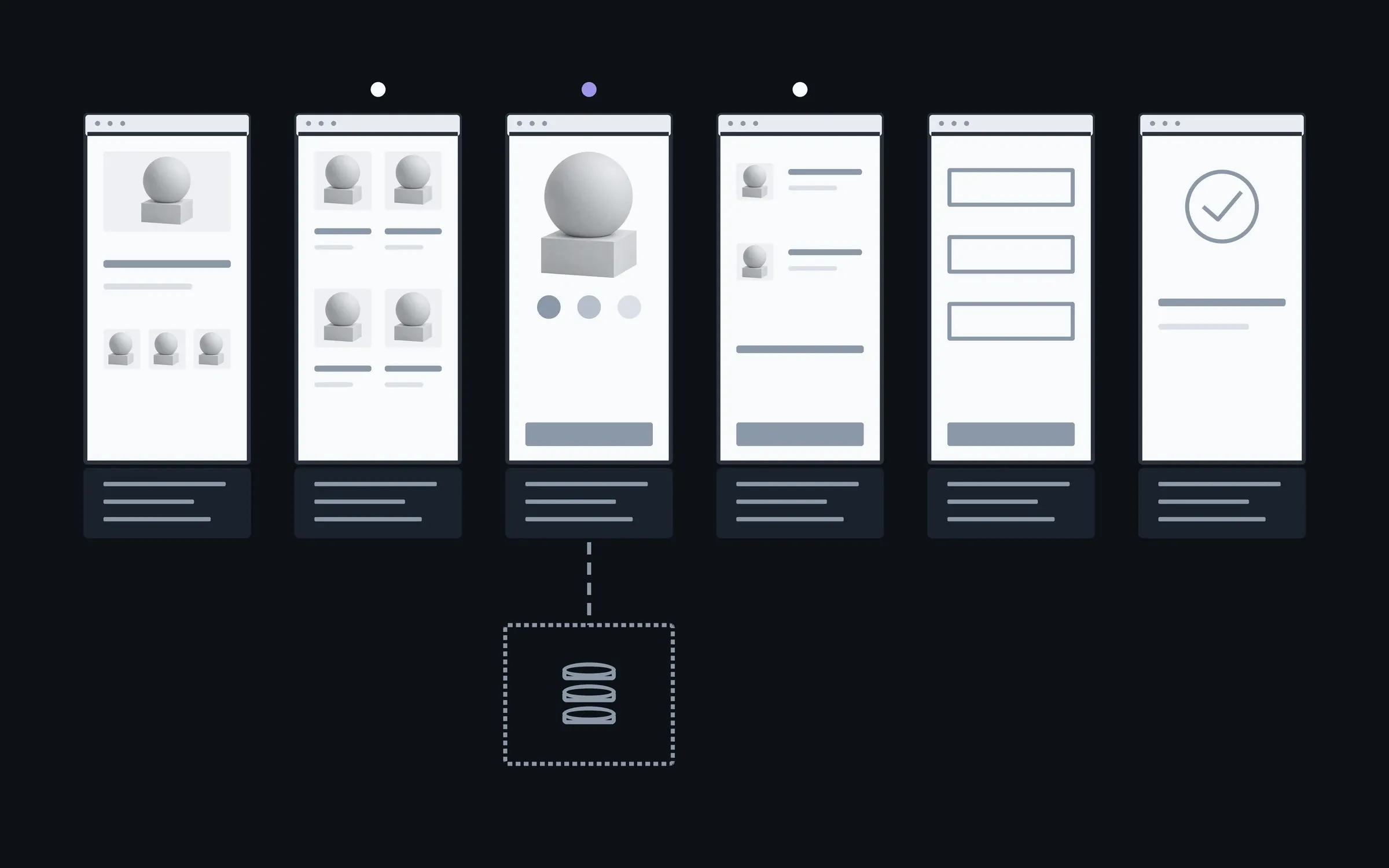
- 01How many pages it touches
- A block on one page is simpler than a feature that runs through the cart and the payment.
- 02New data
- Whether new fields and tables are needed, or the feature can work with what's already there.
- 03State of the existing code
- Adding to tidy code is faster than adding to code that has to be untangled first.
- 04Design
- Whether there's a ready mockup, or the block has to be designed in the site's style.
You fill the new feature yourselves
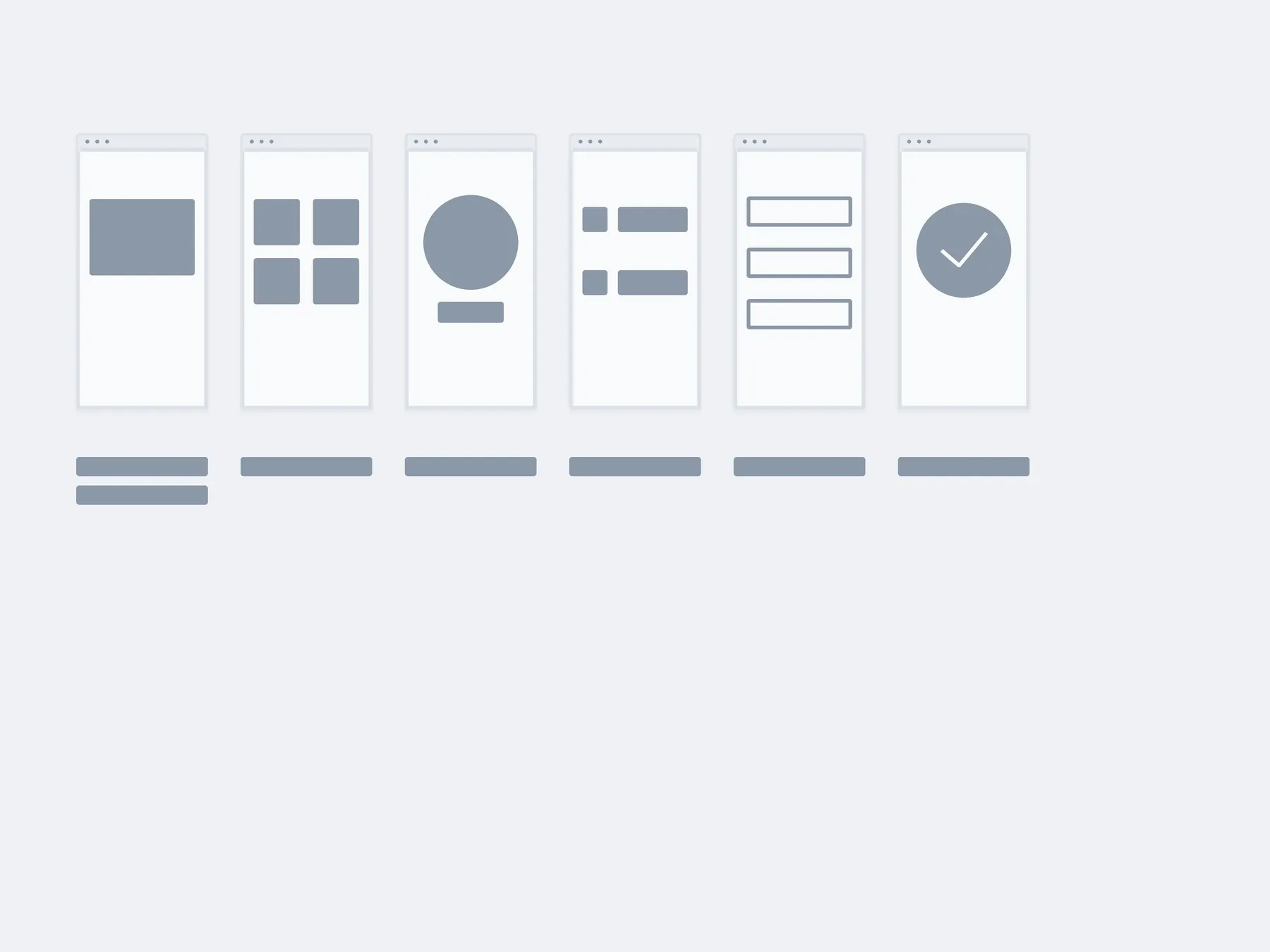
After launch your manager fills in the new block in the admin: products, options, texts. When the next feature is needed, we add it the same way, without touching this one.
01Launch
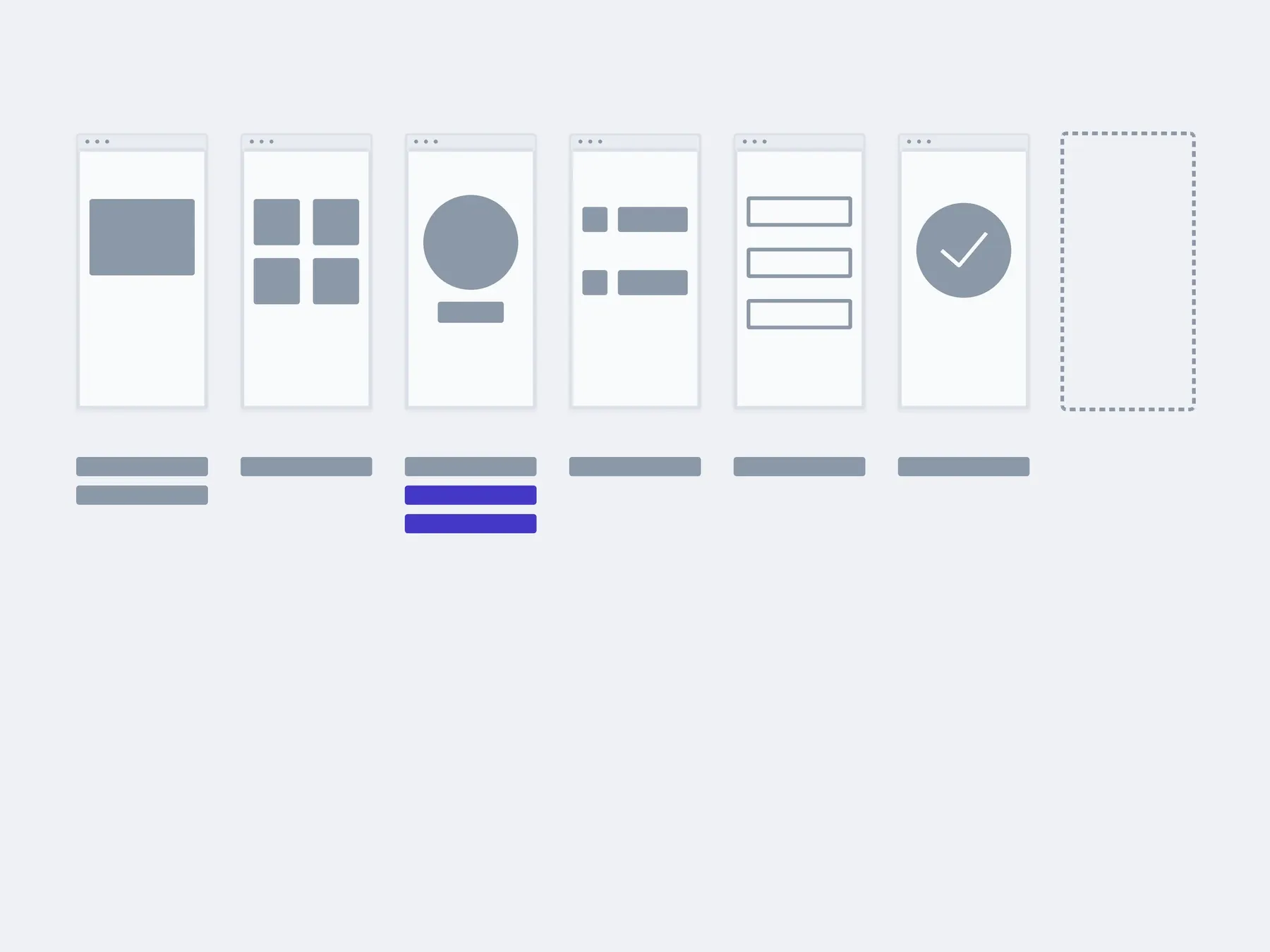
02In 3 months
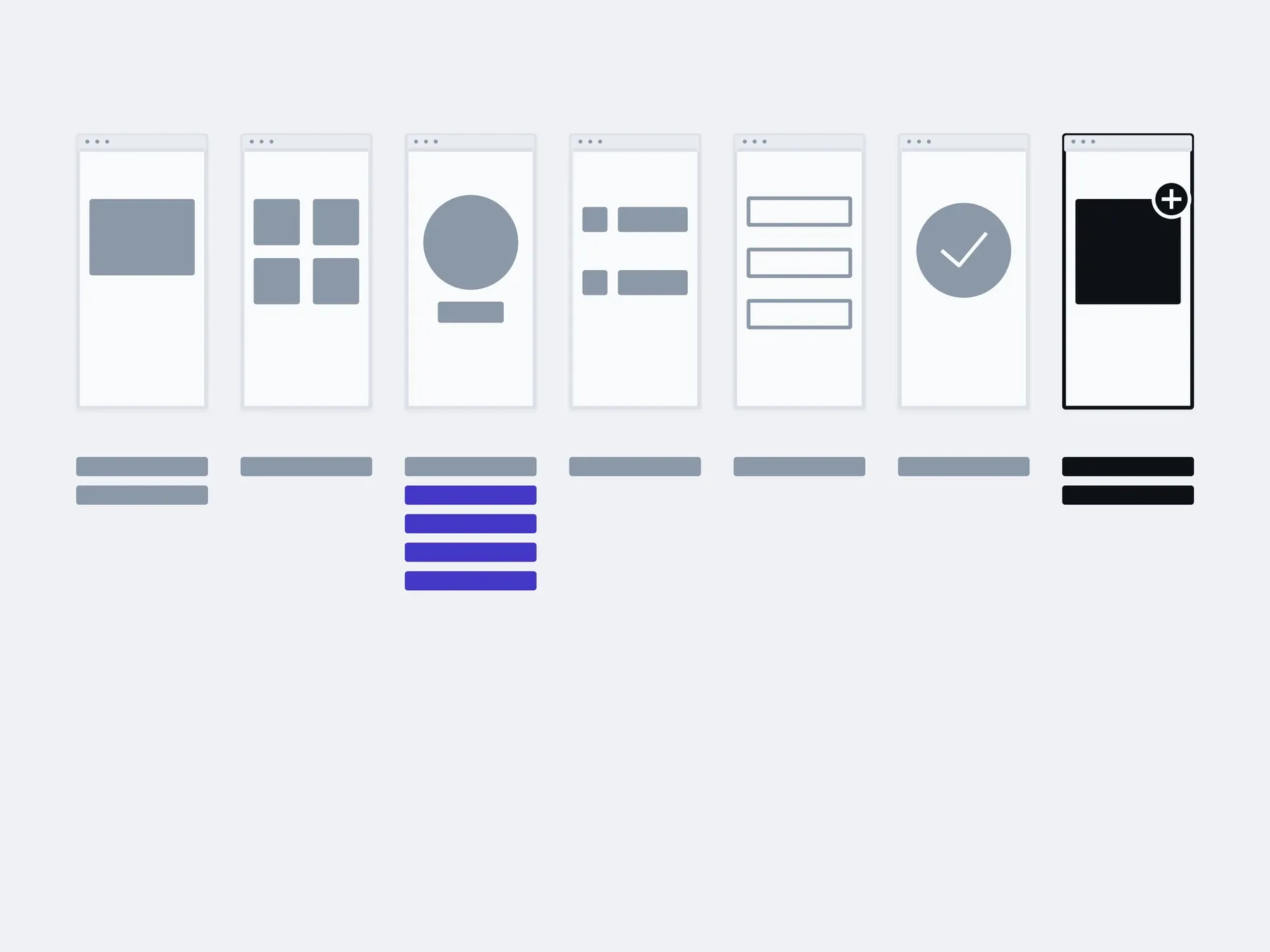
03In six months
filled in by you: the new blockwith us: the next feature
The timings are illustrative: an example, not a plan.
You, in the admin
- Product options
- Block texts
- New items
- Seasonal changes
About new features
Which is it: fix, extend or move?
The project is already running, so the question isn't what to build but what to do with what's there. Sometimes it's all three. Then we start with whatever is getting in the way today.
Fix. Something is broken: a form, a payment, a page on a phone. When the rest works and there's no reason to redo it.
Extend. A feature is missing: a filter, an account area, a new way to pay. When the foundation holds and something new can be added to it.
Move. An old engine, or code where every change has become a risk. When repairs already cost more than moving in parts.
How much does a new feature cost?
The first look at the code is free. After it we give you a fixed price. It depends on how many pages the feature touches, whether new data and design are needed, and what state the code is in.
Why not rewrite the site while we're at it?
Because a rewrite costs as much as a new site, and a feature costs as much as a feature. A rewrite makes sense when every addition breaks something else, and then we'll say so plainly.
Another developer wrote the code. Can you work with it?
Yes, that's where the work starts. We review the code before pricing, so the time spent on someone else's code is already in the price.
Won't the new feature break what's there?
We build it on a copy of the site, turn it on after checking the connected pages, and can turn it off if something goes wrong.
We don't have a mockup for the new block.
We'll design it in the site's style, so it doesn't look out of place. That's separate work, and it appears as its own line in the price.
Can we add several features at once?
Yes, but we launch them one at a time, so it's clear which one changed what.
Who looks after the feature afterwards?
Your own developer, if you have one: the report says what was changed and where. Or us, on a monthly block of hours.
Other work on an existing project
A new feature often brings something else with it: a new exchange with the CRM, or a fix for an old bug. These are separate services, and each one can be taken on its own.
- Website reworkEdits, blocks, forms, the mobile version. We take them as a list.
- Fixing bugsWe find the cause first and fix second. Not the other way round.
- This pageNew featuresAdded to the code that is already there, without rewriting it all.
- Integrations and APIsPayment, delivery, CRM, stock. So the data moves on its own.
- Moving to a new stackMoved in pieces, with a working site at every step.
- Making it fasterWe measure first, then fix what actually slows it down.
Describe what should appear on the site and why, and send a link. We'll tell you where it fits and what it will cost.
- 01A link
to the site, the mock-up or the repository, whatever exists
- 02What to change
one sentence on what should become different
- 03Who it's for
who will use it: your customers, your team, and how many