

Mobile apps · 02
An app for your team
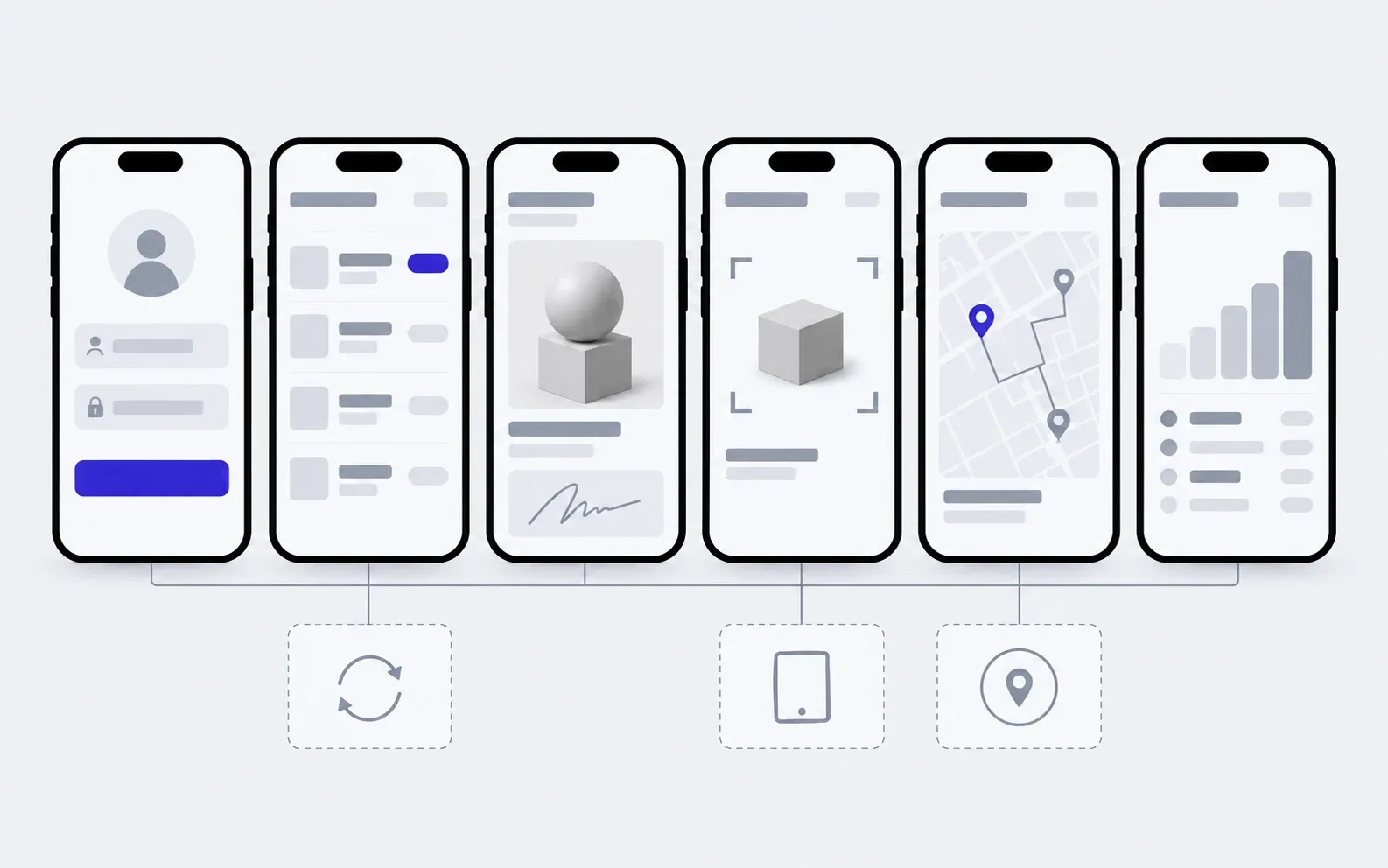
Your technician sees their jobs on the phone, photographs the work, takes the customer's signature and closes the job on site. The office sees it straight away, with no spreadsheet in the evening and no voice notes in a messenger.
- 01You tell us who on your team works away from a desk and what they record
- 02We clarify the details by message or a call
- 03We give you the price and timeline of the first version
Not sure an app for your team is what you need? Compare it with the other apps
What the work includes, and where it ends
Everything in the first list goes into every team app we build. The second we add separately, when it is actually needed.
includedseparately, if needed
Roles and access
A technician sees their own jobs, a manager sees all of them, the storekeeper sees the stock. Each person sees only what they need.
Jobs and tasks
The day's list, statuses, comments, reminders about what is urgent.
Photos, signatures, scanning
Before and after photos, the customer's signature by finger, a barcode or QR code from the phone's camera.
Offline work
What gets recorded in a basement or out of town is saved on the phone and reaches the office as soon as there is a network.
An office panel
Jobs, people, stock and reports in the browser. You keep the lists and addresses yourselves.
iOS and Android
One codebase for both systems, so it runs on the phones your team already has.
Installing on the team's phones
The app reaches your people through a link or device management, with no public store listing.
Code and accounts in your name
The developer accounts, repository and server are yours, with notes for the next developer.
Separately
Accounting or CRM sync
Jobs, customers and stock move between the app and your system without manual copying.
A tablet version
A separate layout for the warehouse or workshop, where a tablet stays in place and people take turns using it.
GPS trackers
Connecting vehicle trackers, so routes and time on site come from them rather than from what people report.
What a team app is made of
This is an example for a field service. In a warehouse there is goods in and goods out instead of a map, but the skeleton is the same: who you are, what to do, doing it, reporting it.
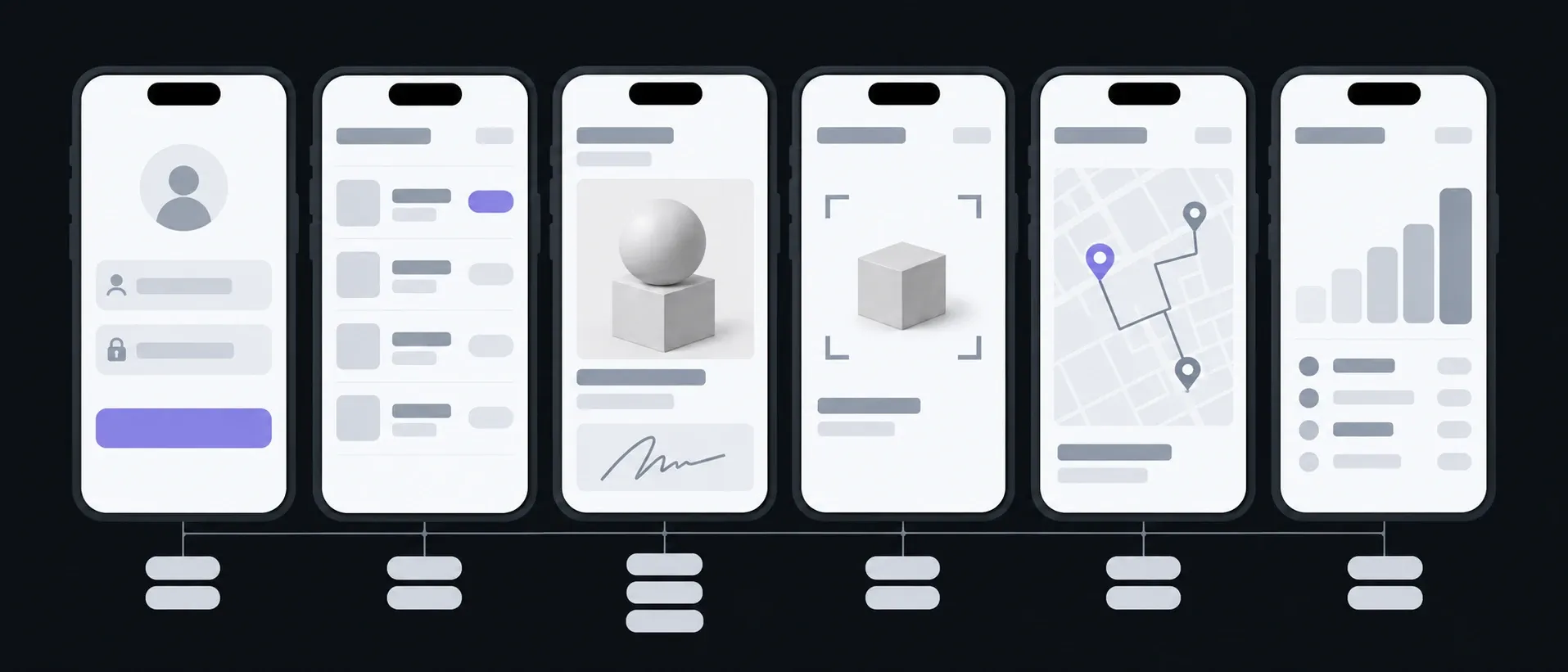
Sign-in and roles
Sign-in · Role
Everyone sees their own
My tasks
Today · Statuses
Instead of a list in a messenger
Job card
Photos · Signature · Comment
Proof of work, gathered on site
Stock and scanner
Scanner · Stock levels
What was taken and what was fitted
Site visits map
Route · Addresses
Who goes where today
Report
By day · By person
What used to be put together by hand in the evening
What you have in hand after each step
One technician tries the app on real jobs long before the whole team gets it. Mistakes in the flow show up on the first site visit, not after launch.

01Conversation
We go through who on the team records what, where time gets lost and where there is no connection.
In hand
The roles, a list of screens and the scope of the first version
02Prototype
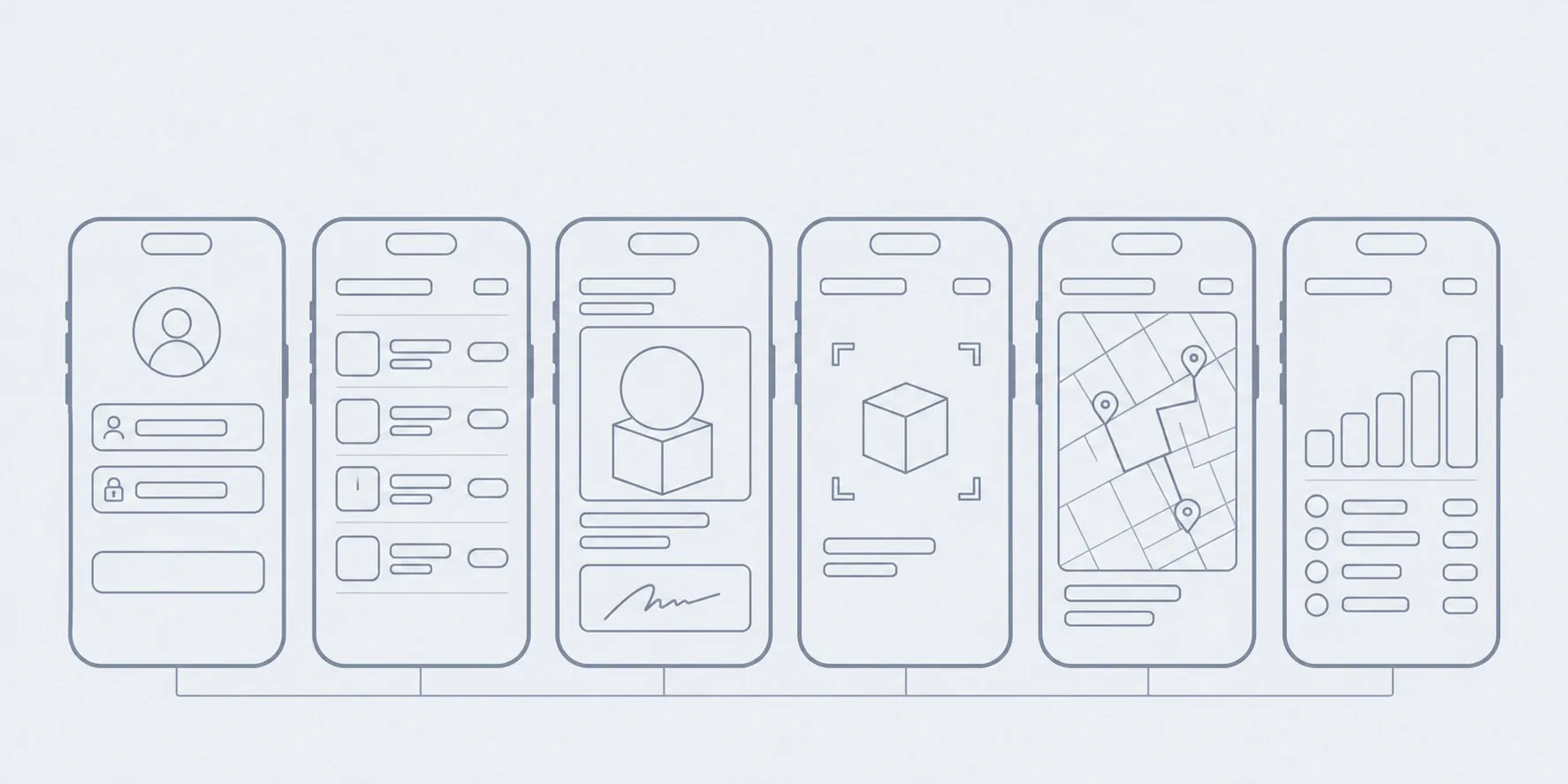
Screens as a wireframe, no colour: the path from a job to a report for each role.
In hand
A clickable outline you can walk through on a phone
03Design
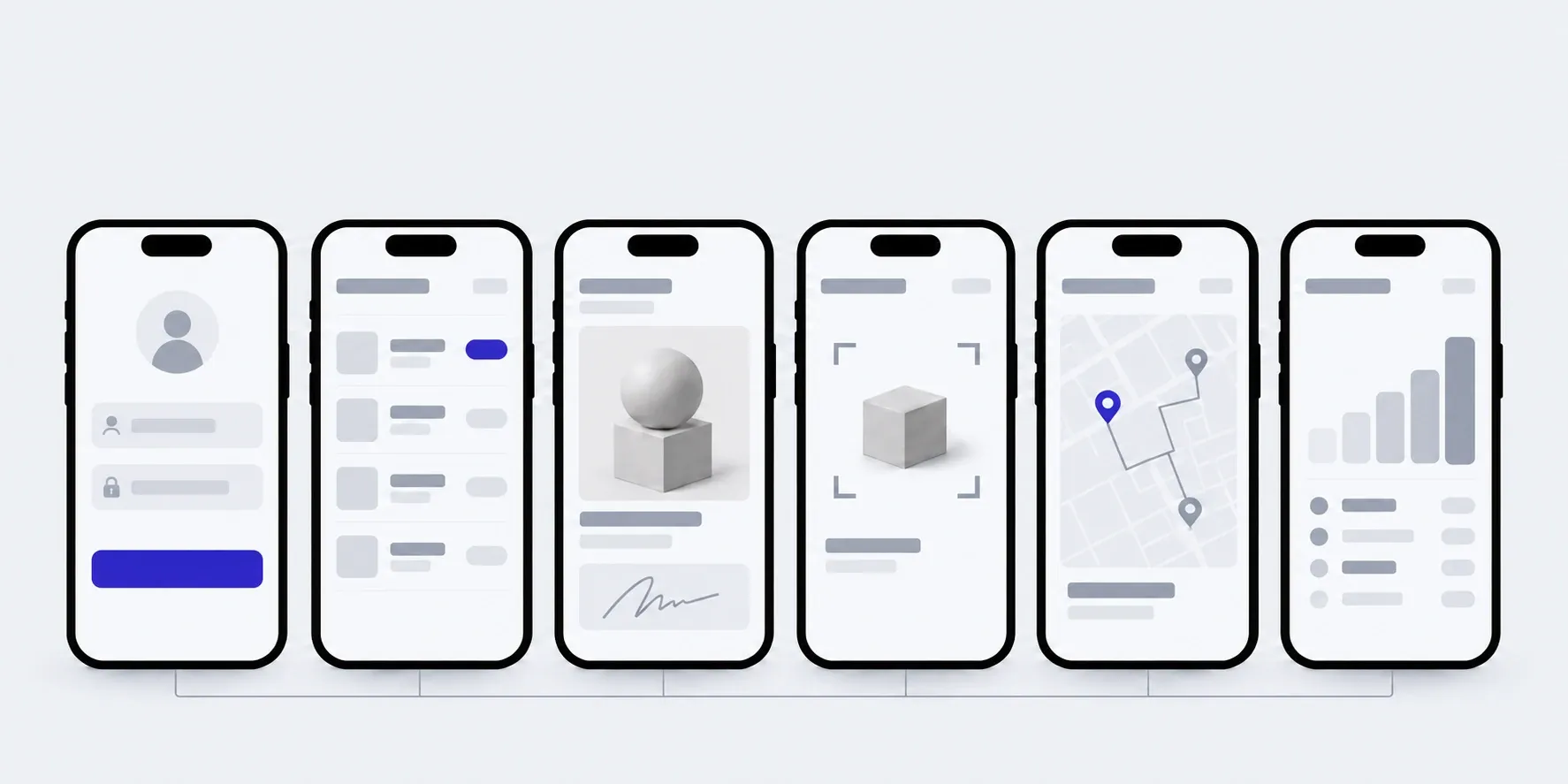
Large buttons for work in gloves and in sunlight, every state: an empty list, an error, offline.
In hand
Mockups of every screen
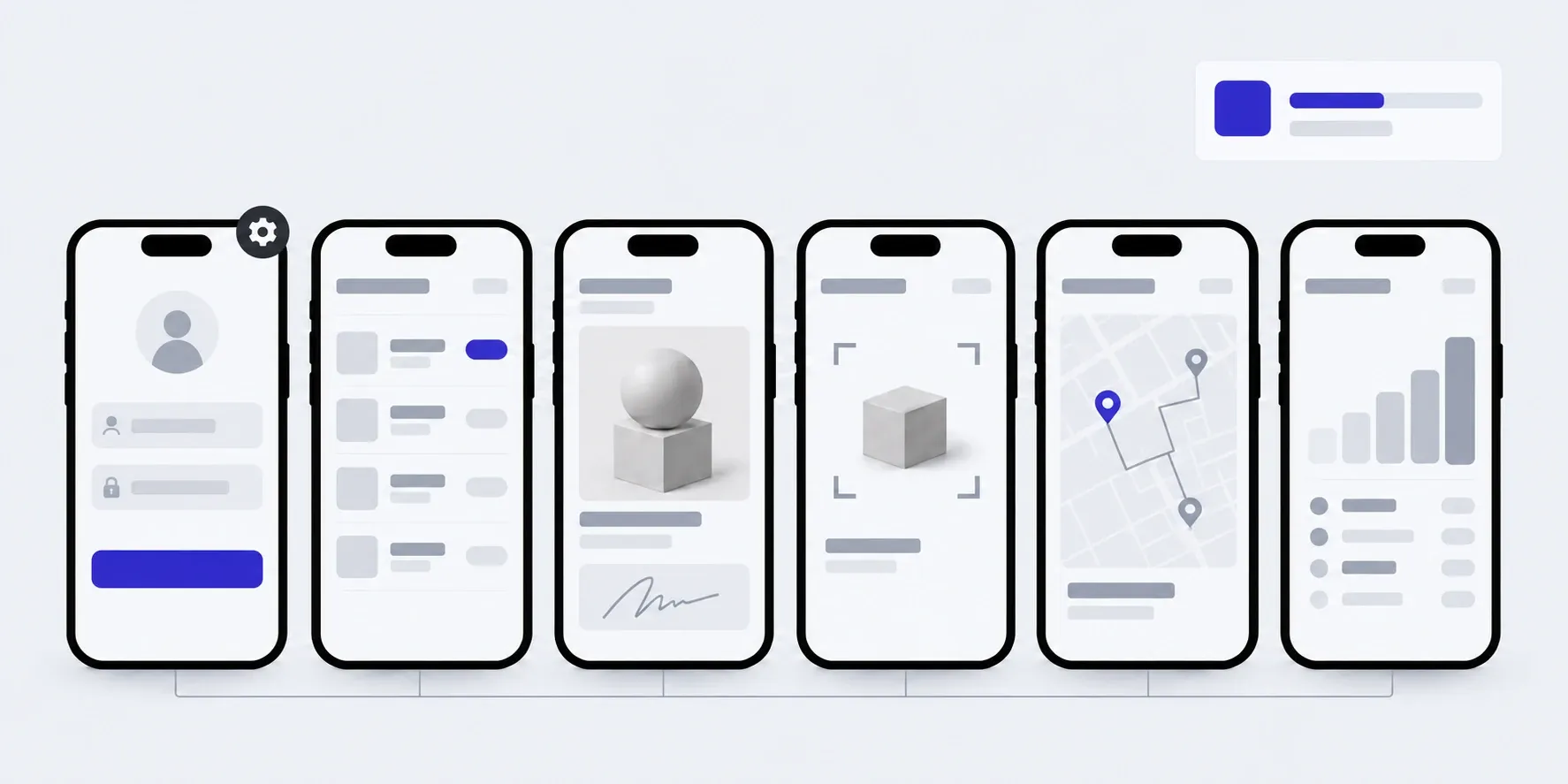
04Build
We build in parts, and each part goes to one or two people for real jobs.
In hand
A test build on your team's phones
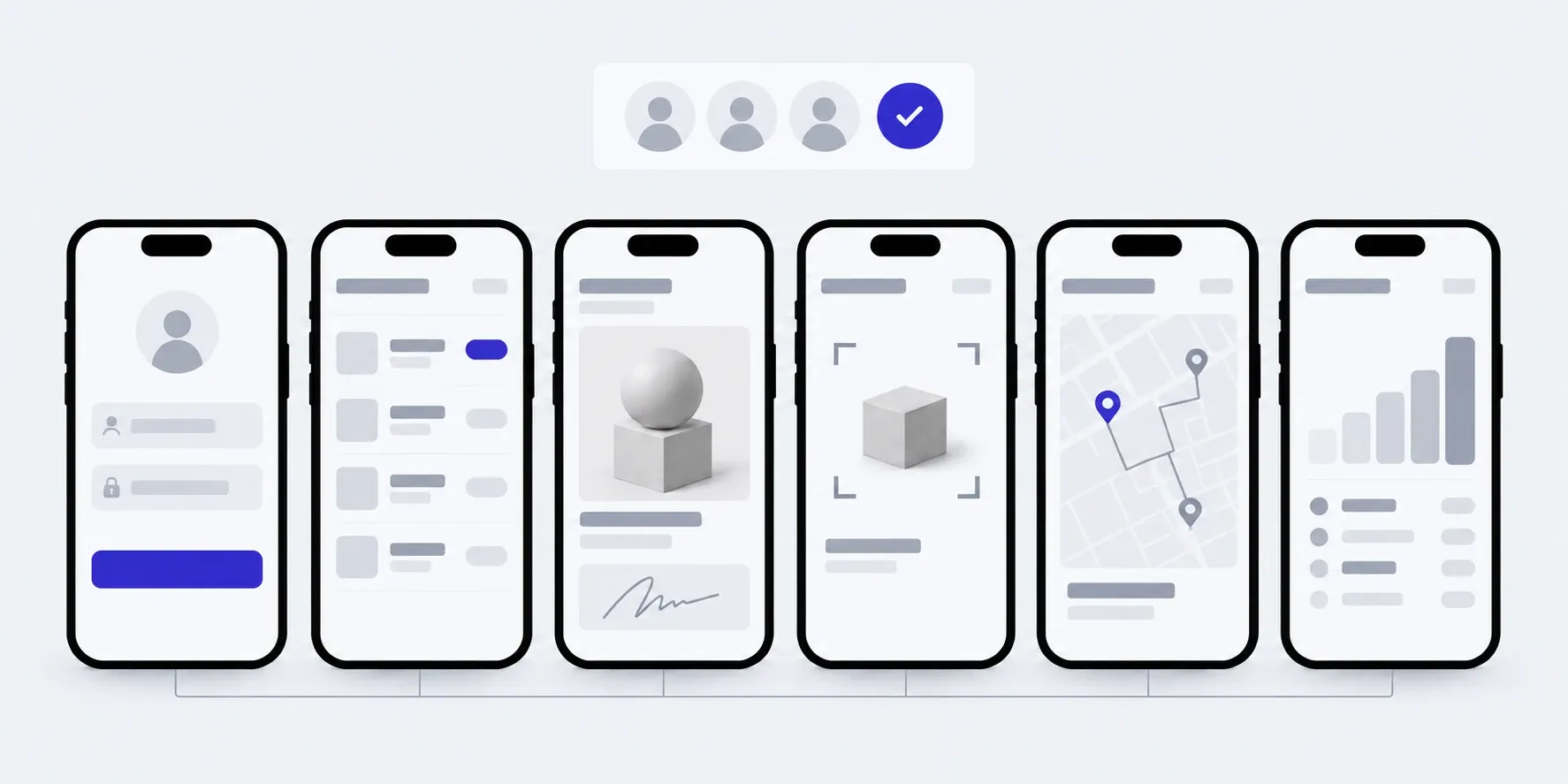
05Launch
We install the app for the whole team and walk the office through the panel.
In hand
The app on your team's phones, access and a guide
What the price and timeline depend on
We don't publish a figure in advance: an app for one role and an app for four differ several times over. We name the price of the first version after the brief, and agree on each next stage before it starts.
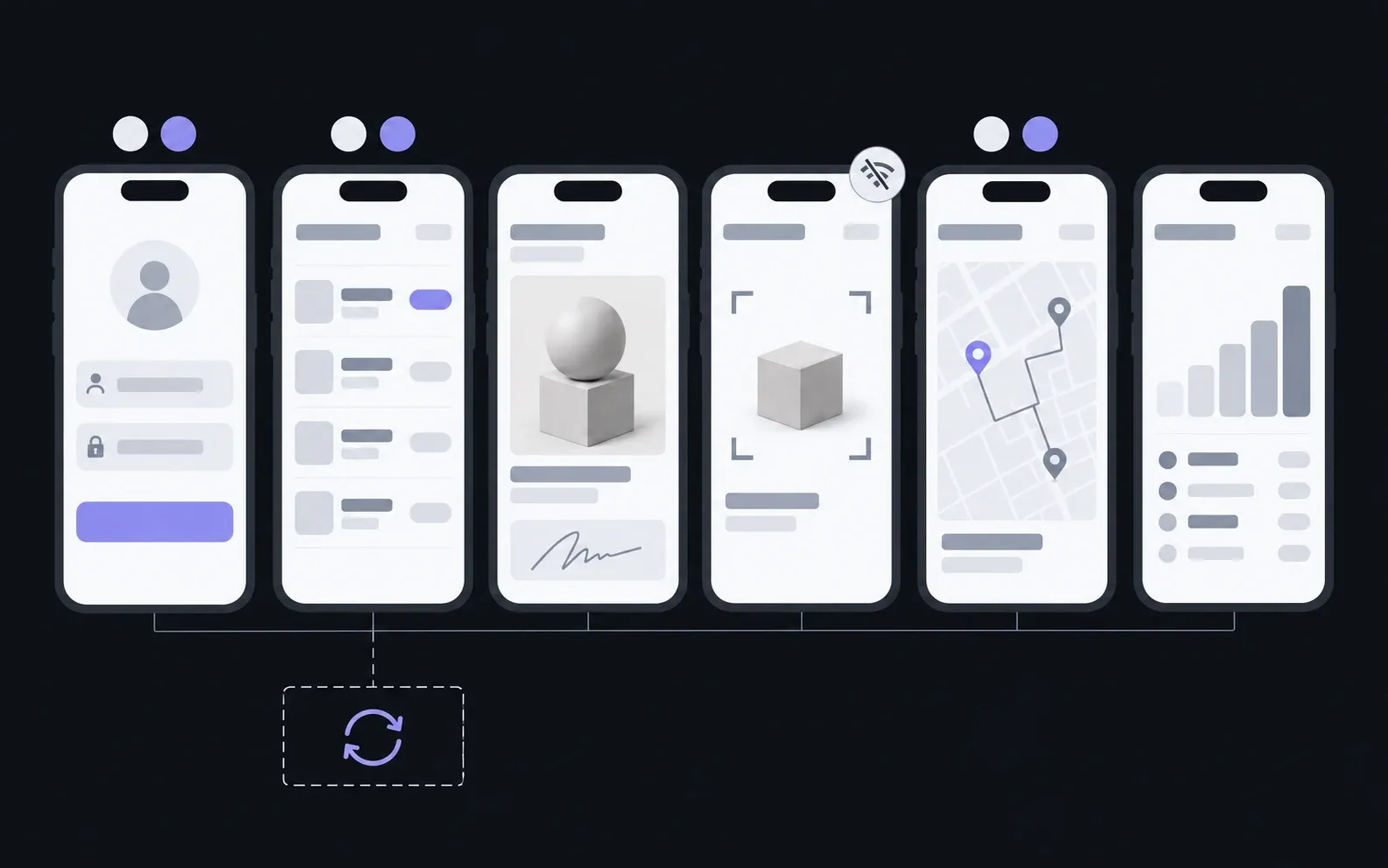
- 01Roles and flows
- How many different people use the app, and how what each of them sees and does differs.
- 02Offline work
- Which screens have to work in a basement or out of town. Each of them is more complex than an ordinary one.
- 03Accounting and CRM
- What has to flow between the app and your system, and whether your system can exchange data at all.
- 04Data you already have
- How many customers, addresses and stock items we move over from spreadsheets or an old program.
The app grows with your team
You add new people, addresses and lists yourself in the panel. A new screen is added as a stage, under a monthly hours package or as one-off work. The app has to be updated for new iOS and Android versions every year: that is part of the package too.
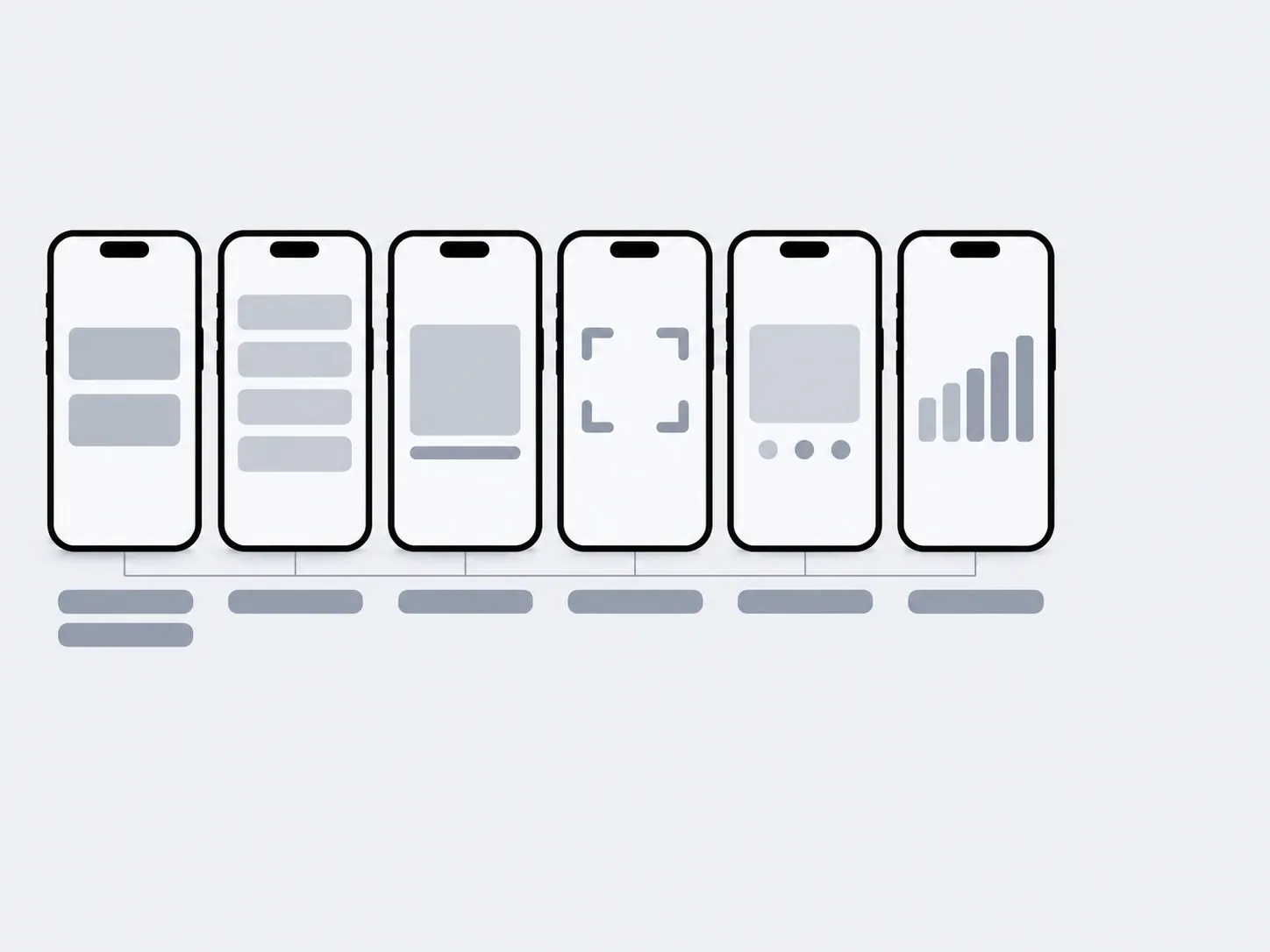
01Launch
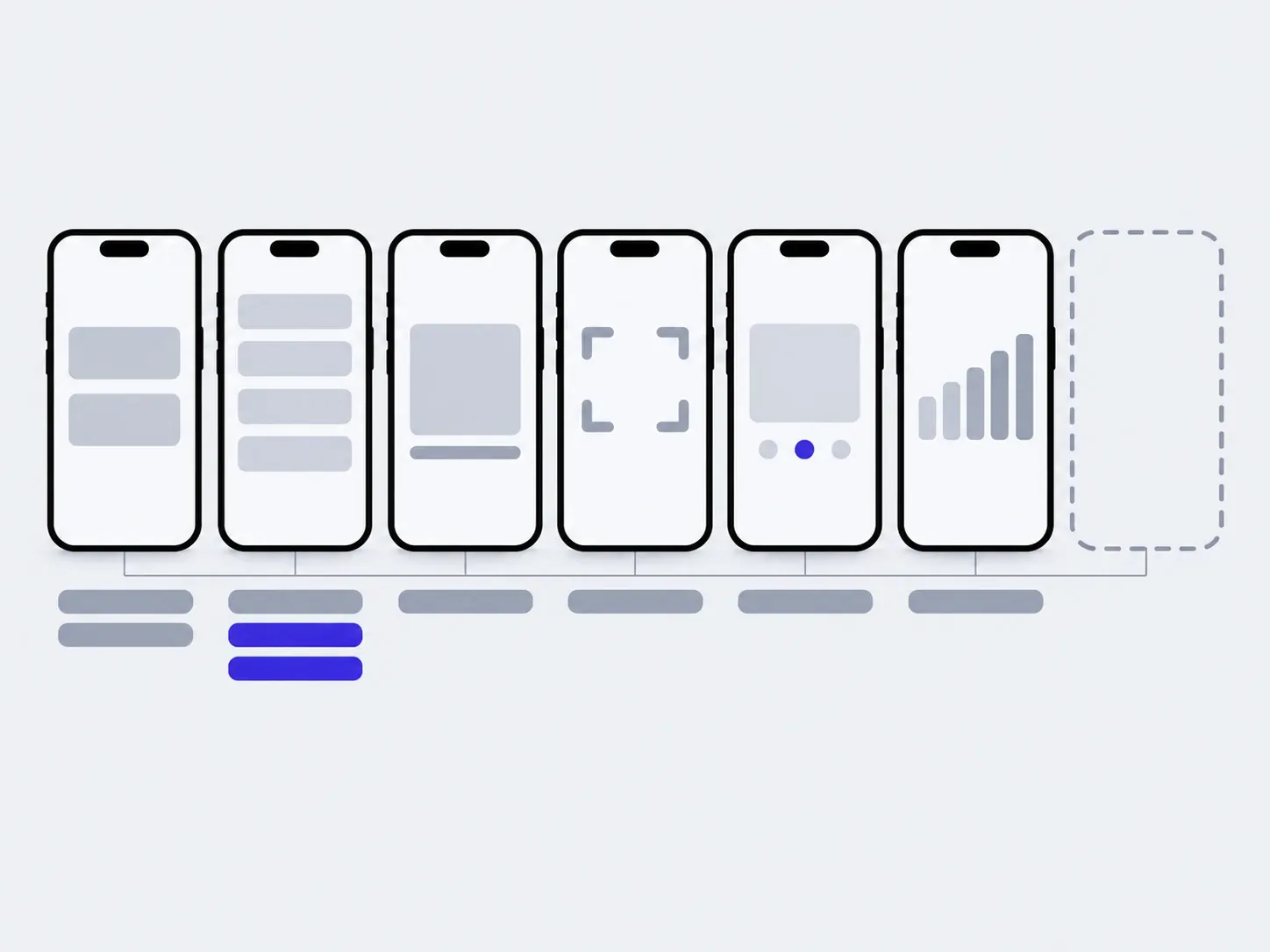
02In 3 months
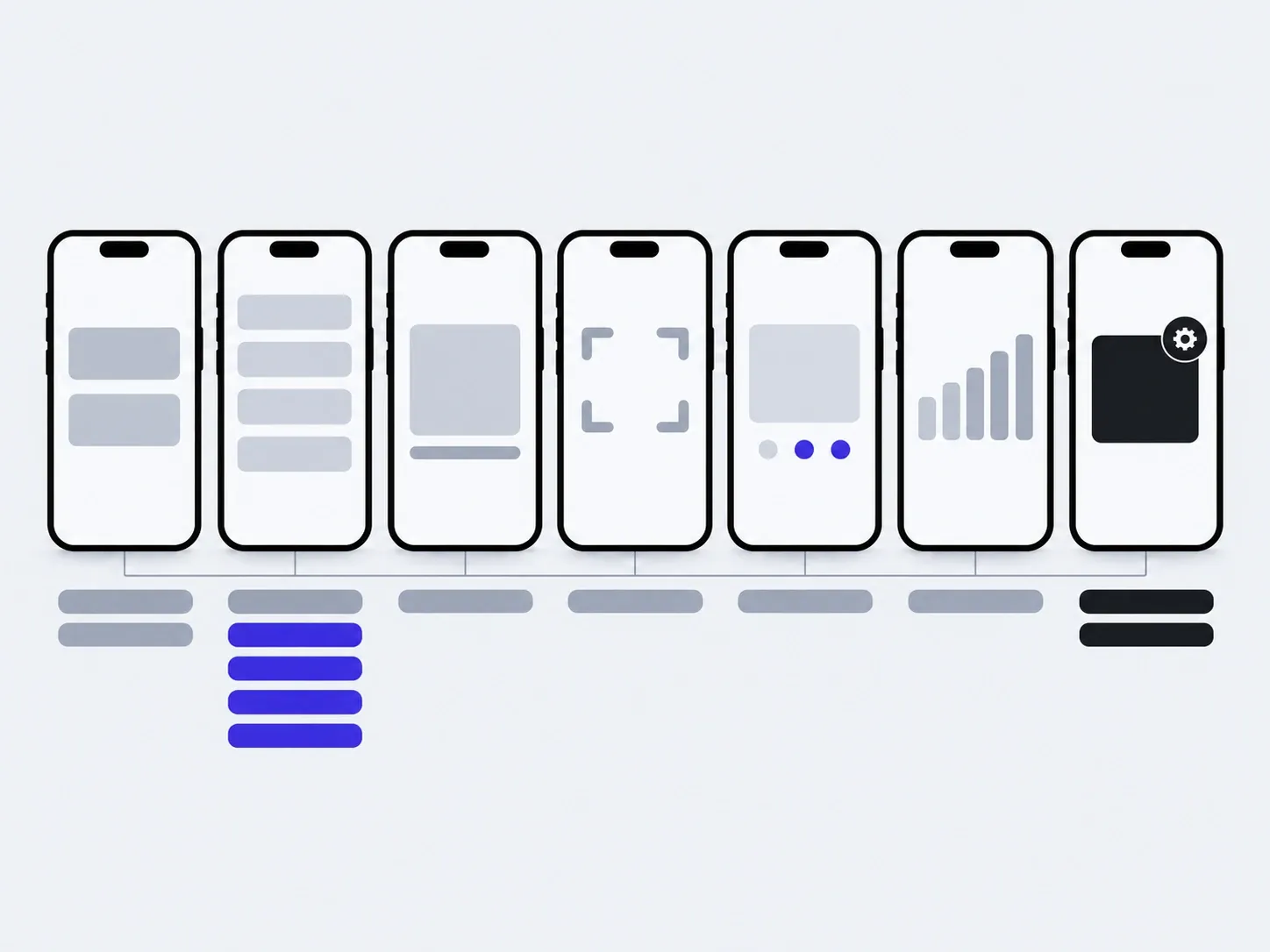
03In six months
added by you: people, addresses, listsadded with us: a new screen
The timings are illustrative: an example, not a plan.
You, in the admin
- New people and roles
- Addresses and sites
- Lists of jobs and products
- Access for people who have left
- Report templates
With us
- A new screen or role
- Updates for new iOS and Android versions
- Connecting one more system
About team apps
Does the team need an app, or is a browser portal enough?
An app is needed when people work in the field: without a connection, with the camera, a scanner and a map. If the team is mostly in the office filling in forms, a browser portal is enough, and an app can be added to it later.
An app. An icon on the phone, the camera, a scanner, a map, offline work. When people are on site visits, in the warehouse or on the road and record the work where they do it.
A browser portal. Opens from a link on any phone or computer, nothing to install. When the team is mostly at a desk and what matters is everyone seeing the same jobs.
A portal and an app. The same jobs, people and lists in both. When the office works in the browser and the field on the phone.
How much does a team app cost?
We name the price of the first version after the brief. It depends on the number of roles, offline screens, syncing with your system and the data we move over. We agree on each next stage before it starts.
Will it work without the internet?
Yes, on the screens that need it. In the first conversation we work out what gets recorded offline, and that is kept on the phone until there is a network.
How does the app get onto our people's phones?
Not through public store search. On the App Store it can be distributed through a direct link or Apple Business Manager, on Google Play as a private app for your organisation. We set it up.
On company phones or personal ones?
Either. The app runs on iPhone and Android, so you don't have to buy new phones.
What happens when someone leaves?
You switch off their access in the panel. As soon as the phone goes online, the app signs out and wipes the work data from it. Jobs, photos and reports stay on the server, not just on their phone.
Can it connect to our accounting system or CRM?
Yes, as separate work. First we look at your system and what exactly has to flow between it and the app: jobs, customers, stock.
What about a tablet in the warehouse?
Yes, as a separate version with a different screen layout. The code is the same, so it isn't a second app.
Who owns the code?
You do. The repository, server and accounts are in your name, and the notes let another developer carry on.
If you need a different app
A team app is just one of the kinds we build. Here are two more.
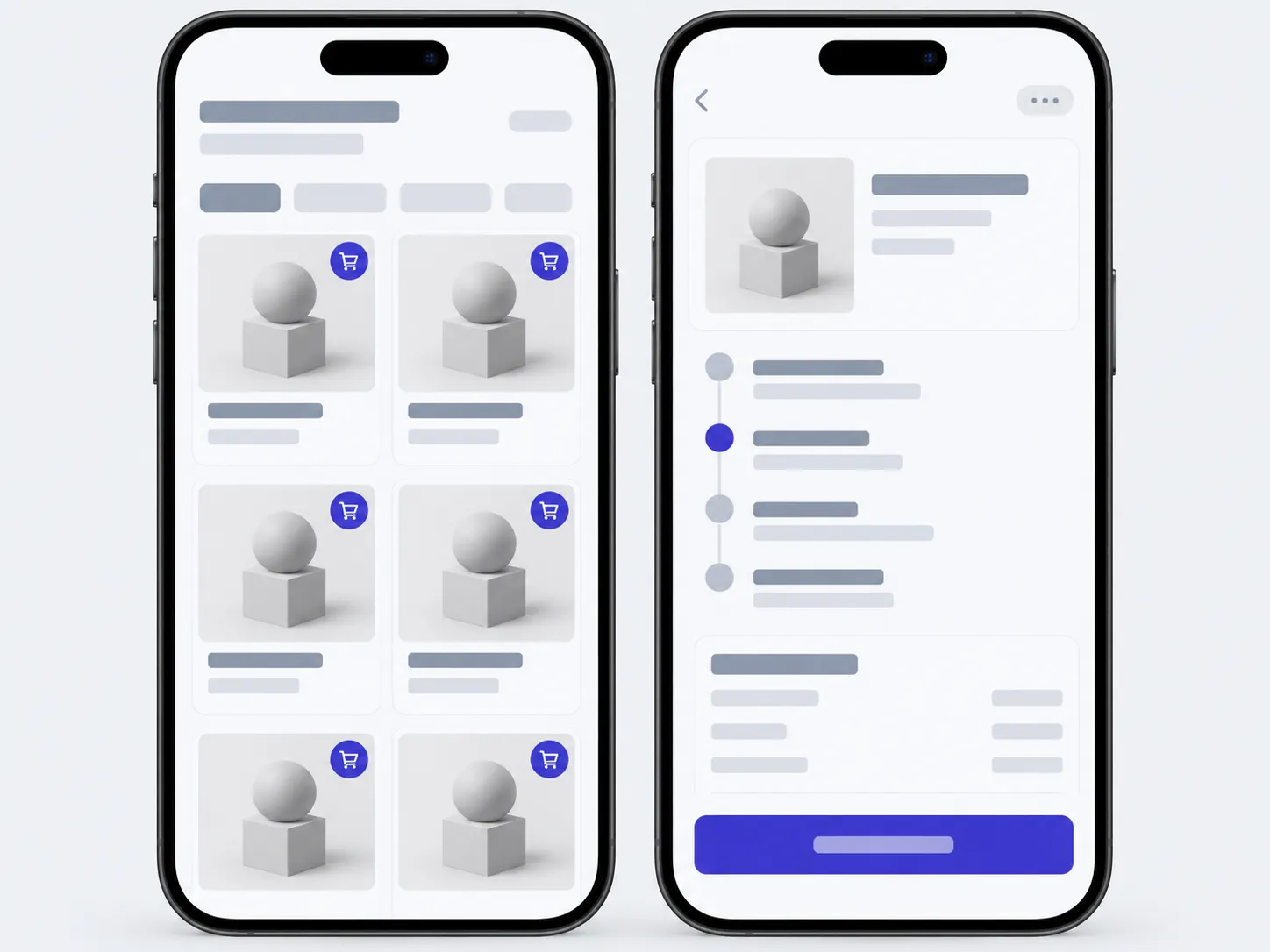
- An app for your customersCatalogue, orders, personal account, notifications.
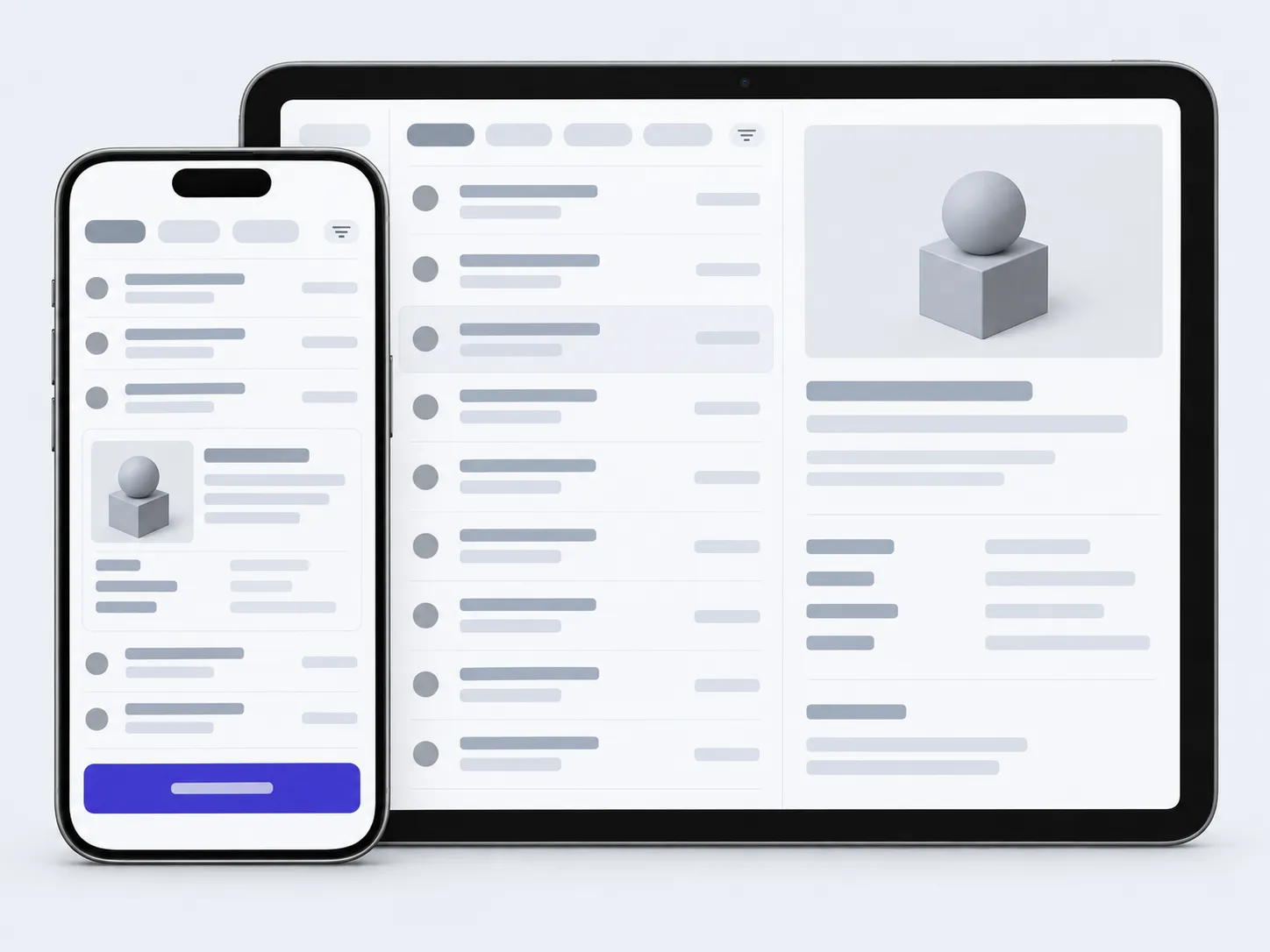
- This pageAn app for your teamJobs, stock, site visits. Reported from a phone, not from a spreadsheet in the evening.
- A first versionThe shortest way to put the idea in real hands.
Tell us who on your team works away from a desk and what they record, and we'll tell you where the app should start.
- 01A link
to the site, the mock-up or the repository, whatever exists
- 02What to change
one sentence on what should become different
- 03Who it's for
who will use it: your customers, your team, and how many