

Rework and support · 04
Integrations and APIs
Orders get copied into the CRM by hand, the warehouse stock doesn't match the catalogue, and the manager finds out the delivery status by phone. We connect the site to the systems you work with, so the data moves on its own and a failed exchange doesn't go unnoticed.
- 01You name the systems and what should move between them
- 02We look at their APIs and ready-made modules, free of charge
- 03We give you the price and timeline
Not sure an integration is what you need? Compare it with the other support services
What an integration includes, and where it ends
The first list goes into every integration. The second we connect separately, if you use those systems.
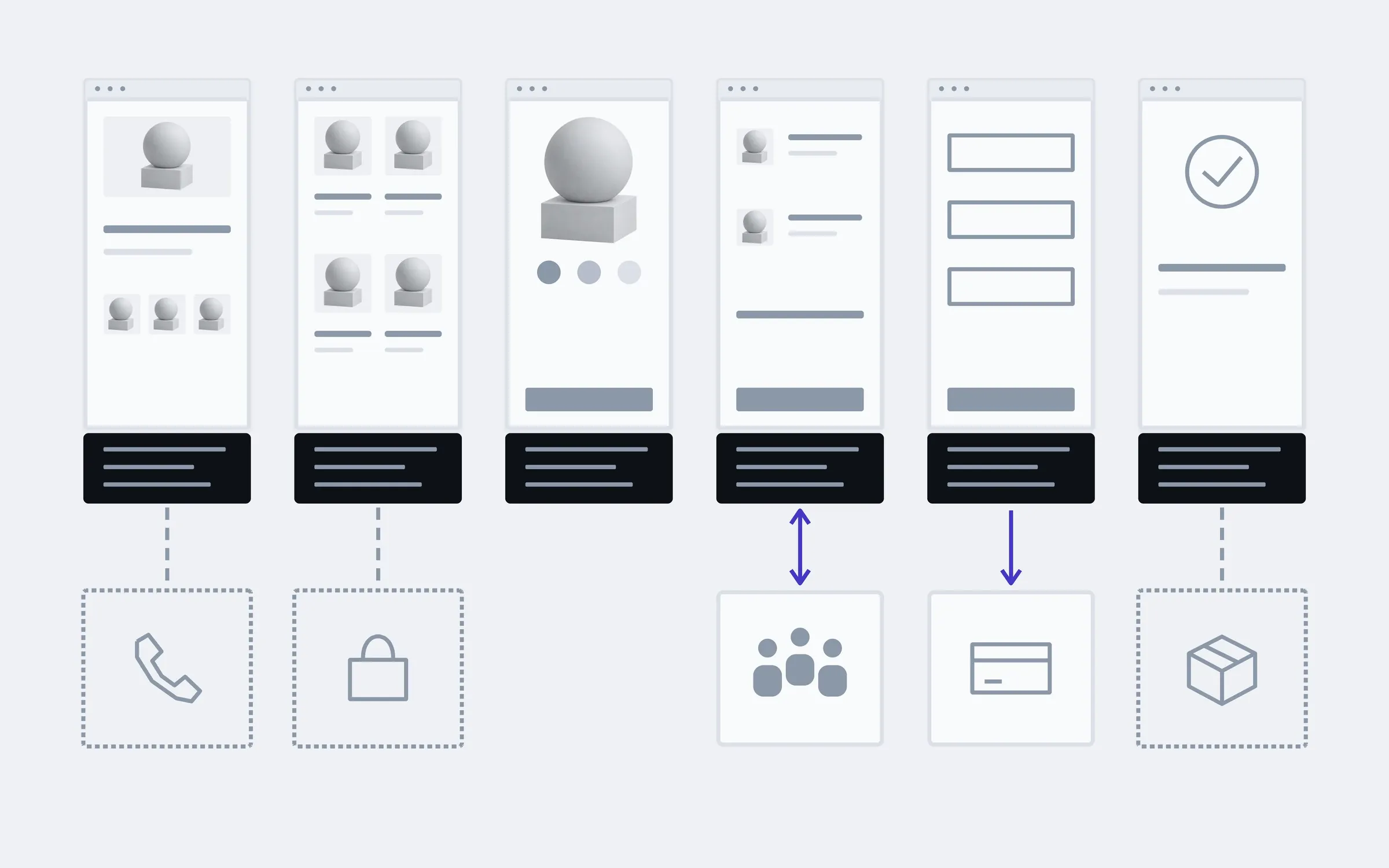
includedseparately, if needed
What goes where
A list of the data between systems: orders, customers, products, payments, statuses. For each field we decide which system is in charge of it.
Direction of the exchange
One way, as with payments, or both ways, as with a CRM where the manager changes a status and the customer sees it.
A ready module or our own code
If a ready-made module does the job, we install and configure it. We write our own code when the module can't do what's needed.
Payments
Payment providers, with the payment confirmed on the site and in the CRM, not just at the bank.
Delivery
Cost calculation, choosing a branch or pickup point, the tracking number in the customer's email.
When something fails
If a system doesn't respond, the exchange is retried rather than lost, and you know about it.
Exchange log
A record of every exchange: what was sent, what came back, where it stopped.
Keys and access
API keys are kept on the server, not in the page code, and belong to your account.
Separately
Telephony
A call is linked to the customer in the CRM, so the manager can see who's calling.
Marketplaces
Products and stock from the site go out to marketplaces, and orders from there arrive in one place.
Stock system
Stock levels and prices from your accounting software reach the site on their own.
What moves between a shop and its systems
An example for a shop: under each page are two kinds of data that leave it or arrive on it. Every integration starts from a list like this: first what, then how.
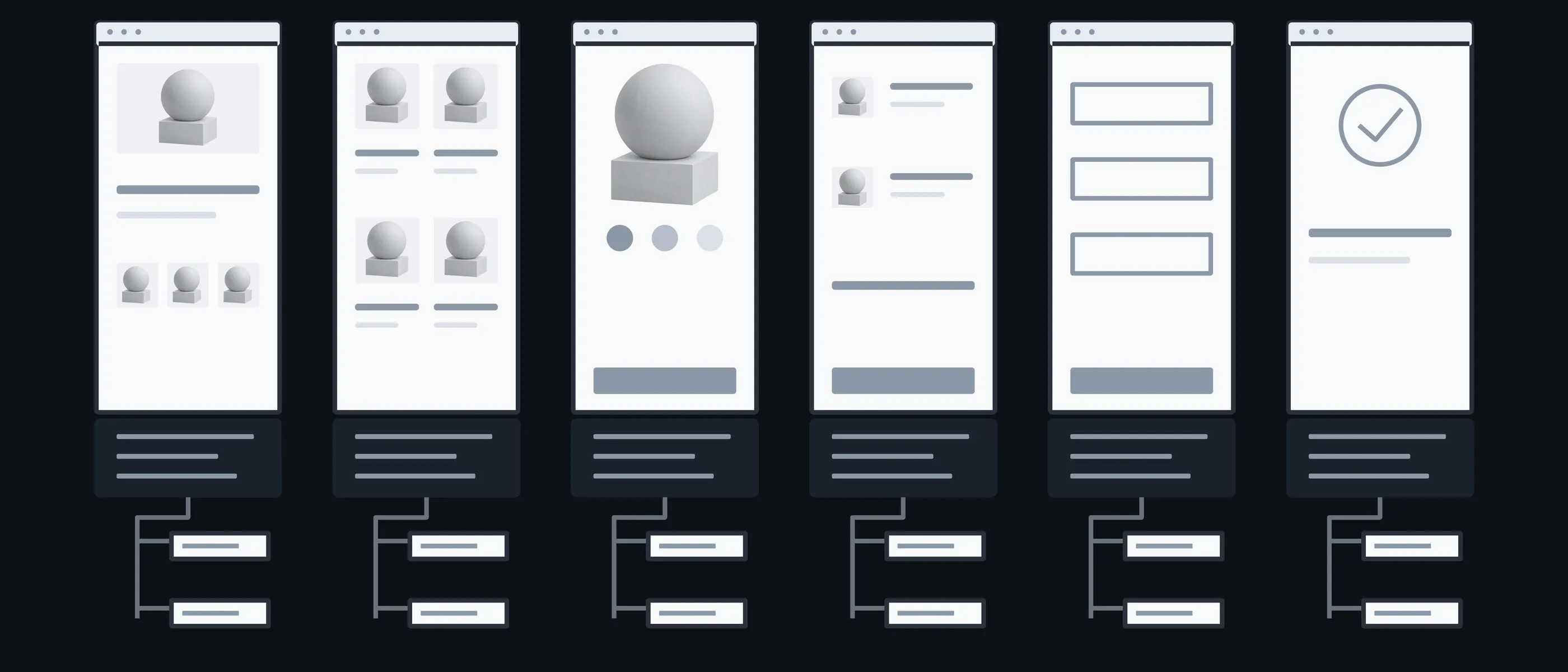
Home
Banners · Offers
Offers managed in one place
Catalogue
Products · Stock
What comes in from the stock system
Product
Price · Options
A price that has to match everywhere
Cart
Order · Customer
What goes to the CRM
Payment
Payment · Status
Confirmation from the bank
Order
Delivery · Email
The tracking number and the customer's email
What you have in hand after each step
What most often breaks an integration isn't the code but a vague agreement about which system is in charge of the price or the status. So we agree the rules before connecting anything.

01Conversation
You name the systems you work with, and where data is currently moved by hand.
In hand
A list of systems and manual steps

02Reviewing the systems
We read their API documentation, look for ready-made modules and check whether your plan gives API access.
In hand
A ready module or our own code, and why

03Rules
For each field we decide where it comes from and which way it goes.
In hand
An exchange table you approve

04Exchange
We set up the module or write our own code, on test data first.
In hand
An exchange working on test orders

05Check
We run the real flows: an order, a payment, a return, a dropped connection.
In hand
A working exchange and its log
What the price and timeline depend on
Once the systems are known and the exchange rules agreed, we give a fixed price. If a system has no open API or documentation, we first check what's possible at all, and bill that part by the hour.
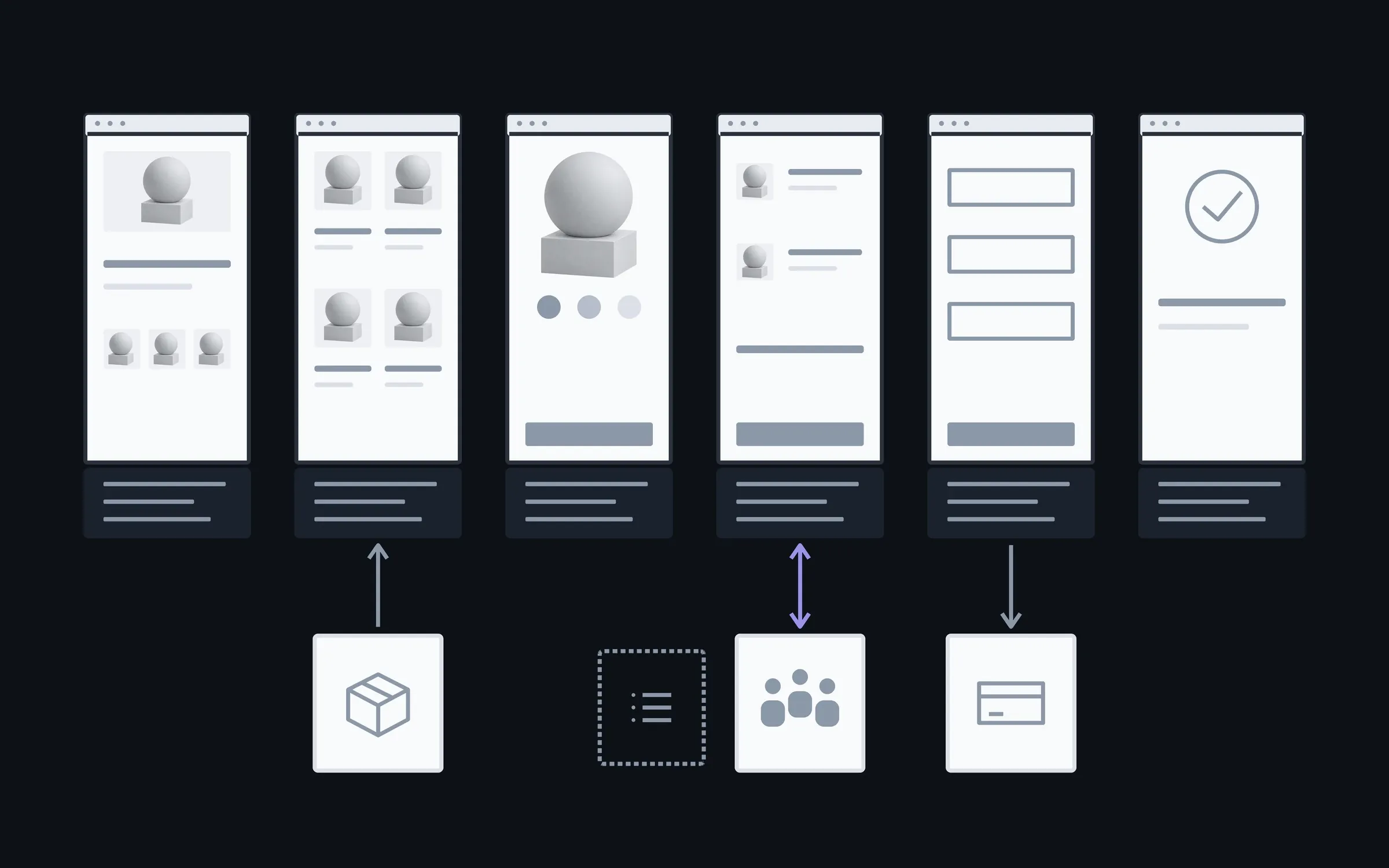
- 01How many systems
- Each system has its own API and its own limits.
- 02One way or both
- A two-way exchange is harder: you have to decide what happens when the data changes in both places at once.
- 03A ready module
- If one exists and fits, the integration is shorter. Our own code takes longer, but does exactly what's needed.
- 04What happens on failure
- Retries, alerts, a queue for manual review: the more important the data, the more safety it needs.
You enter the data once
After launch the manager works in the CRM instead of copying orders from email. Another system, say a marketplace or telephony, we connect together when it's needed.
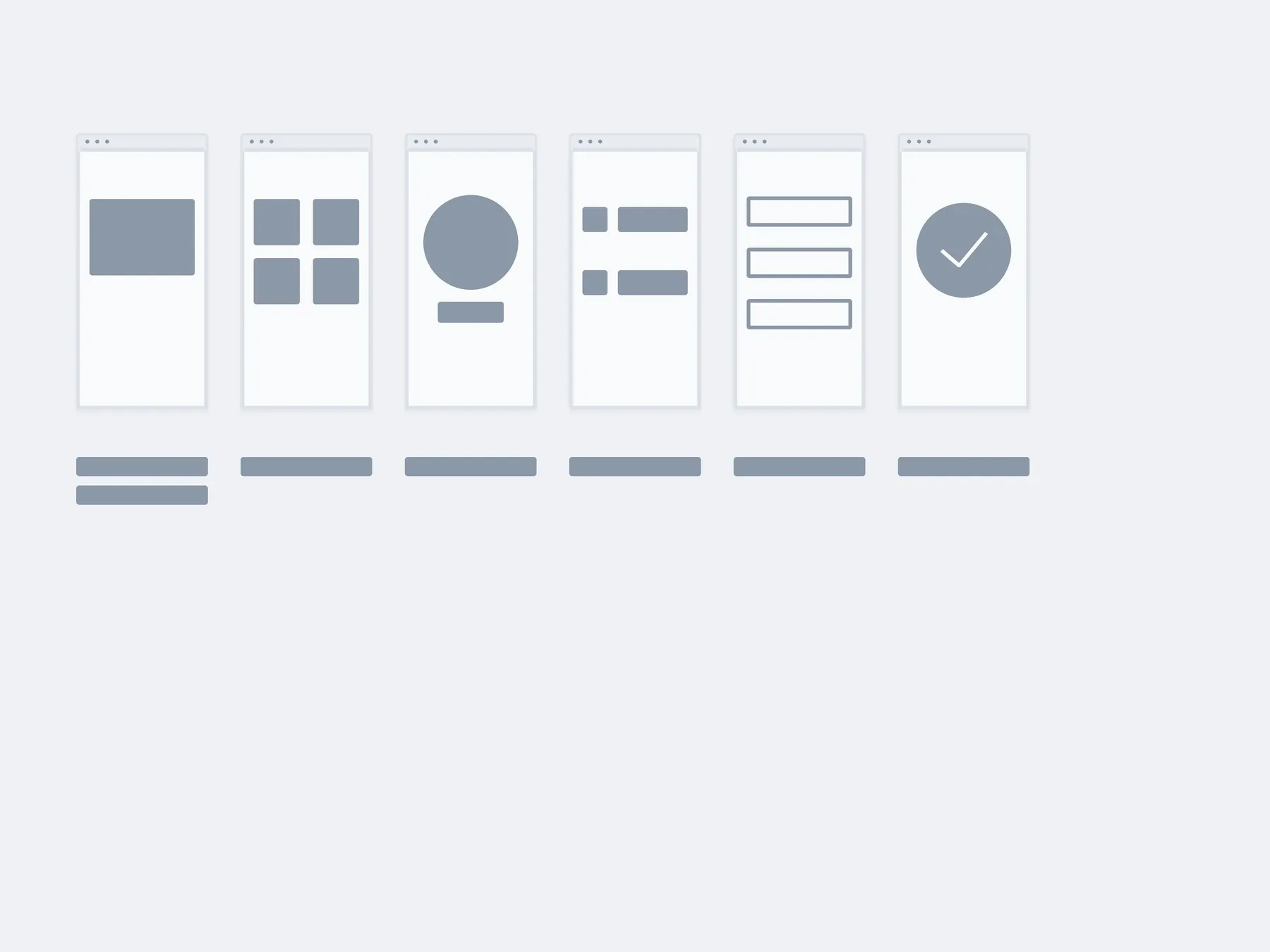
01Launch
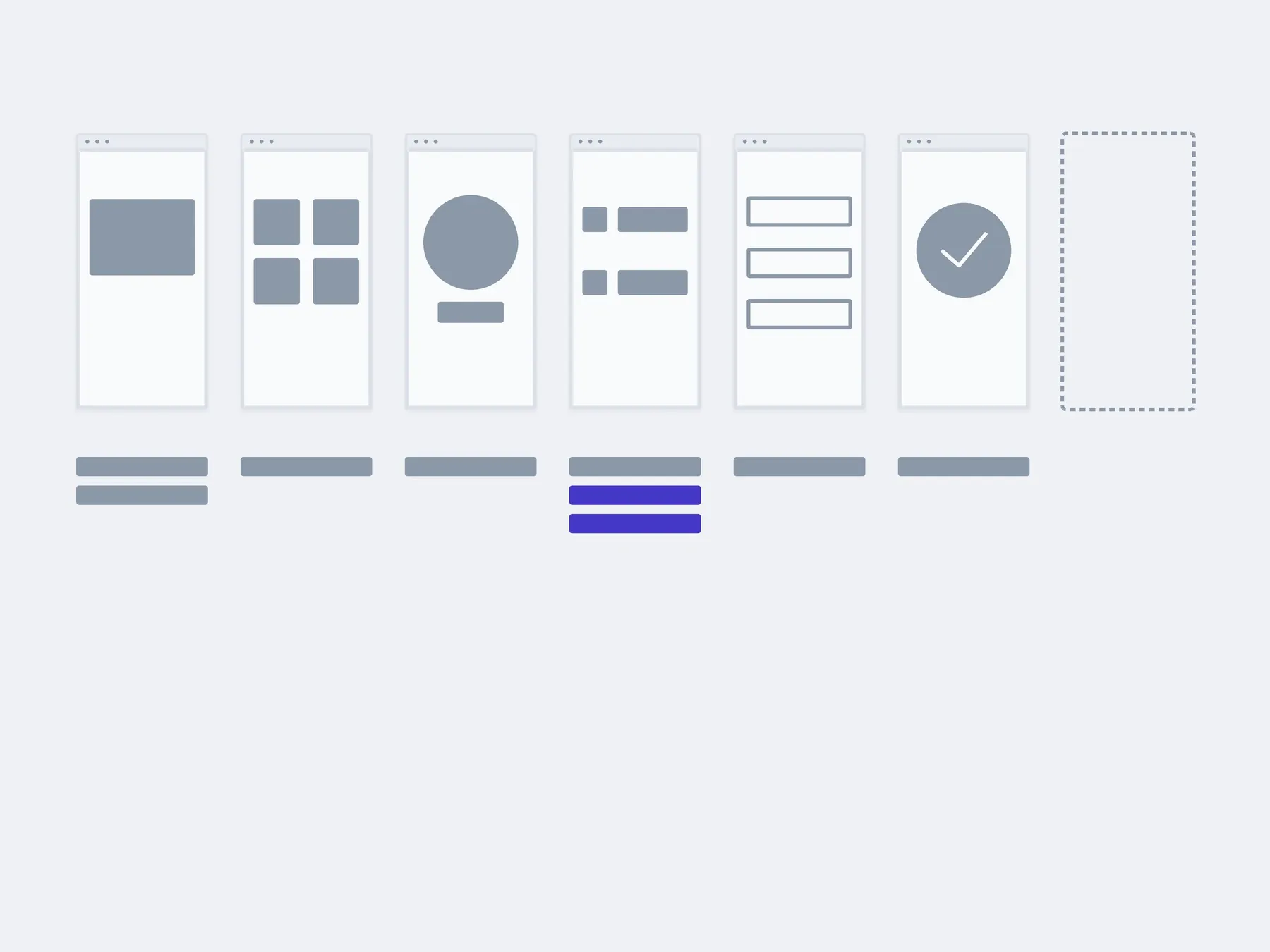
02In 3 months
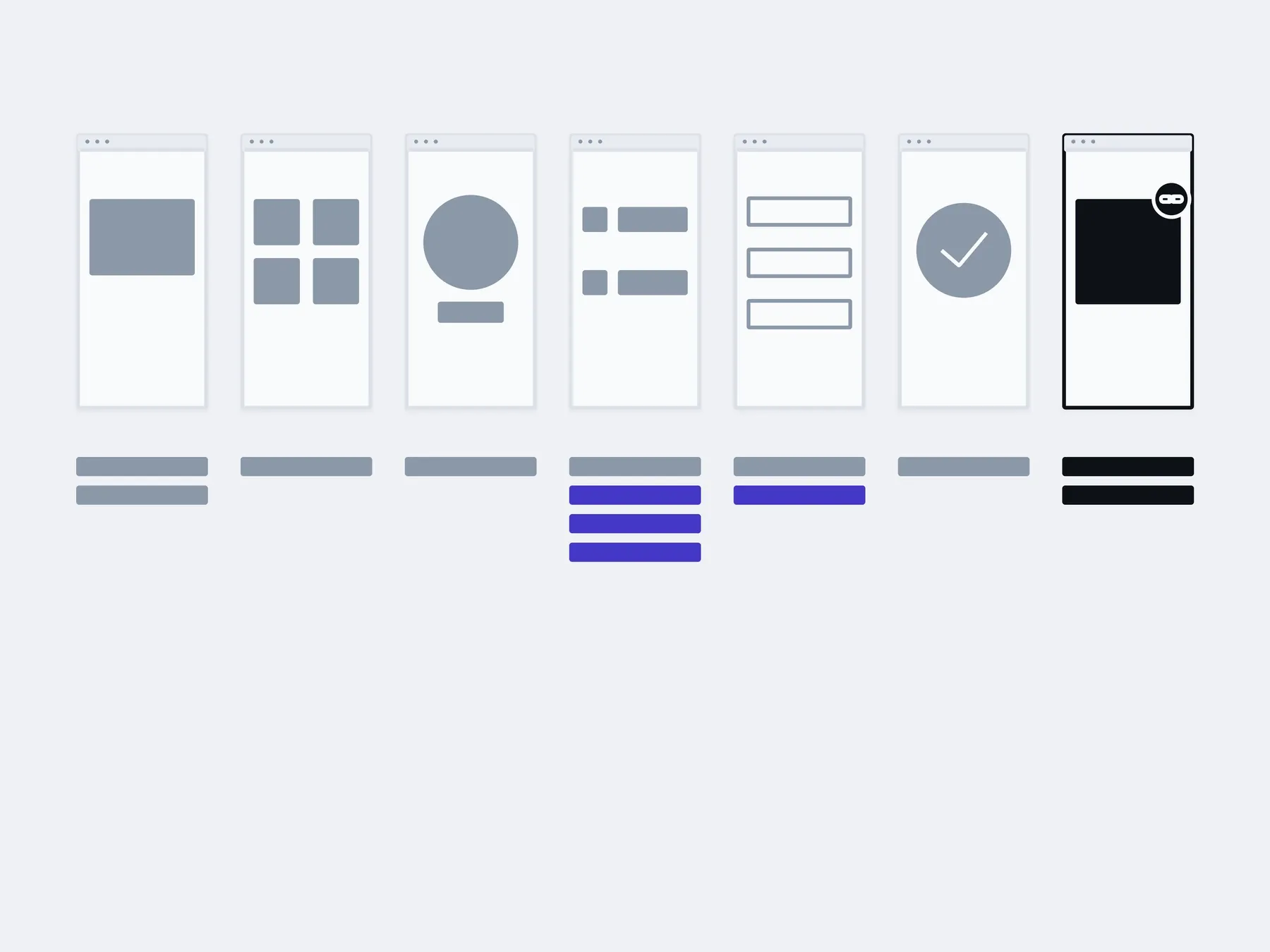
03In six months
kept in one system, not entered twicewith us: another integration
The timings are illustrative: an example, not a plan.
You, in the admin
- Orders in the CRM
- Delivery statuses
- Customer base
- Payments
About integrations
Which is it: fix, extend or move?
The project is already running, so the question isn't what to build but what to do with what's there. Sometimes it's all three. Then we start with whatever is getting in the way today.
Fix. Something is broken: a form, a payment, a page on a phone. When the rest works and there's no reason to redo it.
Extend. A feature is missing: a filter, an account area, a new way to pay. When the foundation holds and something new can be added to it.
Move. An old engine, or code where every change has become a risk. When repairs already cost more than moving in parts.
How much does an integration cost?
The first quick look is free. After that, a fixed price once the systems are known and the rules agreed. If we first need to find out what the API allows, that part is billed by the hour.
Which CRM or delivery service do you connect?
The one you work with. If the system has an API or a ready module for your platform, it can be connected.
There's a ready-made module. Why do we need you?
Often the module is enough, and then we install and configure it rather than write our own. You need us when the module doesn't pass some field, clashes with another plugin, or quietly stops working.
What happens if the CRM doesn't respond?
The exchange isn't lost: the record waits in a queue and is retried, and the log shows what happened. If the retry doesn't help, you get an alert.
Whose account and API keys are they?
Yours. Each system issues the keys to your account. We work with them, but we don't register anything in our name.
Can you connect a system with no API?
Sometimes, through scheduled file exports. It's slower and more fragile, and we'll tell you that before starting.
What happens when a service changes its API?
The integration will need updating. The log will show that the exchange has stopped, and the update can come out of a monthly support block of hours.
Other work on an existing project
An integration often runs into something else: an old bug in the cart, or an engine nobody makes modules for any more. These are separate services, and each one can be taken on its own.
- Website reworkEdits, blocks, forms, the mobile version. We take them as a list.

- Fixing bugsWe find the cause first and fix second. Not the other way round.

- New featuresAdded to the code that is already there, without rewriting it all.
- This pageIntegrations and APIsPayment, delivery, CRM, stock. So the data moves on its own.
- Moving to a new stackMoved in pieces, with a working site at every step.
- Making it fasterWe measure first, then fix what actually slows it down.

Name the systems you work with and what's being moved by hand right now. We'll tell you what can be connected, and how.
- 01A link
to the site, the mock-up or the repository, whatever exists
- 02What to change
one sentence on what should become different
- 03Who it's for
who will use it: your customers, your team, and how many