

Rework and support · 02
Fixing bugs
The site works, but something in it is broken: a form doesn't send, the cart adds up wrong, a page falls apart on a phone. First we find out why, and only then fix it. That way the same bug doesn't come back a week later, and the fix doesn't break the page next to it.
- 01You send a link and describe what's not working
- 02We look at the code, the access and the logs, free of charge
- 03We explain where we'll start and how the hours are counted
Not sure fixing is what it needs? Compare it with the other support services
What we do with every bug
The first list happens with every bug. The second we set up separately, when the project has no safety net and you want to see the next bug before a customer does.
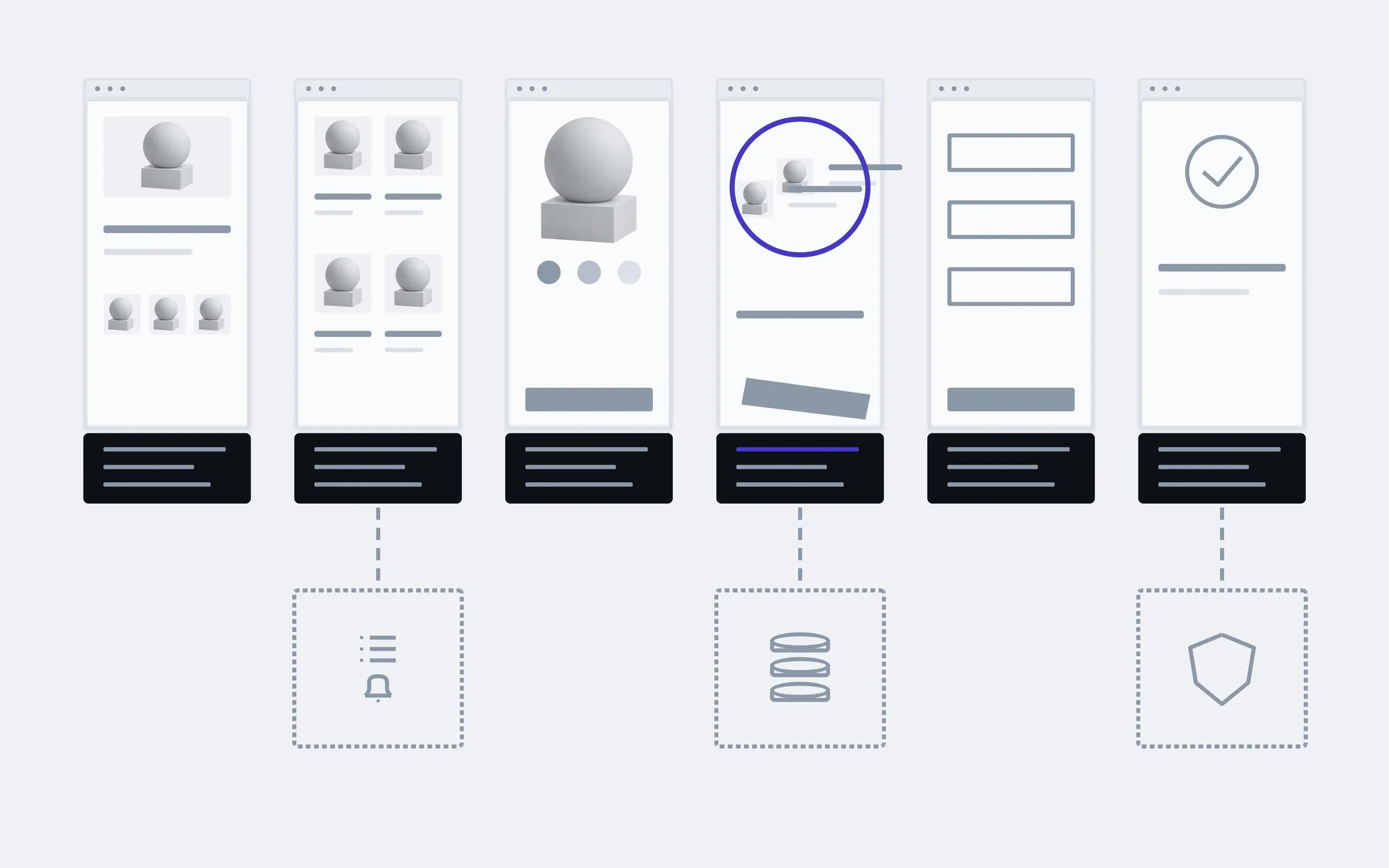
includedseparately, if needed
Reproducing it
We make the bug happen ourselves: which device, which browser, after which steps. What doesn't reproduce doesn't get fixed by guesswork.
Finding the cause
We look through the code, the server logs and the settings for why it happens, not just where it shows.
The fix
We fix the cause in the style the project is written in, and leave the parts around it alone.
Checking the neighbours
We go through the pages and flows the change touches: the cart, the payment, the email after an order.
Phones and browsers
We check on phone and desktop, in the browsers your visitors actually use.
Plugins and updates
If the cause is an outdated plugin or library, we update it, or explain why now is not the time.
Access
We help you gather access to the hosting, the domain and the code, if the previous developer held it.
A plain report
What broke, why, what we changed, and how to roll the change back if you need to.
Separately
Error log and alerts
Errors on the site are recorded automatically, and you hear about them before a customer tells you.
Backups
Scheduled copies of the site and the database. We check them by restoring them, not by the file being there.
Basic security
Updates, passwords and access, extra admin accounts, service pages left open.
Where bugs live in a shop
This is an example for an online shop: under each page are two places where bugs often turn up. On a company site there's a request form instead of a cart, but the check runs the same way, page by page.
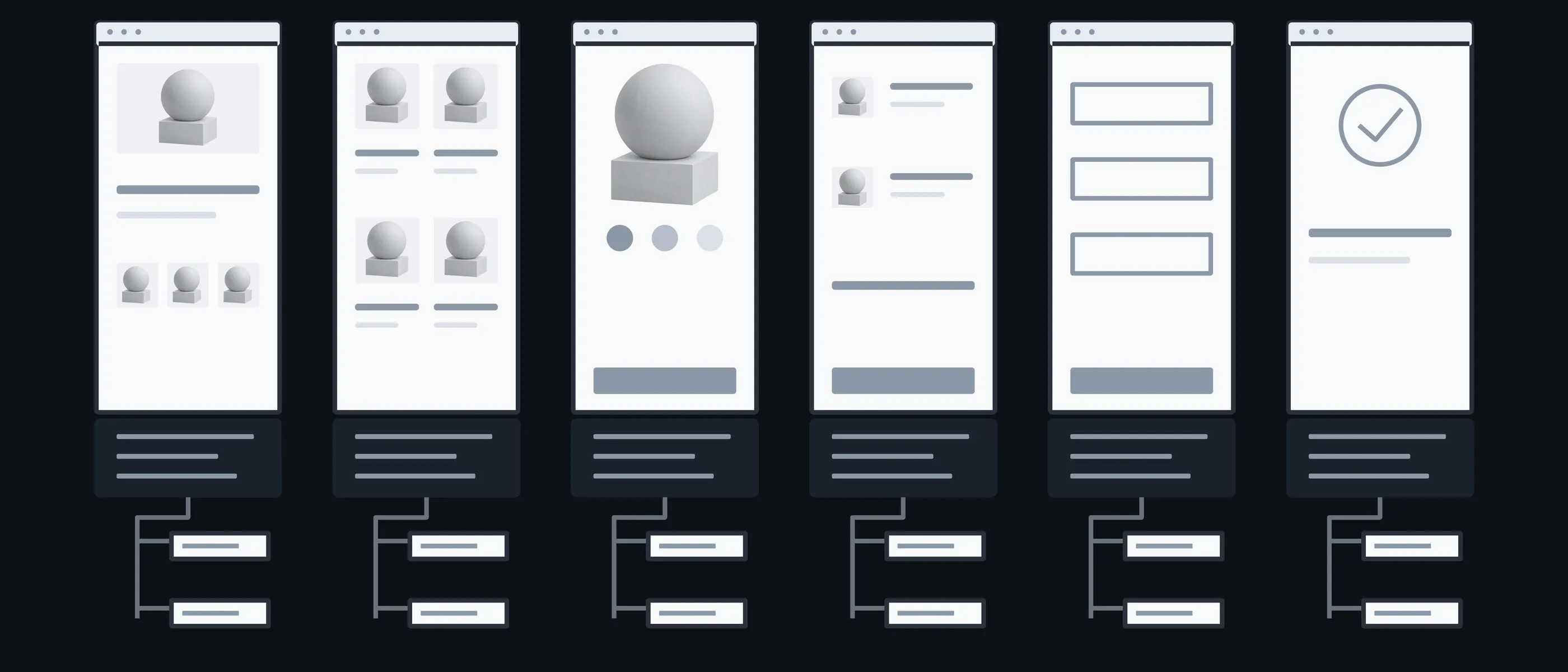
Home
Banner · Menu
The first thing people see, and the first to fall apart on a phone
Catalogue
Filter · 404
A filter that finds nothing, and links that lead nowhere
Product
Photos · Options
The wrong colour or size shows up after choosing one
Cart
Total · Button
A discount that didn't apply, a button that doesn't respond
Payment
Form · Status
The money went through, but the order never appeared
Order
Email · Account
The email never arrived, or landed in spam
What you have in hand after each step
Between "we can see the bug" and "we fix it" there's a step that often gets skipped: understanding where it came from. That step decides whether the bug comes back.

01Conversation
You describe what happened, when and to whom, and send screenshots and whatever access you have.
In hand
A list of bugs to start from

02Review
We reproduce each bug and look at the code, the logs and the server settings.
In hand
Which bugs reproduce, and where to look

03Cause
We find the line, setting or plugin where it all started.
In hand
The cause of each bug, in words rather than code

04Fix
We fix it on a copy of the site, not the live one, and move it over once it works.
In hand
A fix that can be rolled back

05Check
We go through the neighbouring pages and flows on phone and desktop.
In hand
A report: what was wrong, what changed, what was checked
What the price and timeline depend on
Bugs in someone else's code are billed by the hour: until the cause is found, there's no honest fixed price. After the review we tell you how many hours we expect, and warn you in advance if it's going over.
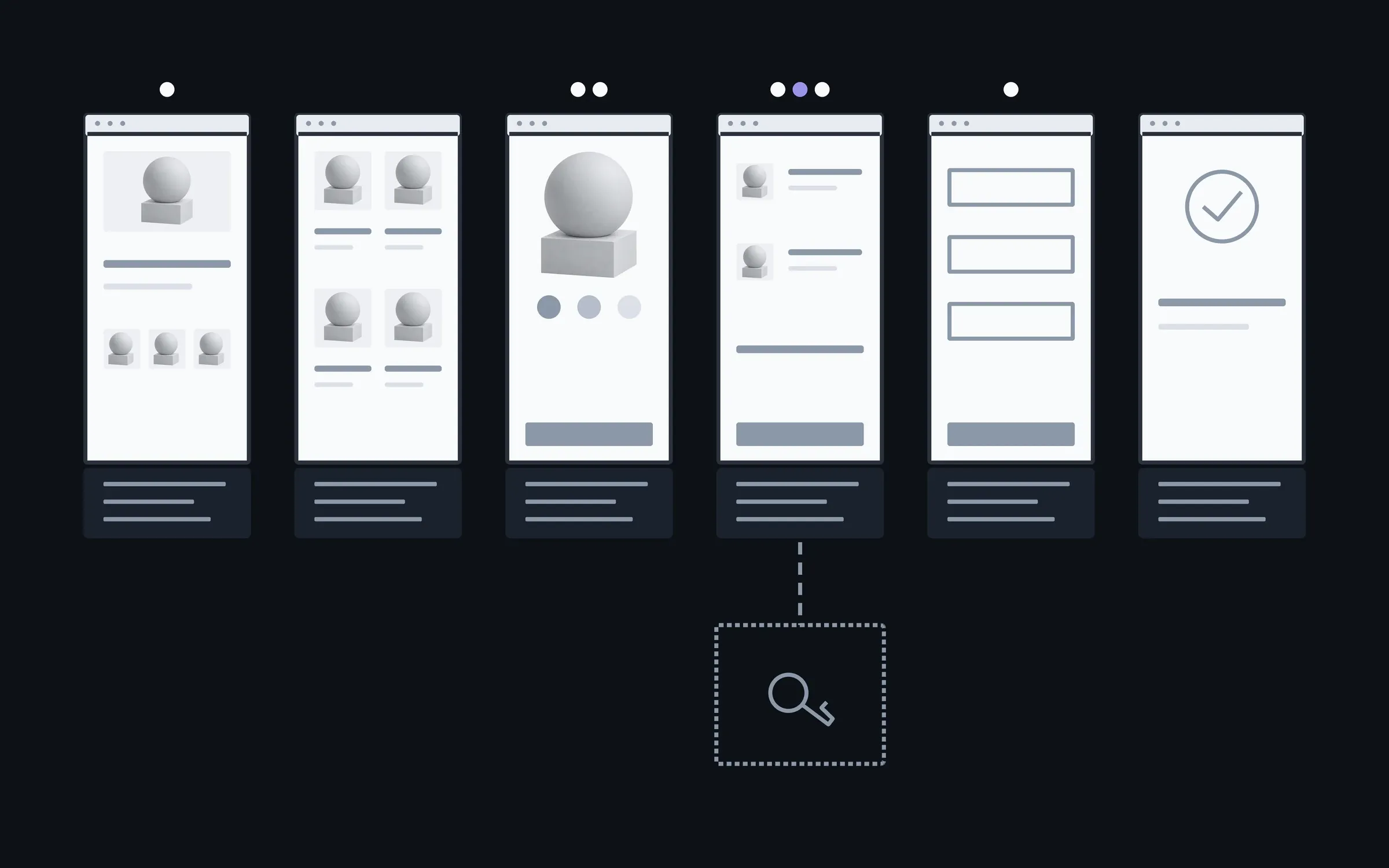
- 01How many bugs, and whether they reproduce
- A bug that shows up every time is quicker to find than one that happens once a week to one customer.
- 02Access and logs
- With access to the code, the hosting and the server logs, the cause is visible. Without them it has to be worked out from how the site behaves.
- 03State of the code
- Code with notes and a change history reads faster than code changed by different people with no record at all.
- 04Urgency
- If payments are down, we fix whatever is costing you money first, and the rest in turn.
The site can be edited without fear again
Once the cause is gone, your team adds products and changes texts on its own again, without waiting for something to fall off. An automatic check of the main flows, so you're the first to see the next bug, we set up together separately.
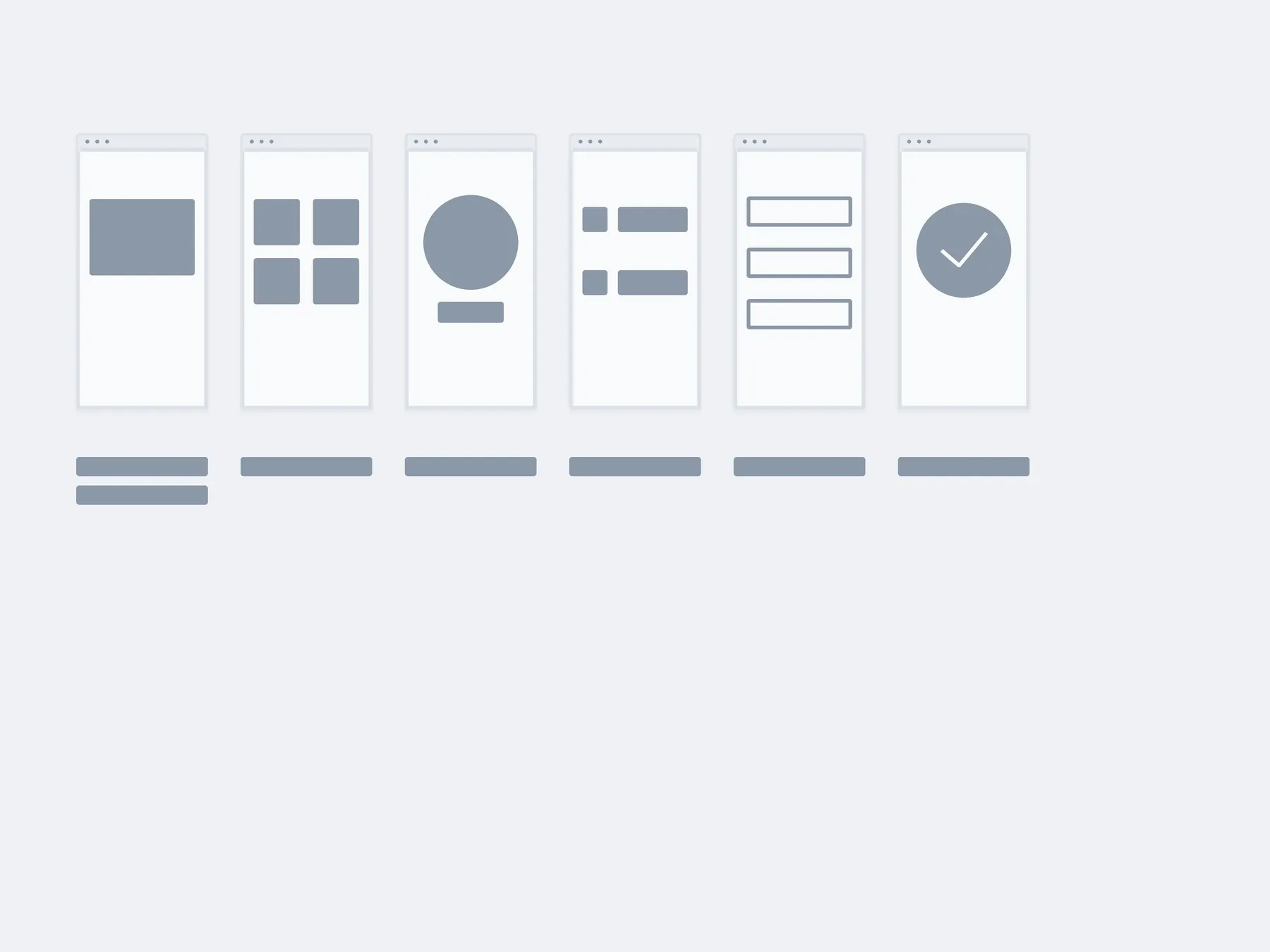
01The fix
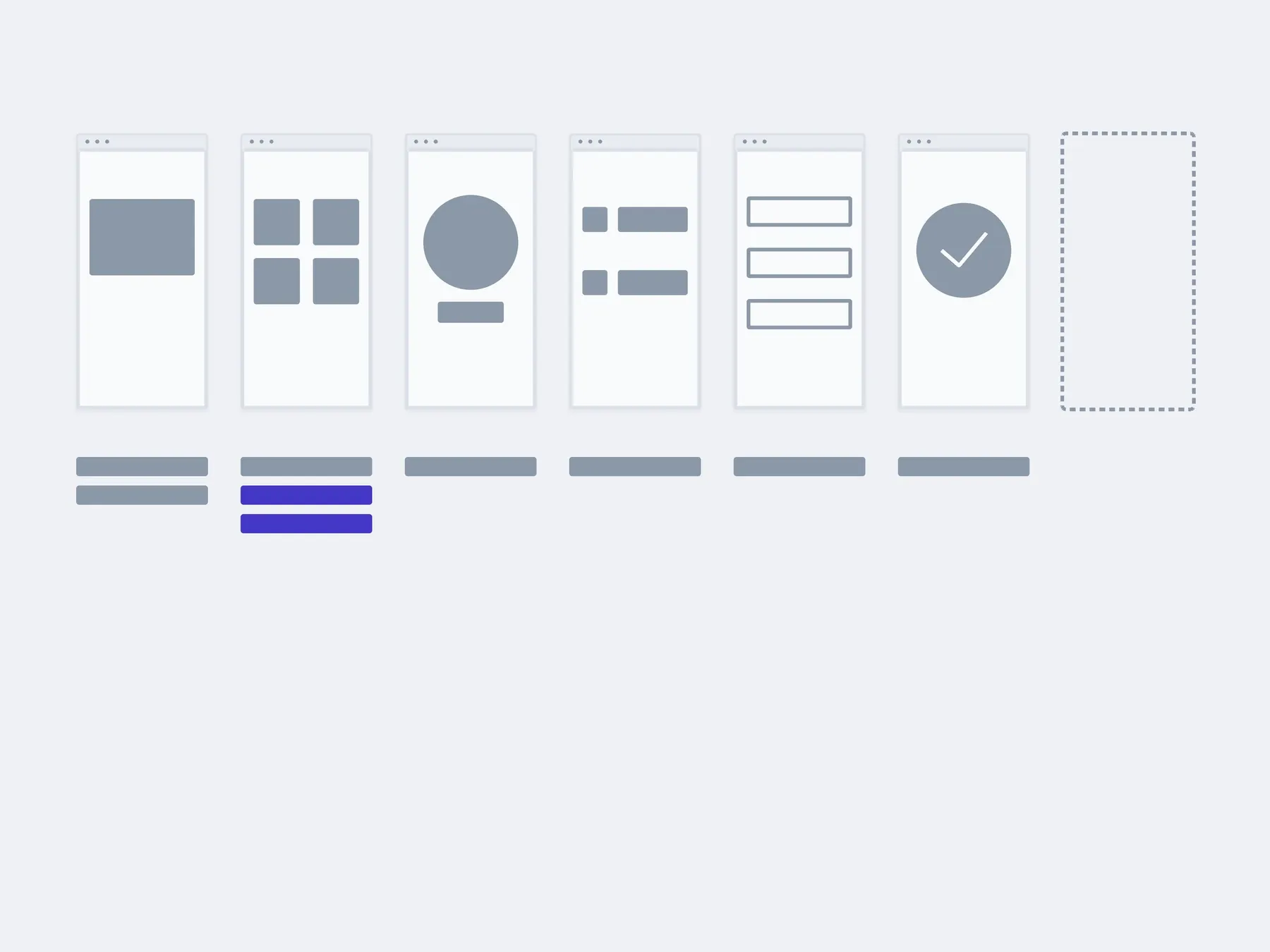
02In 3 months
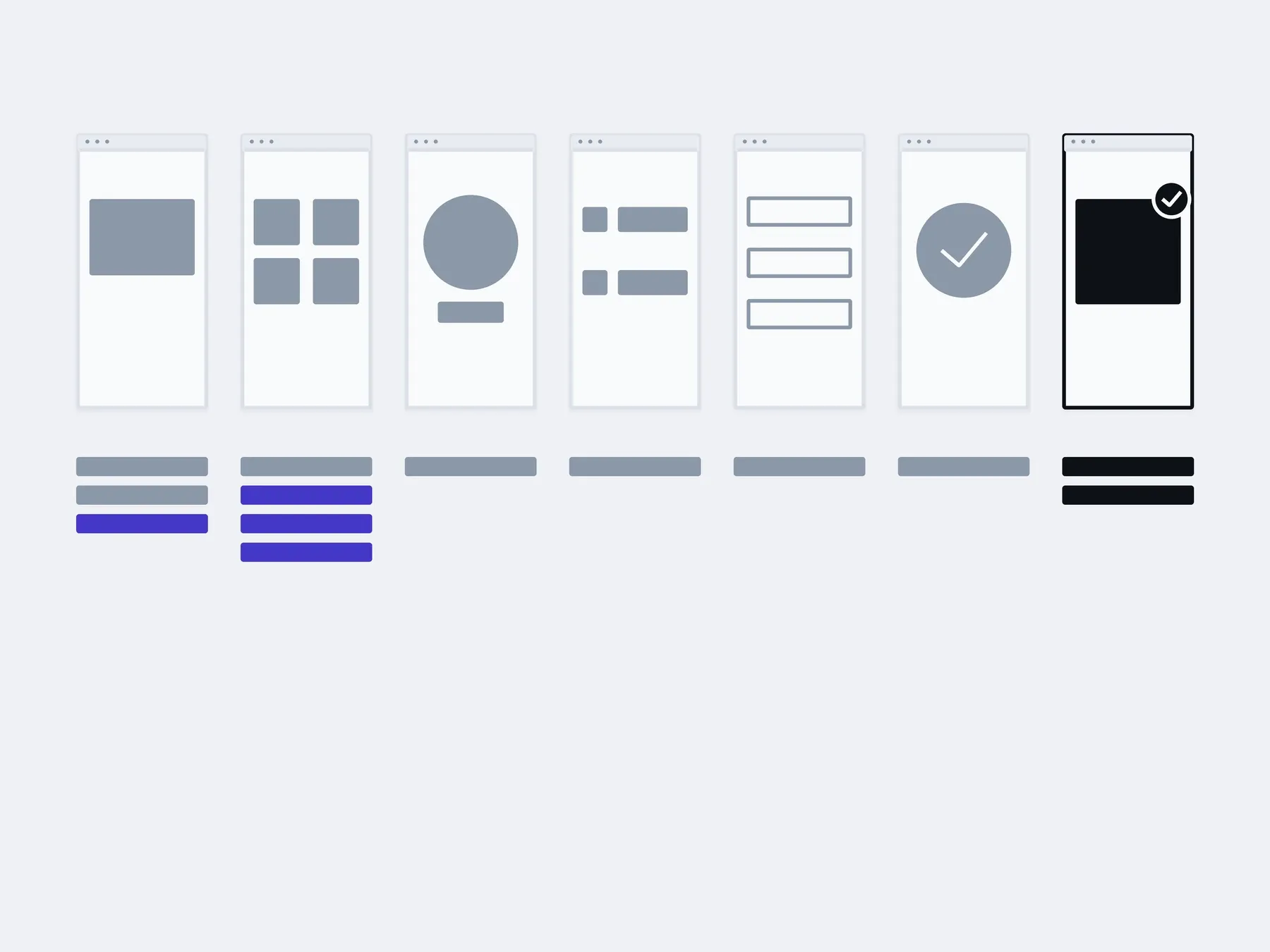
03In six months
changed by you: products and textswith us: an automatic check
The timings are illustrative: an example, not a plan.
You, in the admin
- New products
- Prices and stock
- Texts and banners
- Offer pages
With us
- Automatic checks of the main flows
- Error alerts
- A monthly block of hours for small fixes
About fixing bugs
Which is it: fix, extend or move?
The project is already running, so the question isn't what to build but what to do with what's there. Sometimes it's all three. Then we start with whatever is getting in the way today.
Fix. Something is broken: a form, a payment, a page on a phone. When the rest works and there's no reason to redo it.
Extend. A feature is missing: a filter, an account area, a new way to pay. When the foundation holds and something new can be added to it.
Move. An old engine, or code where every change has become a risk. When repairs already cost more than moving in parts.
How much does fixing a bug cost?
The first quick look is free. After that we bill by the hour: until the cause is found, there's no honest price. After the review we tell you how many hours we expect. For ongoing small fixes there's a monthly block of hours.
The previous developer doesn't reply and won't hand over access. What now?
If the domain and hosting are registered to you, access can be restored through the registrar and the hosting provider. The code is often sitting on the hosting even when there's no repository. We'll tell you what to ask for and from whom, and see what can be recovered.
Can you fix just one bug?
Yes. There can be a single bug, and it doesn't turn the job into a big project. We check only the pages the change touches.
How do you tell when fixing costs more than moving?
When the same part breaks again after every change, the engine hasn't been updated in years, and developers for it are getting harder to find. After the review we'll tell you what we see, and if the question comes up, we'll price both options.
The project was built in Lovable, Bolt or Cursor and got stuck. Will you take it on?
Yes. It's someone else's code like any other, just written faster. We start with sign-in, payments and data access, because that's where these projects often break.
Won't you break what works now?
We fix things on a copy of the site, and walk through the neighbouring pages before moving the change over. Every change can be rolled back, and the report says exactly how.
What do we get at the end?
A plain-language report: what broke, why, what we changed, what we checked and how to roll it back. You can take it to another developer too.
Other work on an existing project
After a fix it often becomes clear what's missing or what's slow. These are separate services, and each one can be taken on its own.
- Website reworkEdits, blocks, forms, the mobile version. We take them as a list.

- This pageFixing bugsWe find the cause first and fix second. Not the other way round.

- New featuresAdded to the code that is already there, without rewriting it all.
- Integrations and APIsPayment, delivery, CRM, stock. So the data moves on its own.

- Moving to a new stackMoved in pieces, with a working site at every step.

- Making it fasterWe measure first, then fix what actually slows it down.

Send a link and describe what isn't working: when, on which device, after what. We'll tell you where we'd start.
- 01A link
to the site, the mock-up or the repository, whatever exists
- 02What to change
one sentence on what should become different
- 03Who it's for
who will use it: your customers, your team, and how many