

Websites and web services · 05
Online store
A shop where buyers find a product, pay and choose delivery on their own. You manage products, prices and orders in the admin, no developer needed.
- 01You tell us what you sell and how
- 02We clarify the details by message or a call
- 03We give you the price and timeline
Not sure an online store is what you need? Compare it with the other sites
What the work includes, and where it ends
Everything in the first list goes into every shop we build. The second we add separately, when it is actually needed.
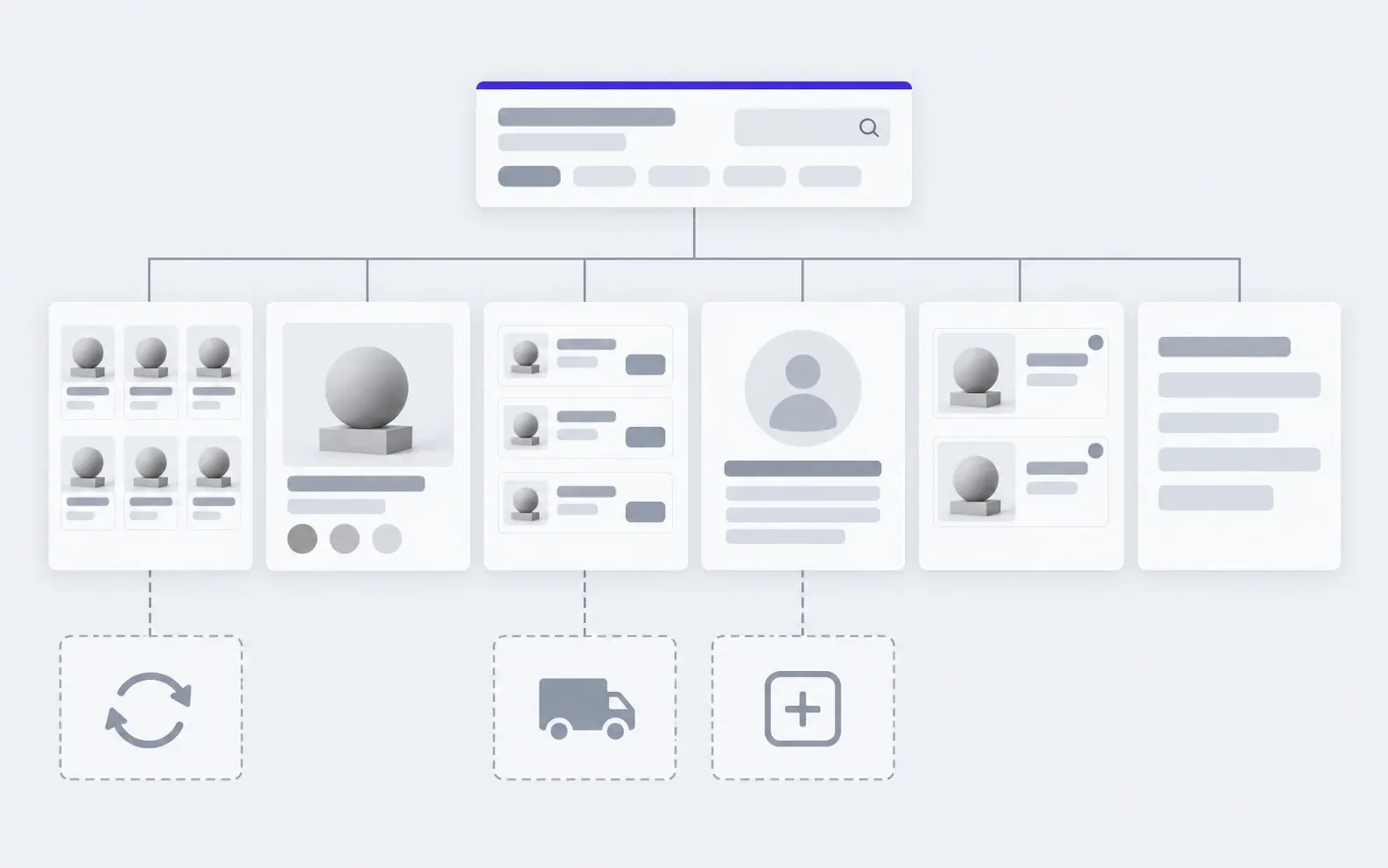
includedseparately, if needed
Catalogue and search
Categories, filters that match how your buyers actually choose, and search by name.
Product page
Photos, variants (size, colour), specifications and stock.
Cart and checkout
A few steps to payment, no forced sign-up.
Payment
Cards and other methods through a payment provider you sign the contract with.
Delivery
The carrier you already use, plus pickup: the buyer picks a branch at checkout.
Admin
Products, prices, sales, orders and their status. We choose the system to fit the task.
Phone and large screen
Most purchases start on a phone, so checkout is tested there first.
Google groundwork
Product markup, a sitemap and page addresses, set up before launch.
Analytics
You see where buyers come from and at which step they abandon the cart.
Launch on your domain
Domain, hosting, email and payment account are in your name.
Separately
Sync with accounting and stock
Stock and prices from your accounting system. Estimated once we see what has to be connected.
Catalogue filling
We enter products, photos and descriptions if you would rather not.
More delivery options
A second and third carrier, automatic waybills and parcel tracking.
Extra modules
A rewards programme, marketplace feeds, wholesale prices, product comparison or anything else your task needs.
What an online store is made of
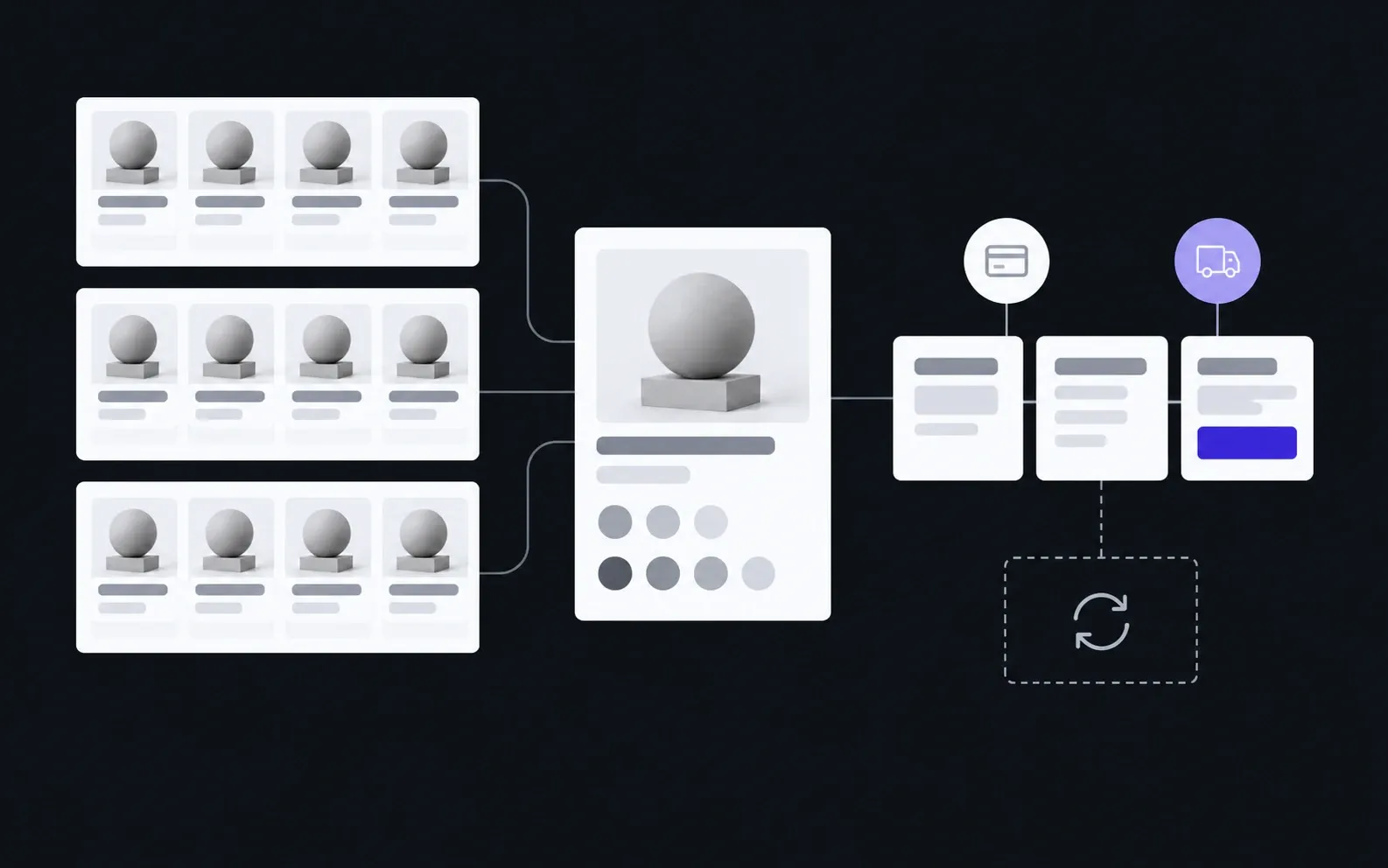
We put the structure together with you before any design. The most important part comes first: how a buyer looks for a product.
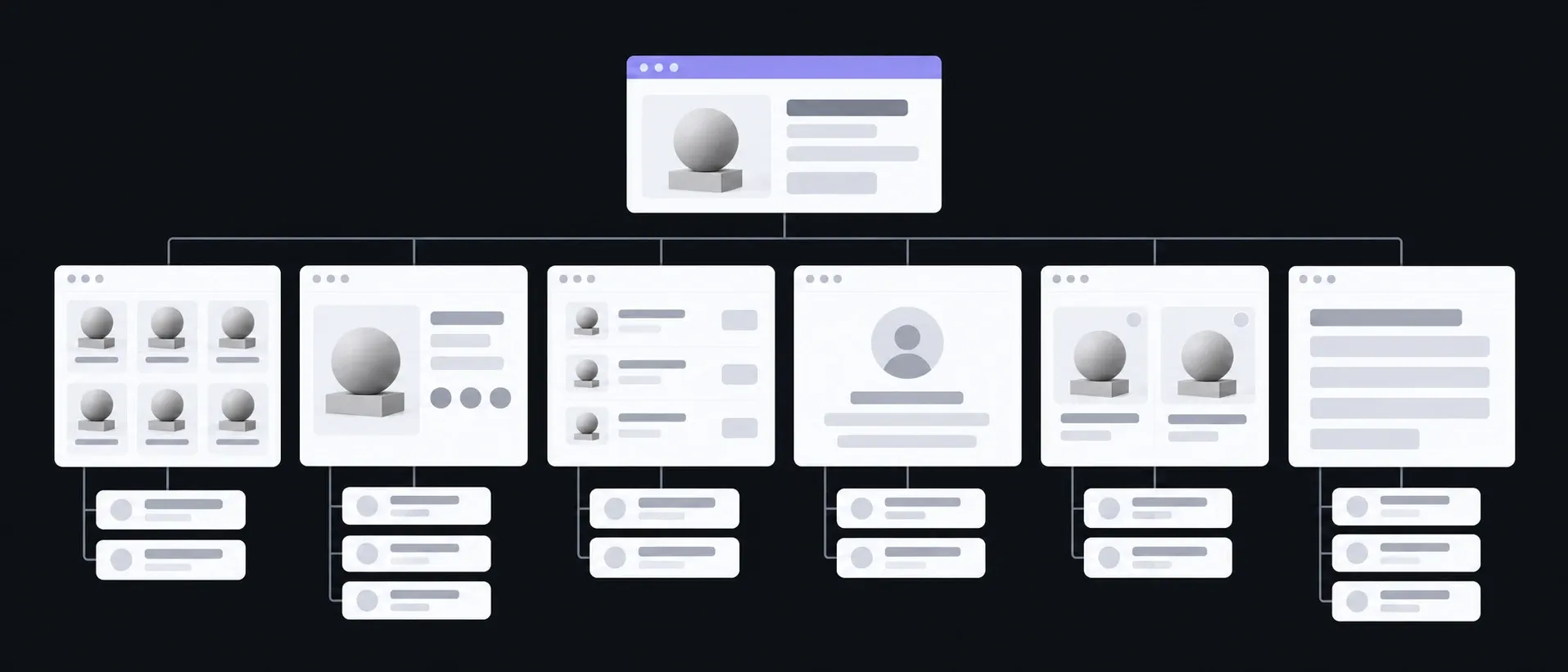
Catalogue
Categories · Filters
How the buyer searches, not how the stock is stored
Product
Photos · Variants · Specs
Everything needed to decide without calling
Cart
Delivery · Payment
Every extra step costs sales
Customer account
Orders · Favourites
A repeat order in two clicks
Sales
Discounts · Collections
You launch them yourself, when you need to
For buyers
Delivery and payment · Returns · Contacts
Answers before anyone asks
What you have in hand after each step
The same shop at every step: first a catalogue outline, at the end the first real order.
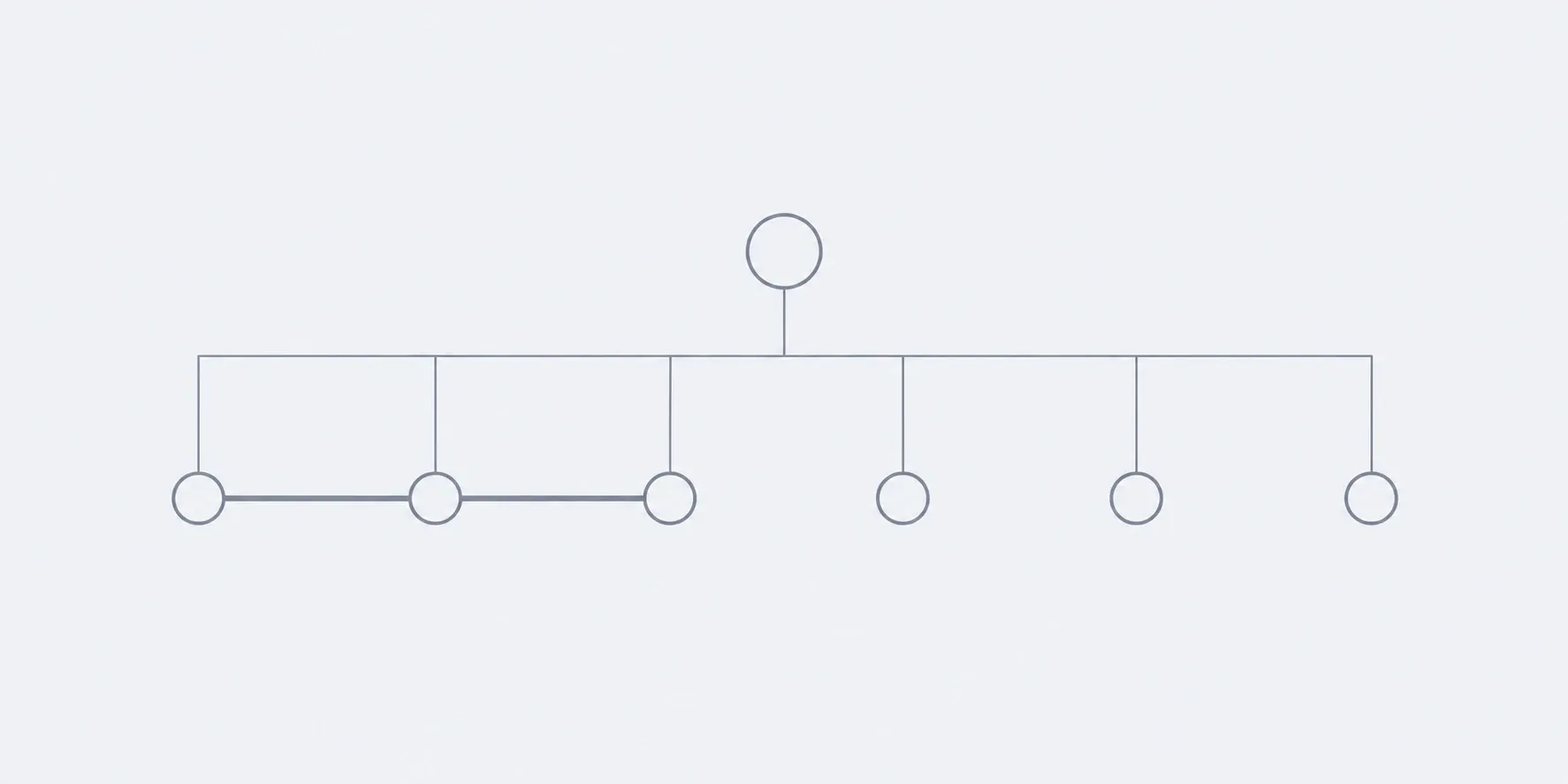
01Conversation
We go through products, payment, delivery and what you already have.
In hand
Catalogue structure, payment and delivery methods
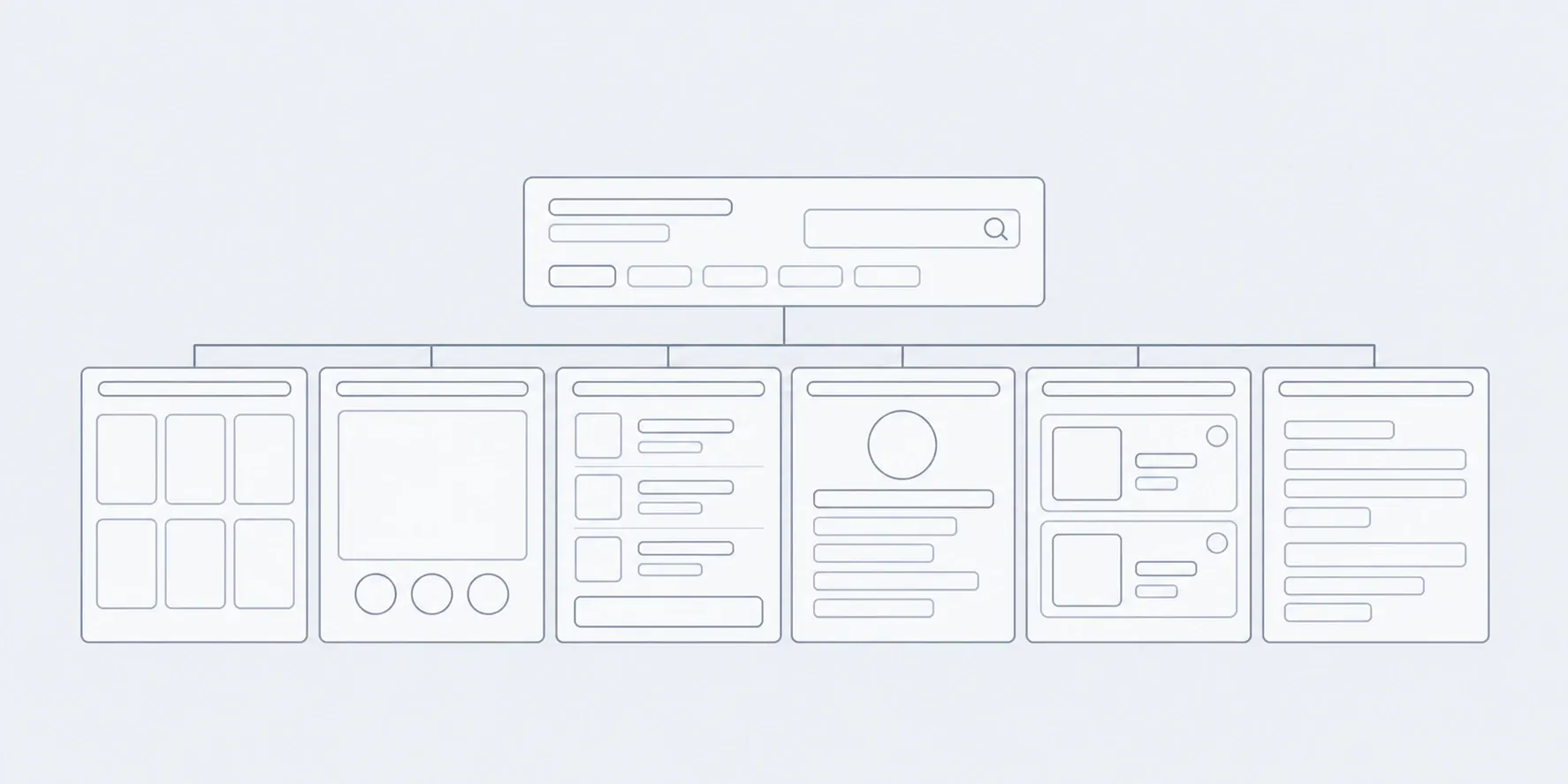
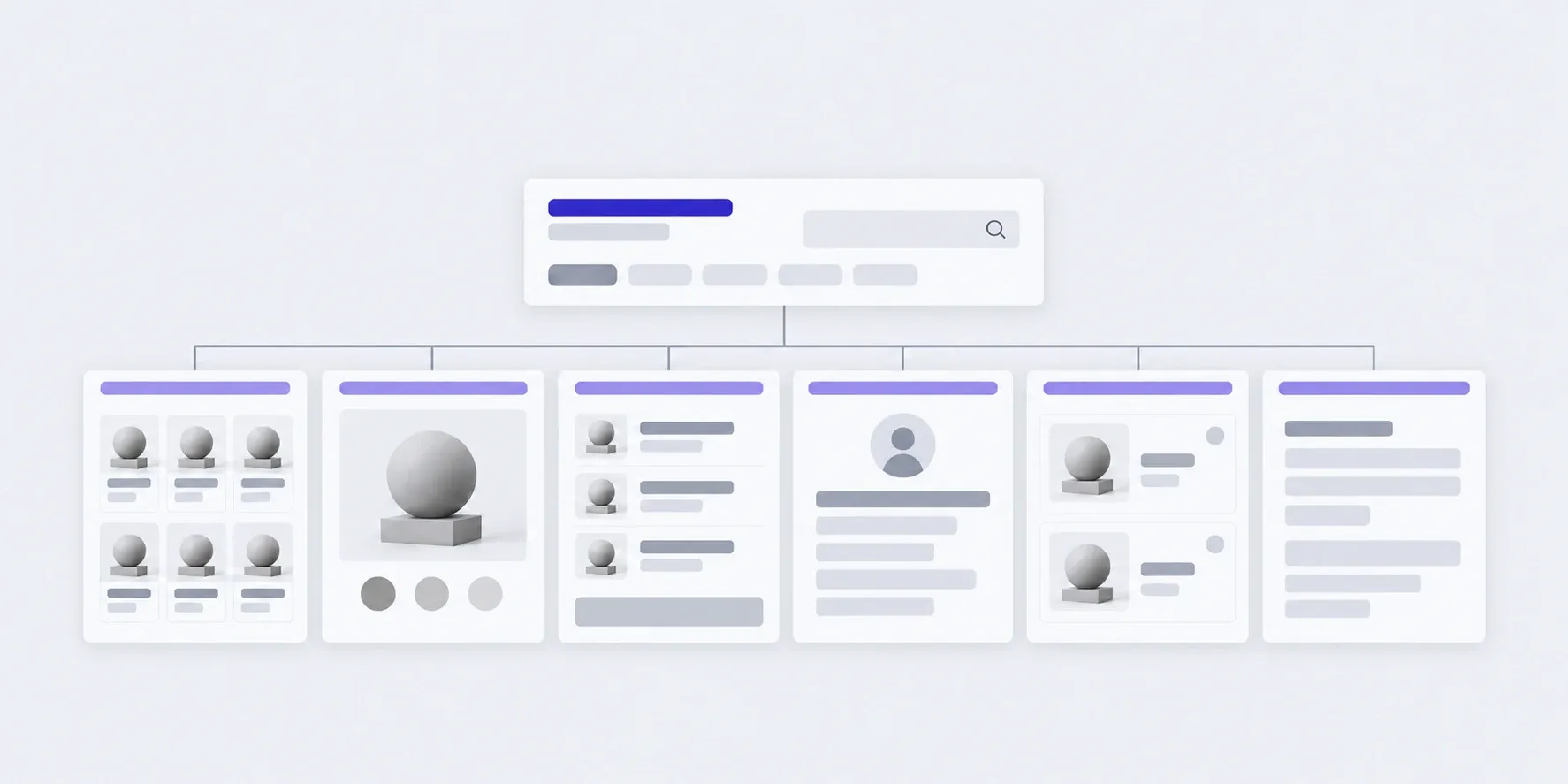
02Prototype
Catalogue, product page and checkout as a wireframe.
In hand
A clickable outline of the path to purchase
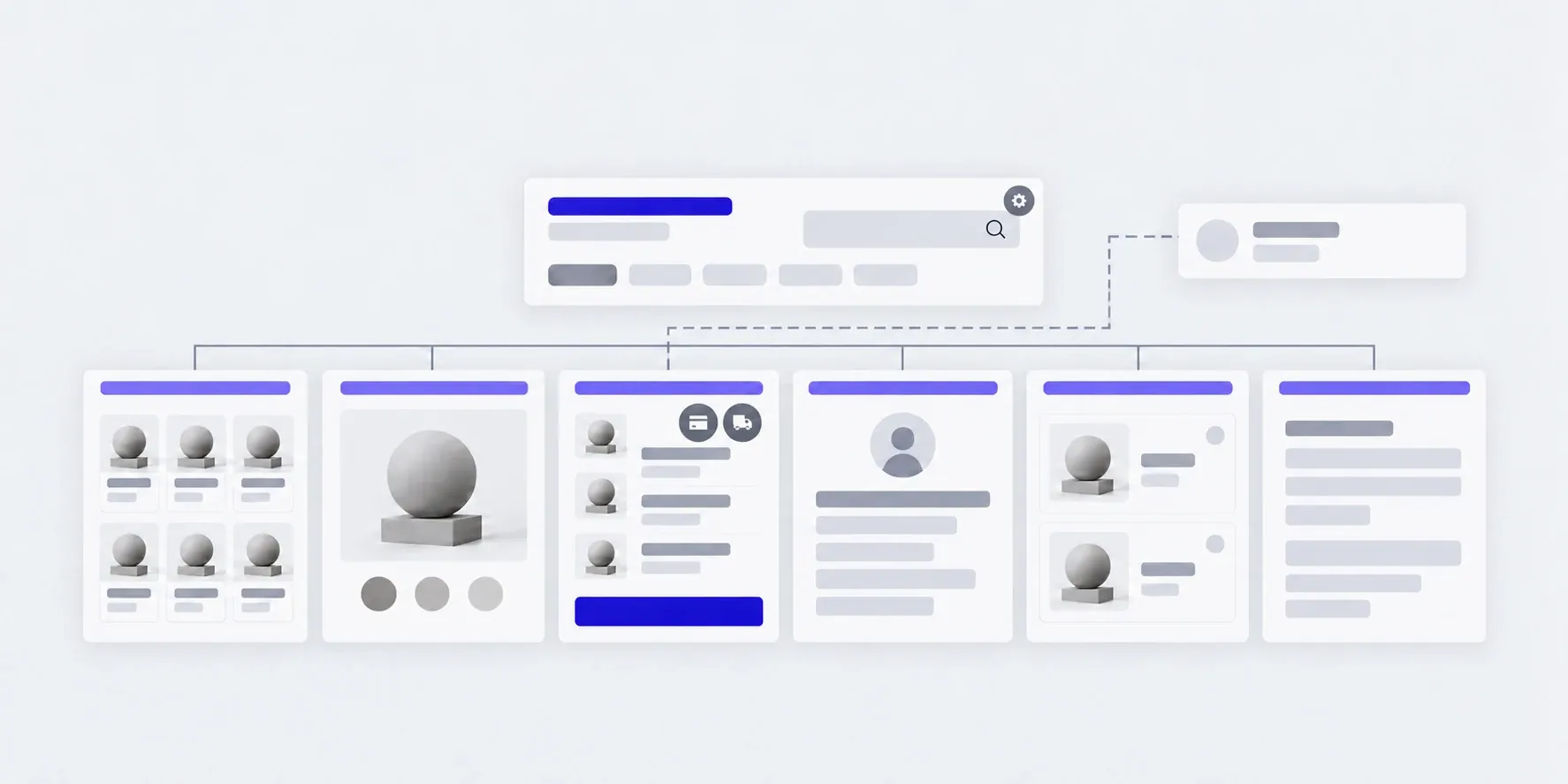
03Design
Key pages in your style, on desktop and phone.
In hand
Mockups you can scroll through
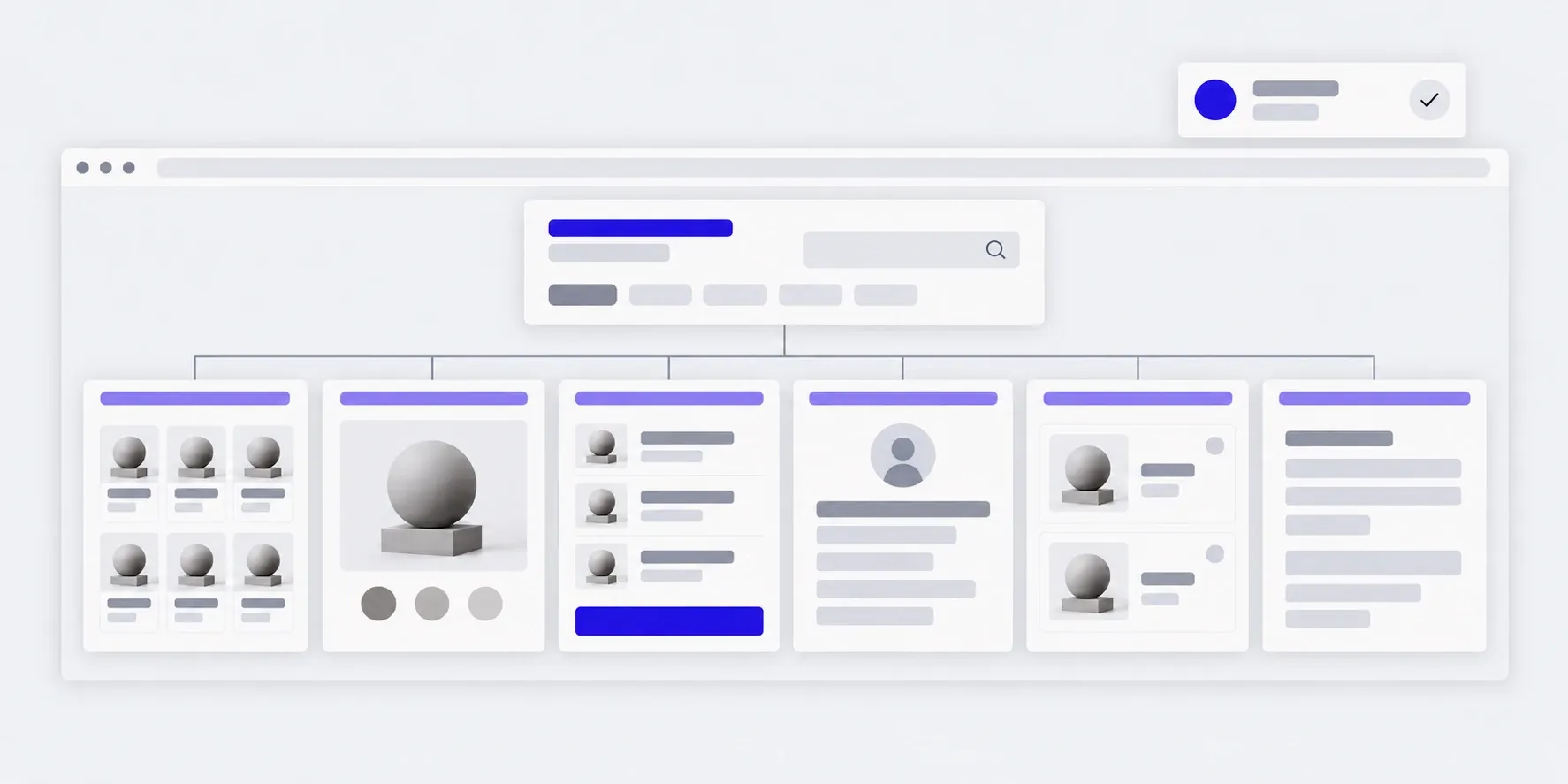
04Build
Catalogue, cart, payment, delivery, admin.
In hand
The shop on a test address, a test order from cart to admin
05Launch
We move it to your domain and switch on live payments.
In hand
The shop online, access and an admin guide
What the price and timeline depend on
We don't publish a figure in advance: two shops with the same number of products can differ in price several times over. We name it after the brief and agree on it before work starts.
- 01Catalogue structure
- What matters is variants and filters, not the number of products. A thousand simple items are easier than a hundred with sizes and colours.
- 02Payment and delivery
- Each payment method and each carrier is connected separately.
- 03Accounting sync
- Stock and prices from your accounting or warehouse system are estimated separately.
- 04What you already have
- A product spreadsheet, photos and a logo save time. Starting from scratch is fine too.
The shop grows, and you don't wait for a developer
We choose the management system to fit the task: catalogue size, accounting sync, how your team works. Anyone on your team can add a product or a sale, and the shop isn't tied to us: another developer can maintain it too.
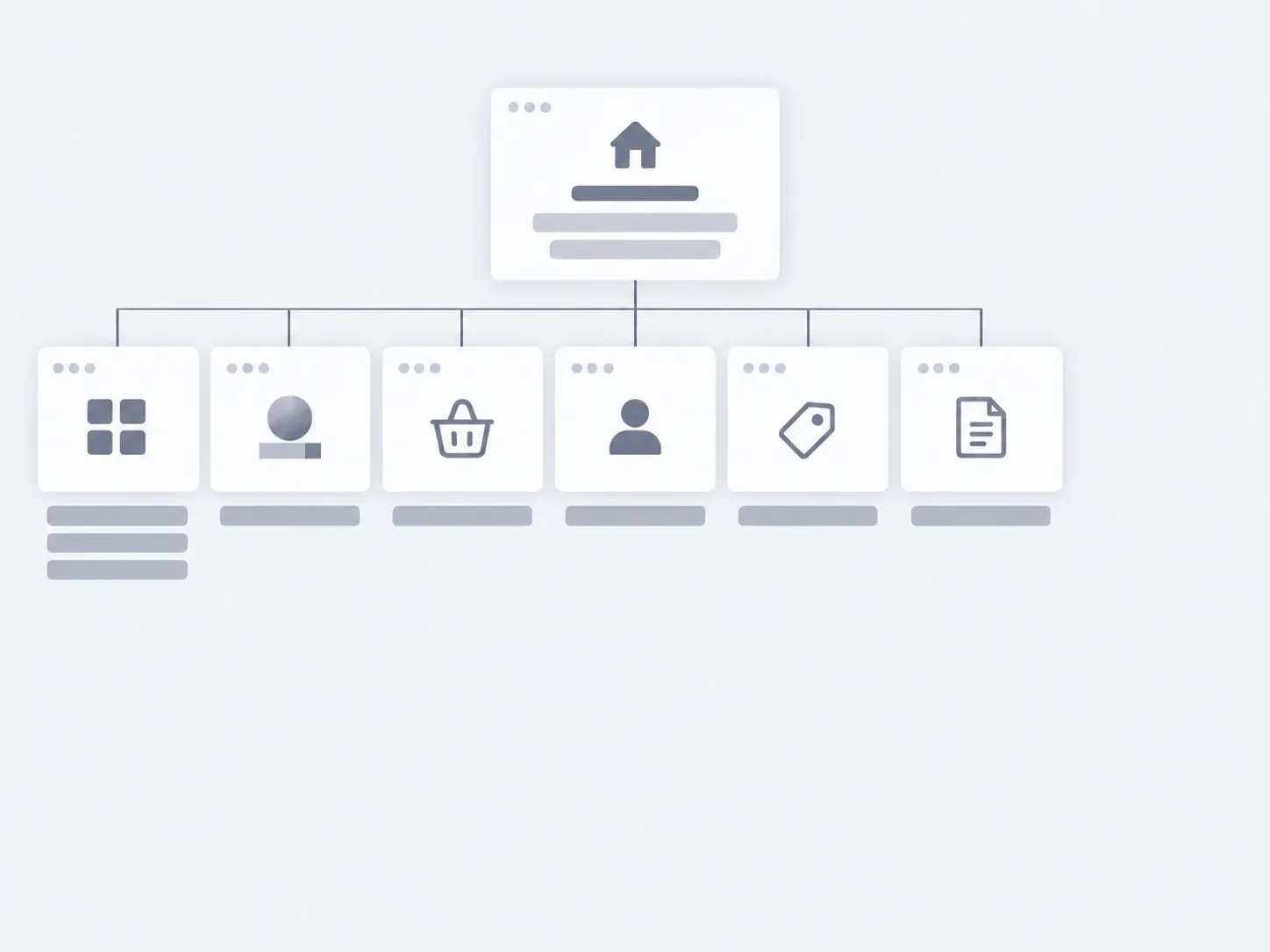
01Launch
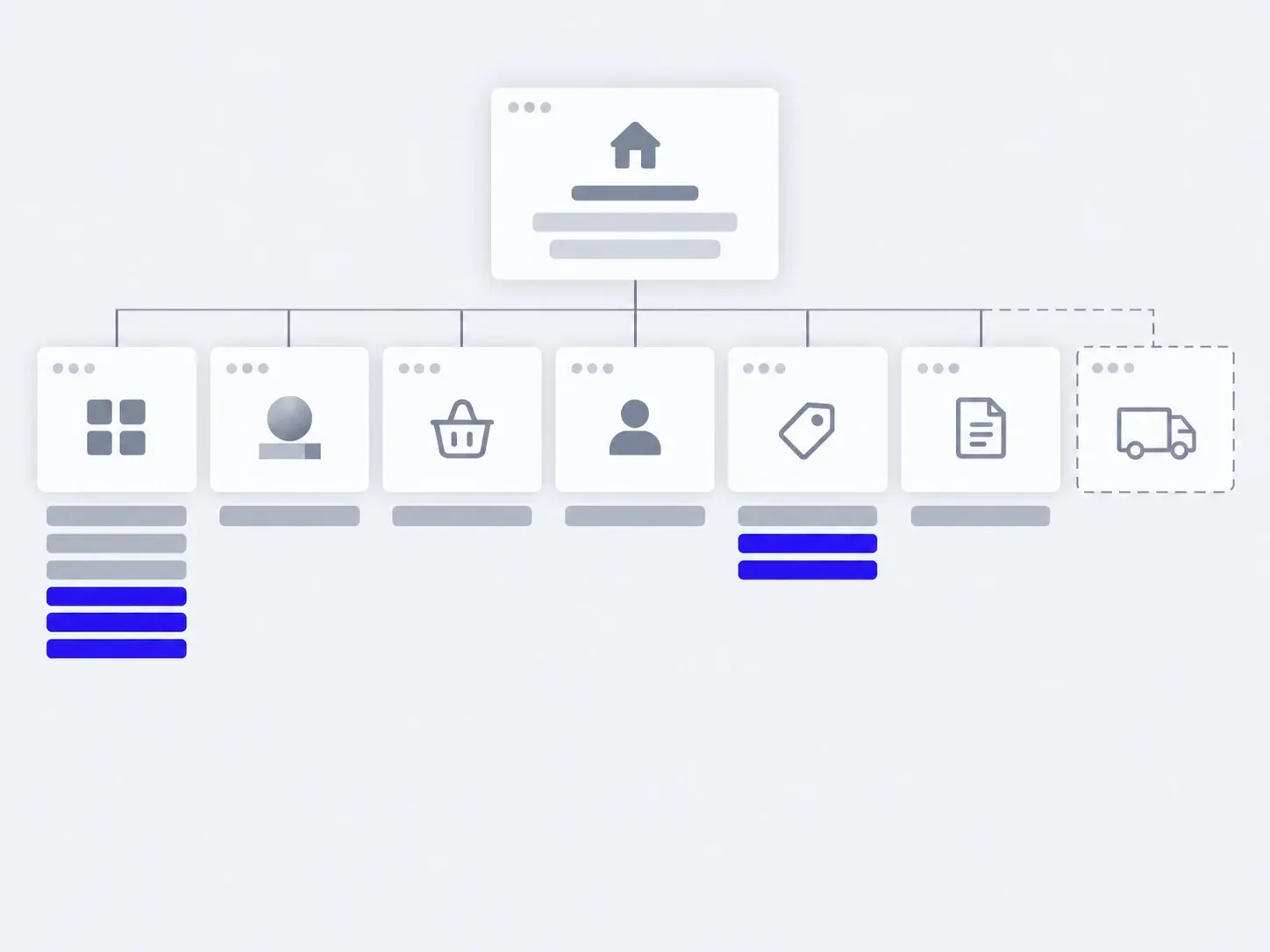
02In 3 months
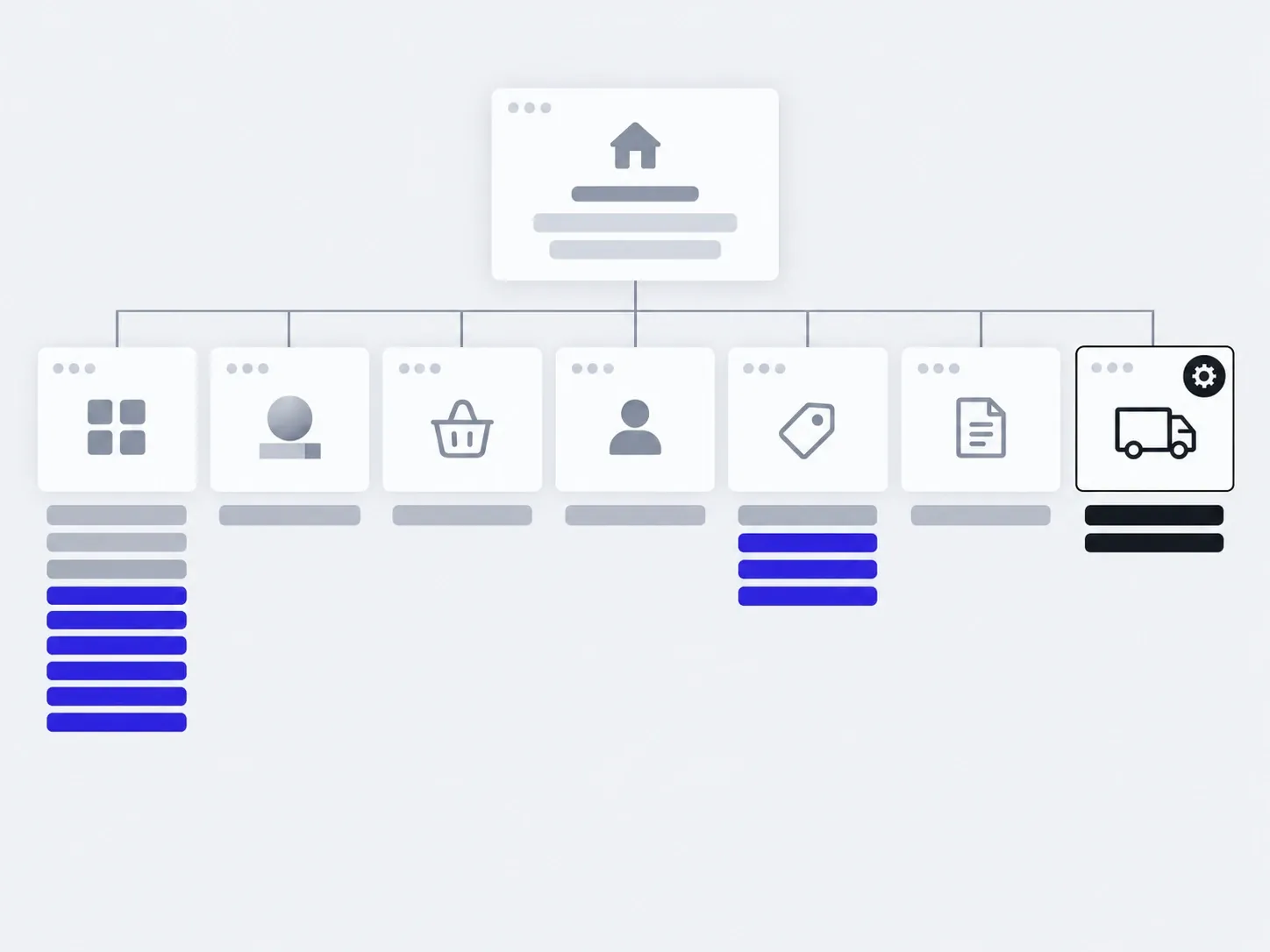
03In six months
added by you: products, salesadded with us: a new delivery option
The timings are illustrative: an example, not a plan.
You, in the admin
- Products and prices
- Sales and discounts
- Stock
- Orders and status
- Home page banners
With us
- A new payment or delivery option
- Sync with accounting or marketplaces
- Updates and backups
About online stores
How much does an online store cost?
We name the price after the brief. It depends on the catalogue structure, payment and delivery options and accounting sync. We agree on the price before work starts.
How long does it take?
We give the timeline with the price, after the brief. What affects it most is how ready the catalogue is: products, photos and descriptions.
What do you need from us to start?
A product list or spreadsheet, photos, and the payment and delivery methods you use. We tell you what is missing before work starts.
Can I add products myself?
Yes. You change products, prices, sales and stock in the admin yourself.
What is the shop built on?
We choose to fit the task: catalogue size, accounting sync and how your team works. We explain the choice before work starts.
Which payment methods can you connect?
Whatever your payment provider offers: cards, instalments, payment on delivery. You sign the contract with the provider, and the money goes straight to you.
Can the shop sync with accounting and stock?
Yes, as separate work. First we look at your system and what exactly has to flow between it and the site.
We already have a shop. Can we move?
We carry over products, categories and the page addresses Google already knows, so you don't lose buyers from search.
Will the store show up on Google?
We set up the technical side of search before launch: product markup, a sitemap, page addresses. After that, your place in search depends on descriptions, prices and promotion.
Who owns the shop?
You do. Domain, hosting, payment account and admin access are in your name from day one.
If you need a different site
An online store is just one of the kinds of sites we build. Here are five more.
- Small business websitesA few pages so people find you and call.
- Landing pagesOne page for one product or one campaign.
- Corporate sitesA structure that grows: sections, news, two languages.
- Brand websitesA site that expresses your brand's character.
- This pageOnline storesCatalogue, cart, payment, order handling.
- Web services and portalsA working tool people sit in every day.
Tell us what you sell and how you take orders today, and we'll tell you where to start.
- 01A link
to the site, the mock-up or the repository, whatever exists
- 02What to change
one sentence on what should become different
- 03Who it's for
who will use it: your customers, your team, and how many