

Websites and web services · 06
Web service and customer portal
A working tool your customers or team use every day: requests, statuses, documents, reports. Instead of spreadsheets, email and calls where things get lost.
- 01You tell us how the work runs today
- 02We clarify the details by message or a call
- 03We give you the price and timeline of the first version
Not sure a web service is what you need? Compare it with the other sites
What the work includes, and where it ends
Everything in the first list goes into every service we build. The second we add separately, when it is actually needed.
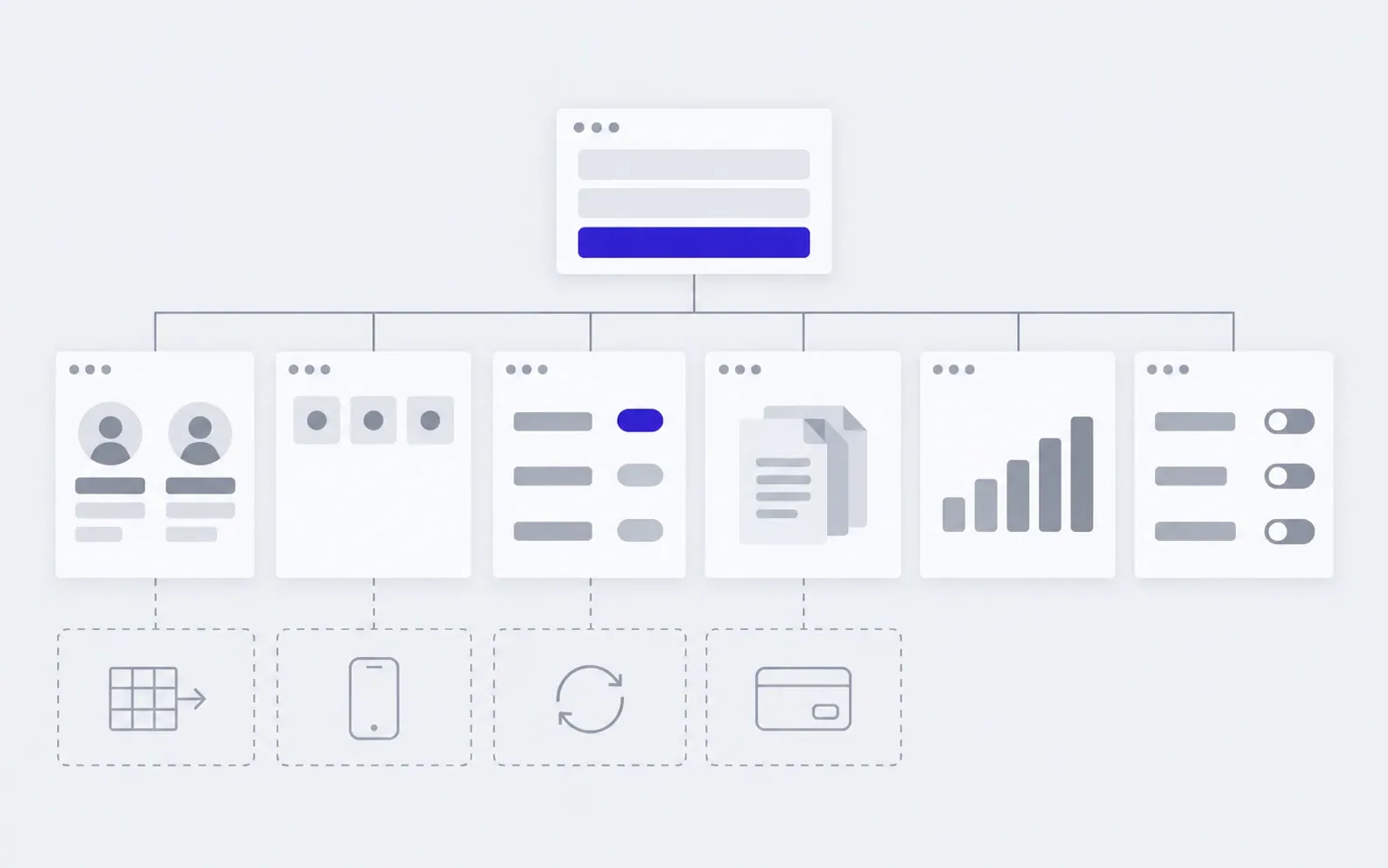
includedseparately, if needed
Roles and access
Who sees what and who can change it: customer, manager, owner.
Scenarios
Each role's path from login to result, worked out before design.
Sign-in
A password or a code by email or phone, and access recovery.
Every screen state
An empty list, an error, a slow connection: people always understand what is going on.
Notifications
An email or a message when a status changes or something needs action.
Phone and large screen
The portal opens in a phone browser, no separate app needed.
Backups and an activity log
Data is saved to backups automatically, and the log shows who changed what.
Code and access in your name
The repository, server and domain are yours, with notes for the next developer.
Separately
Accounting and CRM integrations
Data moves between the service and your systems without manual copying. Estimated once we see what to connect.
Data migration
Customers, orders and documents from an old system or spreadsheets.
Payments and subscriptions
Invoices, online payment and plans, if the service is sold.
Mobile app
When a phone browser is not enough: push notifications, the camera, offline work.
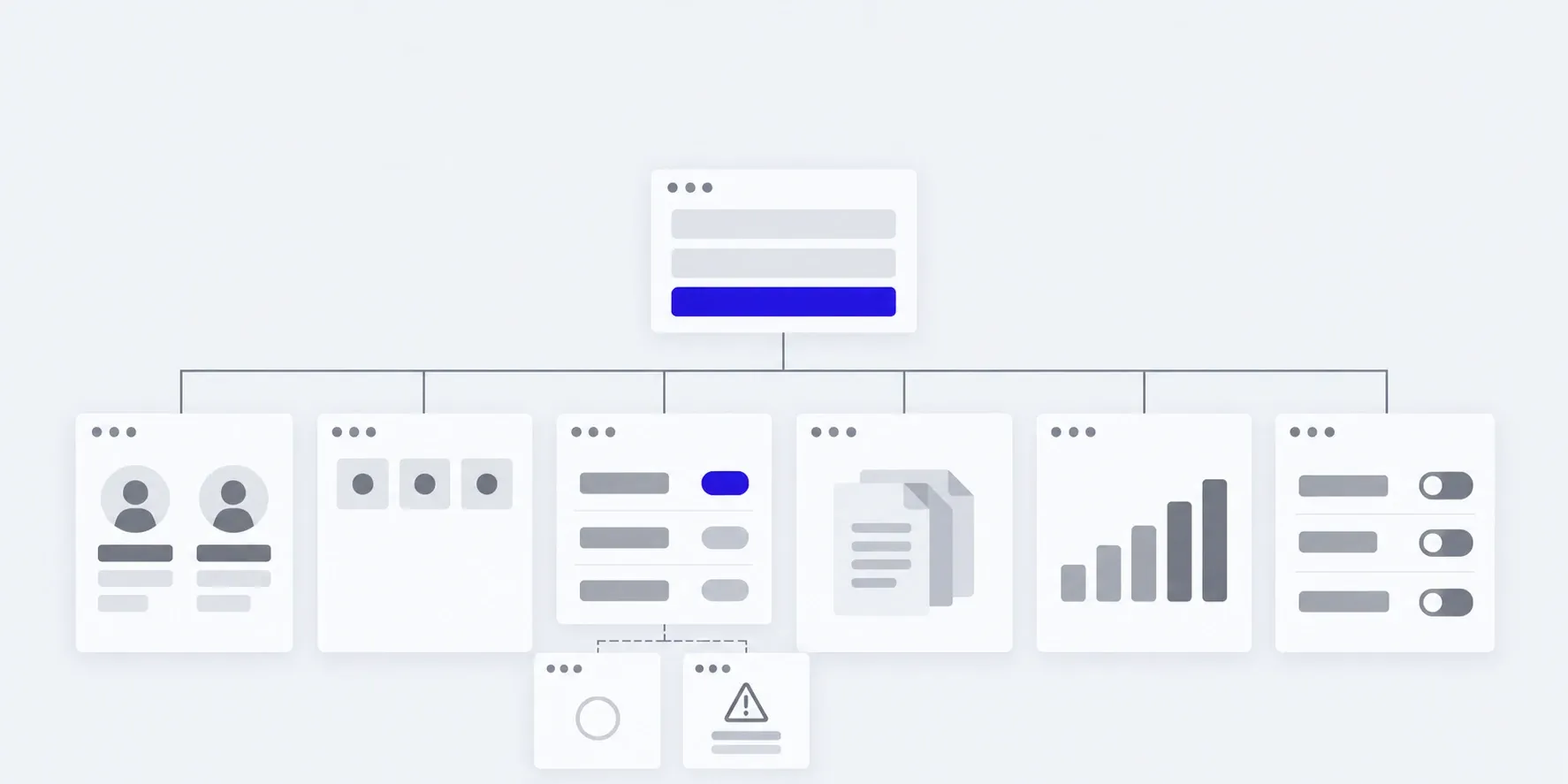
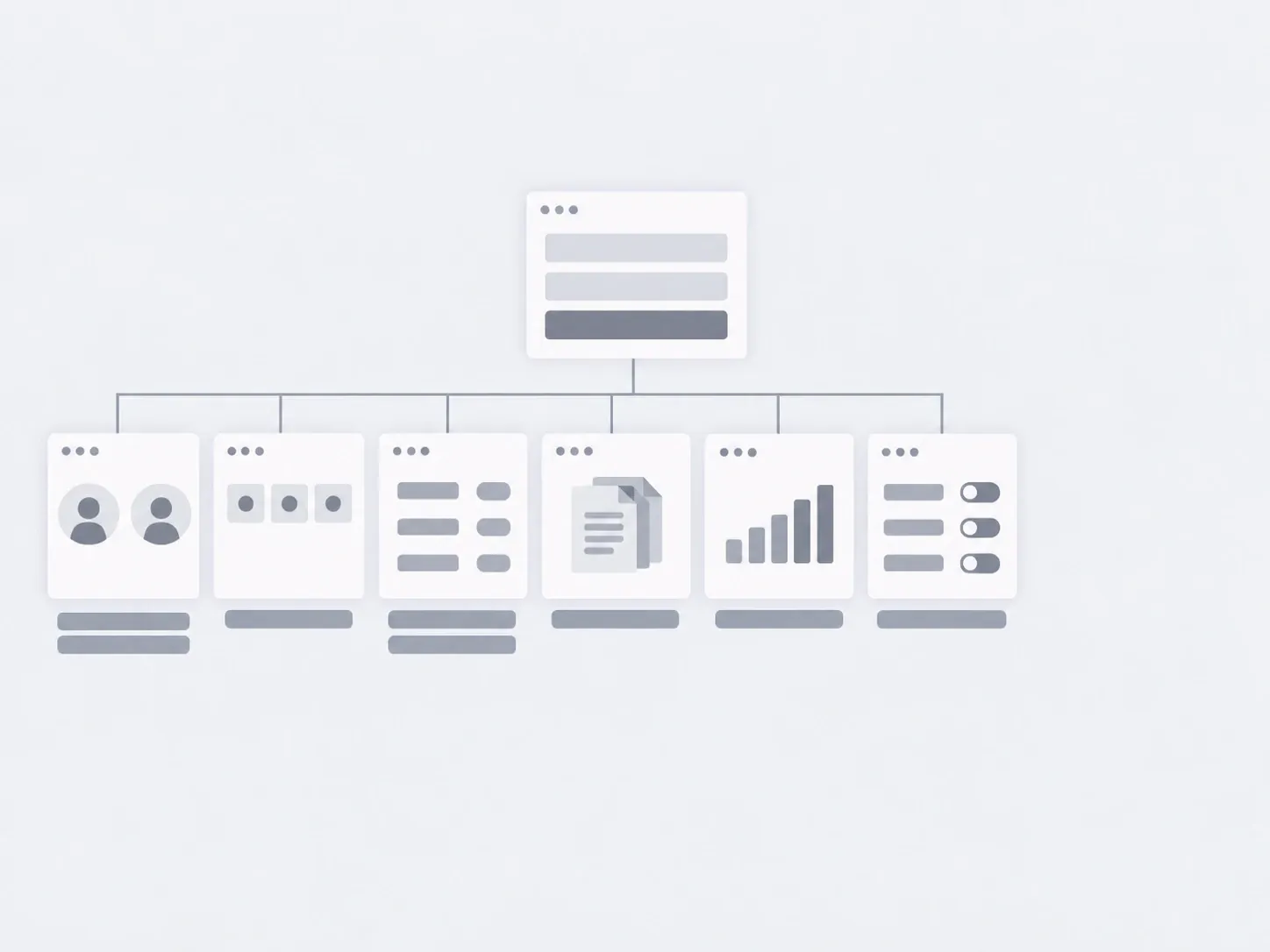
What a web service is made of
The sections depend on your process, but the skeleton is almost always this. We start where the most gets lost today.
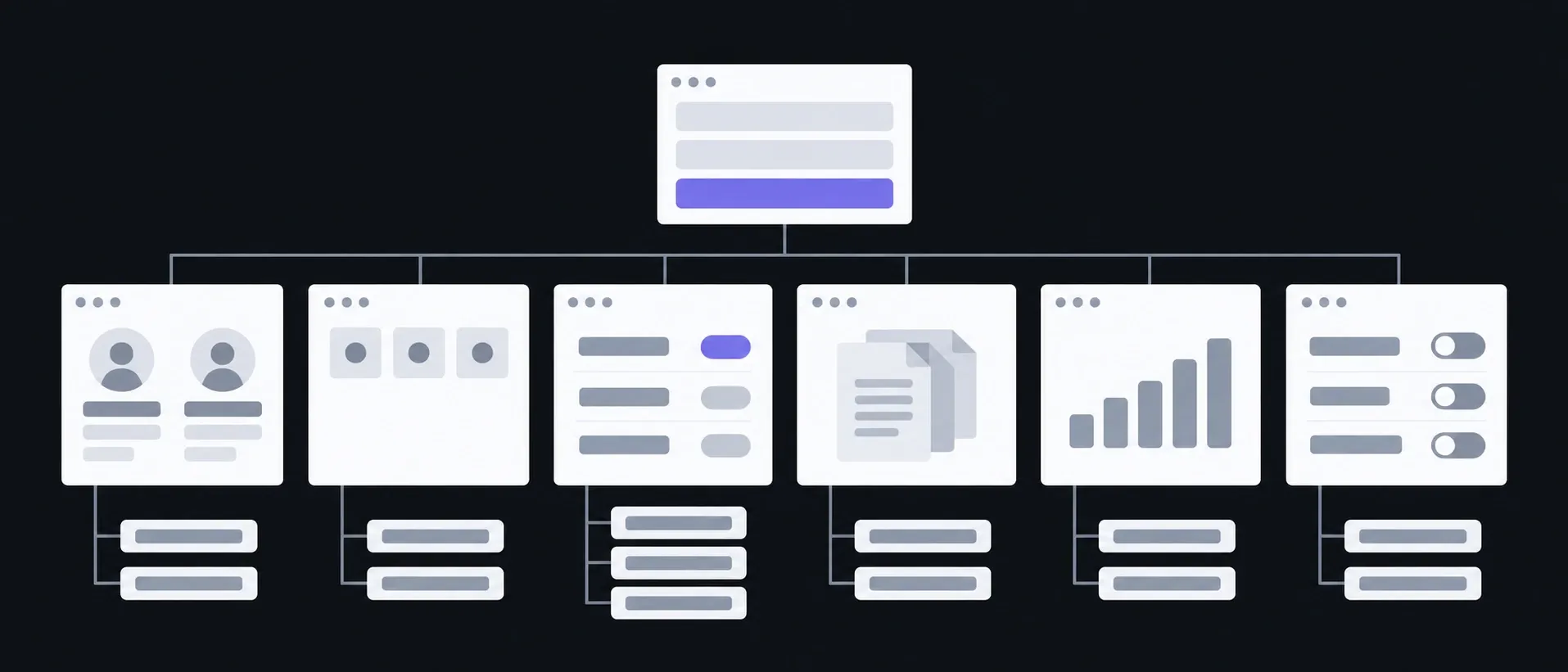
Sign-in and roles
Users · Permissions
Everyone sees their own
Overview
Waiting · Notifications
What needs doing today
Requests
List · Card · Statuses
The heart of it: what the work is about
Documents
Invoices · Certificates
No more “please resend it”
Reports
Charts · Exports
Numbers without manual tallying
Settings
Directories · Templates
You change them yourself, no developer needed
What you have in hand after each step
We launch a first working version: the smallest one you can already work with. The rest is added in stages, and you see each one working.
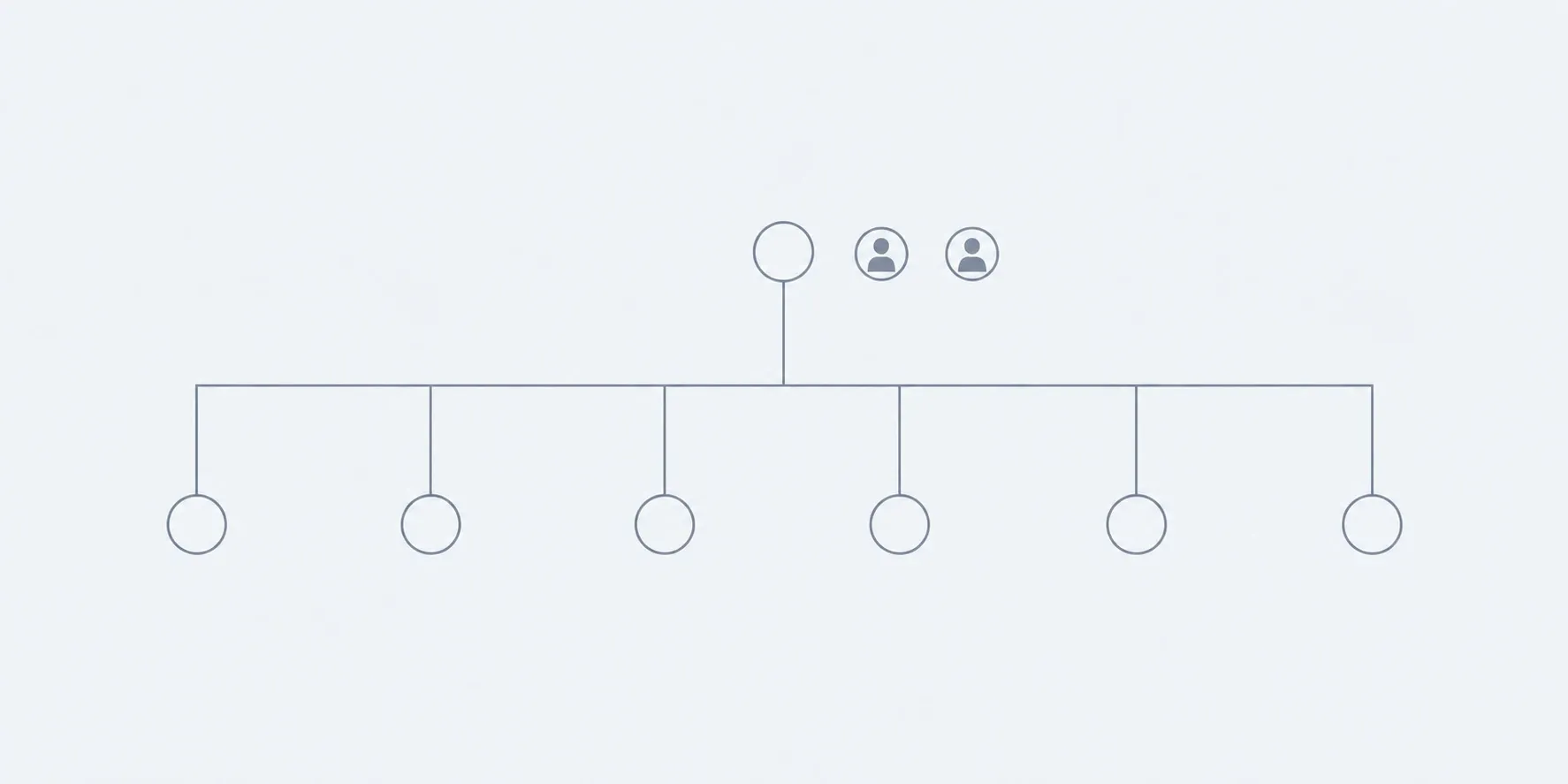
01Conversation
We go through the roles, the process and where work gets lost today.
In hand
Roles, scenarios and the scope of the first version
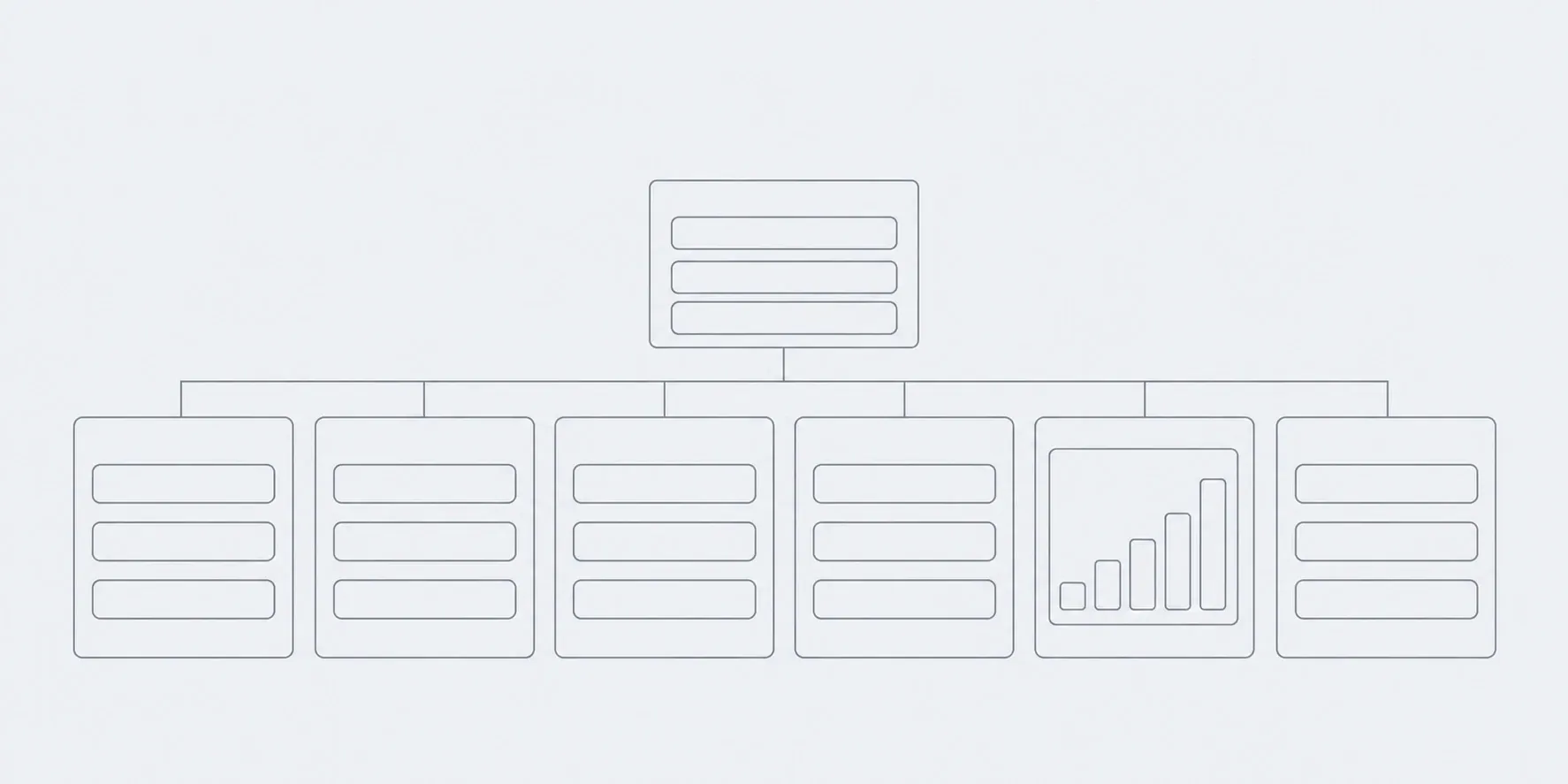
02Prototype
Key scenarios as a wireframe, no colour.
In hand
A clickable outline you can walk through as each role
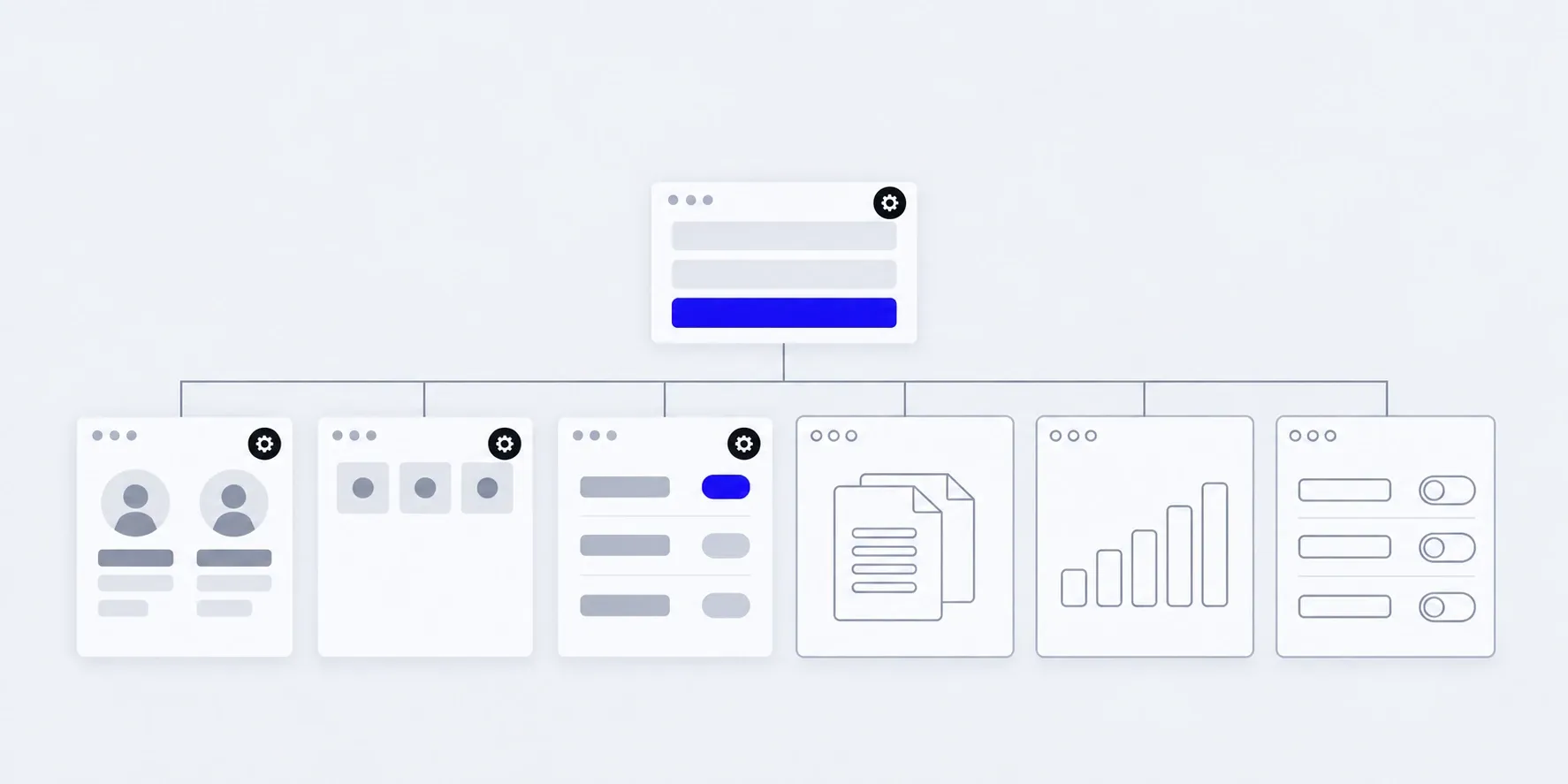
03Design
Screens in every state: empty, with an error, full.
In hand
Mockups you can scroll through
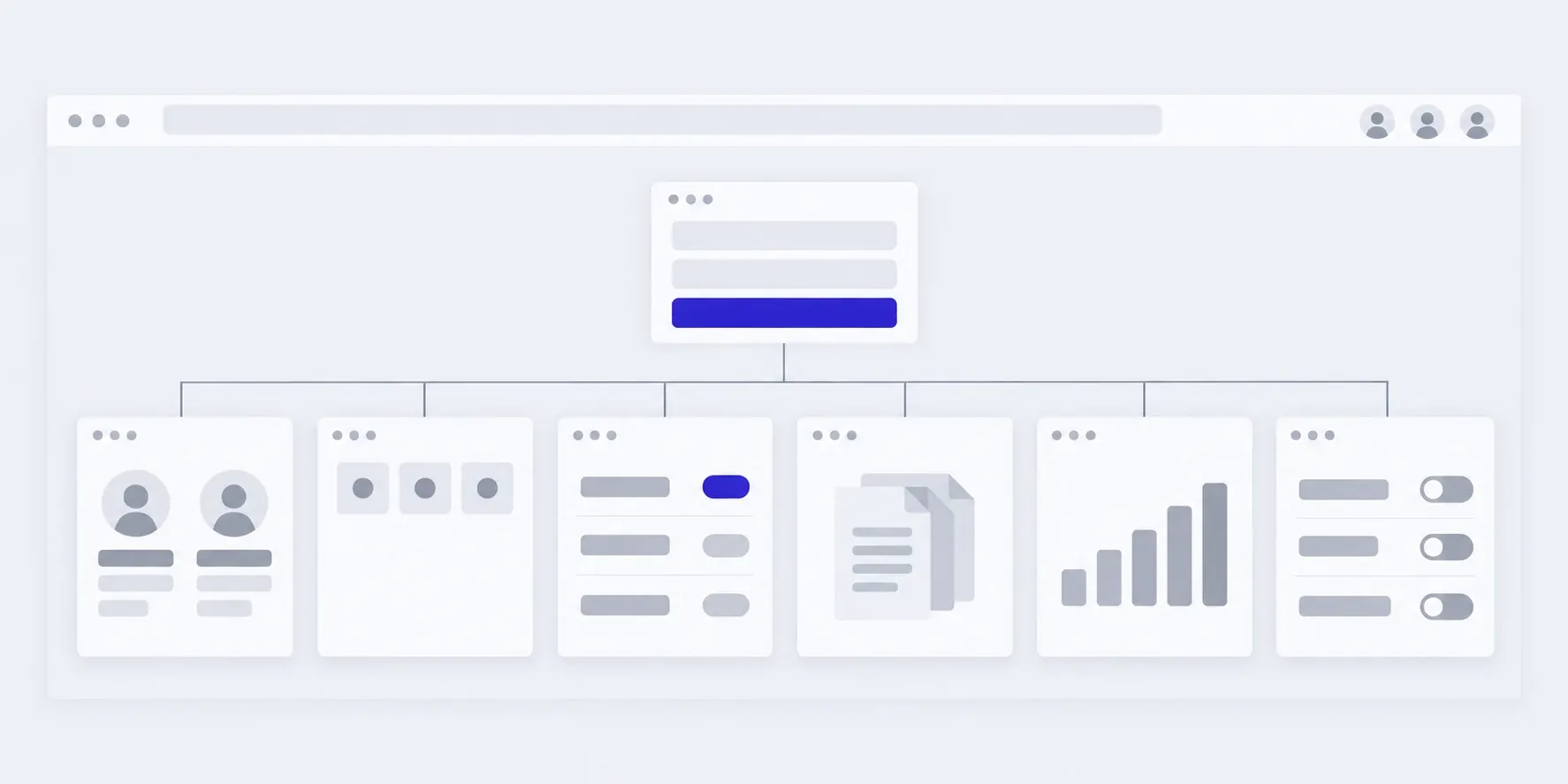
04Build in stages
Each stage on a test address, with your data.
In hand
A working part of the service after each stage
05Launch
We move the data, hand out access and walk the team through it.
In hand
The service in use, access and a guide
What the price and timeline depend on
We don't publish a figure in advance: services differ in price tenfold and more. We name the price of the first version after the brief, and agree on each next stage before it starts.
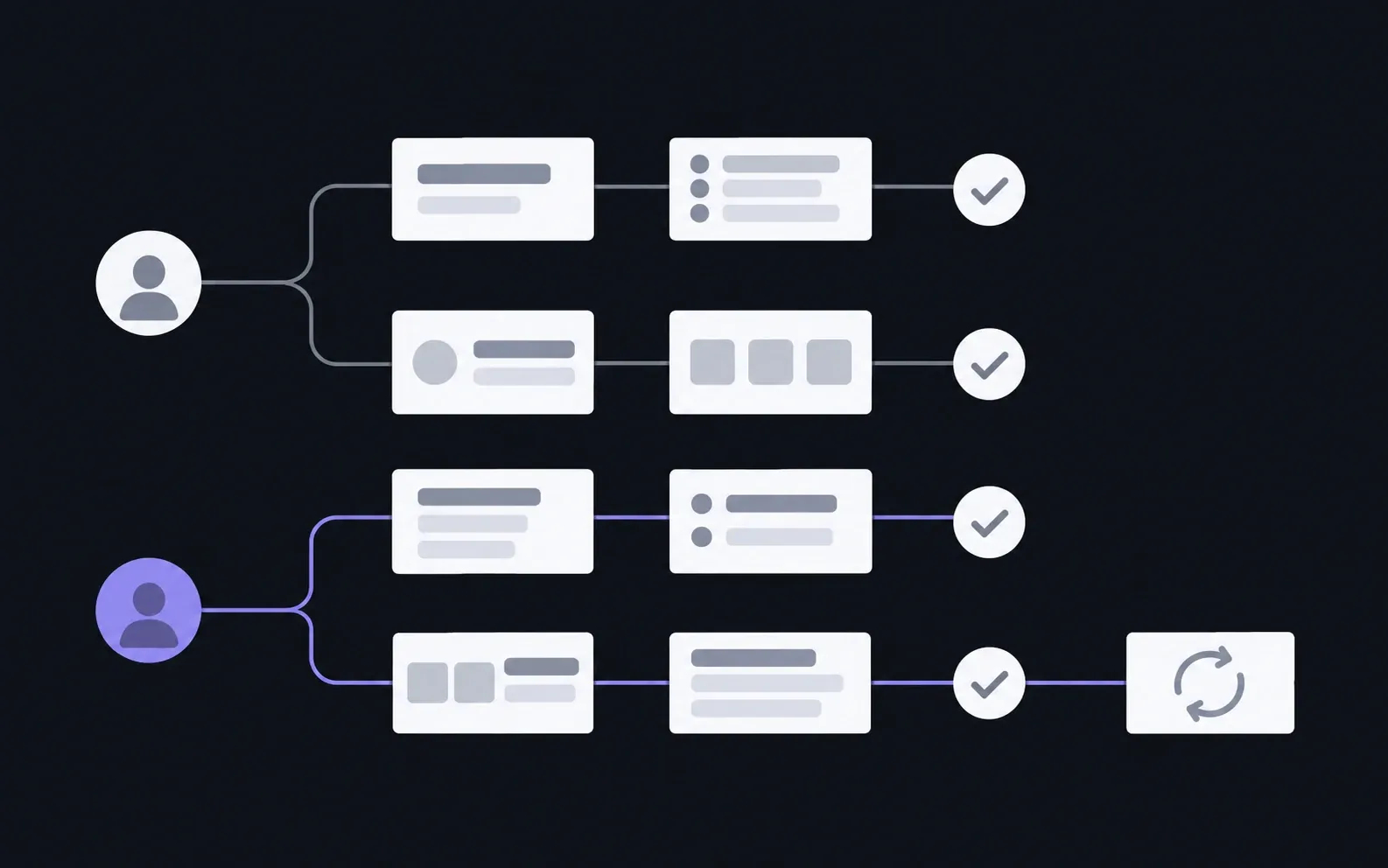
- 01Roles and scenarios
- We count paths, not screens: what each role does from sign-in to result.
- 02Integrations
- Accounting, CRM, payments, email: each connection is estimated separately.
- 03Data
- Migration from an old system or spreadsheets, and how much of it there is.
- 04Access and security
- Two-factor sign-in, fine-grained permissions, your industry's requirements.
The service grows with your work
You manage users, directories and templates yourself. A new section or integration is added as a stage, under a monthly hours package or as one-off work. The code isn't tied to us: another developer can maintain it too.
01First version
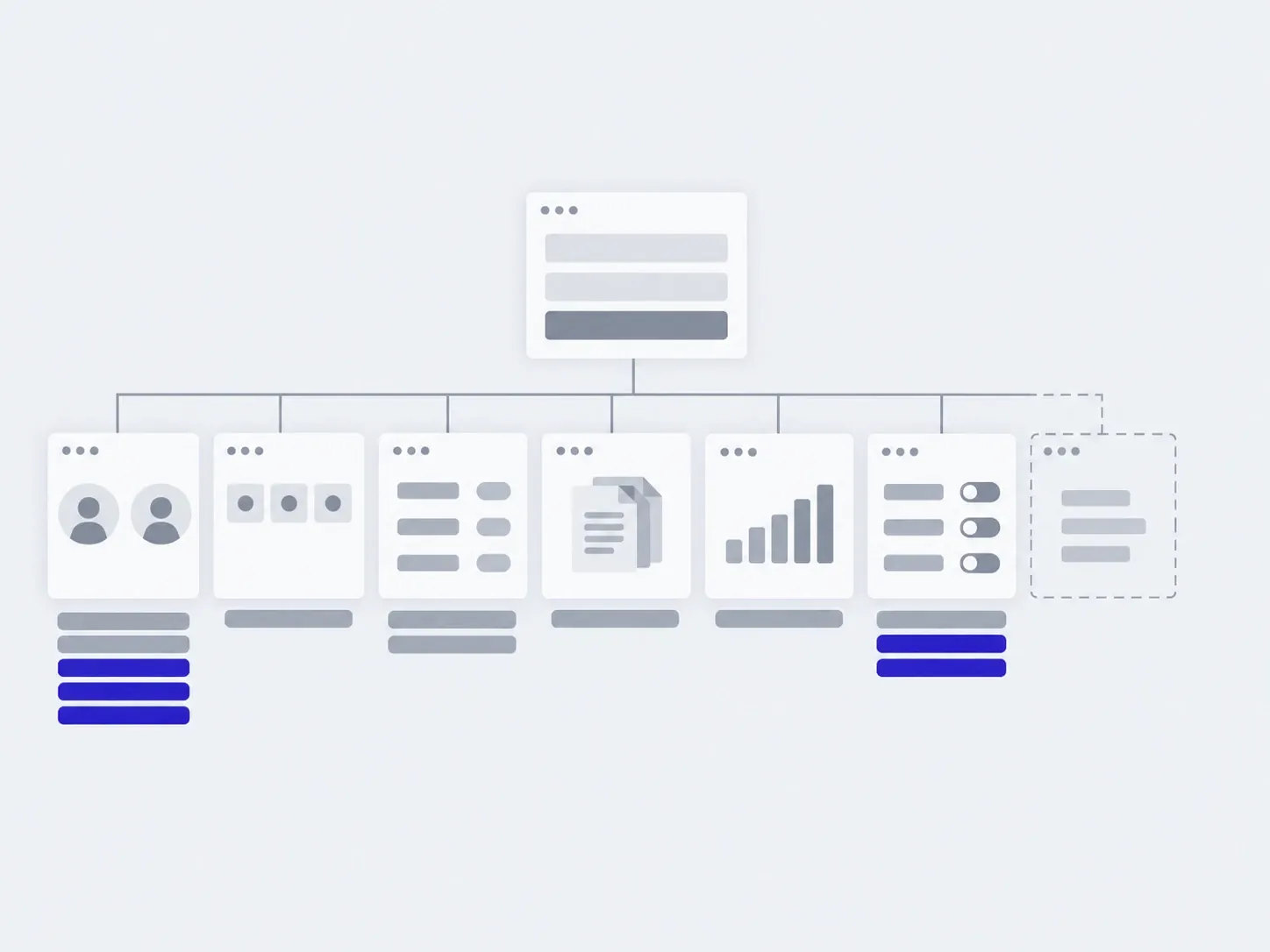
02In 3 months
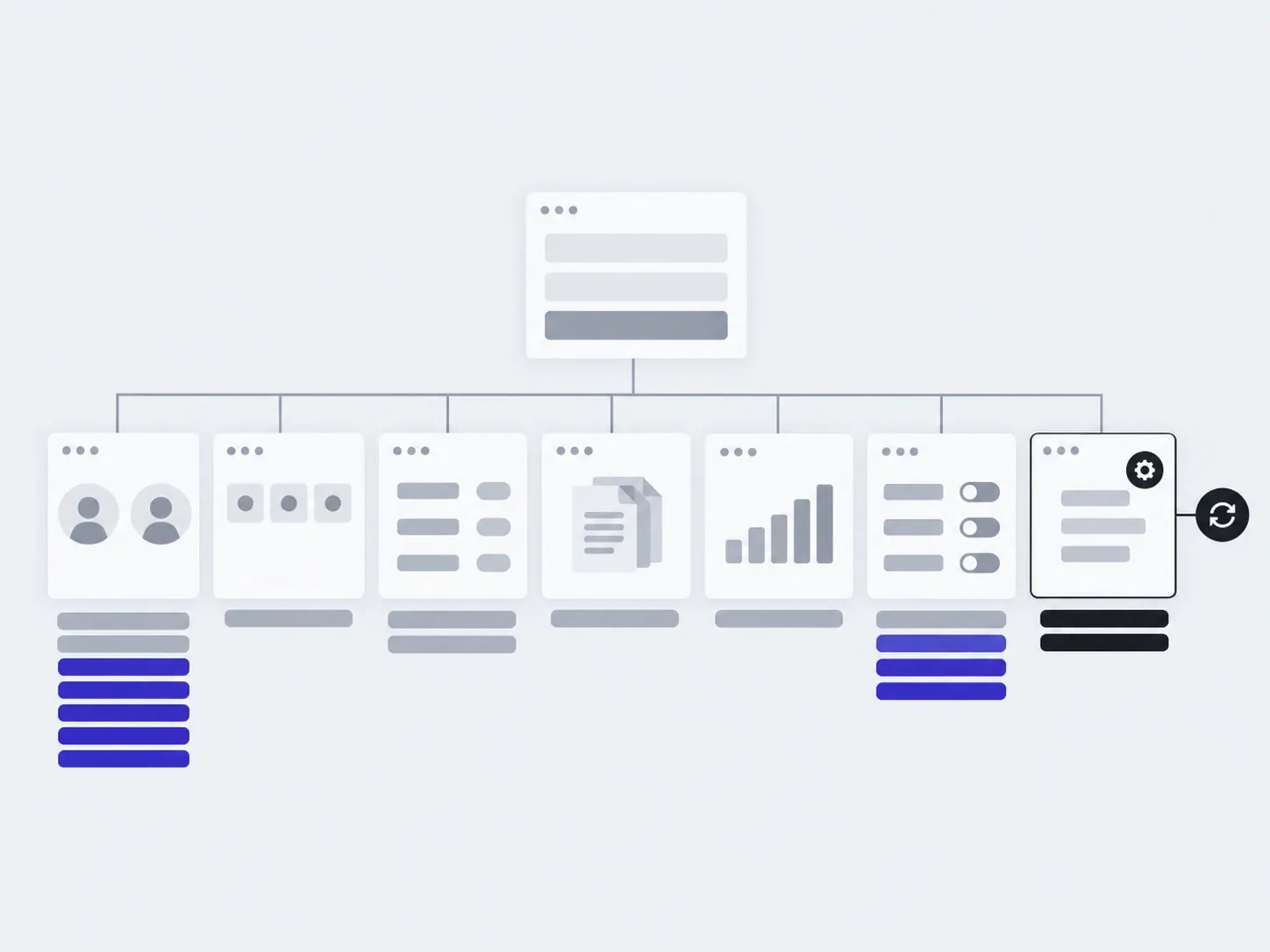
03In six months
added by you: users, directoriesadded with us: a new section, an integration
The timings are illustrative: an example, not a plan.
You, in the admin
- Users and roles
- Directories
- Document templates
- Statuses
- Report filters
About web services and portals
Wouldn't a ready-made CRM do?
You don't always need your own service. If your process fits a ready-made CRM or booking service, we will say so before work starts: it is cheaper and faster.
Ready-made system. A CRM, a booking service or accounting on a subscription. When your process is typical and you are fine adapting to someone else's screens.
Portal on your site. A login for customers: orders, documents, statuses. When customers keep asking “where is my order” and “send me the invoice”.
Your own web service. A separate tool built around your process, with roles and reports. When the process is your own, ready-made systems break it, or the service is your product.
How much does a web service cost?
We name the price of the first version after the brief. It depends on roles, scenarios, integrations and data. We agree on each next stage before it starts.
How long does it take?
We give the timeline of the first version with the price. What affects it most is how clear the process is and how many roles must launch at once.
What do you need from us to start?
A description of how the work runs today: who does what, where records are kept, what gets lost. The spreadsheets and documents you work with help too. We tell you what is missing before work starts.
What is a first version?
The smallest service you can already work with: one or two roles and the main scenario. The rest is added once it is clear what is actually missing.
How do we see the work progressing?
We agree at the start: a short weekly update, or a demo of each finished stage on a test address.
Can it connect to our accounting or CRM?
Yes, as separate work. First we look at your system and what exactly has to flow between it and the service.
Where is the data stored?
On a server in your name. Role-based access, backups and an activity log are part of the work; your industry's requirements are discussed before we start.
Who owns the code?
You do. The repository, server and access are in your name, and the notes let another developer carry on.
Do we need an app as well?
Often not: the portal opens in a phone browser. An app makes sense when you need push notifications, the camera or offline work.
If you need a different site
A web service is just one of the kinds of sites we build. Here are five more.
- Small business websitesA few pages so people find you and call.

- Landing pagesOne page for one product or one campaign.
- Corporate sitesA structure that grows: sections, news, two languages.
- Brand websitesA site that expresses your brand's character.

- Online storesCatalogue, cart, payment, order handling.
- This pageWeb services and portalsA working tool people sit in every day.
Tell us how the work runs today and where it gets lost, and we'll tell you where to start.
- 01A link
to the site, the mock-up or the repository, whatever exists
- 02What to change
one sentence on what should become different
- 03Who it's for
who will use it: your customers, your team, and how many