

Rework and support · 05
Moving to a new stack
The engine hasn't been updated in years, the plugins clash, and every change has become a risk. We move the site to a modern base in parts: while one part moves, the rest works as before, and old addresses still lead where they always did.
- 01You send a link and say what isn't working for you
- 02We look at the code, the data and the integrations, free of charge
- 03We suggest the order of parts, the price and the timeline
Not sure a move is what it needs? Compare it with the other support services
What a move includes, and where it ends
The first list goes into every move. The second we add when there are thousands of pages, when the new site needs the whole history, or when a lot of your enquiries come from search.
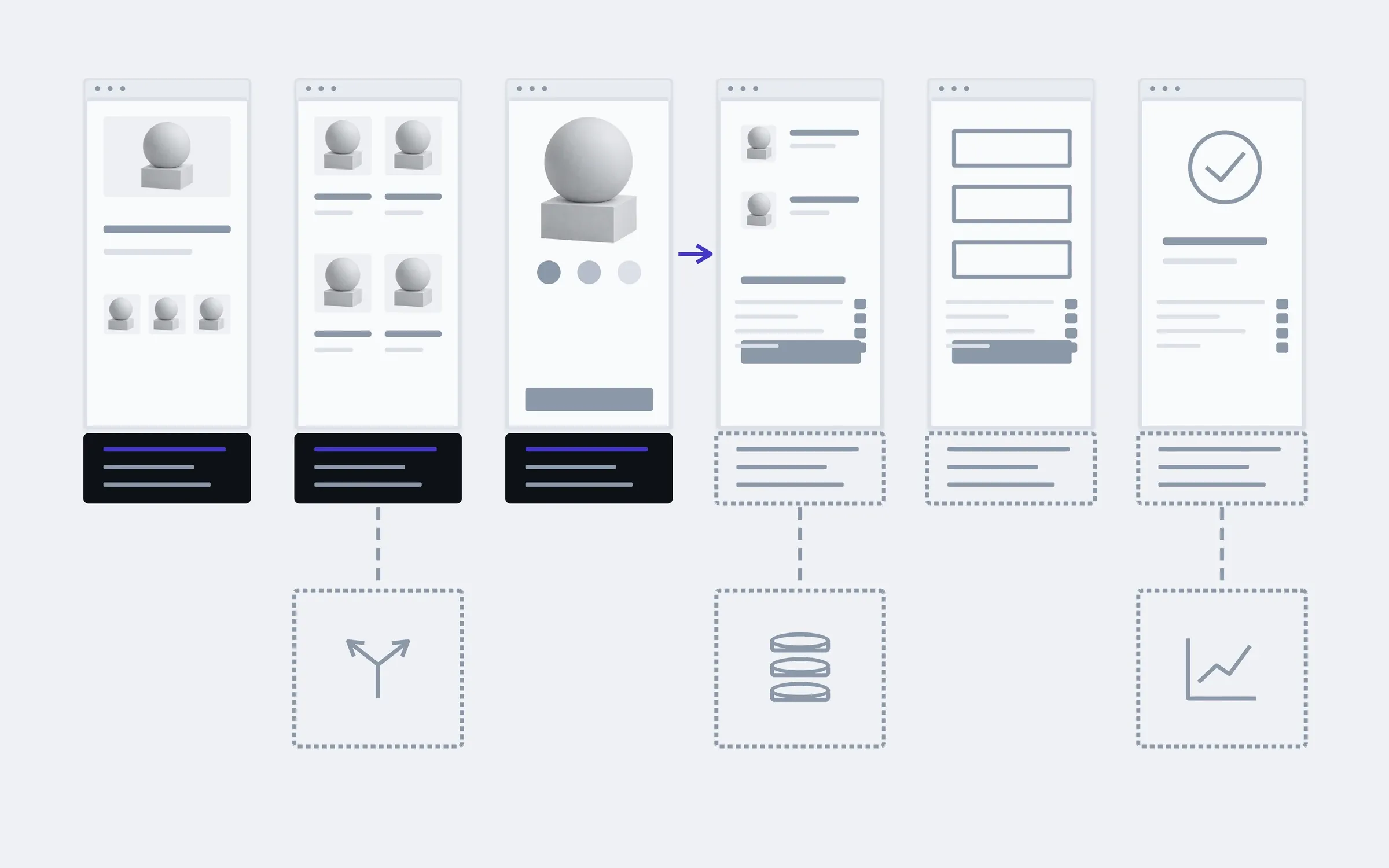
includedseparately, if needed
Taking stock of the old site
What the project really contains: pages, data, plugins, integrations and manual settings nobody remembers any more.
Choosing the new base
We suggest a stack for your site and explain why that one. If updating the old one would be enough, we'll say that too.
Order of parts
We split the site into parts and decide which moves first: the one least tied to the others.
A working site at every step
A new part goes live when it's ready, and the old ones keep working beside it. The site never closes "for the move".
Products and content
We move products, pages, photos and texts by script rather than by hand, and check that nothing went missing.
Old addresses keep working
Every old page leads to its new one, so links from search, emails and social media don't break.
Integrations
Payments, delivery and the CRM move with the part that needs them, and are checked again.
The new admin
We show your team where the products, pages and orders are now.
Separately
An address map for a large site
When there are thousands of pages and the structure changes: a table of old and new addresses, checked against a Search Console export.
Moving the history
Customers, past orders and years of reviews, if the new site needs them.
Watching after launch
For weeks after the move we watch Search Console and the error log, and fix whatever surfaces.
What moves together
An example for a shop: under each page are two things that move together, because neither works without the other. The parts of a move are made of pairs like these.
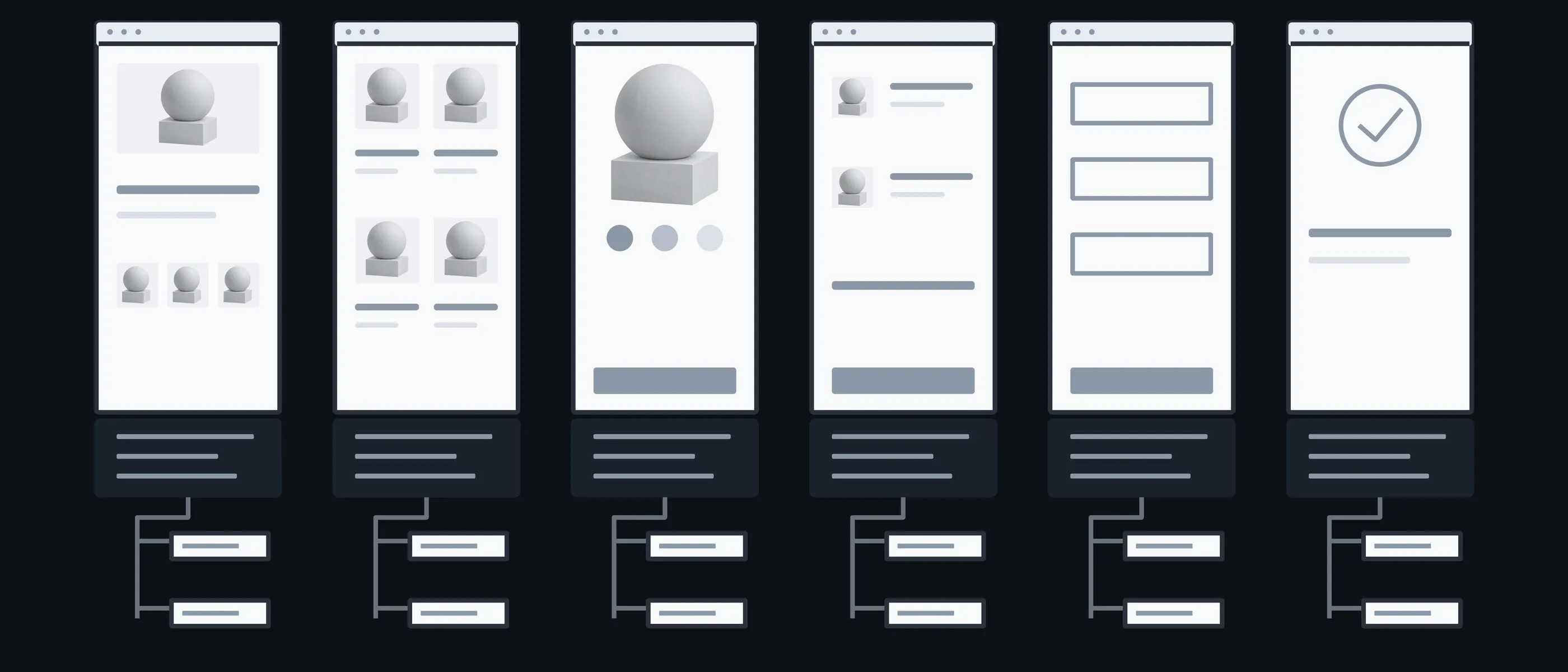
Home
Address · Content
An address that has to stay the same
Catalogue
Products · Filters
The most data and the most addresses
Product
Photos · Reviews
What took years to collect
Cart
Logic · Discounts
Rules that are often written down nowhere
Payment
Payments · Receipts
Moves together with the integrations
Order
History · Account
Customers should still see their past orders
What you have in hand after each step
Moving in a single day puts the whole site at stake at once. In parts it takes longer on paper, but each mistake affects one part, and it shows straight away.
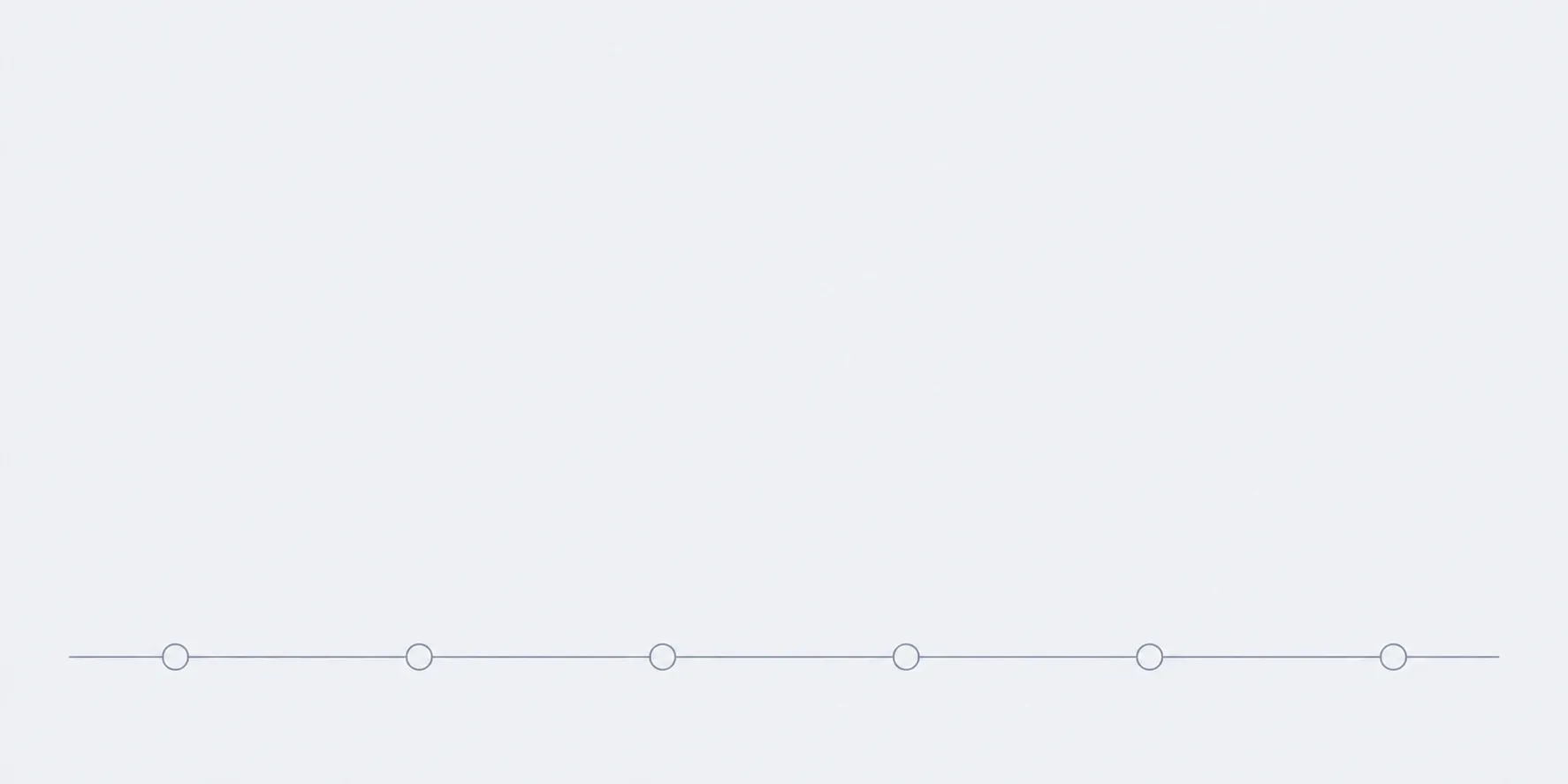
01Conversation
You tell us what isn't working in the old site and what has to stay as it is.
In hand
A list of what mustn't be lost

02Map
We take the old site apart, split it into parts and draw up a table of old and new addresses.
In hand
A migration plan with the order of parts

03First part
We move the least connected part and switch it on beside the old site.
In hand
The first part on the new stack

04The rest
Part by part, checking addresses and data after each.
In hand
Most of the site on the new stack

05Launch
We switch off the old code and check addresses, forms and payments on the live site.
In hand
The whole site on the new stack
What the price and timeline depend on
We price a move in parts: each one has a fixed price, which we give after taking stock of the old site. That way you can see what you're paying for, and you can stop after any part.
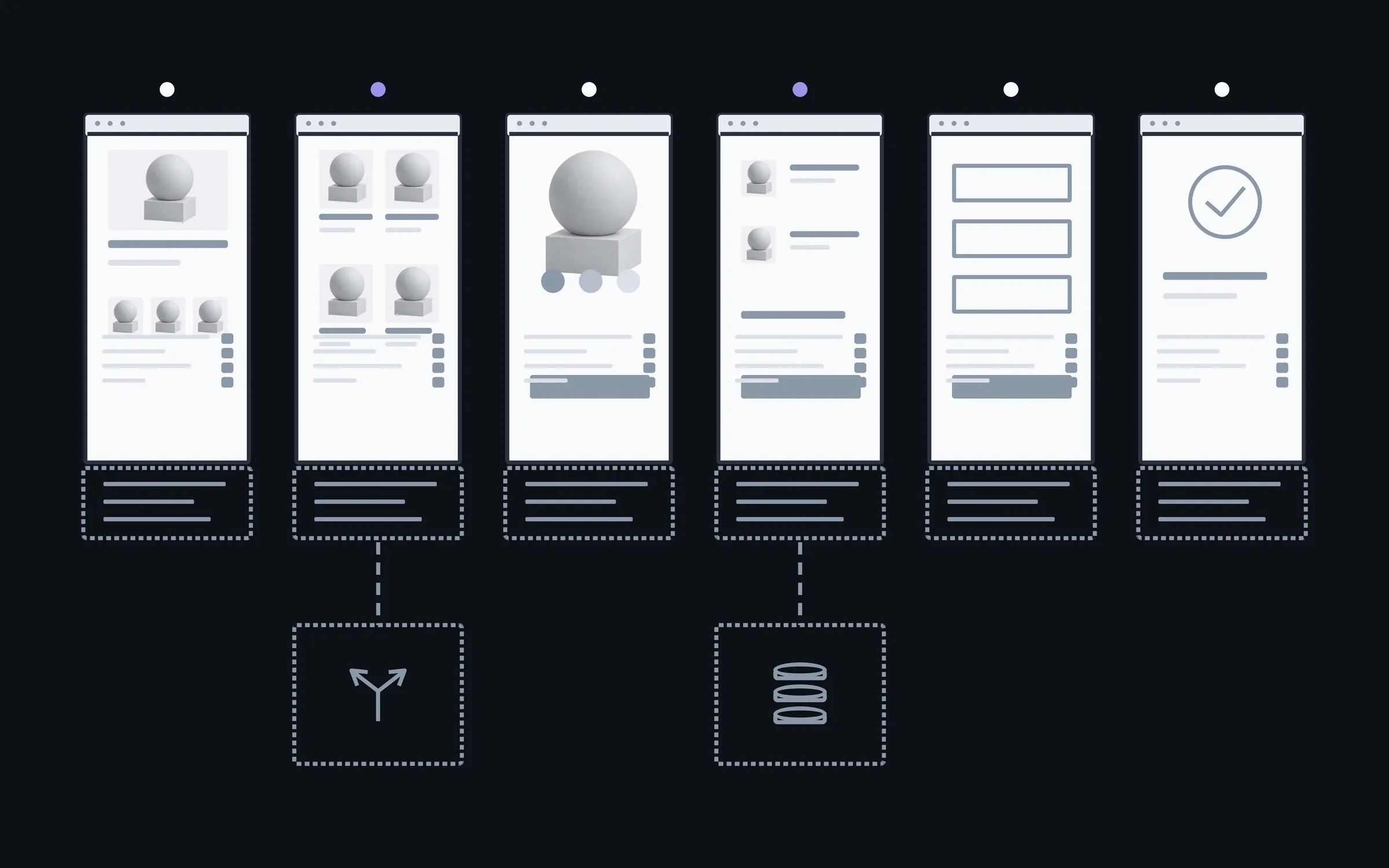
- 01How many parts
- Each part has its own price, so a site in three parts costs less than one in ten.
- 02Amount of data
- A hundred products move differently from tens of thousands with options and order history.
- 03Integrations
- Every payment, delivery or CRM connection moves with its part and is checked again.
- 04What we keep for search
- How many addresses there are and whether the structure changes. A new structure means more redirects and more checks.
You change the new site yourselves
After the move your team changes pages and products in the new admin, without a developer for every small thing. If anything is still on the old site, we move the next part together when its turn comes.
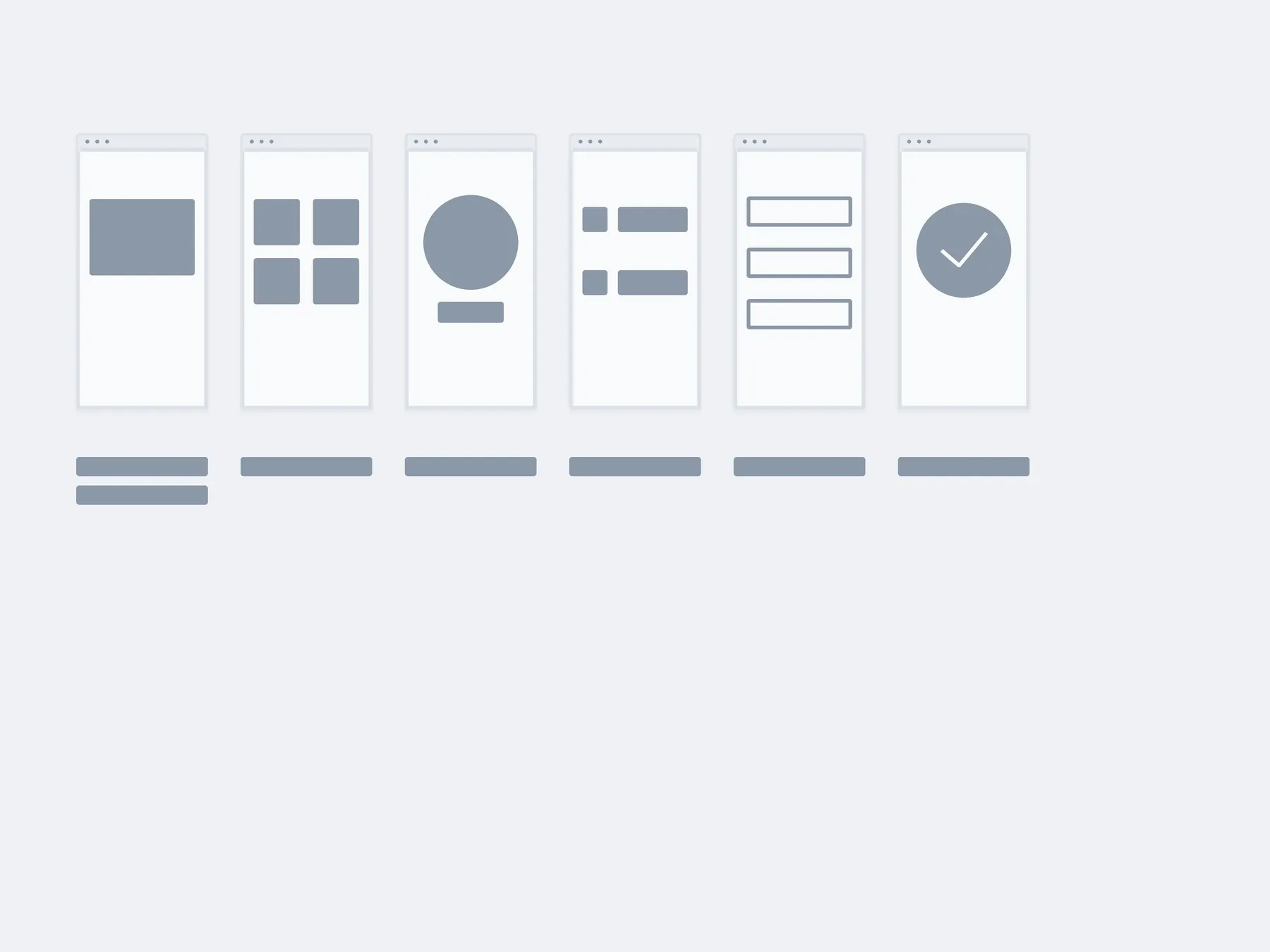
01The move
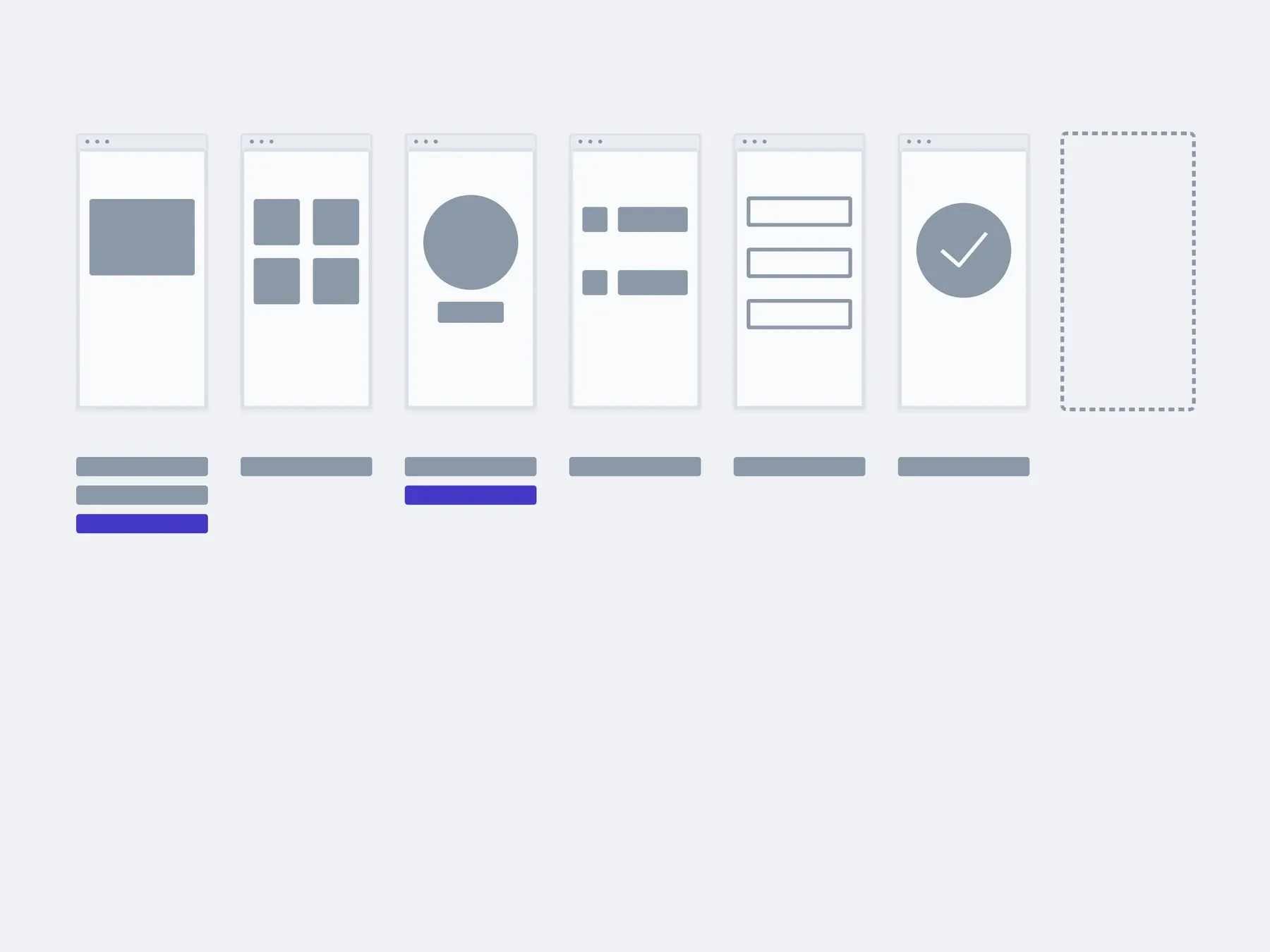
02In 3 months
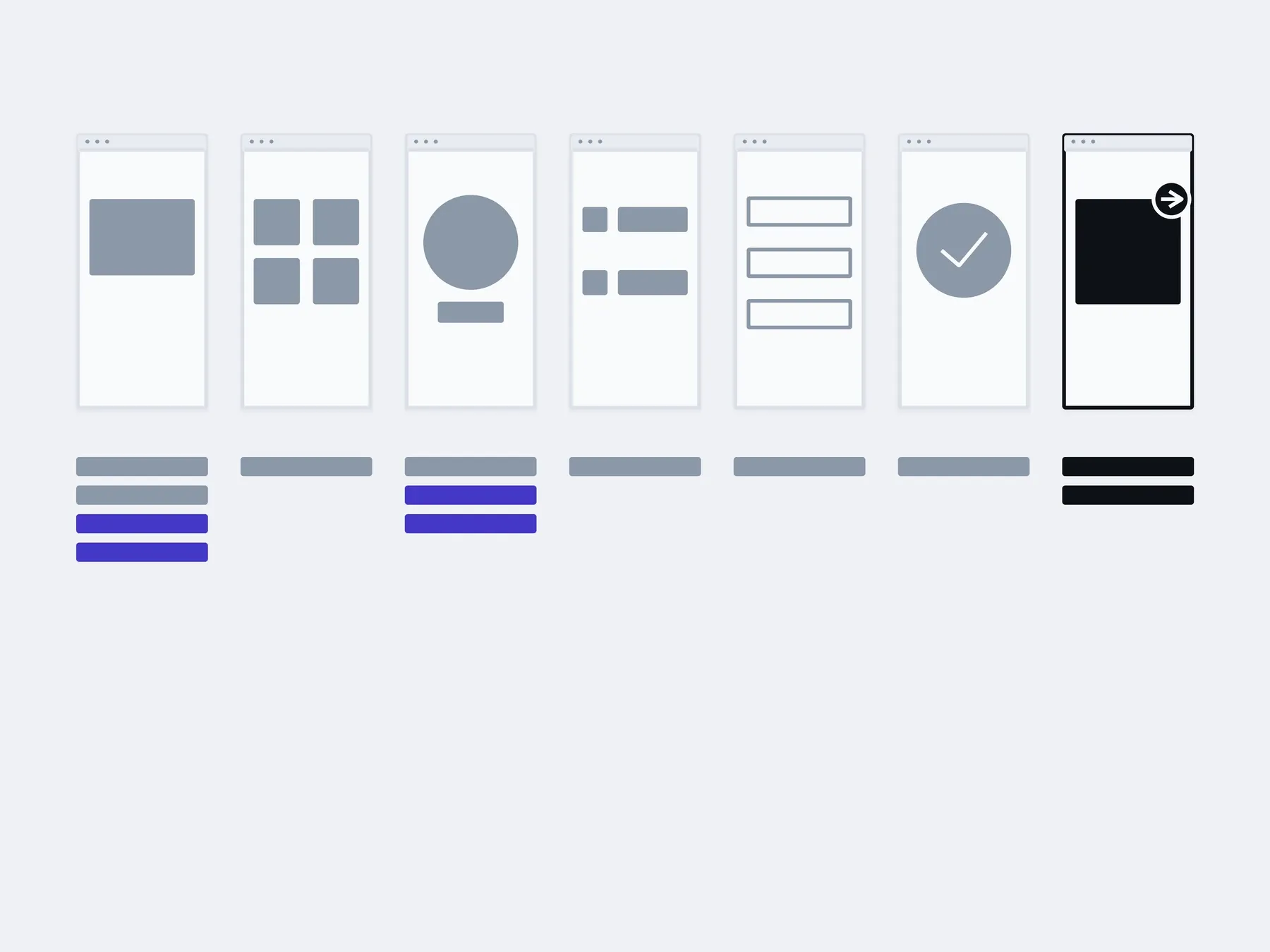
03In six months
changed by you in the new adminwith us: the next part
The timings are illustrative: an example, not a plan.
You, in the admin
- New pages
- Products and categories
- Banners and texts
- Menu
About moving to a new stack
Which is it: fix, extend or move?
The project is already running, so the question isn't what to build but what to do with what's there. Sometimes it's all three. Then we start with whatever is getting in the way today.
Fix. Something is broken: a form, a payment, a page on a phone. When the rest works and there's no reason to redo it.
Extend. A feature is missing: a filter, an account area, a new way to pay. When the foundation holds and something new can be added to it.
Move. An old engine, or code where every change has become a risk. When repairs already cost more than moving in parts.
How much does a move cost?
The first look at the old site is free. After that we price it in parts, each at a fixed price. After taking stock of the old site we give you the price of each part and their order.
Won't the site drop in search?
Nobody can promise unchanged rankings: search engines re-check the new site from scratch. But the old addresses lead to the new ones, titles and descriptions move with their pages, and after launch we watch Search Console.
How do we know it's time to move rather than fix?
When the same part breaks after every change, the engine and plugins haven't been updated in years, and developers for them are getting harder to find. If an update would be enough, we'll say that too.
What do you move it to?
We choose for the site. For sites and shops that's Astro, Next.js or React with TypeScript, with PostgreSQL for the data. If your team would rather keep an admin it knows, we'll discuss that option too.
Will the site keep working during the move?
Yes. New parts go live beside the old ones, and the site doesn't close for repairs. The short switchovers happen when there are the fewest visitors.
What happens to products, customers and orders?
Products and pages move by script, and we check the counts match. Customers and order history move too if the new site needs them: that's separate work.
Who owns the new code?
You do. The code sits in your repository, and the hosting and domain are in your name.
Other work on an existing project
Not every old site needs moving. Sometimes it's enough to fix what's broken or remove what's slowing it down. These are separate services, and each one can be taken on its own.
- Website reworkEdits, blocks, forms, the mobile version. We take them as a list.

- Fixing bugsWe find the cause first and fix second. Not the other way round.
- New featuresAdded to the code that is already there, without rewriting it all.
- Integrations and APIsPayment, delivery, CRM, stock. So the data moves on its own.
- This pageMoving to a new stackMoved in pieces, with a working site at every step.
- Making it fasterWe measure first, then fix what actually slows it down.
Send a link and tell us what isn't working for you in the old site. We'll tell you whether to fix it or move it, and in which parts.
- 01A link
to the site, the mock-up or the repository, whatever exists
- 02What to change
one sentence on what should become different
- 03Who it's for
who will use it: your customers, your team, and how many