

Rework and support
Website modernisation and redesign
The site works, but it's awkward to use on a phone, nobody has updated the engine in years, and it still looks the way it did at launch. We update a site like that piece by piece, and a redesign here means a new look on the same pages. The site stays on its domain and keeps working while the changes are made on a copy.
- 01You send a link and tell us what bothers you
- 02Within 1–2 working days we look at the site for free
- 03We say what to update first and what each stage costs
Not sure modernising is what the site needs? Compare it with the other support services
What we update
First we look at what in the site still does its job and what has aged. Then we update whatever gets in the way of you and your customers, in the order you choose. Each stage can be taken on its own.
includedseparately, if needed
Look and review
For free we look from outside: the phone, speed, forms. We check the engine, plugins and code in the paid review, with access to the hosting. A list of work from what matters most to what can wait.
Mobile version
Pages, menus, buttons and forms that are easy to use on a phone.
A modern look
Fonts, colours, spacing and blocks on the same pages. The structure and the addresses stay.
Engine and plugins
We update the CMS, PHP, the theme and the modules. Any that are no longer maintained get replaced.
Backups
Before every step we copy the site and the database, so any change can be rolled back.
Security
HTTPS, passwords and admin access: who else can still sign in, and whether they need to.
Forms and enquiries
We check that enquiries arrive, and set things up so you can see which page they came from.
Addresses and Google
Page addresses stay. If one has to change, the old one redirects to the new one.
Separately
Speeding up
When the site is still slow to load after the update.
New sections and features
An account area, a catalogue or online booking that the site didn't have before.
Moving to another engine
When the current one can no longer be updated.
What ages on a site over a few years
An example of a company site built a few years ago. Under each section is what usually ages there first.
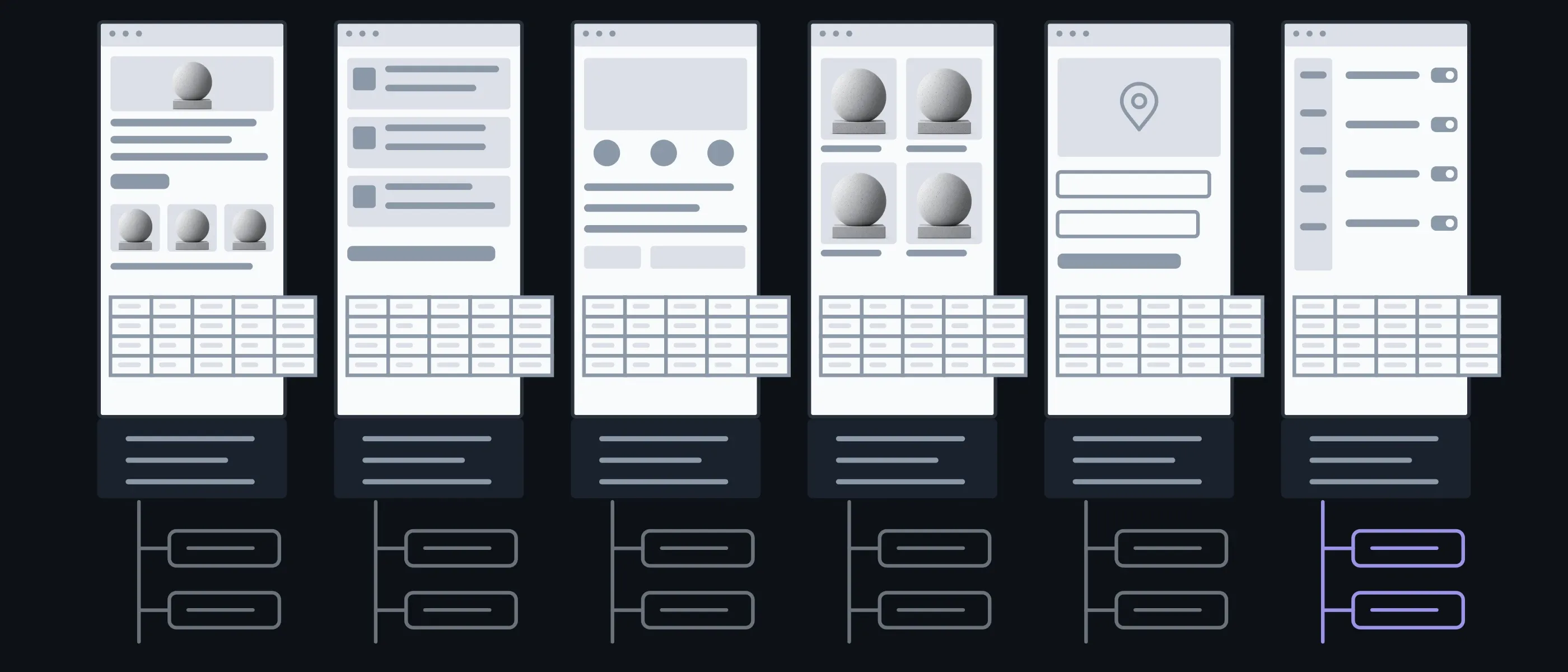
Home
Banner · Fonts
A banner that doesn't fit a phone, and fonts from years ago
Services
Tables · Enquiry
Tables wider than the screen, and no enquiry button
About
Photos · Team
Old photos, and no team or documents
Portfolio
Photos · Gallery
Heavy photos and a gallery on an old plugin
Contact
Form · Map
A form with no spam protection and a map that takes ages to load
Admin
PHP · Plugins
An old PHP version and plugins without updates
How we update without taking the site down
The site stays up the whole time. We make the changes on a copy and move them to the live site once you've seen and approved them.
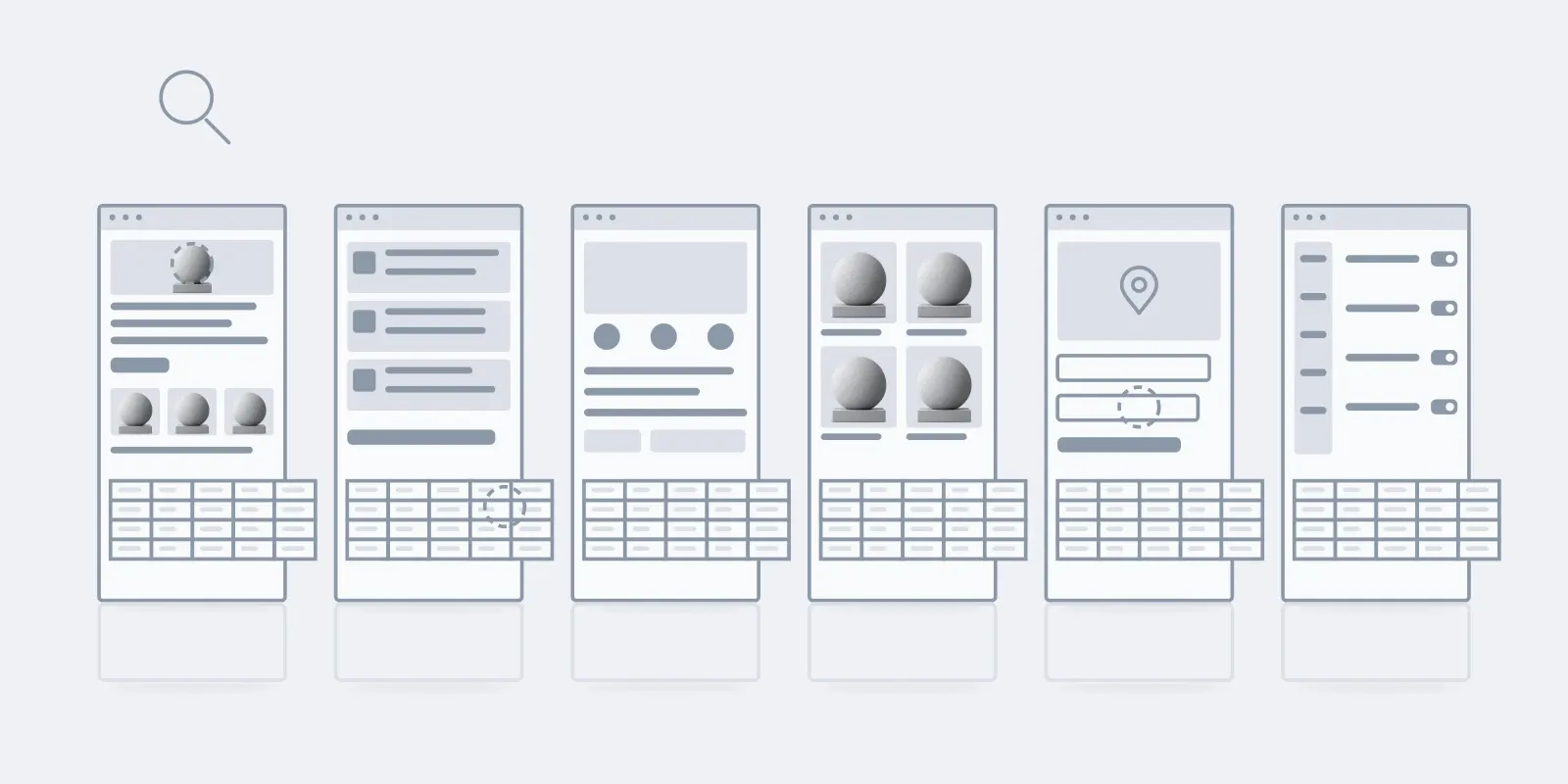
01First look
Within 1–2 working days we look at the site from outside for free: how it looks on a phone, how fast it opens, whether the forms work.
In hand
What has aged and what is worth keeping
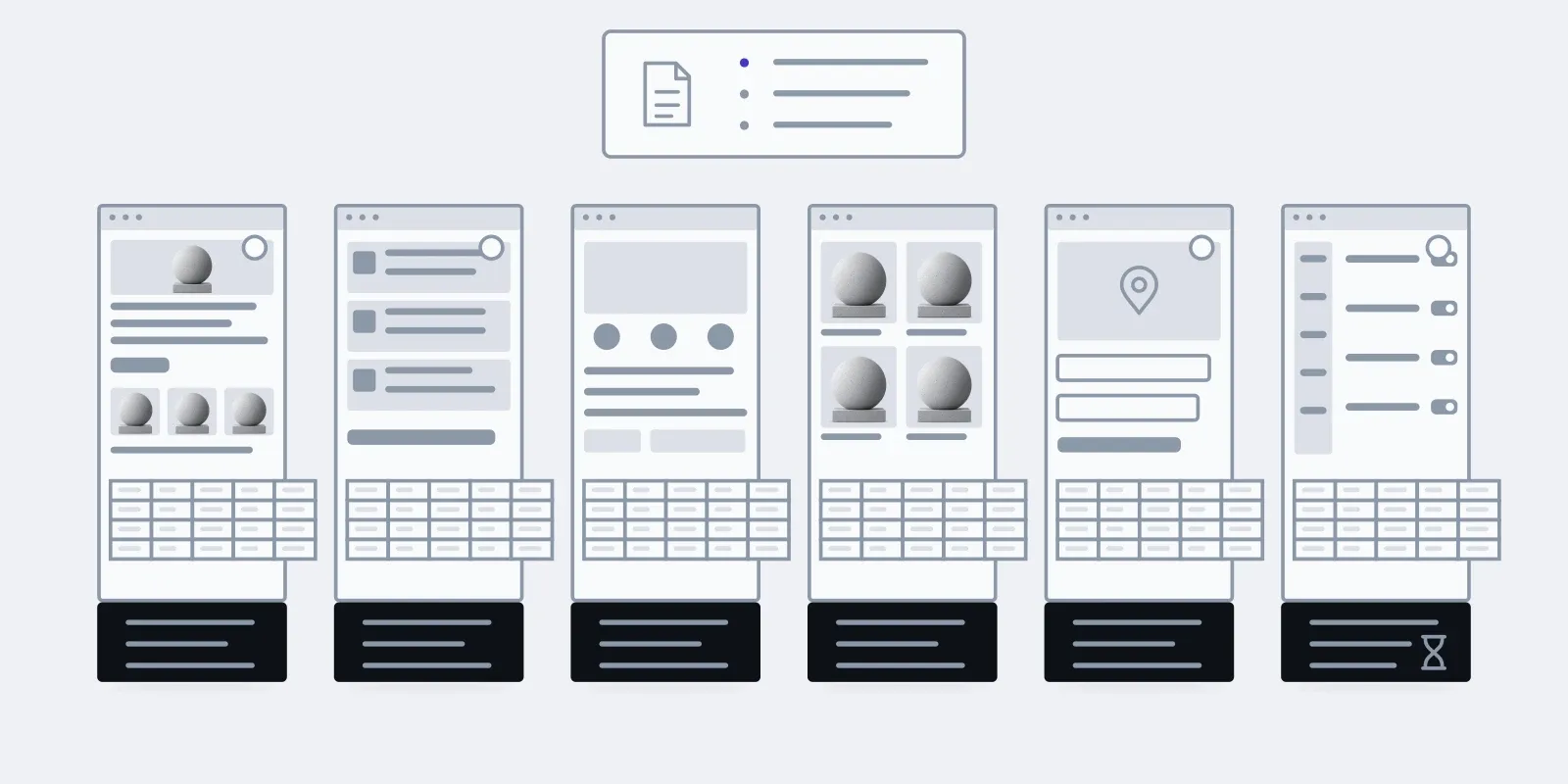
02Detailed review
Within 3–5 working days, with access to the hosting and the admin, we go through the engine, the plugins and the code. If the scope is clear after the first look, this step can be skipped.
In hand
A list of work by priority
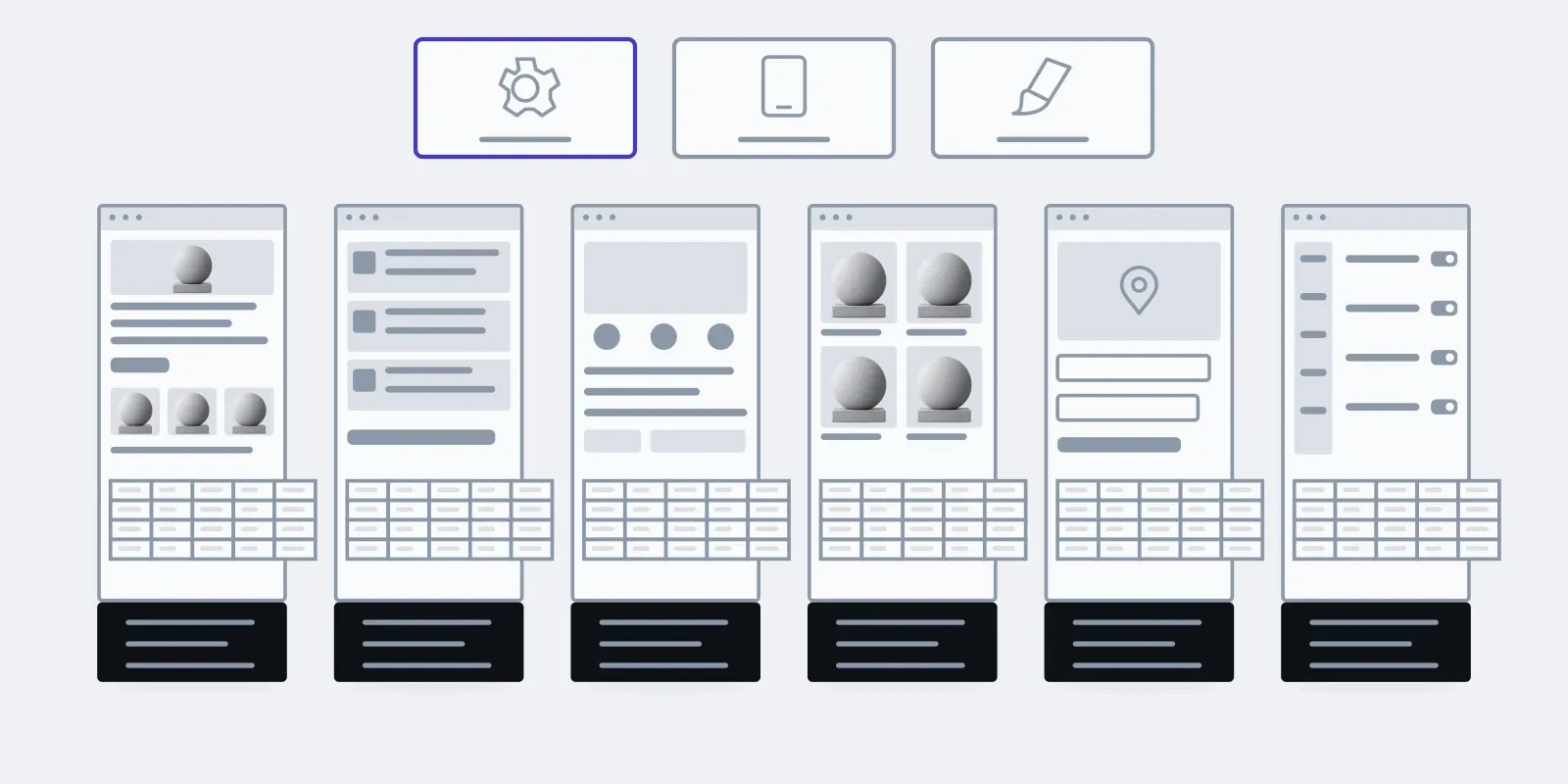
03Plan in stages
We split the work into stages and price each one. You can take just the first.
In hand
A plan and the price of each stage
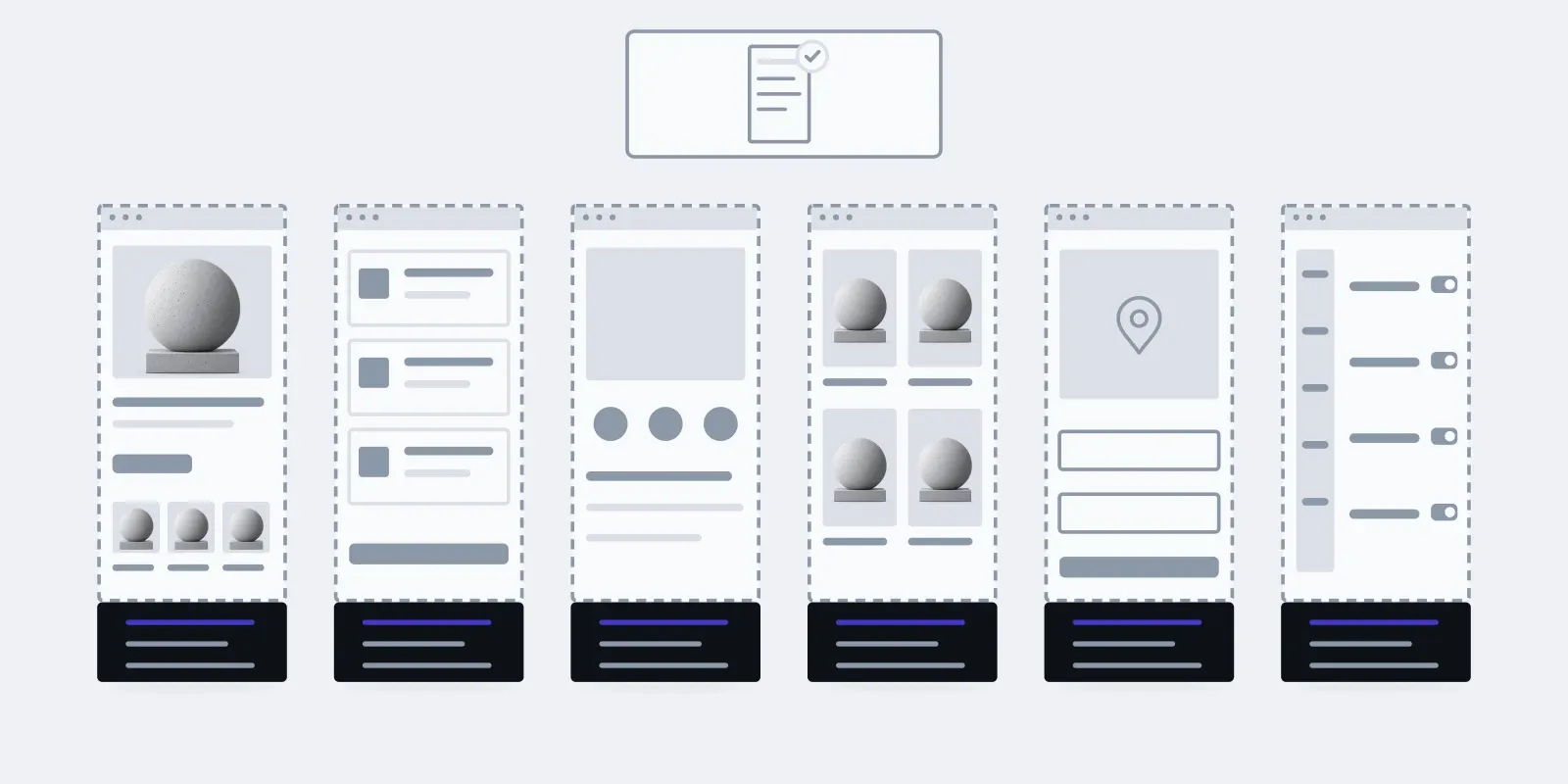
04Update on a copy
We make the changes on a test copy. Meanwhile the live site works as before.
In hand
A copy you can open and check
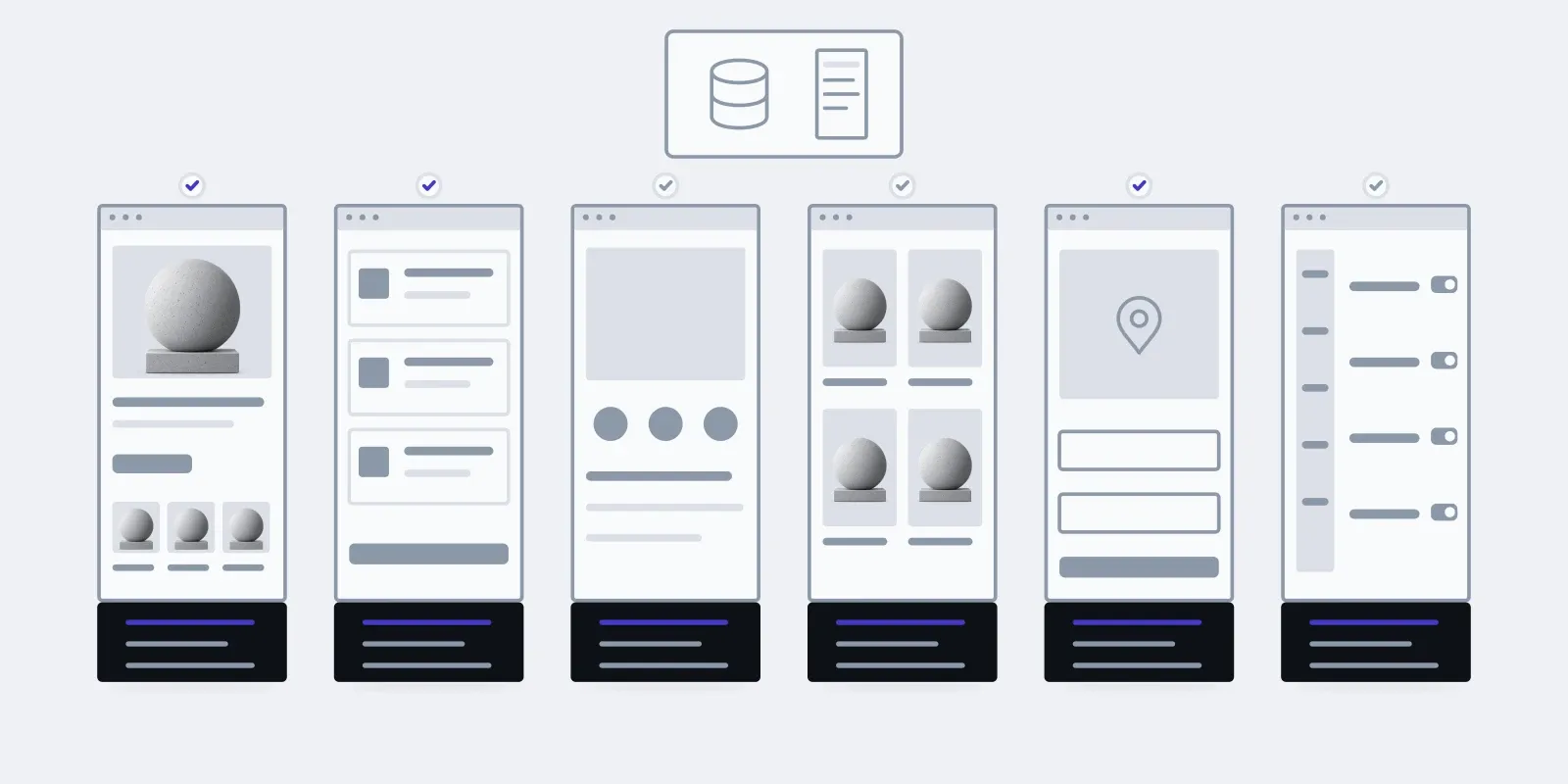
05Go live
We move the changes to the live site and check the forms, addresses and mobile version. A copy of the previous version is kept.
In hand
The updated site, and a copy of the old one
What each stage costs
The first look is free. The detailed review costs $25 to $50. After that each stage is paid for separately, and you decide which one to start with: updating the engine and plugins from $50, a mobile version from $120, a modern look from $150. The price and timeline depend on how complex the site is and how much changes, so the exact figure for each stage comes with the plan.
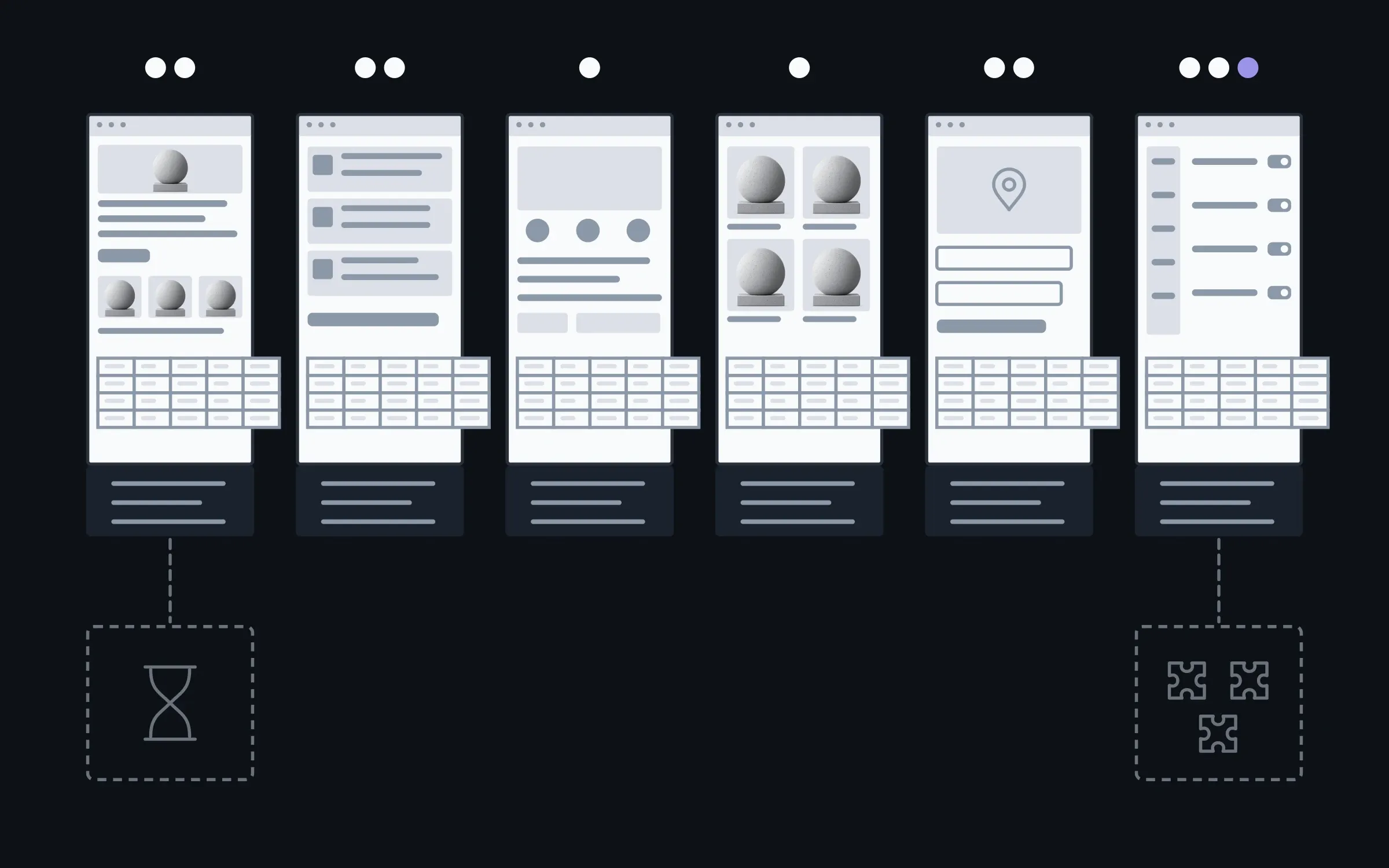
- 01The engine and its age
- A recently updated WordPress is quicker to update than an engine nobody has touched in years, or one written to order.
- 02What changes
- The look alone costs less than the look together with new features.
- 03Plugins and modules
- Every outdated plugin has to be updated or replaced, and then checked so nothing next to it breaks.
- 04Who built the site
- With no documentation, part of the time goes on finding our way around someone else's code.
From here you run the site, in an admin you know
The admin stays the same, so your team doesn't have to learn a new one. You change the texts, news and products yourselves. The engine and plugins are worth updating every few months. We can do that, and take on a stage you put off while we're at it.
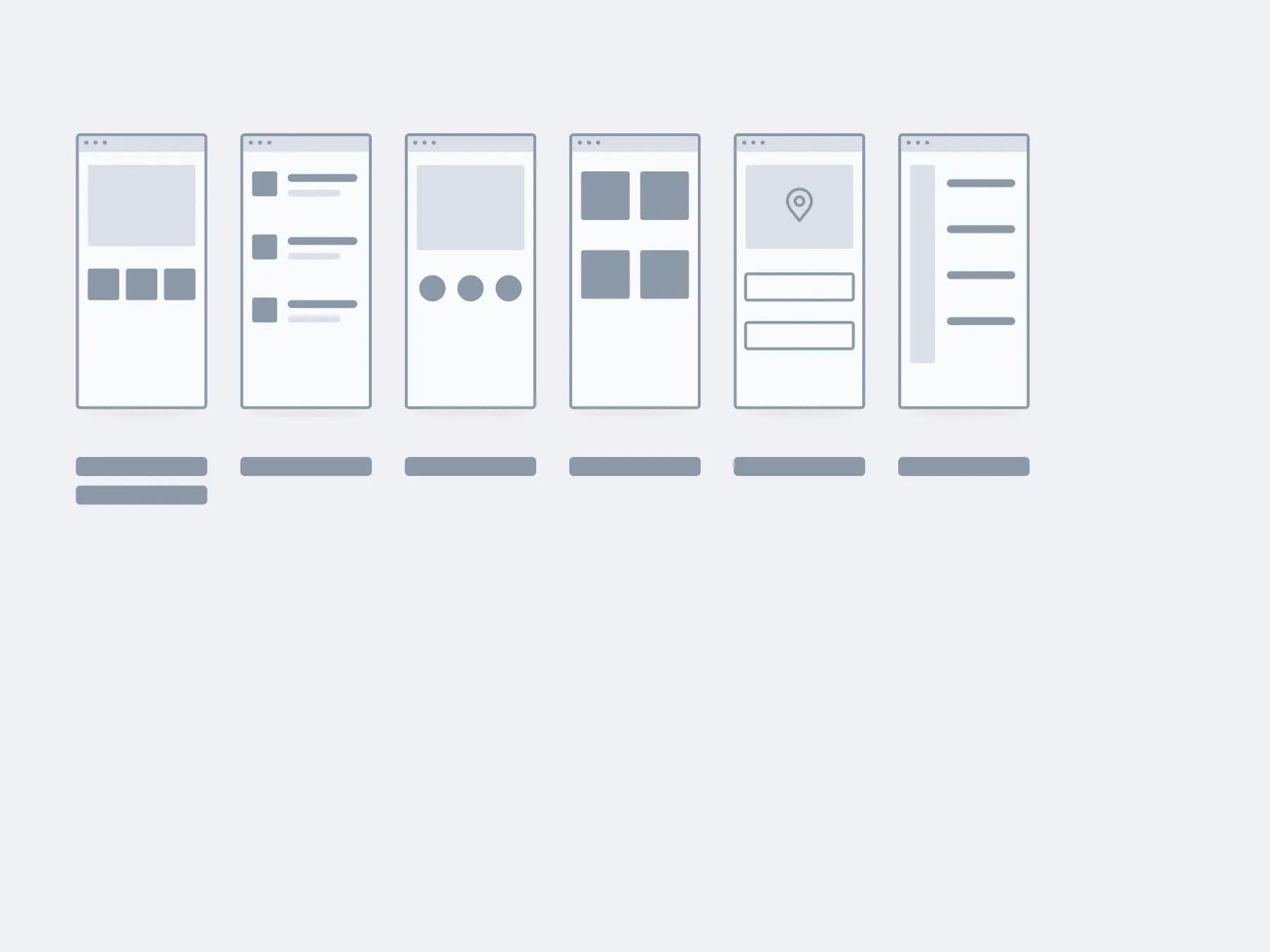
01After the update
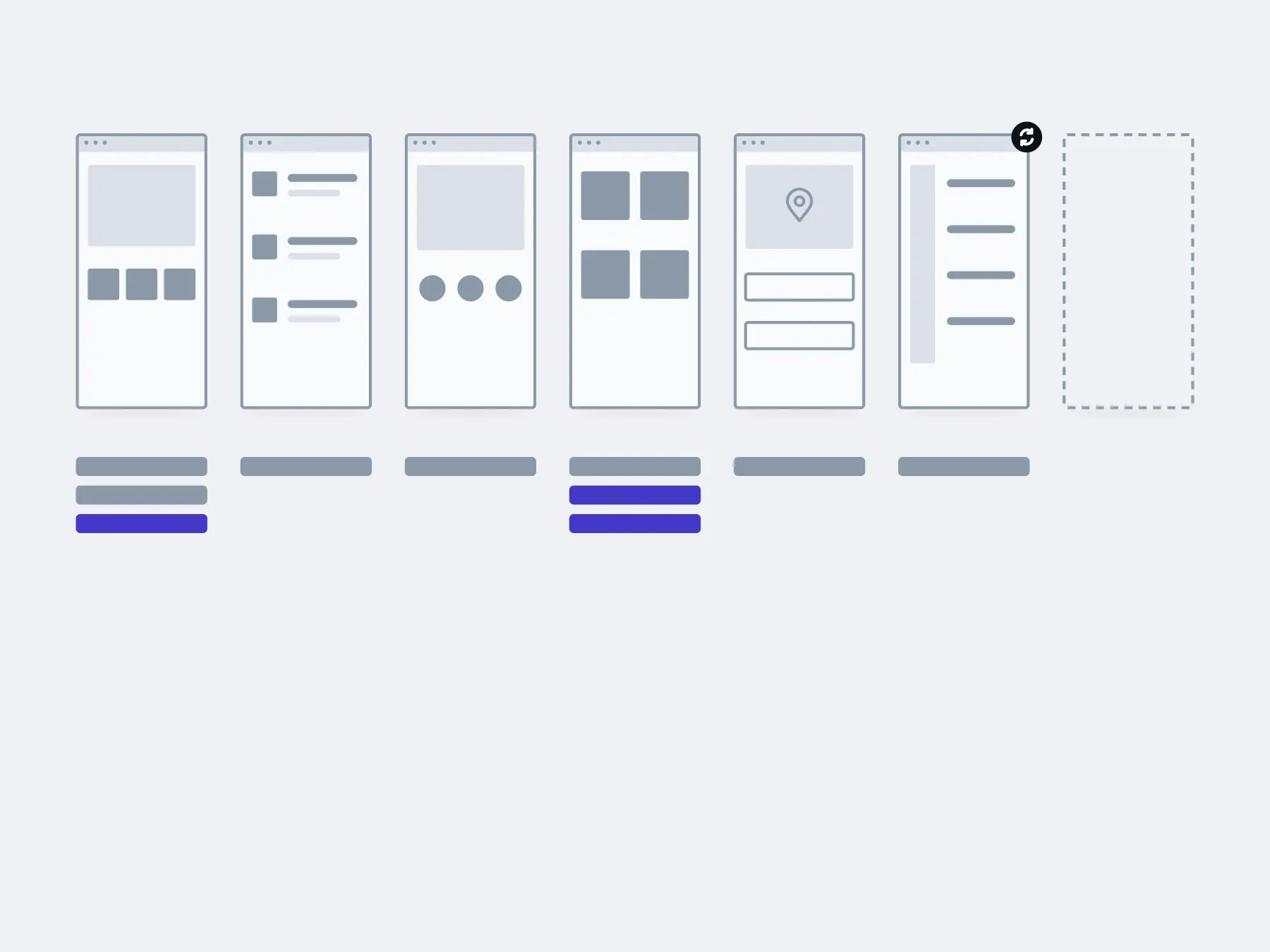
02In 3 months
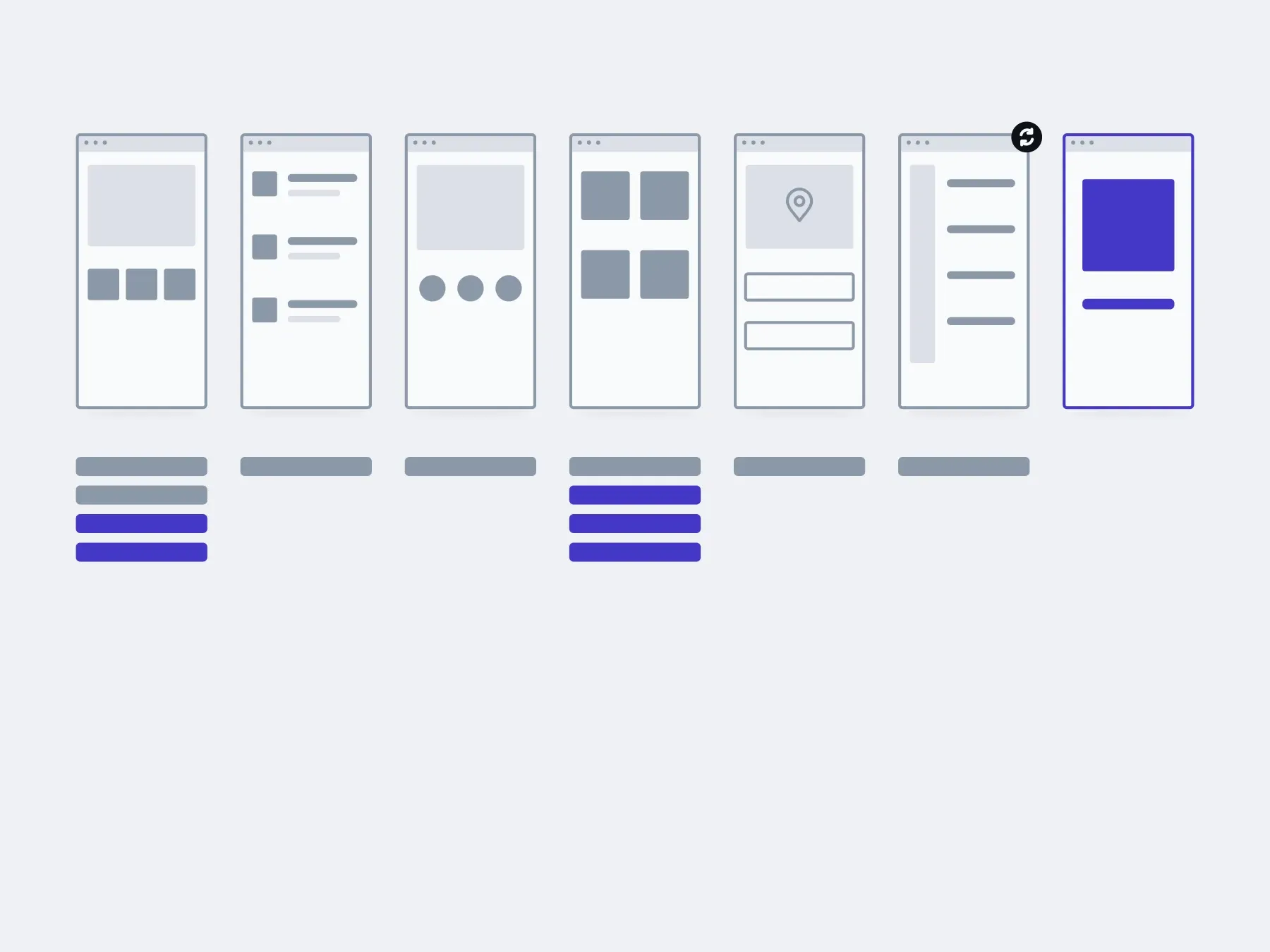
03In six months
changed by you in the adminwith us
The timings are illustrative: an example, not a plan.
You, in the admin
- Texts and news
- Products and prices
- Photos
- Pages from existing blocks
About modernising a website
Update the site or build a new one?
Updating makes sense when the content and structure still fit, and what has aged is the look, the mobile version and the technical side. A new site is the answer when the business has changed and the old structure no longer fits it, or when patching the engine costs more than building again. If the first look shows a new site would come out cheaper, we'll say so.
How much does a website redesign or modernisation cost?
The first look is free, and the detailed review costs $25 to $50. A modern look, meaning a redesign on the same pages, starts at $150, a mobile version at $120, and updating the engine and plugins at $50. The exact price of each stage comes with the plan.
How is modernisation different from a redesign?
A redesign often means a new design from scratch, after which the whole site is rebuilt. Modernisation keeps the structure, addresses and content, and updates what has aged. With us, a redesign on the same pages is one of its stages.
Will we lose our Google rankings?
Rankings usually drop when page addresses, headings or content change. So we keep the addresses, and if one has to change, the old one redirects to the new. After going live we check that Google sees the pages as it did before.
Will the site stay up during the update?
Yes. We make the changes on a copy and move them to the live site once you've approved them. We agree the time of the move with you.
Someone else built the site. Will you take it on?
Yes. From outside, the first look shows what it's built on. We see what state the engine and code are in at the review: access to the hosting and the admin is enough, and the previous developer isn't needed.
The site is on a website builder. Will you take it on?
Yes, if the builder lets us work with the site's code. We'll tell you after the first look.
Will we still be able to edit the site ourselves?
Yes. The admin stays the same, or moves to a newer version of the same engine. If anything in it moves, we'll show you where it is now.
Other work on an existing site
After an update, speed or new sections often come next. Here are the six support services; each can be taken on its own.
- Website reworkEdits, blocks, forms, the mobile version. We take them as a list.

- Fixing bugsWe find the cause first and fix second. Not the other way round.
- New featuresAdded to the code that is already there, without rewriting it all.
- Integrations and APIsPayment, delivery, CRM, stock. So the data moves on its own.
- Moving to a new stackMoved in pieces, with a working site at every step.
- Making it fasterWe measure first, then fix what actually slows it down.
Send a link to the site and tell us what bothers you about it. Within 1–2 working days we'll reply with what to update first.
- 01A link
to the site, the mock-up or the repository, whatever exists
- 02What to change
one sentence on what should become different
- 03Who it's for
who will use it: your customers, your team, and how many