

Update your old website or build a new one? How to decide
In short
- Updating is the right call when the content still works and what has aged is the look, the mobile version and the technical side.
- A new site is worth it when the business has changed, the structure holds you back or the platform can't be updated any more.
- Search rankings are safest when page addresses stay the same. If an address does change, the old one should lead to the new one.
- Before deciding, check the site on your phone, your enquiry form, when it was last updated and who has the logins.
Your site was built a few years ago. It still works and the odd enquiry still comes in, but it’s awkward to use on a phone, the design looks dated, and nobody has touched the updates in the admin panel for a long time. One person tells you to “just build a new one”, another says it’s fine as it is.
Here is how to make the call without any technical background: when updating the site is enough, when you genuinely need a new one, and what to check yourself before you pay anyone.
Updating versus starting again
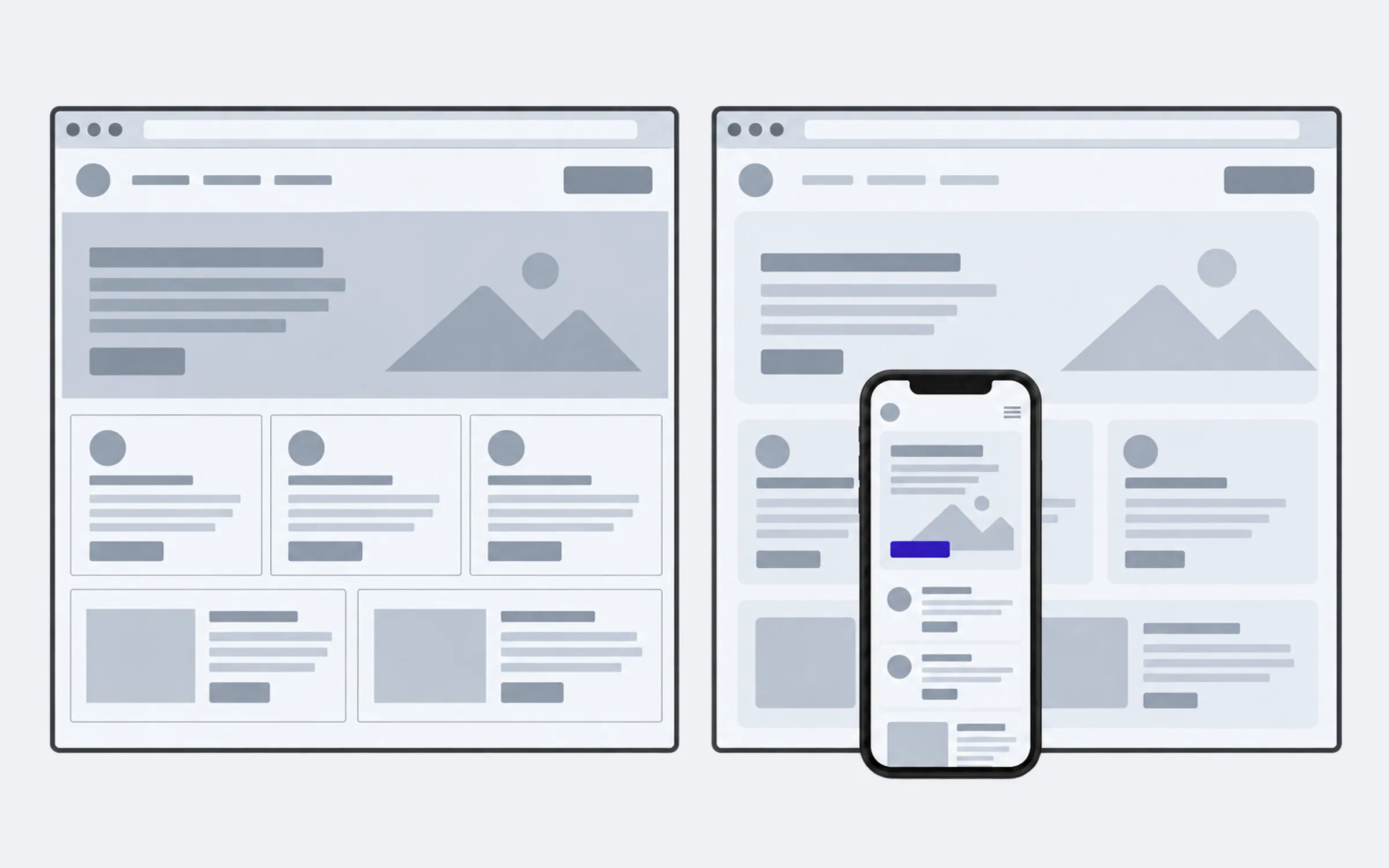
Updating a site, sometimes called modernising it, keeps it the same site: the same address, the same pages and text, the same admin panel your team uses to change copy and prices. What changes is whatever has aged: the design, the mobile version, the speed, the forms and the “platform”.
The platform is the software the site runs on, WordPress for example. Plugins are add-ons for it: an enquiry form, a gallery, a shopping basket. They need updating from time to time too. All of this can be done in stages, and the site stays live the whole time.
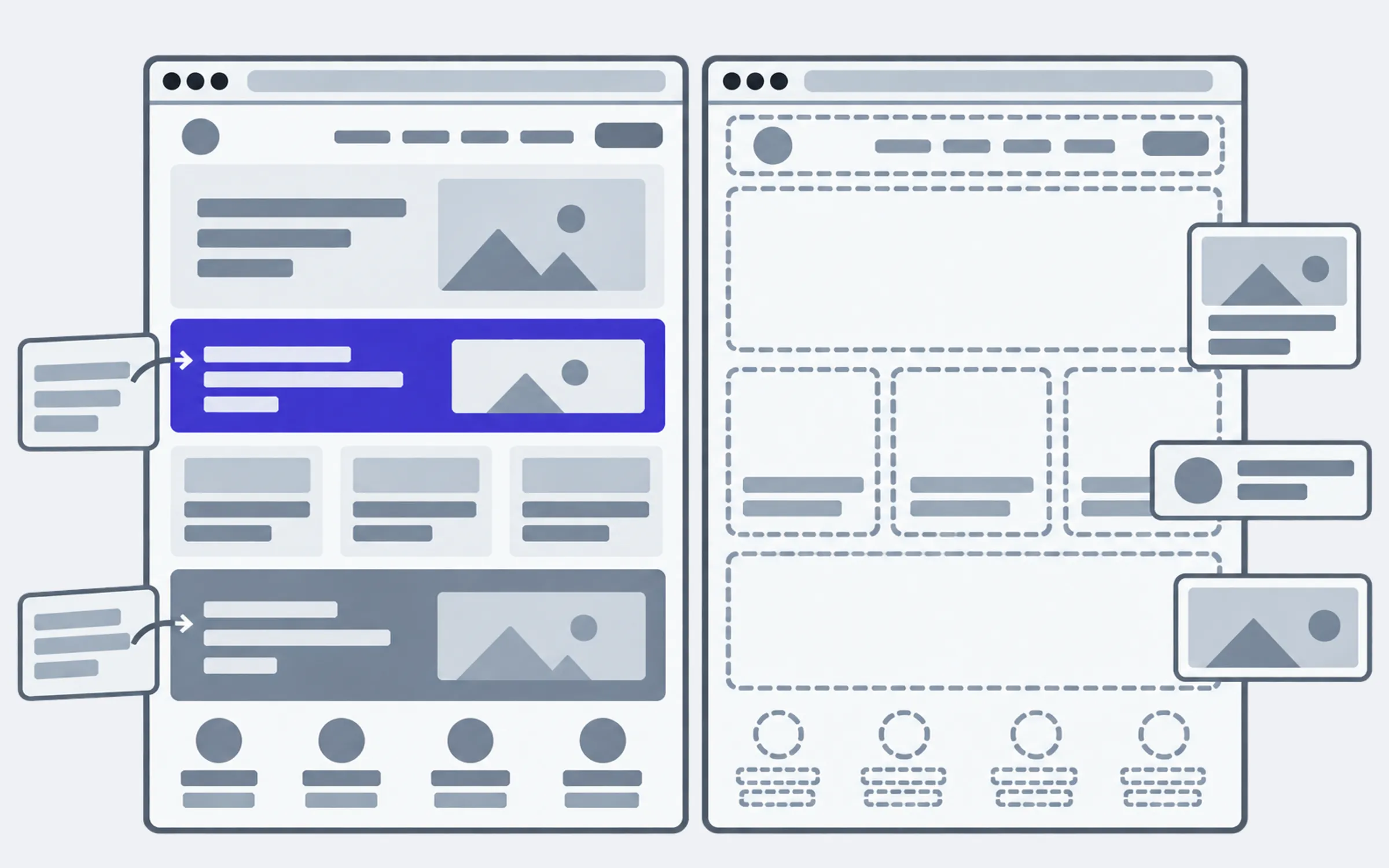
A new site is built from scratch: new sections, a new design, often a different platform and a different admin panel. The old site keeps running until the new one is ready, and then it’s swapped out.
Then there’s the word redesign, which people use for both. So if someone offers you a redesign, ask what they mean: just a new look, or the whole site including its structure and admin panel. The price and the risks depend on the answer.
When updating is enough
Updating is probably your best option if most of these sound familiar:
- The site still lists the services and products you actually sell. Nobody needs to rethink the sections.
- The text is broadly right: it needs tidying up, not rewriting.
- People find you on Google by your company name or by what you do.
- Your team knows its way around the admin panel and doesn’t want to learn a new one.
- The main complaints are “it’s awkward on a phone”, “it looks old”, “it’s slow” and “enquiries go missing”.
All of that can be fixed on the site you already have. There’s no need for new sections or a new platform, and no reason to pay for them. If there are only a few complaints, separate edits are enough, without updating the whole site: that’s website rework.
When a new site makes more sense
A new site is justified when the problem goes down to the foundations:
- Your business has changed: different services, different customers, new languages. The old sections are no longer about you.
- The site is hard to extend: adding a service or a language means breaking something.
- The platform or site builder is no longer maintained, and the site can’t be moved to a current version. Every change risks breaking something else.
- The only person who understood how the site works inside was whoever built it, and you can no longer reach them.
- Updating would cost nearly as much as a new site. That does happen, and an honest developer should tell you so.
If two or three of these apply, updating will most likely turn into patches on top of patches.
What ages first on an old site
| What you notice | What’s behind it | What gets done about it |
|---|---|---|
| Tiny text on a phone and buttons that are hard to hit | The site was built for desktop screens | The pages are reworked for phones, the text and sections stay |
| The site looks like it’s from the last decade | Old fonts, colours and banners | The design is refreshed on the same pages |
| Pages are slow to open | Heavy photos, unnecessary plugins, weak hosting (the server the site lives on) | Photos are compressed, the extras removed, the hosting changed if needed |
| Enquiries from the form go missing | Emails from the site land in spam, or the form has broken | Sending is set up properly and tested until the emails arrive |
| The admin panel has shown “update available” for years | The platform and plugins were never updated | They’re updated on a copy of the site, tested, then moved across |
| The browser says “Not secure” | There’s no security certificate (HTTPS) | A certificate is installed, often at no cost |
Why the mobile version matters more than it seems
Google judges sites by how they look on a smartphone. It finished moving to this approach in 2023 (opens in a new tab): its crawler now sees your pages the way a phone does.
So an awkward mobile version costs you twice. The visitor leaves for a competitor, and Google sees the page exactly the way that visitor did.

Platforms have a use-by date too
WordPress, OpenCart, Joomla and plenty of other platforms are written in a programming language called PHP. Each PHP version only gets security fixes for a set period. Version 8.2, for example, gets them until 31 December 2026 (opens in a new tab), and older versions no longer get them at all.
If your site hasn’t been updated in years, it is most likely running on one of those older versions. Think of an old phone that no longer receives updates: it still works, but it’s no longer protected. That alone doesn’t mean you’ve been hacked, but any new weakness found in it will simply stay open.
Will I lose my Google rankings?
This is the most common worry, and it’s a fair one. Rankings are tied to the addresses of your pages and to what’s written on them. So:
- The risk is lowest when addresses don’t change. Google sees the same pages with the same content, just easier to use.
- If an address does change, the old one should lead to the new one. This is called a permanent redirect, or a 301 redirect. Google recommends keeping these redirects (opens in a new tab) for at least a year.
- Even with the right redirects, visibility can dip for a while. Google warns that on a medium-sized site it can take a few weeks or more to switch over to the new addresses.
- Don’t delete pages just because they’re old. First check Google Search Console (opens in a new tab), Google’s free service for site owners, to see which searches bring people to you. An old article or service page can bring in more visitors than the home page.
Check your site yourself in 15 minutes
- Open the site on your own phone. Can you read the text without zooming? Is the call button easy to tap? Do the photos and tables fit the screen?
- Send an enquiry through the form on your site. Did the email arrive? How quickly? Did it end up in spam?
- Log in to the admin panel. Does it say updates are available? When was the site last updated?
- Look at the address bar. Is there a padlock next to the address? Does the browser say “Not secure”?
- Find out whose name the domain and hosting are in. Can you log in to them yourself, without your old developer?
- Open PageSpeed Insights (opens in a new tab) and paste in your site’s address. It’s Google’s free speed test. Red scores for mobile mean the site is slow to open on a phone.
You’ll come out of this with a list of what’s actually wrong. That makes it easier to decide, and easier to talk to developers. If someone says “we’ll build you a new one because the old one is outdated”, you’ll be able to ask what exactly is outdated and why it can’t be updated.
How to decide
Answer three questions in order:
- Does the site sell what you sell today? Yes: update it. No: think about a new one.
- Can the platform be updated to a current version? Yes: update it. No, or only at great cost: a new site, or a move to a different platform.
- Do your current Google rankings matter to you? Yes: all the more reason to update in stages and not change addresses unless you have to.
If the answer still isn’t clear after the check, show the site to a developer and ask for two quotes: one to update it, one to build a new site. Compare more than the totals. Weigh up what you could lose as well: an admin panel your team knows, your text, your place in search results.