

Static site or WordPress: which suits your business
In short
- A static site is made of ready-built pages: it loads fast, hardly ever breaks and doesn't need constant security updates.
- You can edit its text without a developer if a simple admin panel is connected, but there's no plugin for every need the way there is with WordPress.
- It suits company sites, promo sites and blogs where speed matters most and a small team looks after the content.
- An online shop, several authors publishing daily, or a site your team wants to change entirely on its own is easier on WordPress.
A static site on Astro, WordPress, or a studio’s own custom-built system: these three often sit side by side in the quotes you collect. And the first question is usually how you’ll change the text afterwards.
Here’s how they differ, what each means for you after launch, and how to choose. We’re not writing from the sidelines: the site you’re reading now is static. But we build WordPress sites too, so this is a fair comparison.
Three terms that get mixed up
- A CMS such as WordPress. A CMS is an admin panel where your team changes the site’s content itself. WordPress keeps the text in a database and puts each page together every time someone opens it, unless caching is set up. A static site can have a CMS too; more on that below. For WordPress in detail, see “WordPress: when it fits and when it doesn’t”.
- A custom-built CMS. A content management system the studio wrote itself. It can work well, but there’s a risk: only the people who wrote it can find their way around it. If you lose touch with them, the next developer has to learn someone else’s system from scratch.
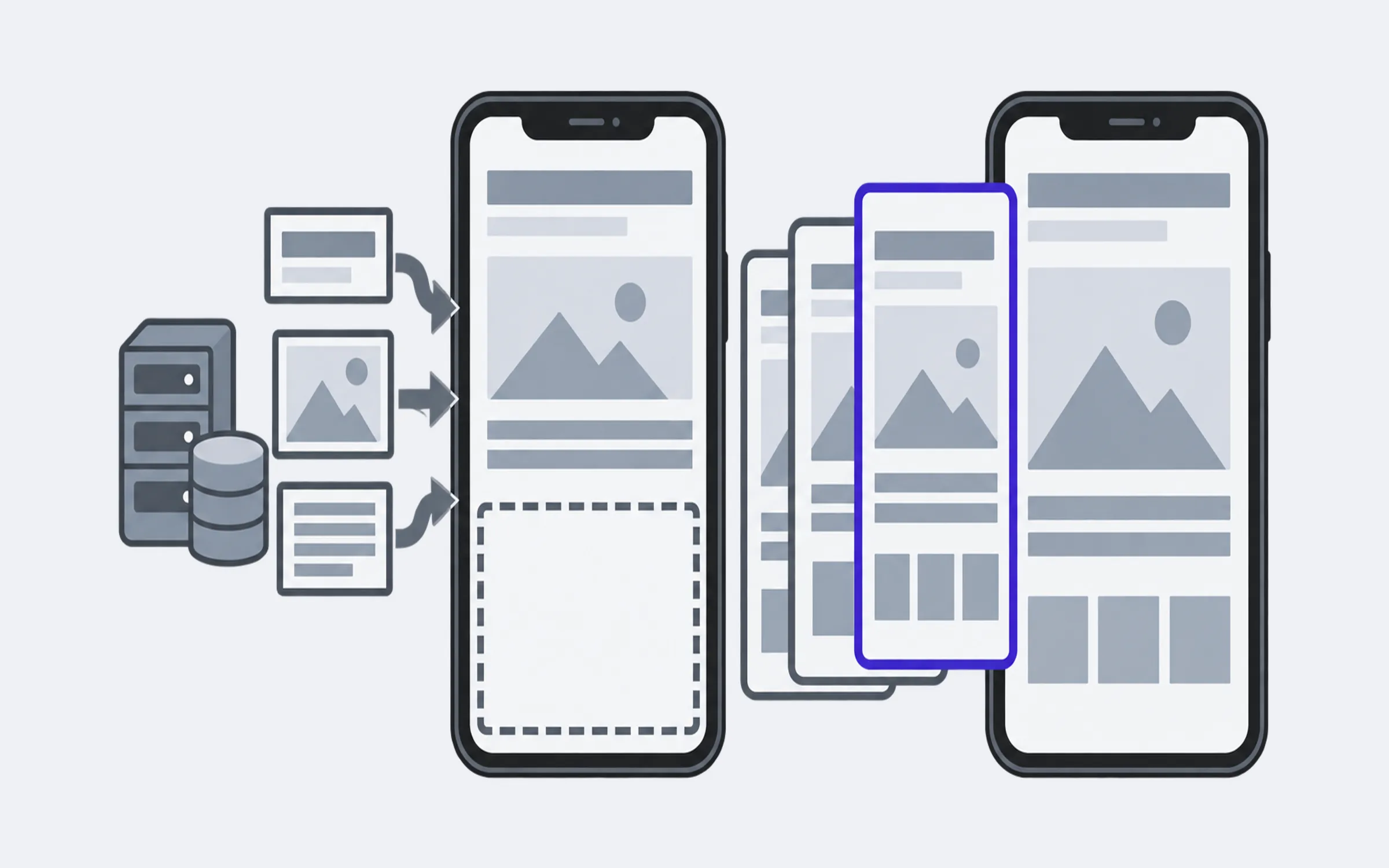
- A static site. The pages are built in advance, so the server holds files that are already finished. They’re built with open tools such as Astro or Hugo, so finding your way around the site is easier: the tool is well known and openly documented.
When someone offers you a “custom-built” site, ask what they mean: their own system, or a static site made with a well-known tool. For you, the risks are very different.
Where a static site is strong
Speed. The server has nothing to put together: it hands over a finished page. According to HTTP Archive (opens in a new tab), in September 2026, 71% of Astro sites and 48% of WordPress sites passed Core Web Vitals on mobile, Google’s measure of how fast and stable a page feels. Half of Astro sites have a home page under 1 MB; for WordPress the figure is 3 MB.
A fair caveat: the tool isn’t the only reason. Astro sites tend to be newer and are built by developers rather than by owners themselves. A fast WordPress site is perfectly possible with a light theme and a handful of plugins.
Reliability. There’s no database and no program running on the server for every visit, so there’s very little to break. The build tools get updated too, but a developer does that while making changes, and an outdated build tool doesn’t open the site to attack the way an outdated plugin does.
Cheap hosting. Finished files can even be hosted for free. On the free plan of Cloudflare Pages (opens in a new tab), for example, you can update the site up to 500 times a month.
A tool that’s alive. Astro, which this site is built with, is open source and free. Since January 2026 (opens in a new tab) its team has worked at Cloudflare, with a commitment that Astro stays open source and keeps running on other hosts too. The Astro showcase (opens in a new tab) includes sites by IKEA, Porsche and Unilever.
How you edit a static site
This is the key question, and the answer depends on how the site is set up.
- Without an admin panel. The text lives in the project files and a developer makes the changes. That works if the site rarely changes or you already have a developer on a retainer.
- With a simple admin panel. A system such as Keystatic (opens in a new tab) or Decap CMS (opens in a new tab) is connected to the static site. You see familiar fields: heading, text, photo, price. Once you save, the site rebuilds itself and the changes go live within a few minutes. One detail worth knowing up front: in its standard mode, Keystatic needs everyone who edits content to have a GitHub account with access to the site’s code. You can avoid that with Keystatic Cloud (opens in a new tab), free for up to three people per team and from $10 a month beyond that.
What you don’t get is thousands of ready-made plugins like WordPress has. A new feature, such as online booking or a catalogue filter, is added by a developer. An enquiry form also needs a separate service or a small piece of server code: a site made of finished files has nowhere to process enquiries on its own.
When a static site is the right fit
- A company or services site. Dozens or hundreds of pages, several languages, weekly news, as long as it’s published through a simple admin panel. Speed matters both to visitors and to Google.
- A promo site or an ad landing page. People arrive from an ad on their phone, and they won’t wait for a slow page to load.
- A blog or a guide like this one. Articles are written in plain text files or through an admin panel.
- Product documentation. Lots of pages, search, several versions.
When WordPress is the better choice
- An online shop. WooCommerce gives you a basket, payments and delivery straight away, while a static site would have to piece all of that together from separate services.
- Many authors, roles and sign-off on posts. Drafts, permissions, an editorial workflow: WordPress already has them.
- A team that wants to change everything itself. Not just text but new pages with new blocks, forms and sections. WordPress with plugins gives more freedom to do that without a developer.
- Ready-made integrations. Payment services, CRMs, mailing lists: most have a WordPress plugin already.
What to ask your developer
- What is the site built on? A well-known open tool, or the studio’s own system?
- How will I change text, prices and photos? Ask them to show you.
- Where does the site’s code live? And whose name is the access in?
- Where do enquiries from the form go? And where are they stored?
- What happens if we stop working together? Can another developer carry on without you?
If you get confident answers to the first and last questions, and you’ve been shown how the second one works in practice, the choice between a static site and WordPress comes down to one thing: how your team will work with the content.